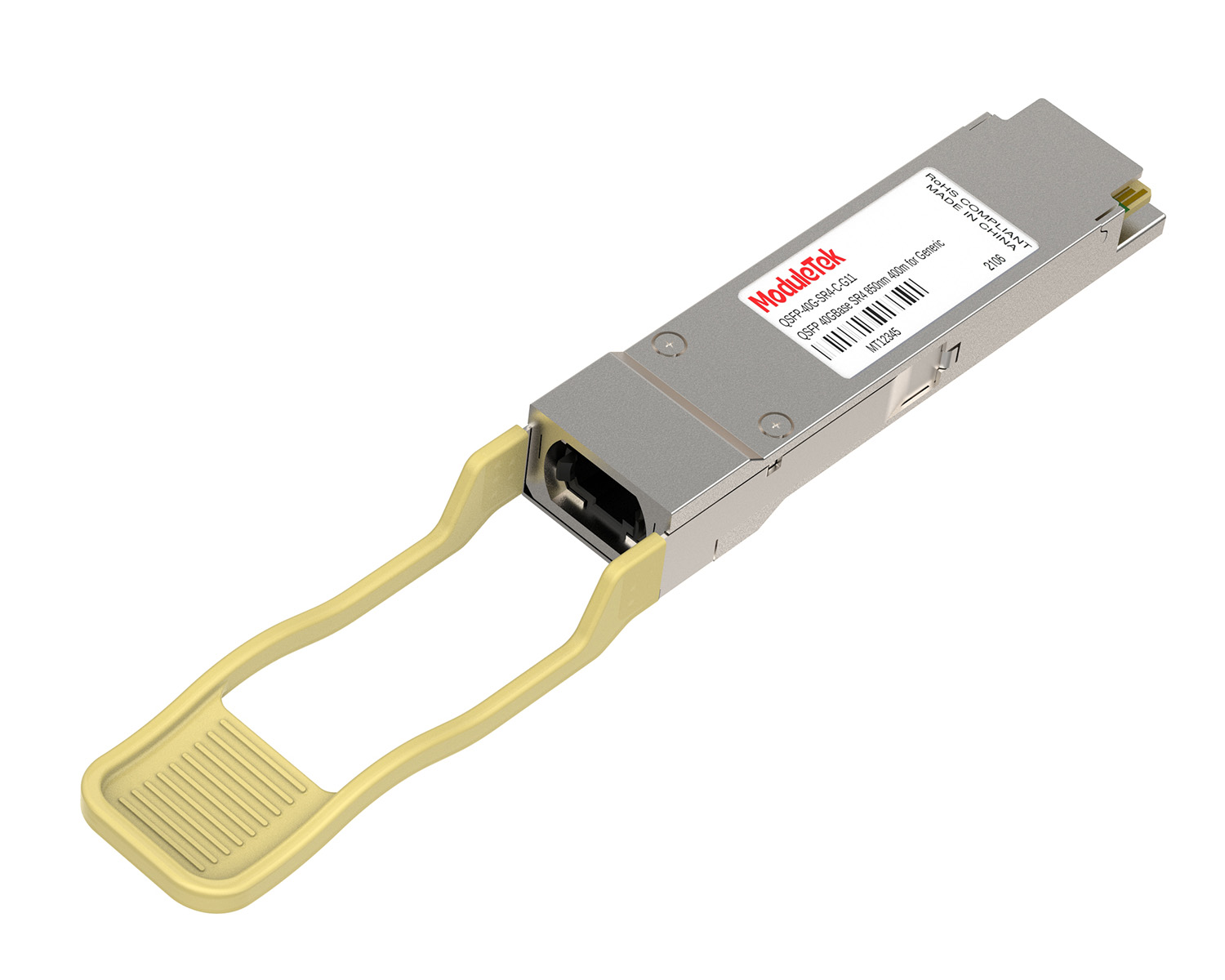
 40G/100G Optical Transceivers
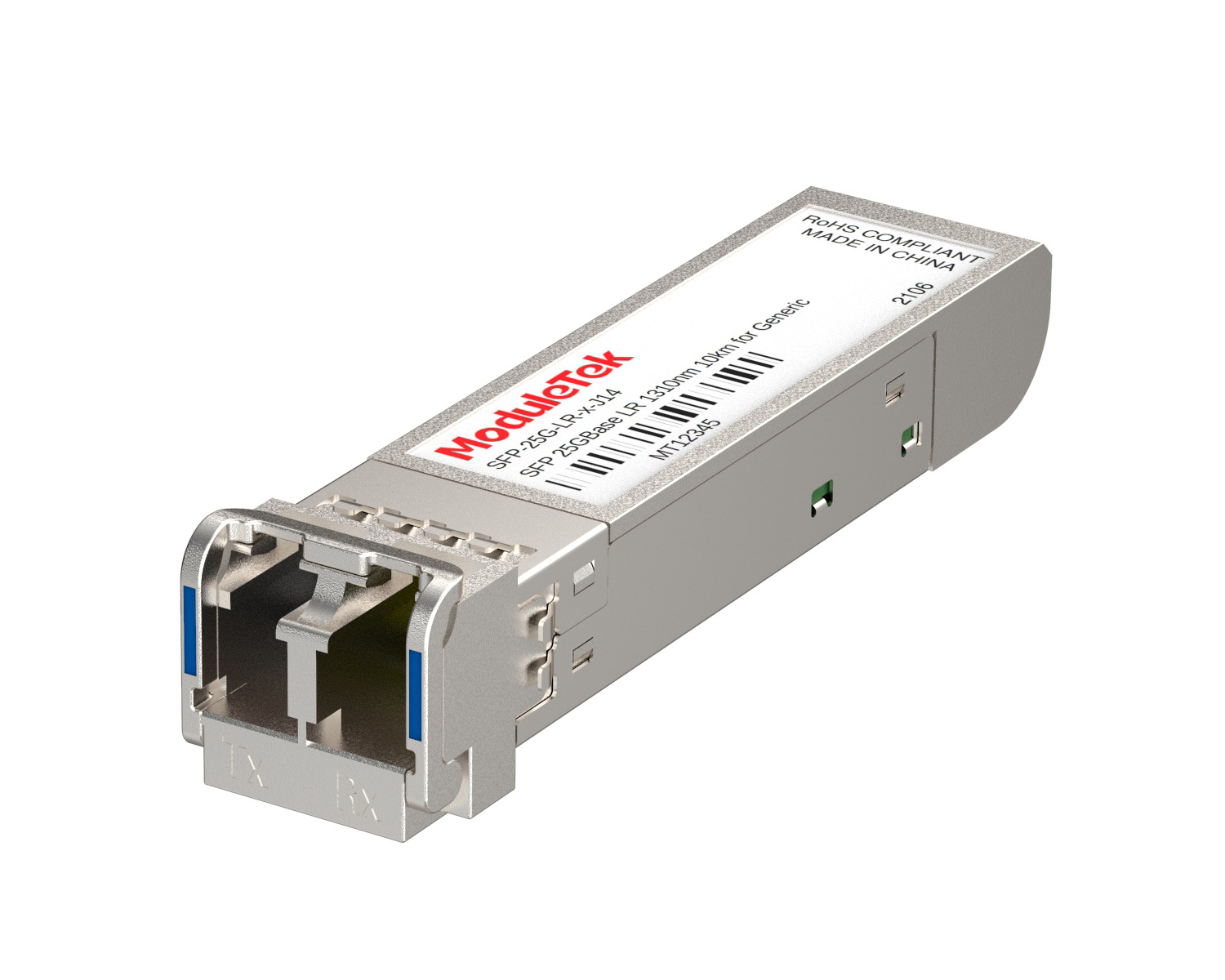 25G Optical Transceivers
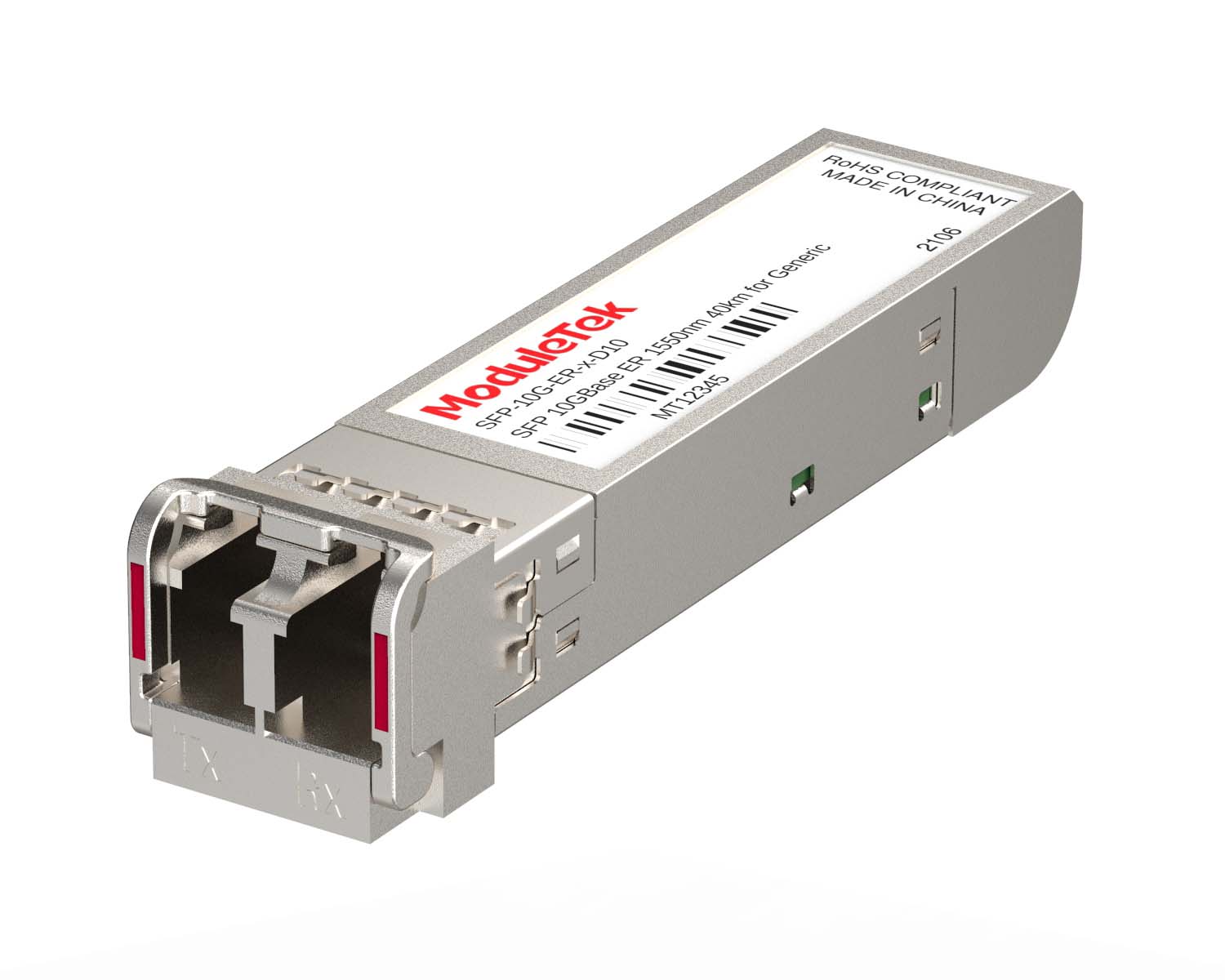 10G Optical Transceivers
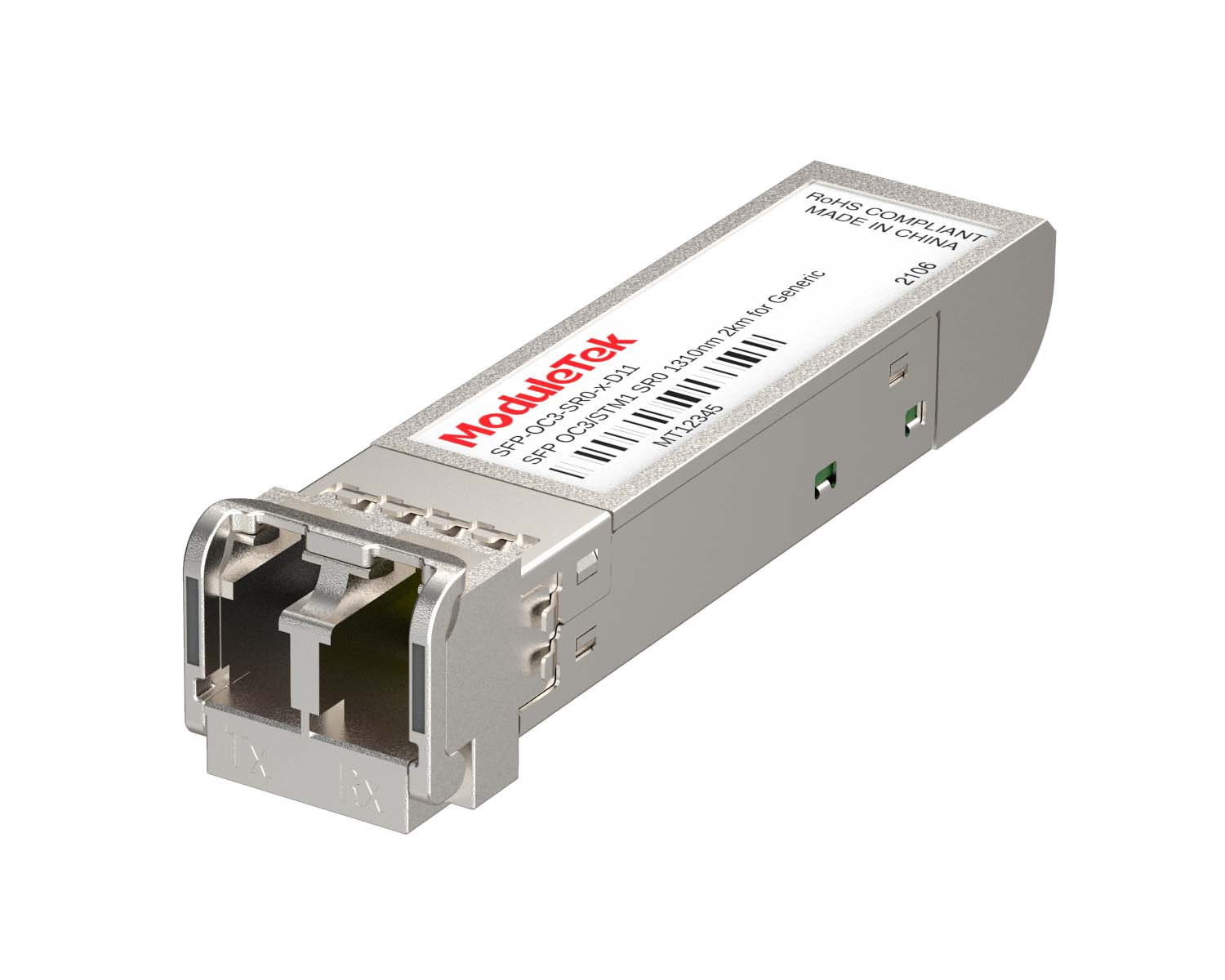 155M/2.5G Optical Transceivers
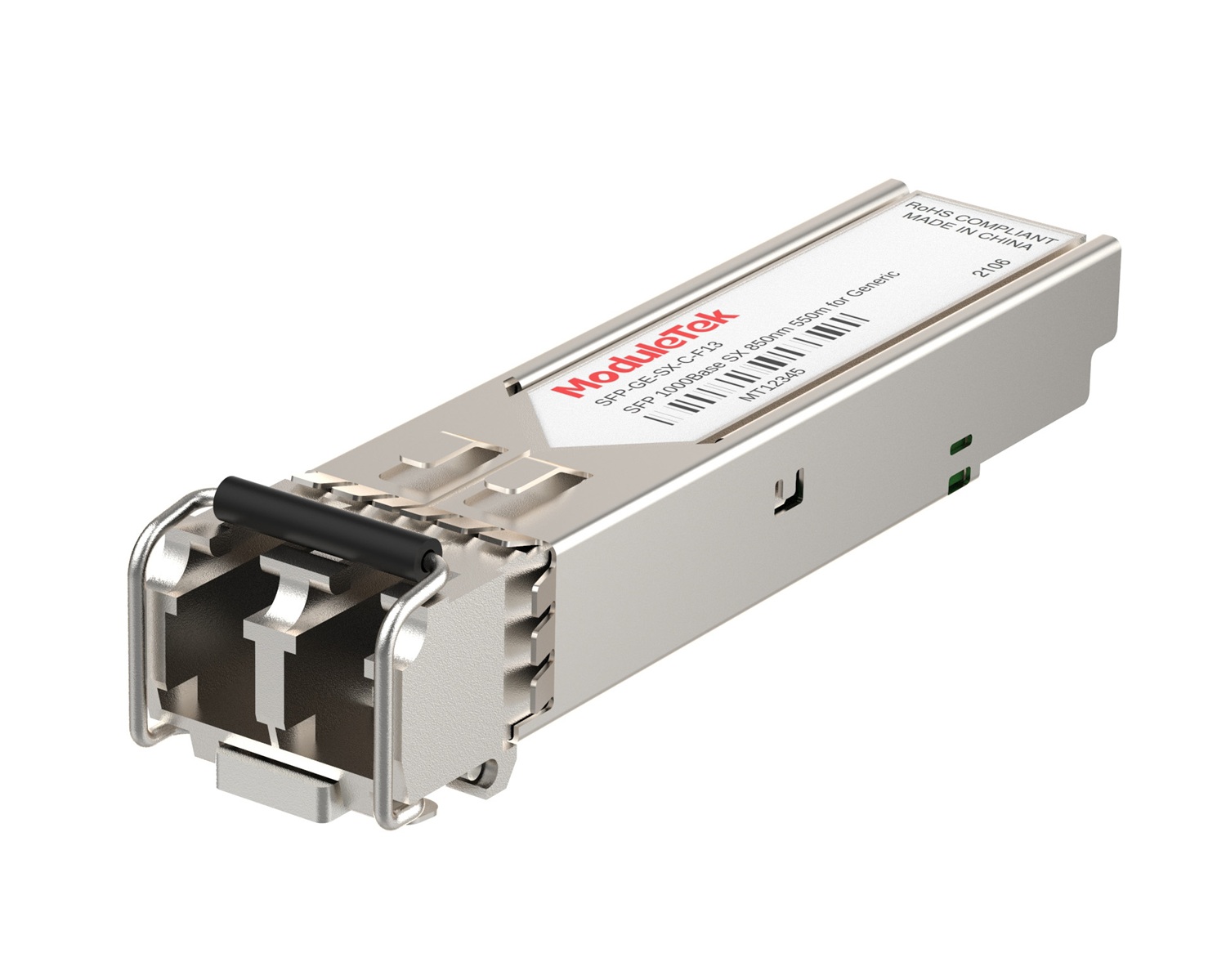 1G Optical Transceivers
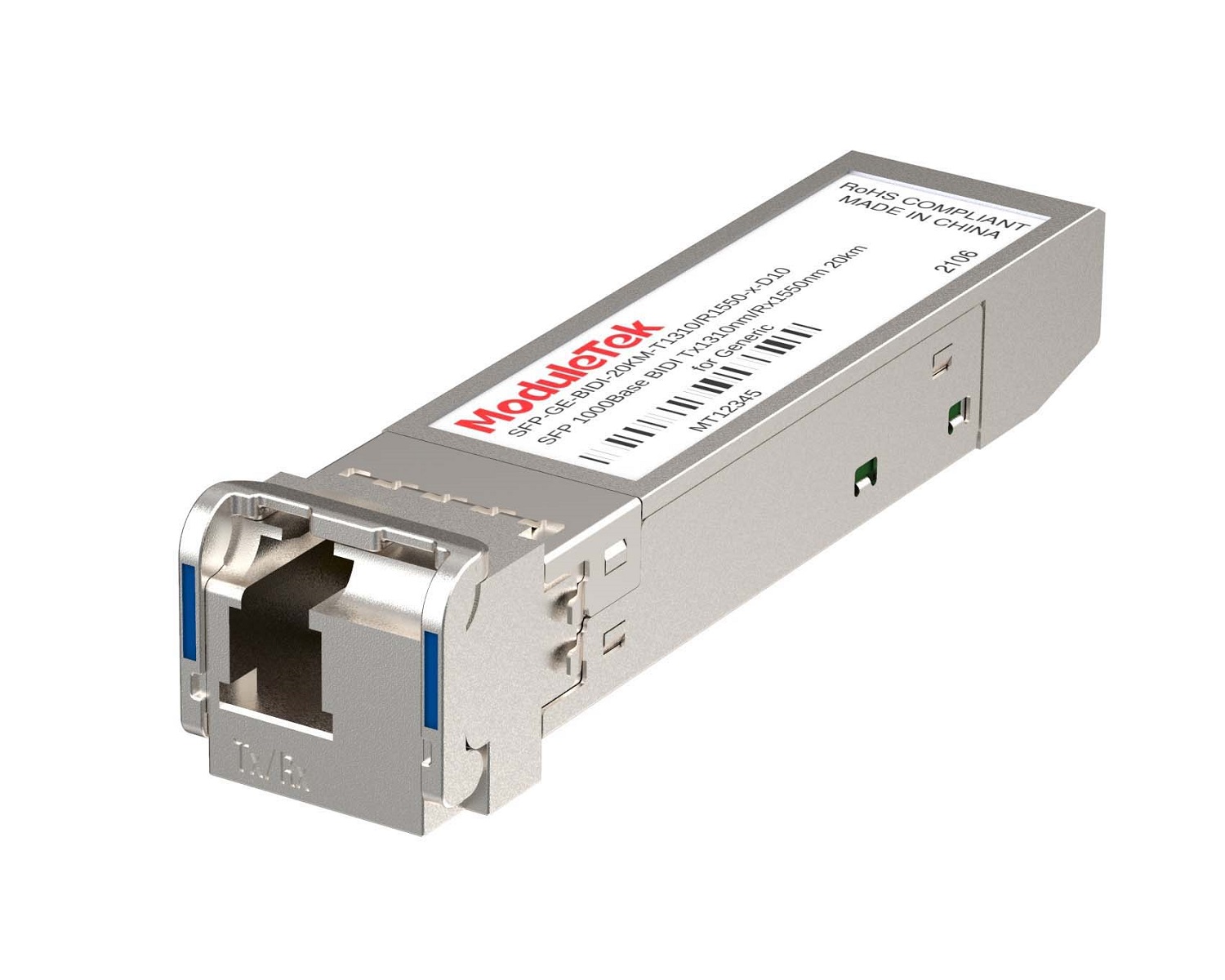 1G BIDI Optical Transceivers
 Dual-Rate Optical Transceivers
 FC 16G/32G Optical Transceivers
 CWDM Optical Transceivers
 DWDM Optical Transceivers
 SGMII Port Optical Transceivers
 XFP Optical Transceivers
 100M/1G/10G Coppers
 Full-Rate AOC & Breakout Series
 10G/40G Active DAC Series
 Full-Rate Passive DAC Series
 40G/100G Passive Breakout DAC Series
 Regular/MTP-MPO Fiber Patch Cords
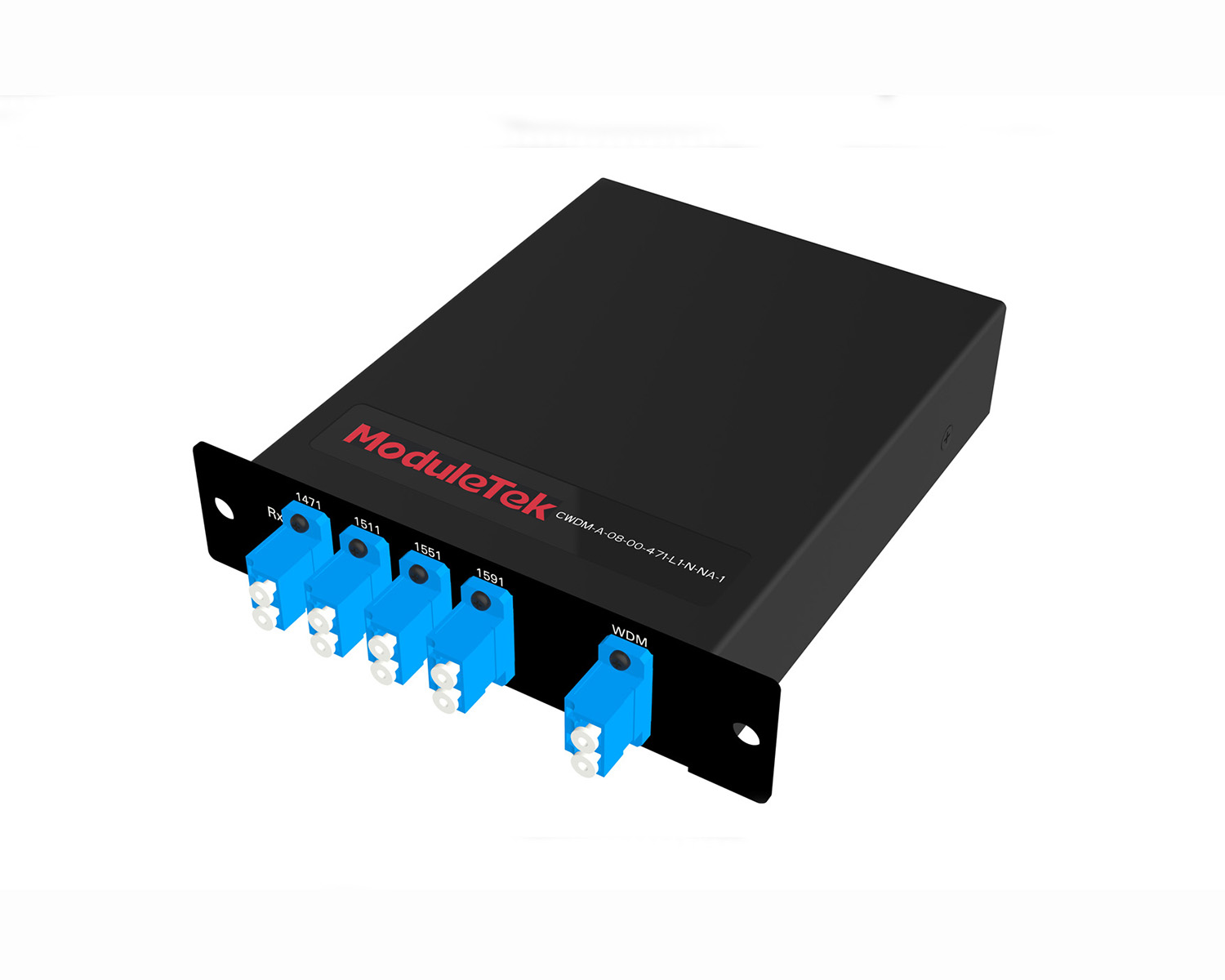 MT2011
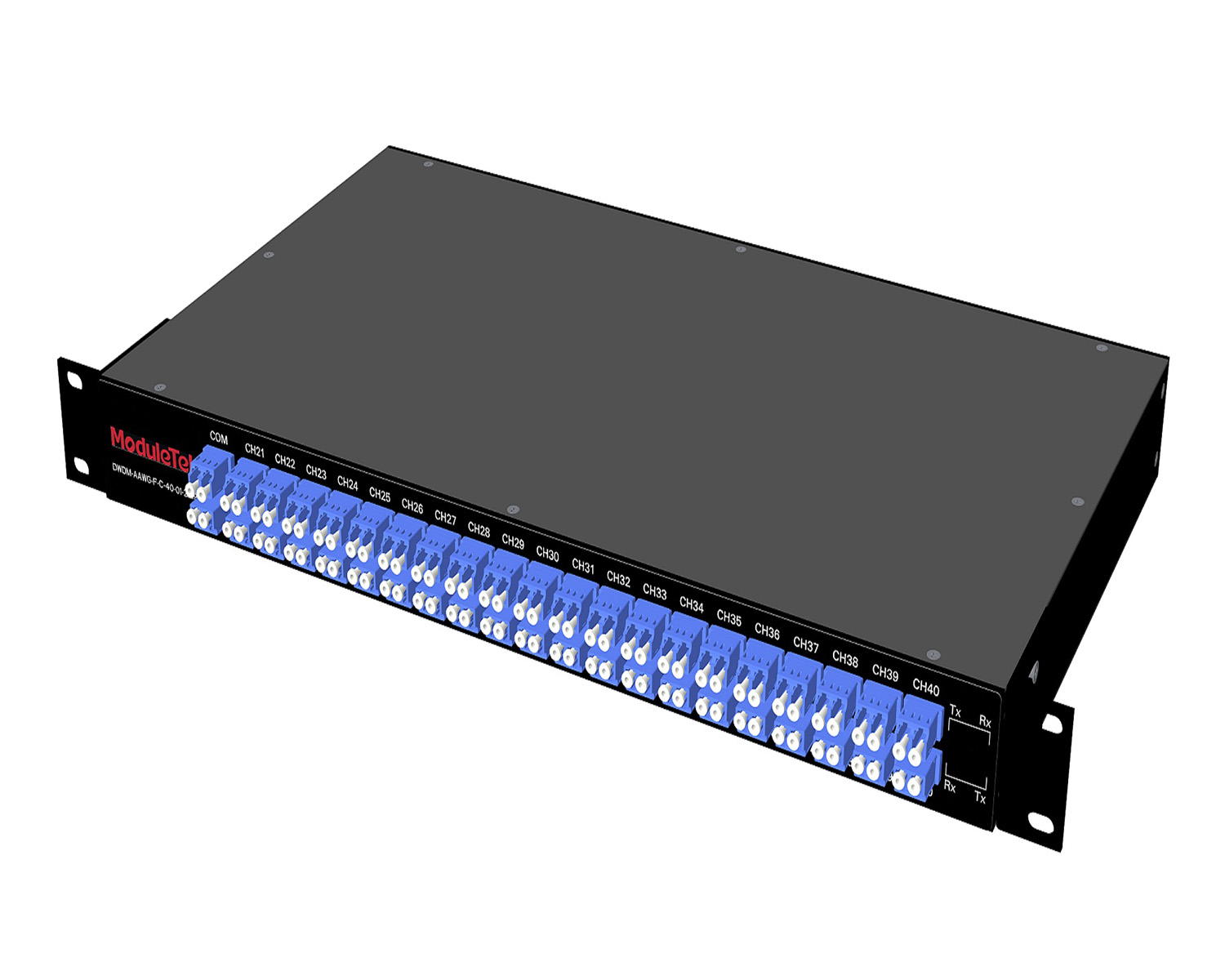 MT2010
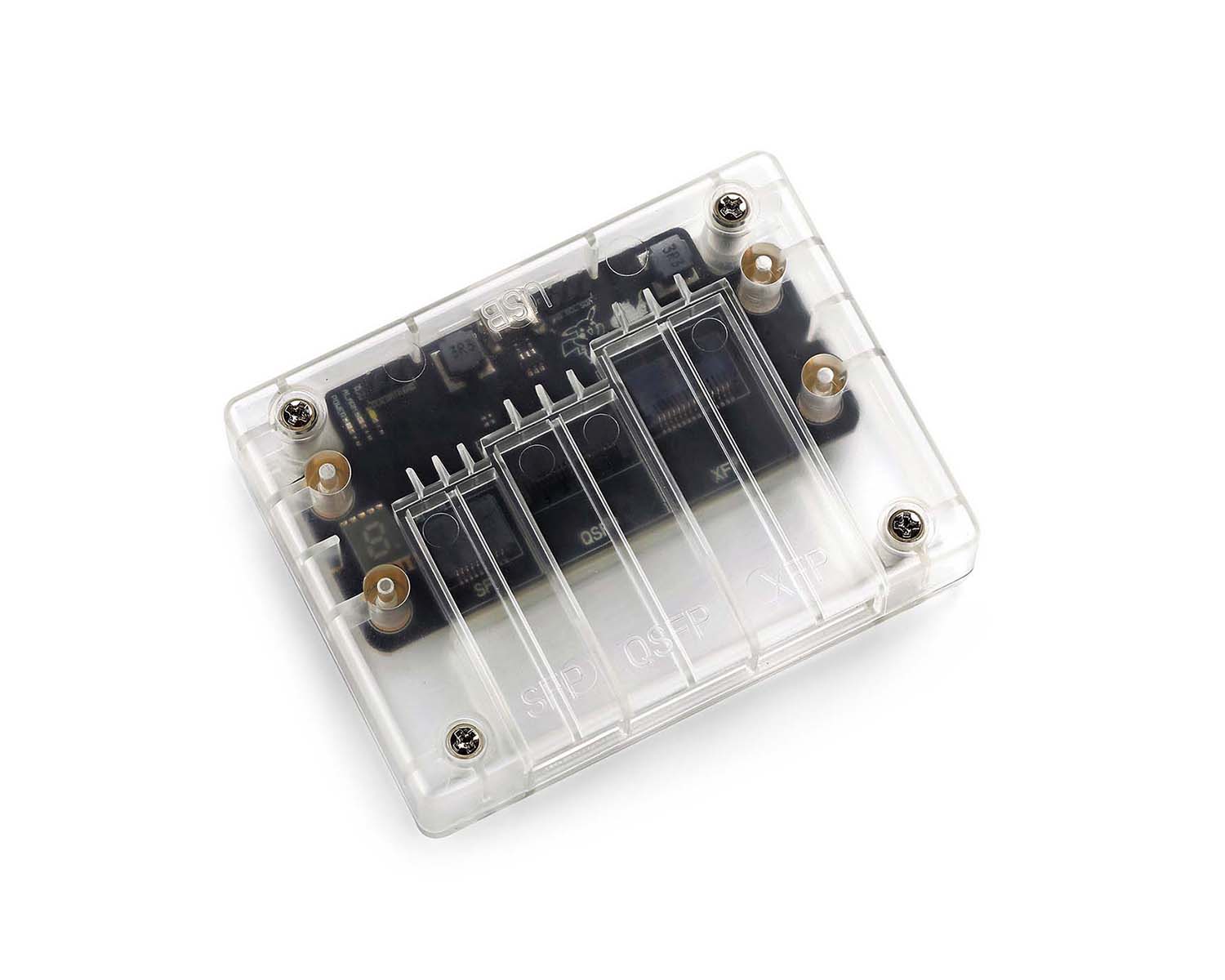 CodingBox
 QSFP to SFP Adapter
 首页 > Home > Application Notes > How To View 57-1000485-01 (SFP-FC32G-SW) Optical Transceiver Information On Brocade G720 Switch
How To View 57-1000485-01 (SFP-FC32G-SW) Optical Transceiver Information On Brocade G720 Switch
Time: 2024-03-20
Brocade launches an SFP-FC32G-SW fibre channel transceiver, part number 57-1000485-01, which works properly on Brocade G720 switch. This guide explains how to view transceiver details on Brocade G720.
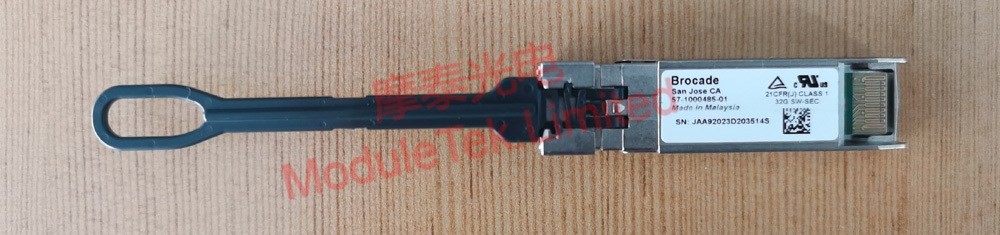
Figure 1 Brocade 57-1000485-01 Optical Transceiver
This module supports 32G, 16G and 8G rates, so parameter details are displayed under each speed separately.
1. View Port Link Status
Run the command:
diagshow
This command allows you to view key information about the port and the installed transceiver, including the transceiver’s link status and operating rate.
• 16G
• 8G
Note: Commands for configuring the port rate on the Brocade G720 switch are as follows:
switchcfgspeed 32 - Set port rate to 32G
switchcfgspeed 16 - Set port rate to 16G
switchcfgspeed 8 - Set port rate to 8G
2. Query Transceiver Identification & Check DOM Diagnostic Data
Regardless of whether the port rate is set to 32G, 16G, or 8G, run the following command for port 0/0 (port number: 0/0) to view detailed transceiver information:
sfpshow 0/0
It shows Brocade part number, serial number, running duration, temperature, voltage, bias current, TX power and RX real-time DOM values of port 0/0.
• 32G
• 16G
• 8G
Moduletek Limited is at your service.
For further inquiries about the above content, please contact us at: sales@moduletek.com