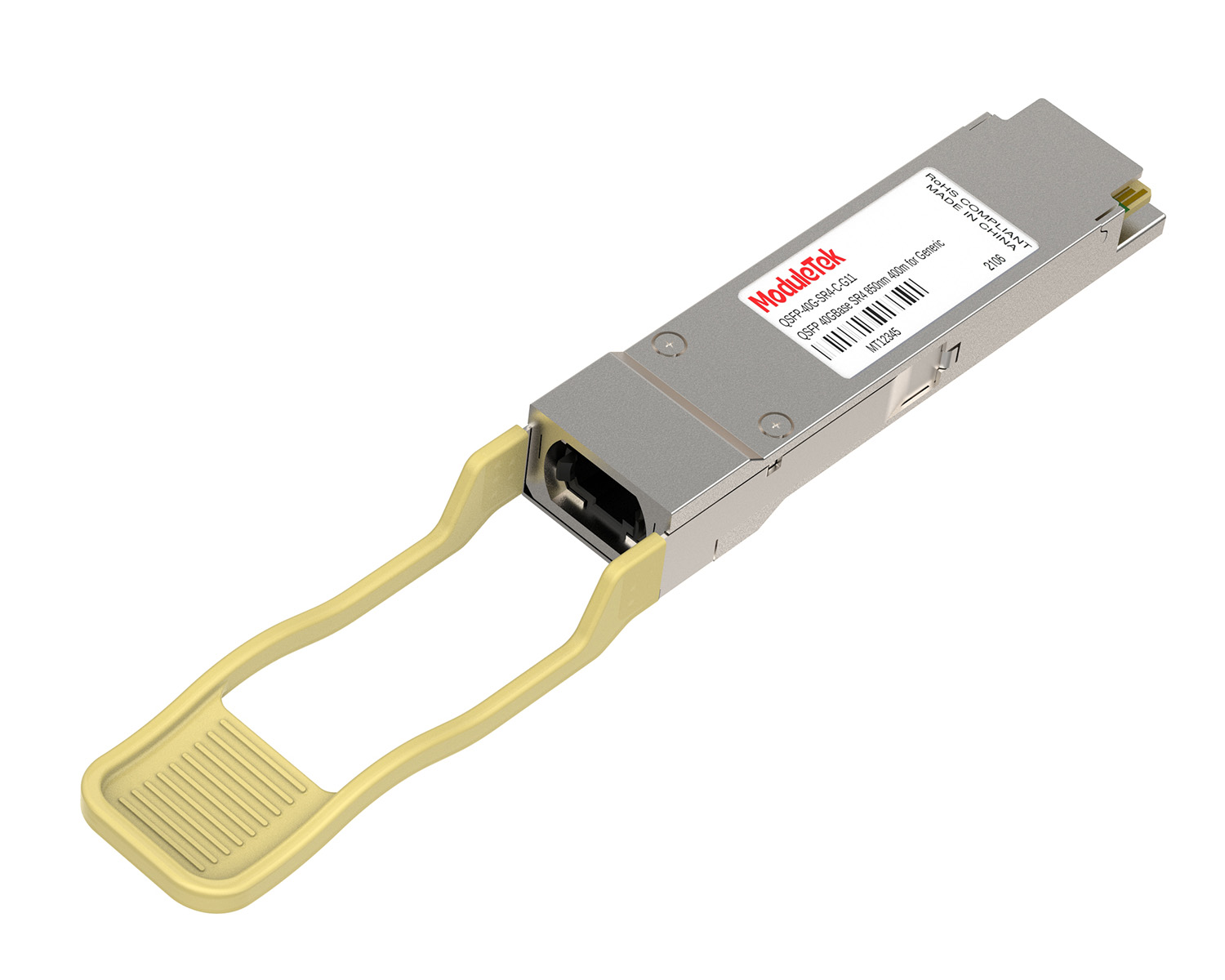
 40G/100G Optical Transceivers
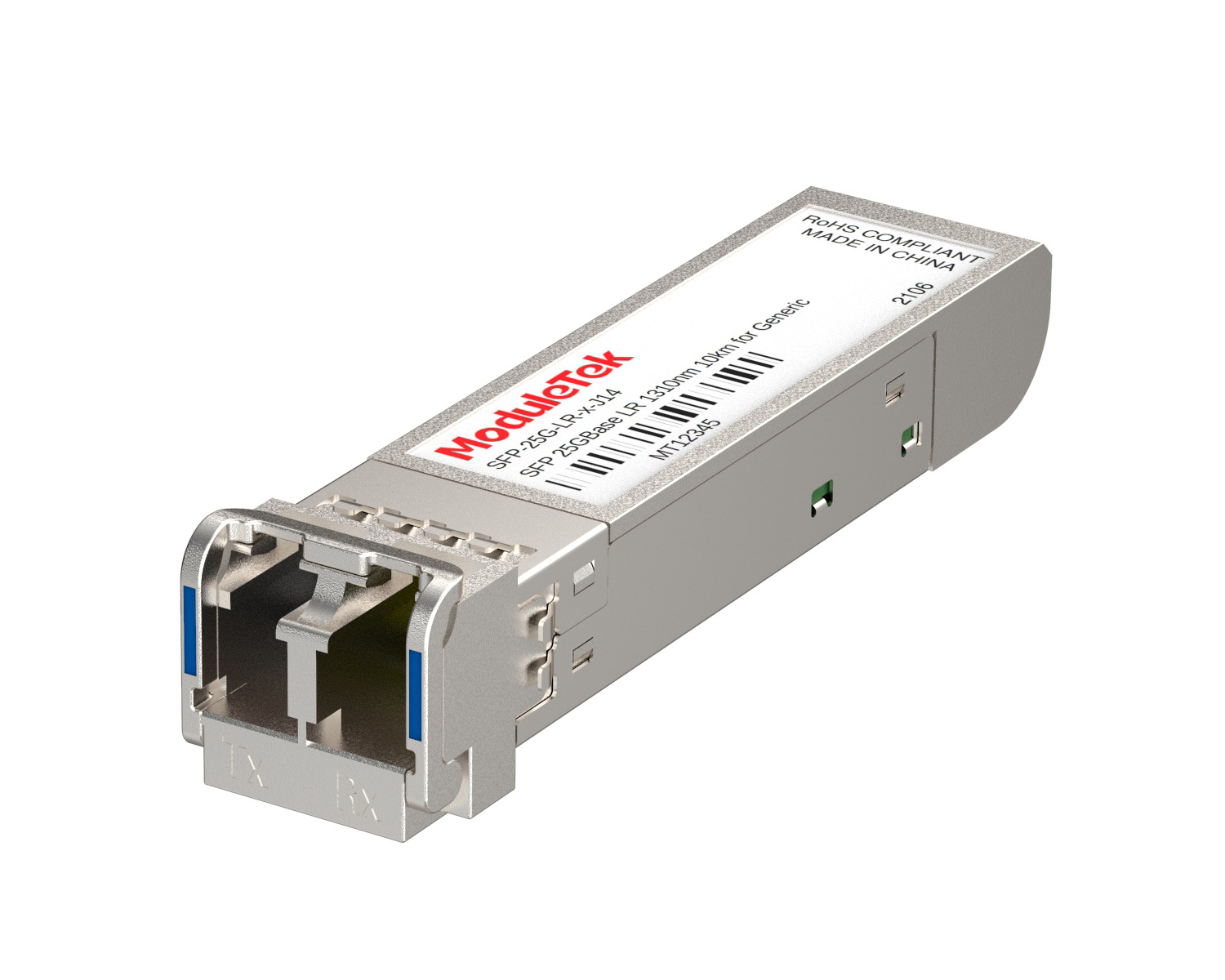 25G Optical Transceivers
 10G Optical Transceivers
 155M/2.5G Optical Transceivers
 1G Optical Transceivers
 1G BIDI Optical Transceivers
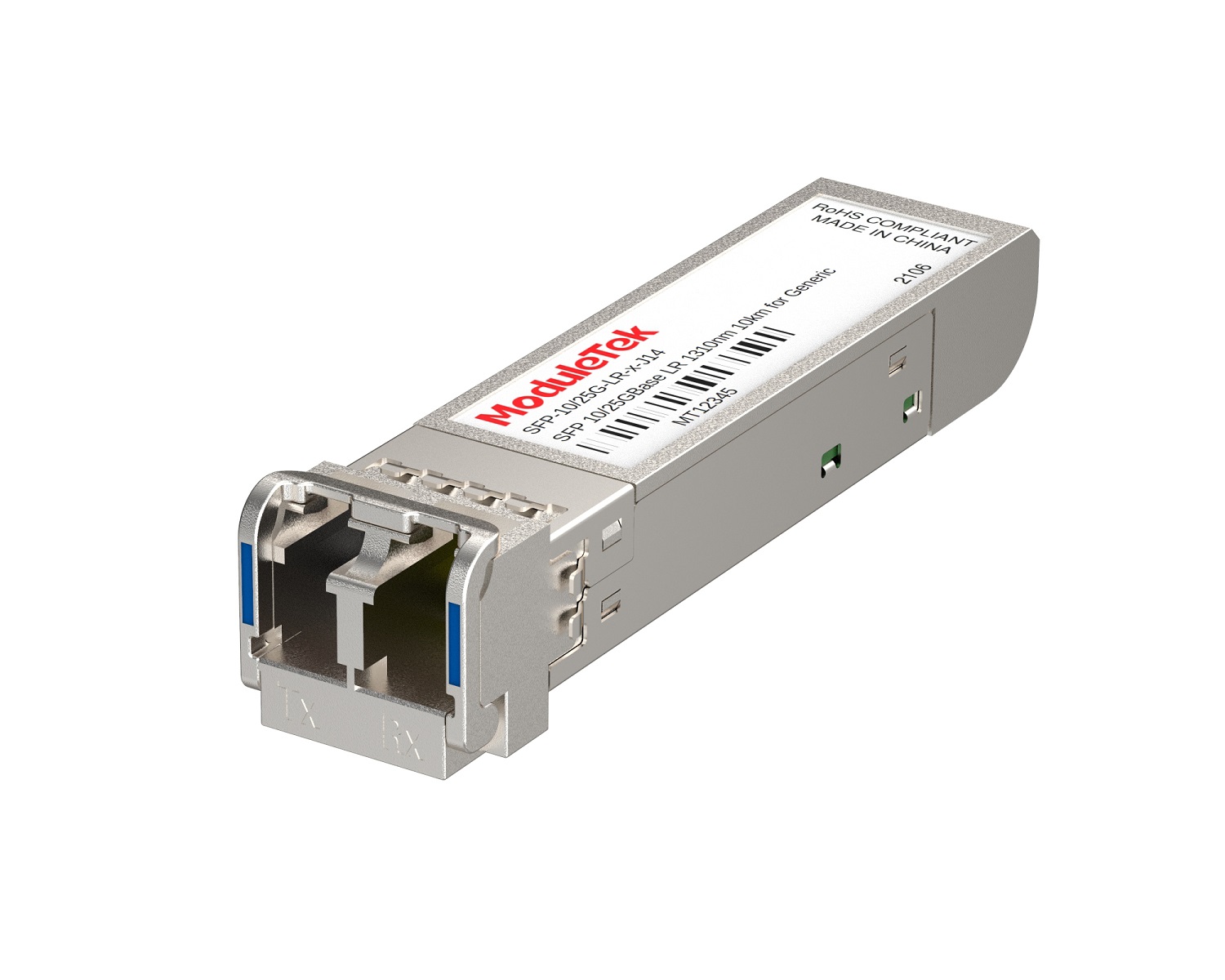 Dual-Rate Optical Transceivers
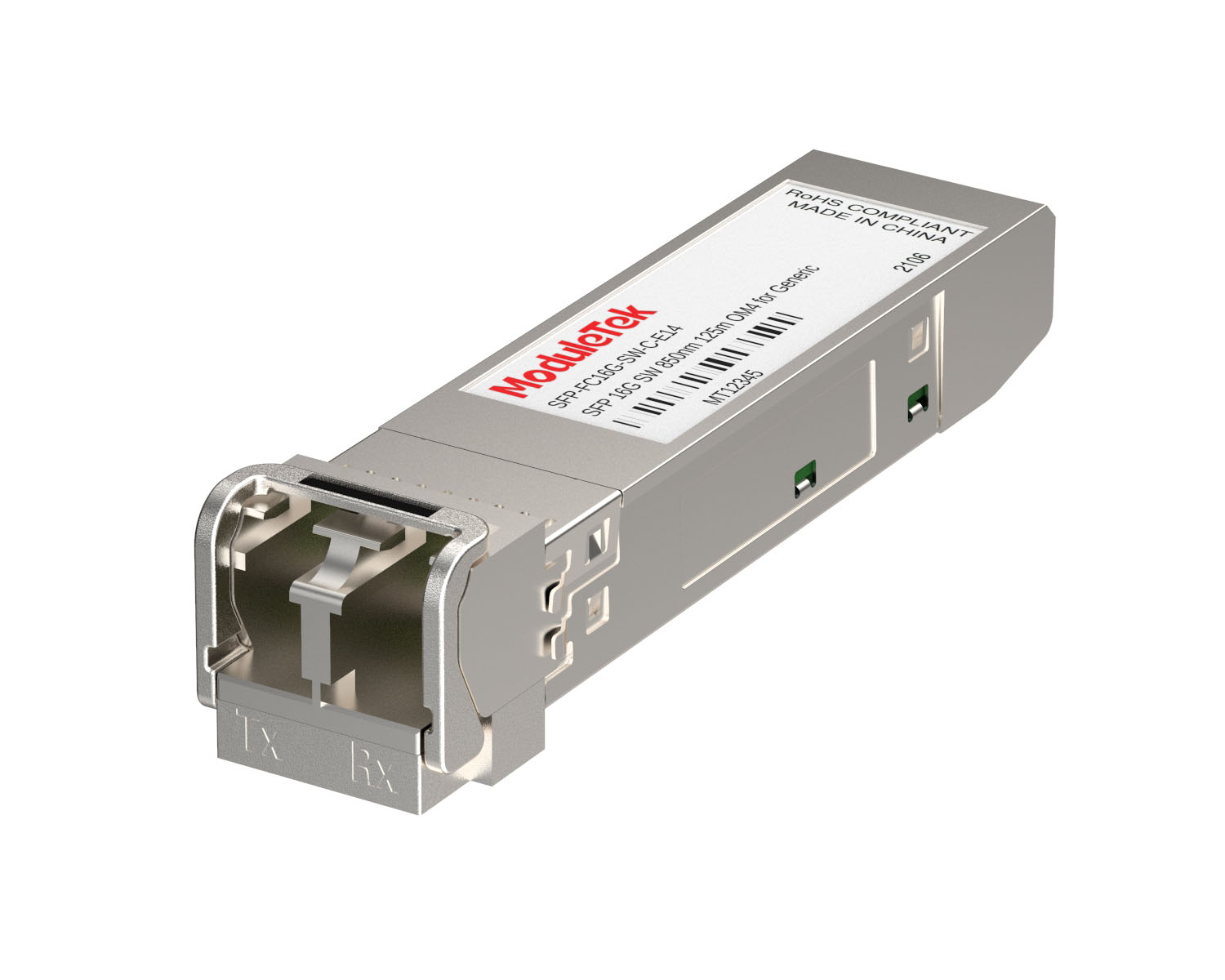 FC 16G/32G Optical Transceivers
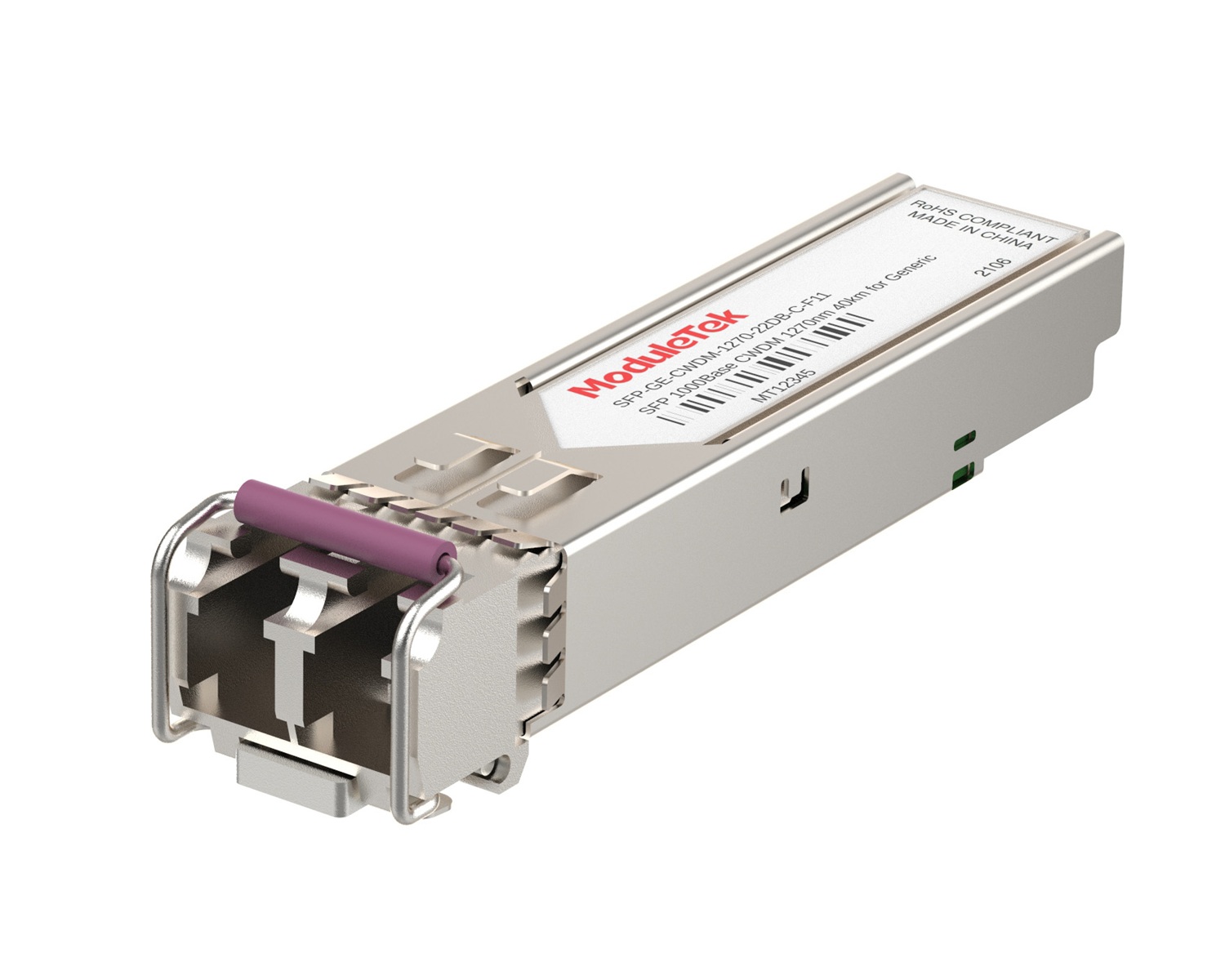 CWDM Optical Transceivers
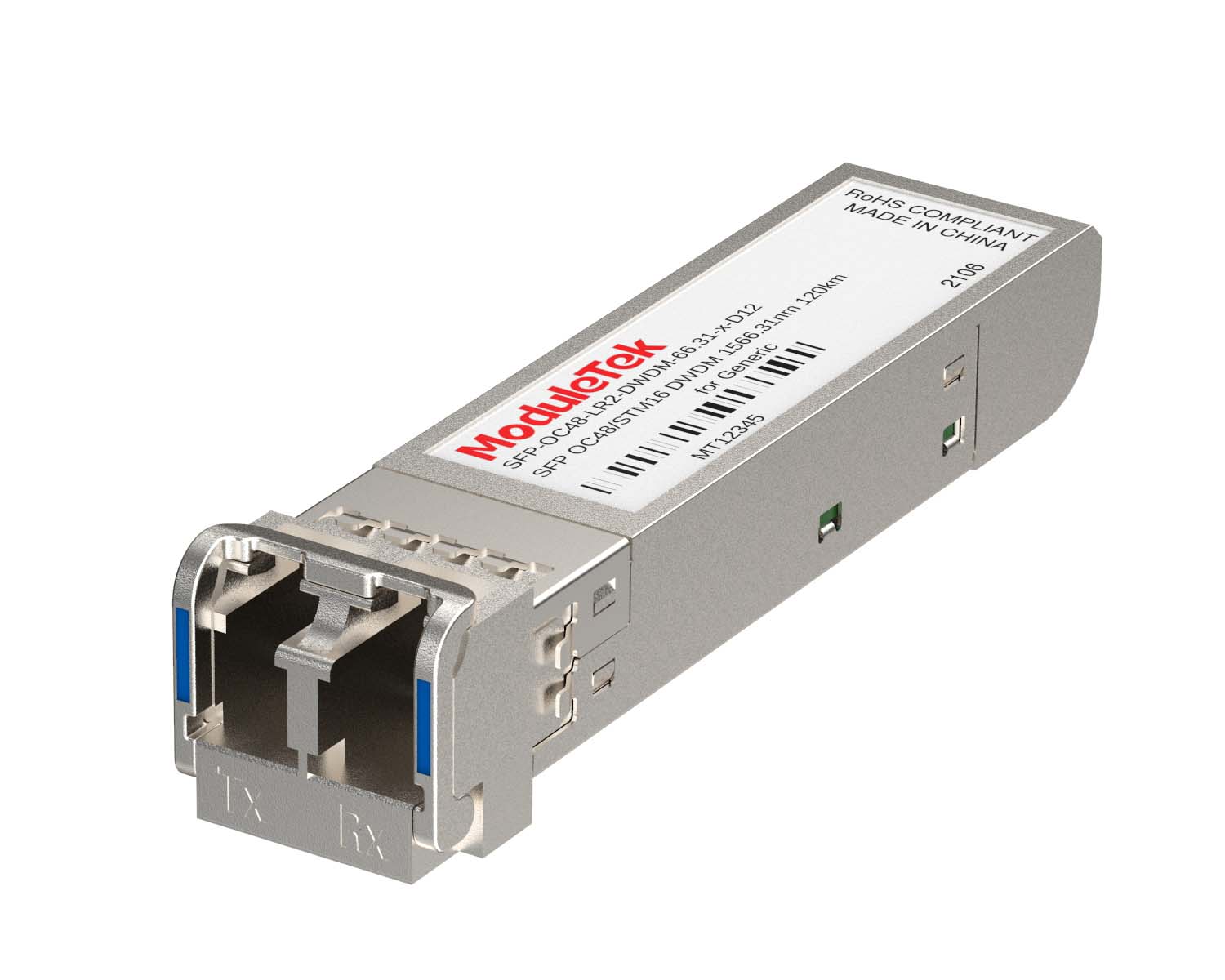 DWDM Optical Transceivers
 SGMII Port Optical Transceivers
 XFP Optical Transceivers
 100M/1G/10G Coppers
 Full-Rate AOC & Breakout Series
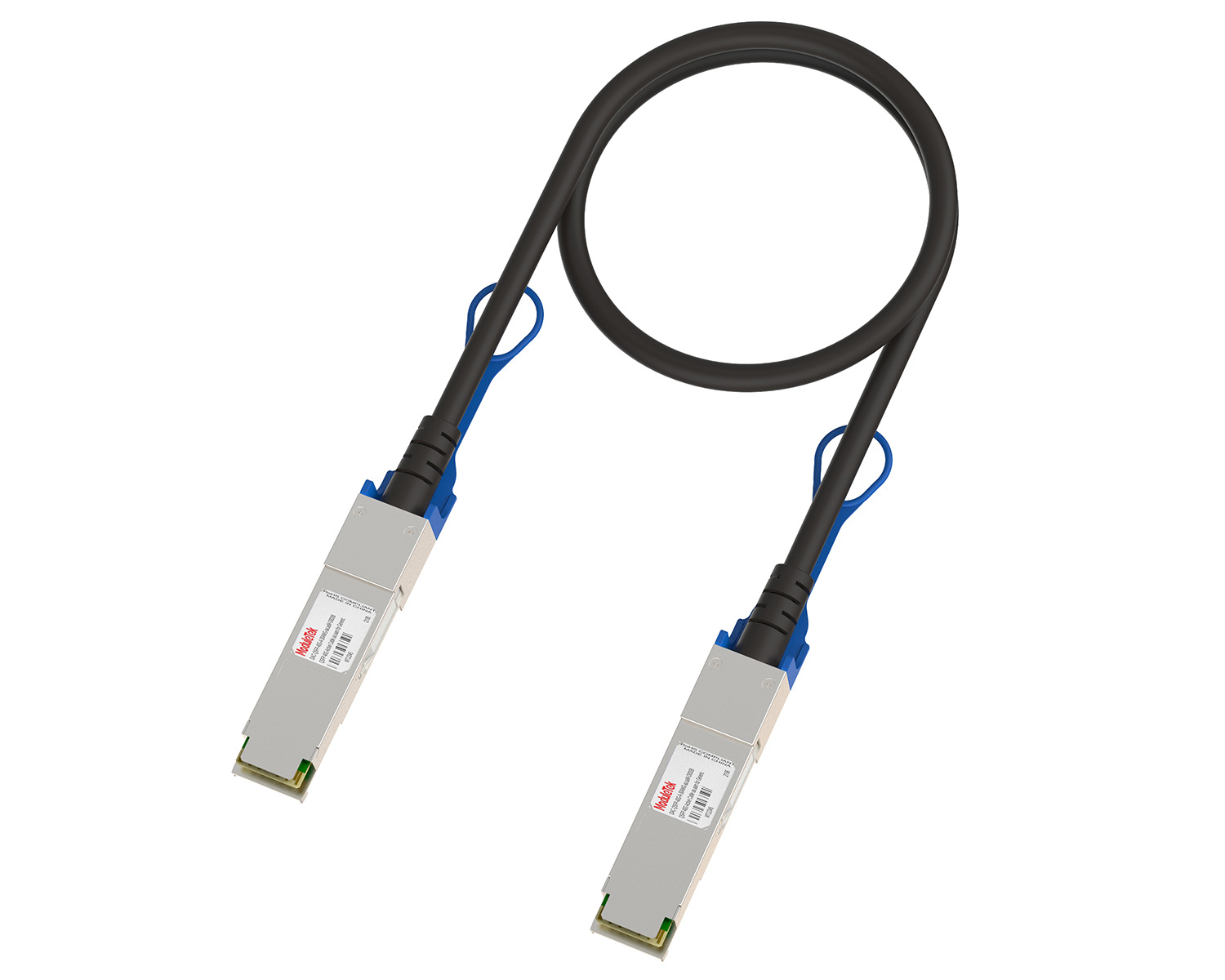 10G/40G Active DAC Series
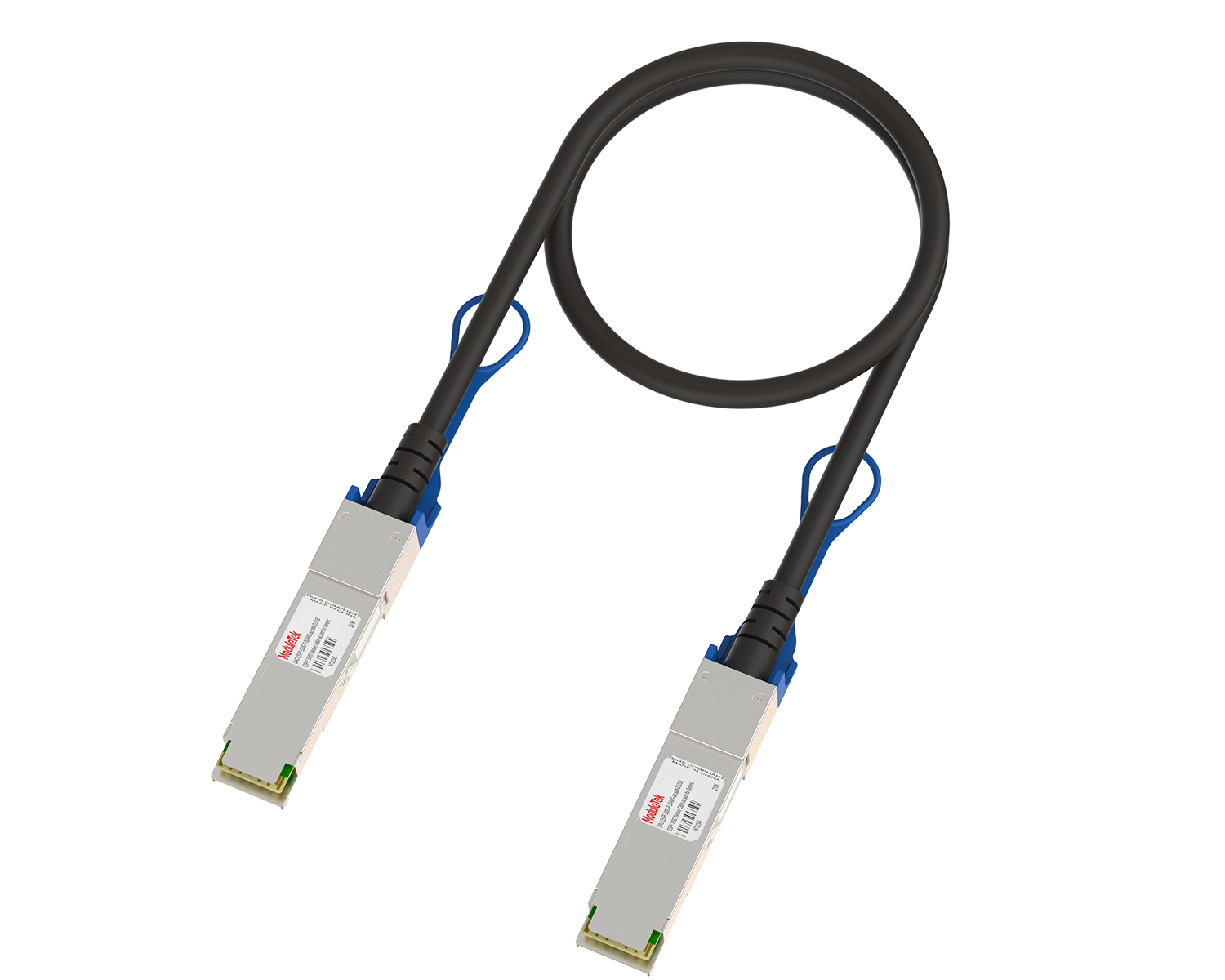 Full-Rate Passive DAC Series
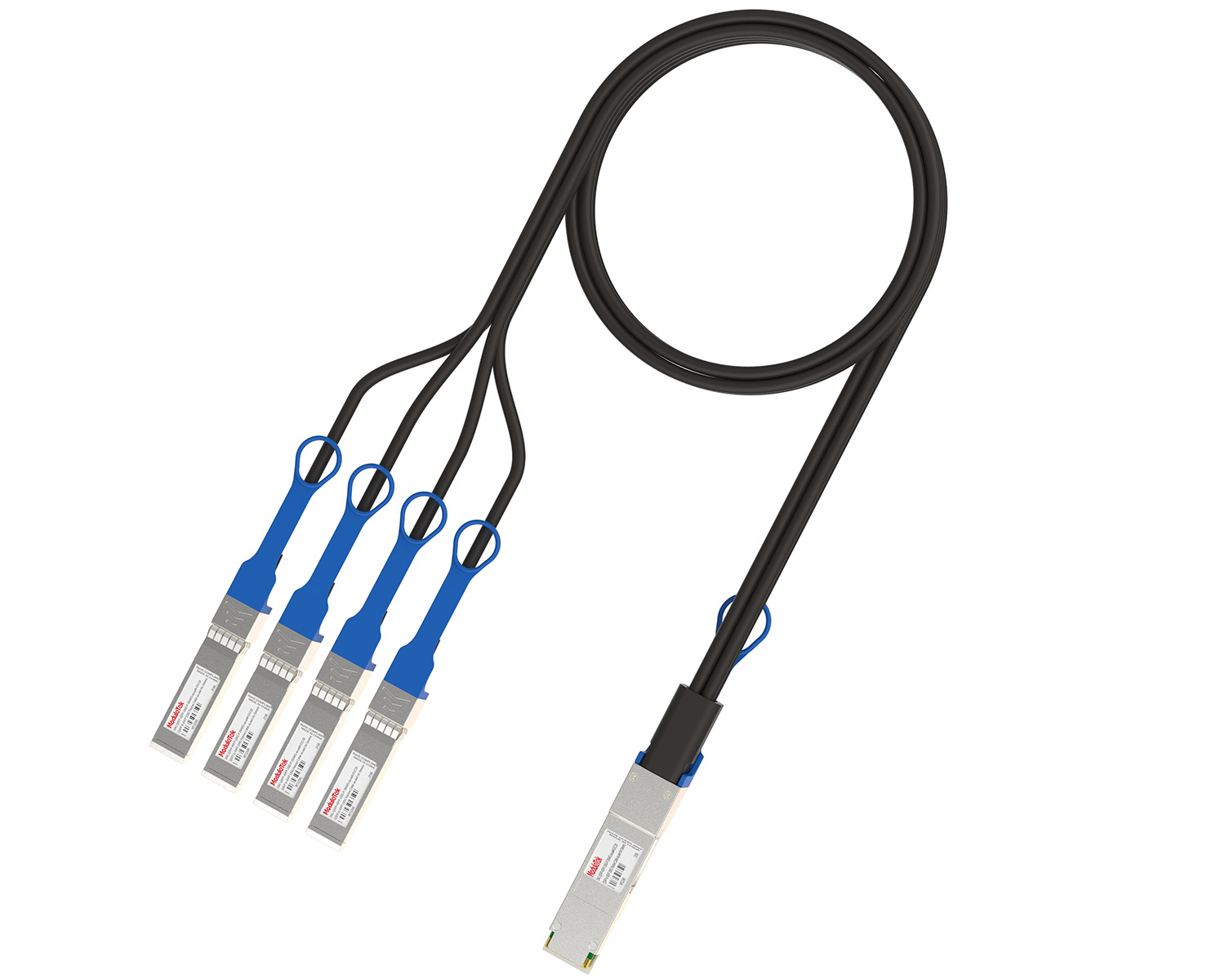 40G/100G Passive Breakout DAC Series
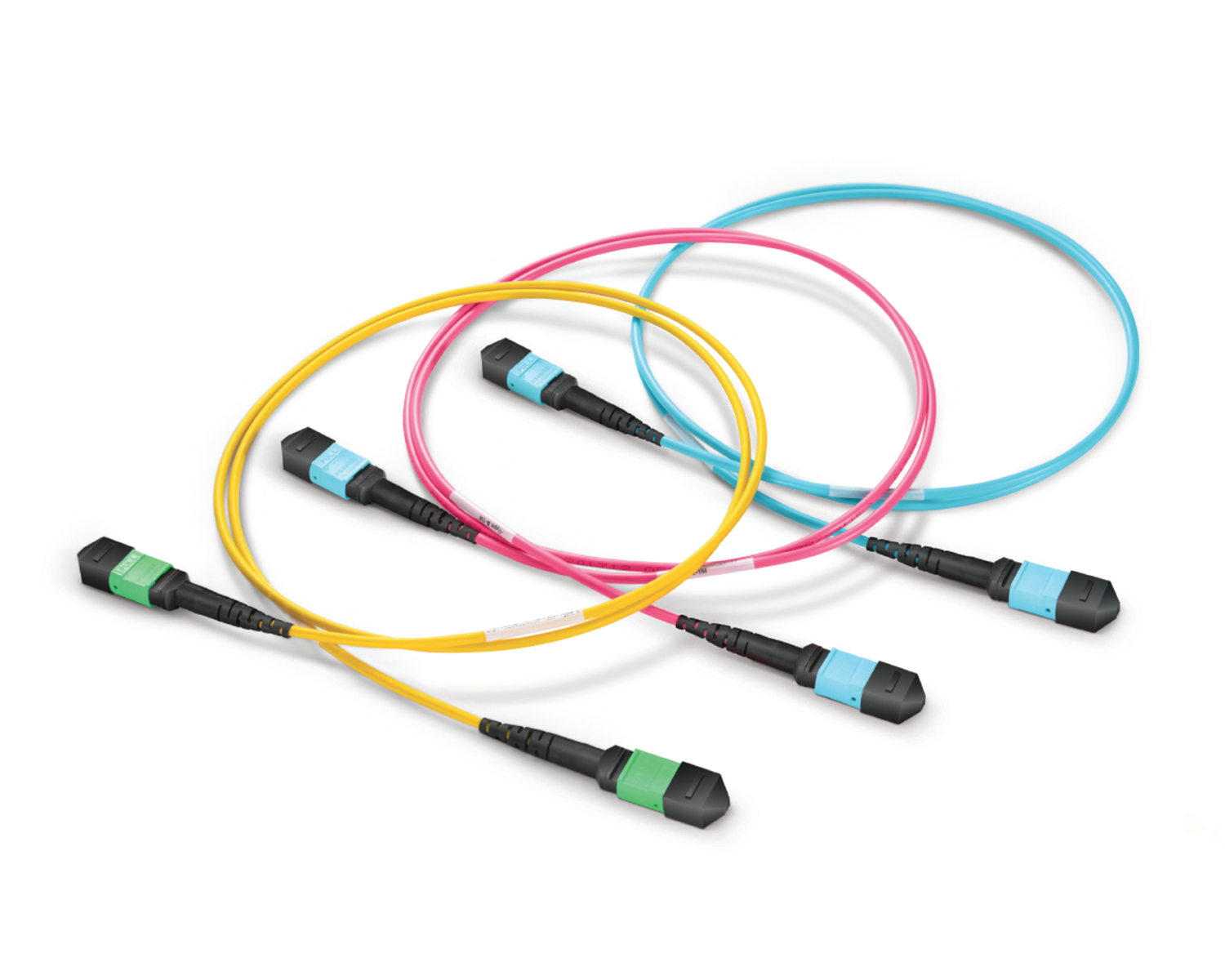 Regular/MTP-MPO Fiber Patch Cords
 MT2011
 MT2010
 CodingBox
 QSFP to SFP Adapter
Introducing The Aruba 8325-48Y8C Switch Interface Groups
Time: 2024-11-12
Moduletek Labs found that when using the Aruba 8325-48Y8C switch, its interface rate configuration differs from conventional switches, which directly modify the rate of individual interfaces. This article takes the Aruba JL624A 8325-48Y8C switch as an example to introduce the switch’s interface groups.
1. Interface Rate Configuration
The default rate of the SFP28 interfaces on the Aruba 8325-48Y8C switch is 25G. If no configuration is made or only the rate of individual interfaces is configured, connecting a 10G optical transceiver to the interface will trigger a "Group speed mismatch" alarm, and the port will fail to link up.
According to Aruba’s official document Aruba 8325 Installation and Getting Started Guide, the SFP28 interfaces of the Aruba 8325-48Y8C switch are divided into four groups. The interface rate configured for a group determines the rate of all interfaces in that group, and any interface in the group with a mismatched rate will be automatically disabled.
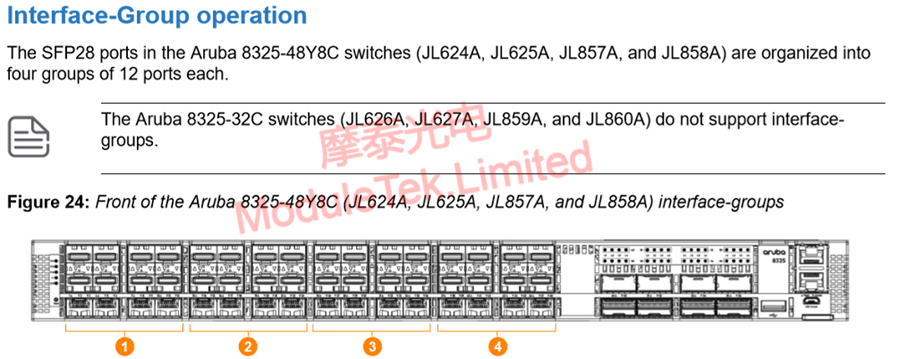
Figure 1 Interface Group Division
In global configuration mode, execute the following command to configure the rate of an interface group:
system interface-group group_number speed <speed>
Execute the following command to view the interface group division and rate configuration:
show system interface-group
Configuring a 1G rate requires setting the specific interface rate on the premise that the interface group rate is 10G, for example:
int 1/1/1 speed 1000-full
After configuring the corresponding interface group rate to 10G, inserting a 10G optical transceiver allows the transceiver to link up normally with no rate mismatch alarm.
2. Restrictions on Copper Interface Transceiver Support
Starting from software version 10.03, the Aruba 8325-48Y8C switch supports the Gigabit copper interface (J8177D) transceiver, but not all SFP interfaces are supported. Only the first and second rows of interfaces are supported, while the third row of interfaces (port numbers that are multiples of 3) are not supported.
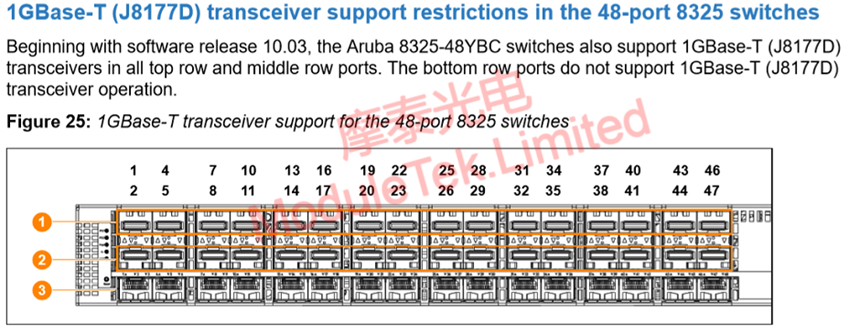
Figure 2 Supported Interfaces for Gigabit Copper Interfaces
Starting from software version 10.03, the Aruba 8325-48Y8C switch also supports the 10GbE copper port (JL563A) transceiver, but not all SFP interfaces are supported—only the first 18 interfaces in the first and second rows are supported.
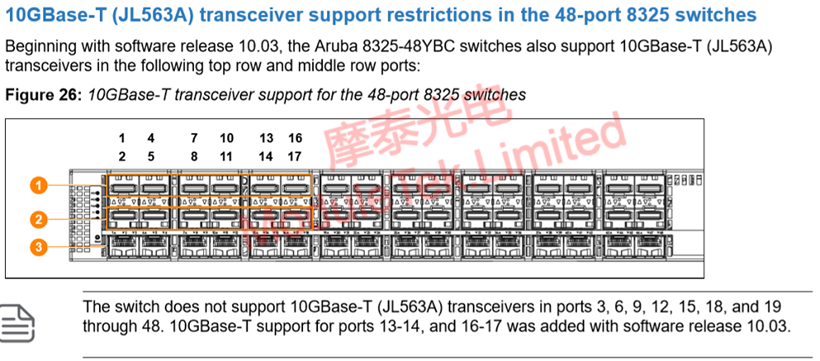
Figure 3 Supported Interfaces for 10GbE Ports
Understanding the interface support restrictions of the Aruba 8325-48Y8C switch helps avoid inserting transceivers into unsupported interfaces during use, which could cause the transceiver to fail to work.
Moduletek Limited is at your service
For further inquiries about the above content, please contact us at: sales@moduletek.com