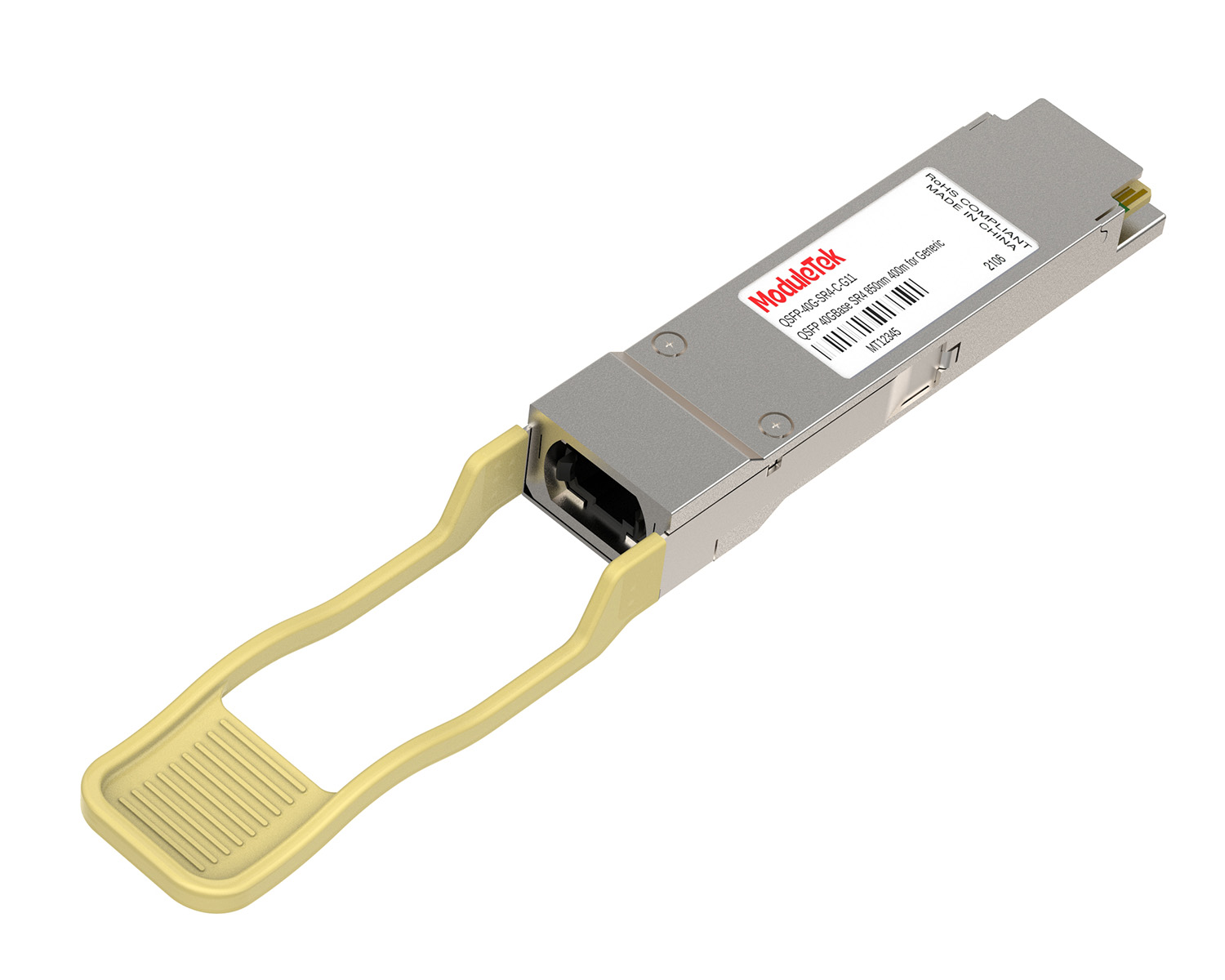
 40G/100G Optical Transceivers
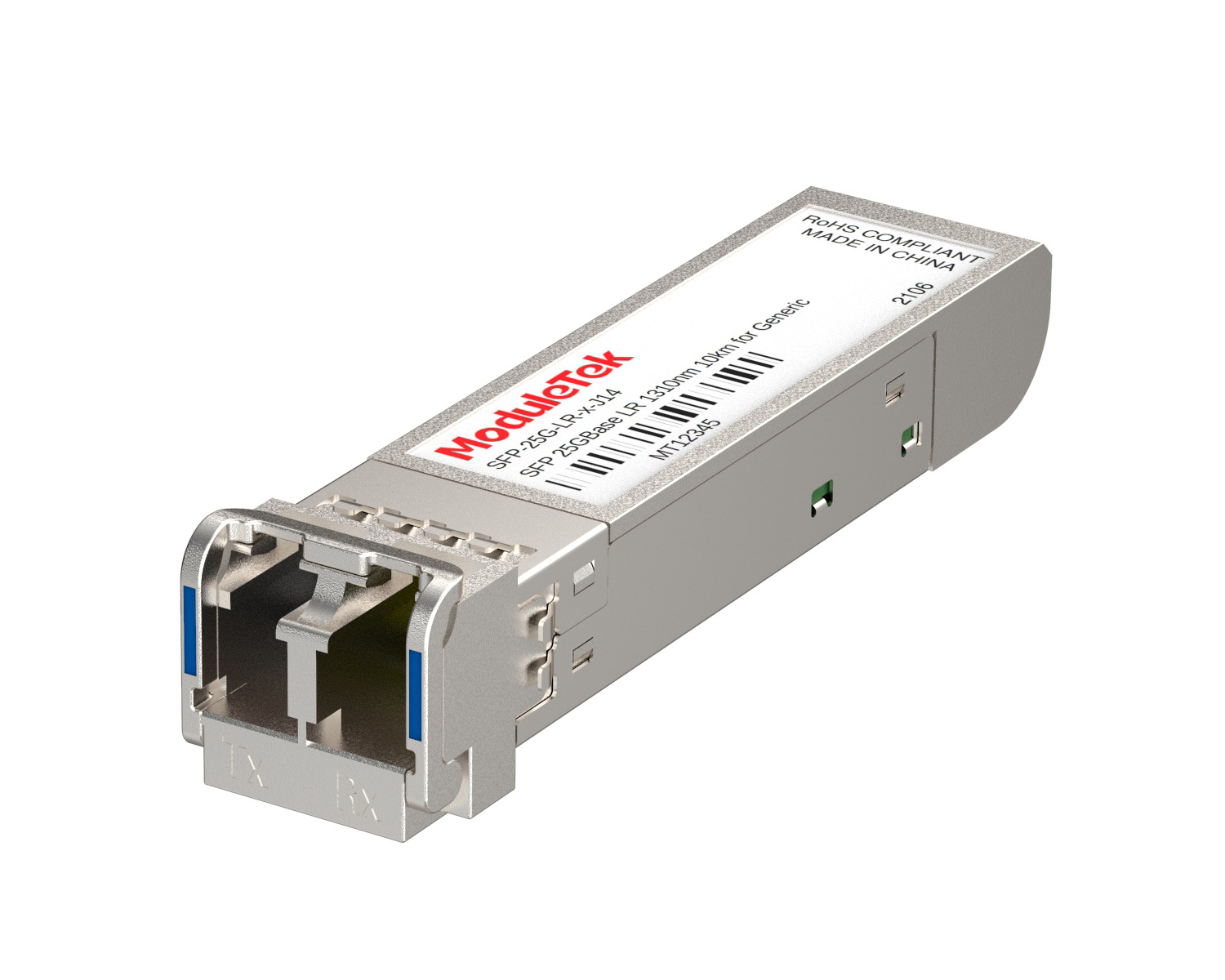 25G Optical Transceivers
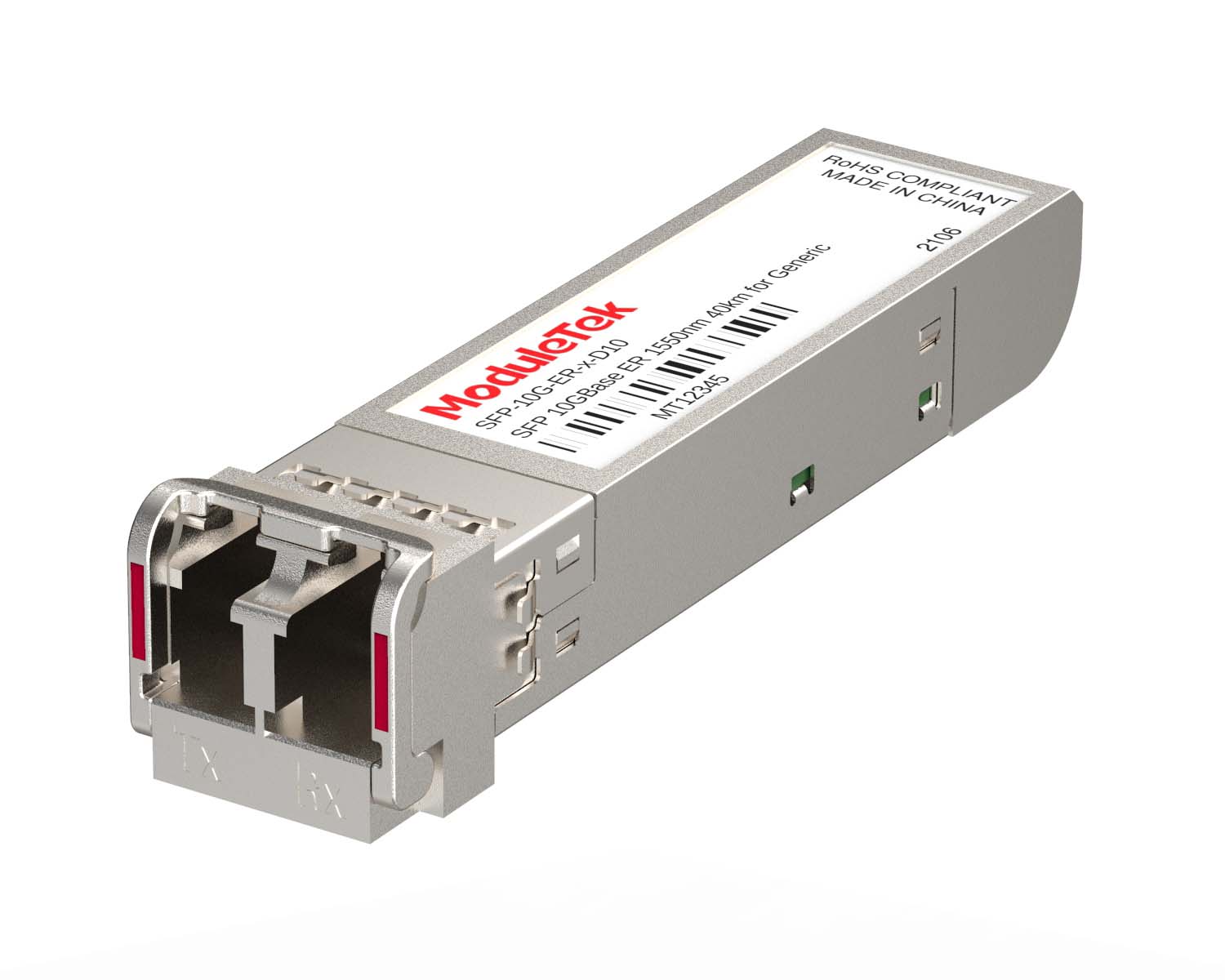 10G Optical Transceivers
 155M/2.5G Optical Transceivers
 1G Optical Transceivers
 1G BIDI Optical Transceivers
 Dual-Rate Optical Transceivers
 FC 16G/32G Optical Transceivers
 CWDM Optical Transceivers
 DWDM Optical Transceivers
 SGMII Port Optical Transceivers
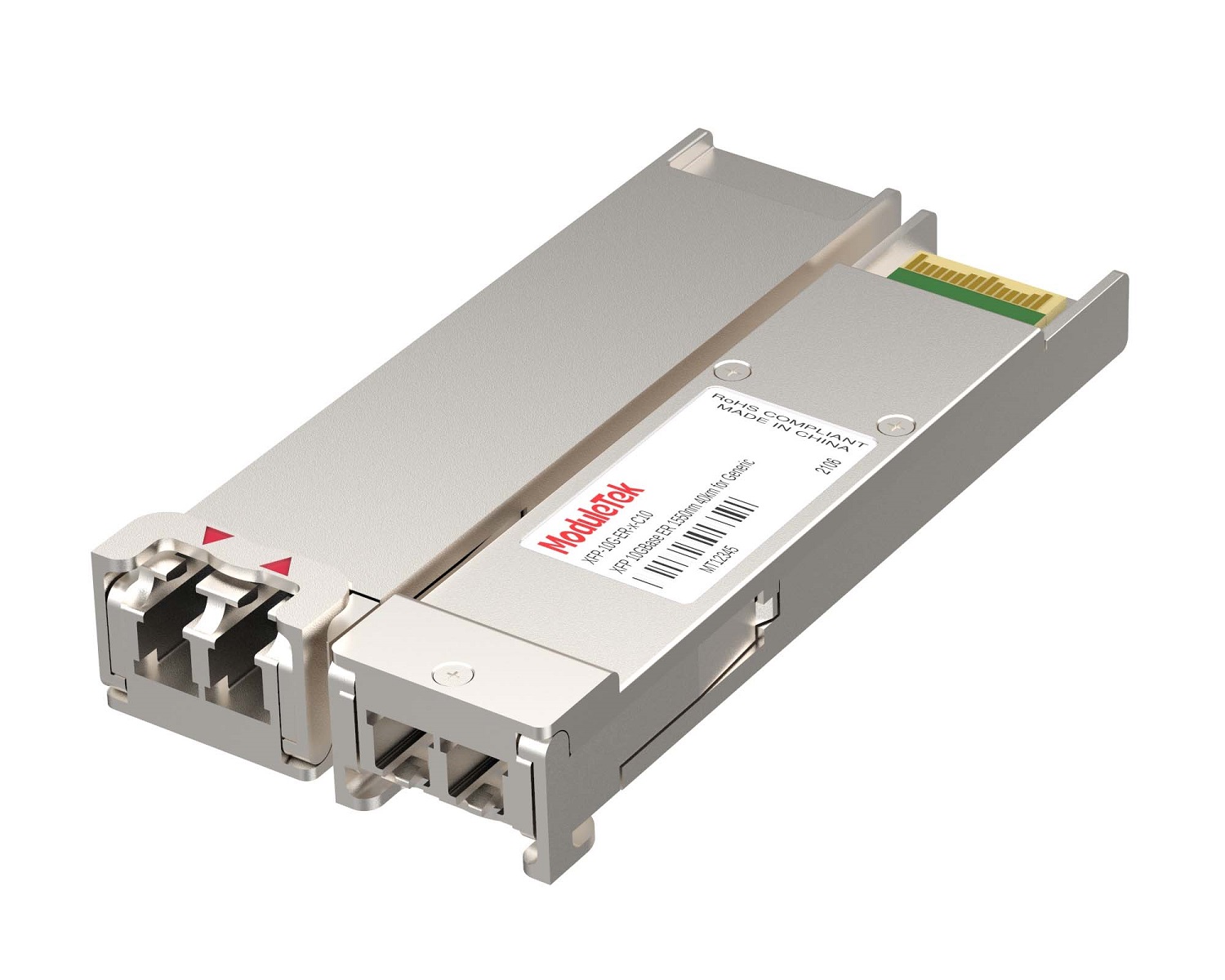 XFP Optical Transceivers
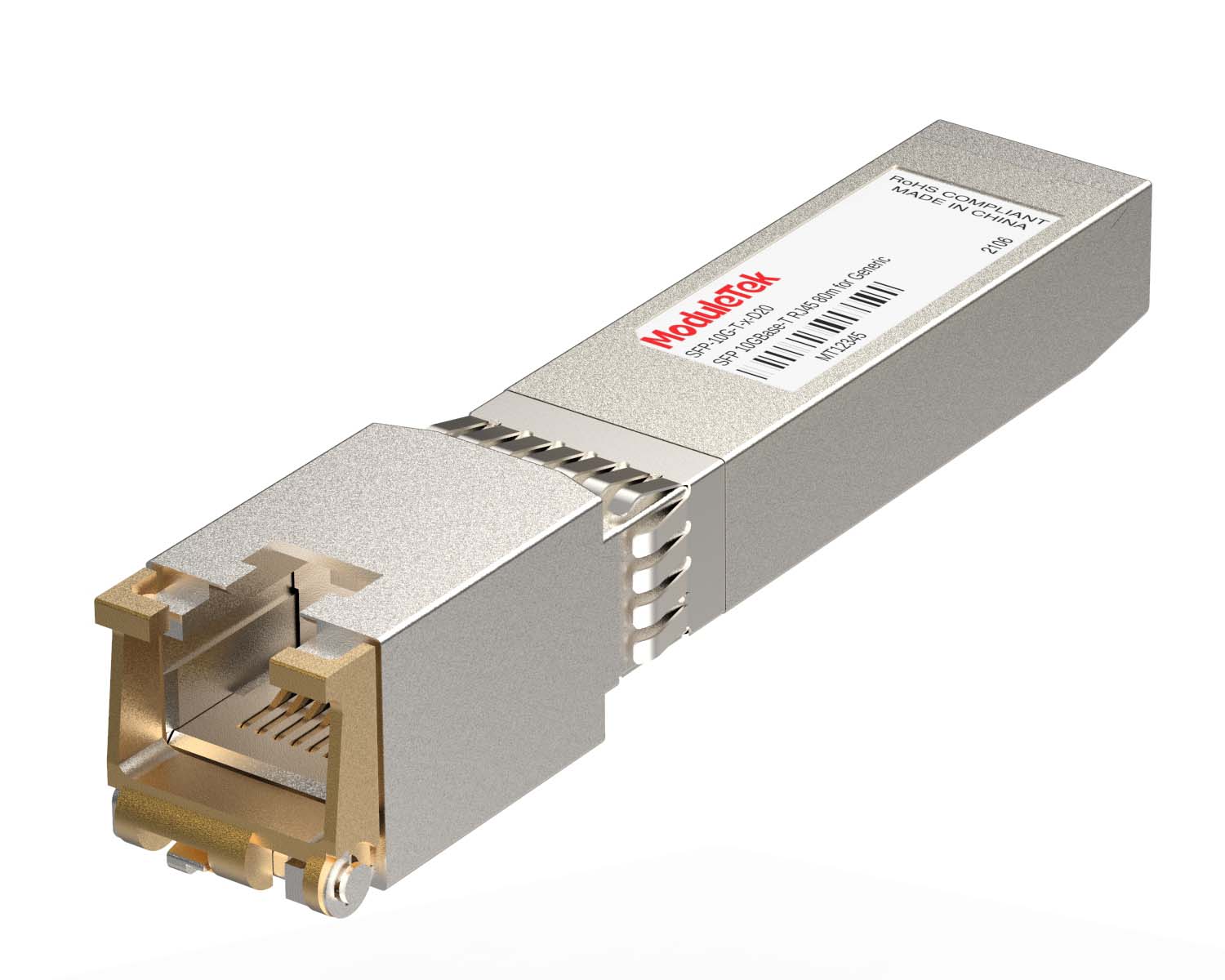 100M/1G/10G Coppers
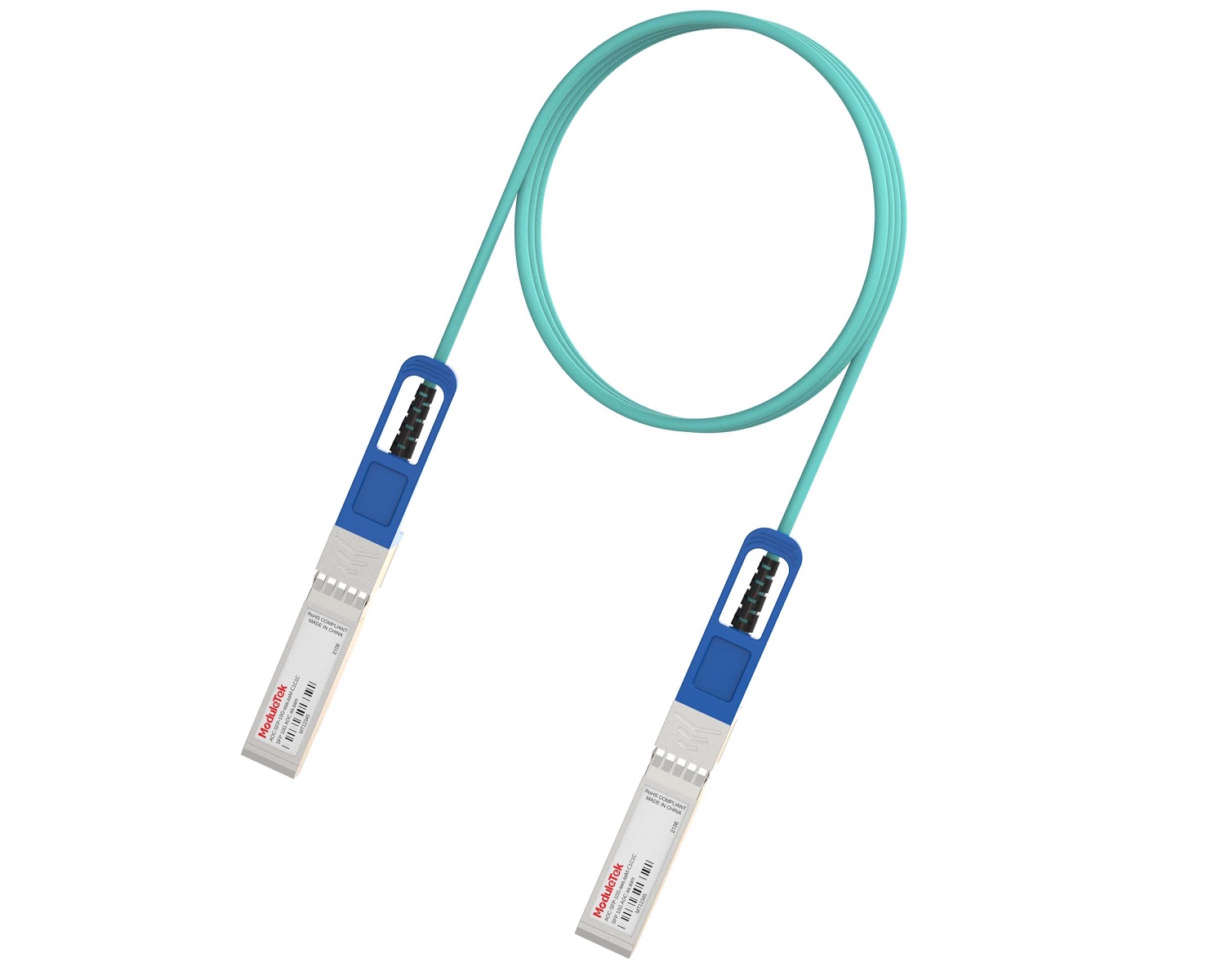 Full-Rate AOC & Breakout Series
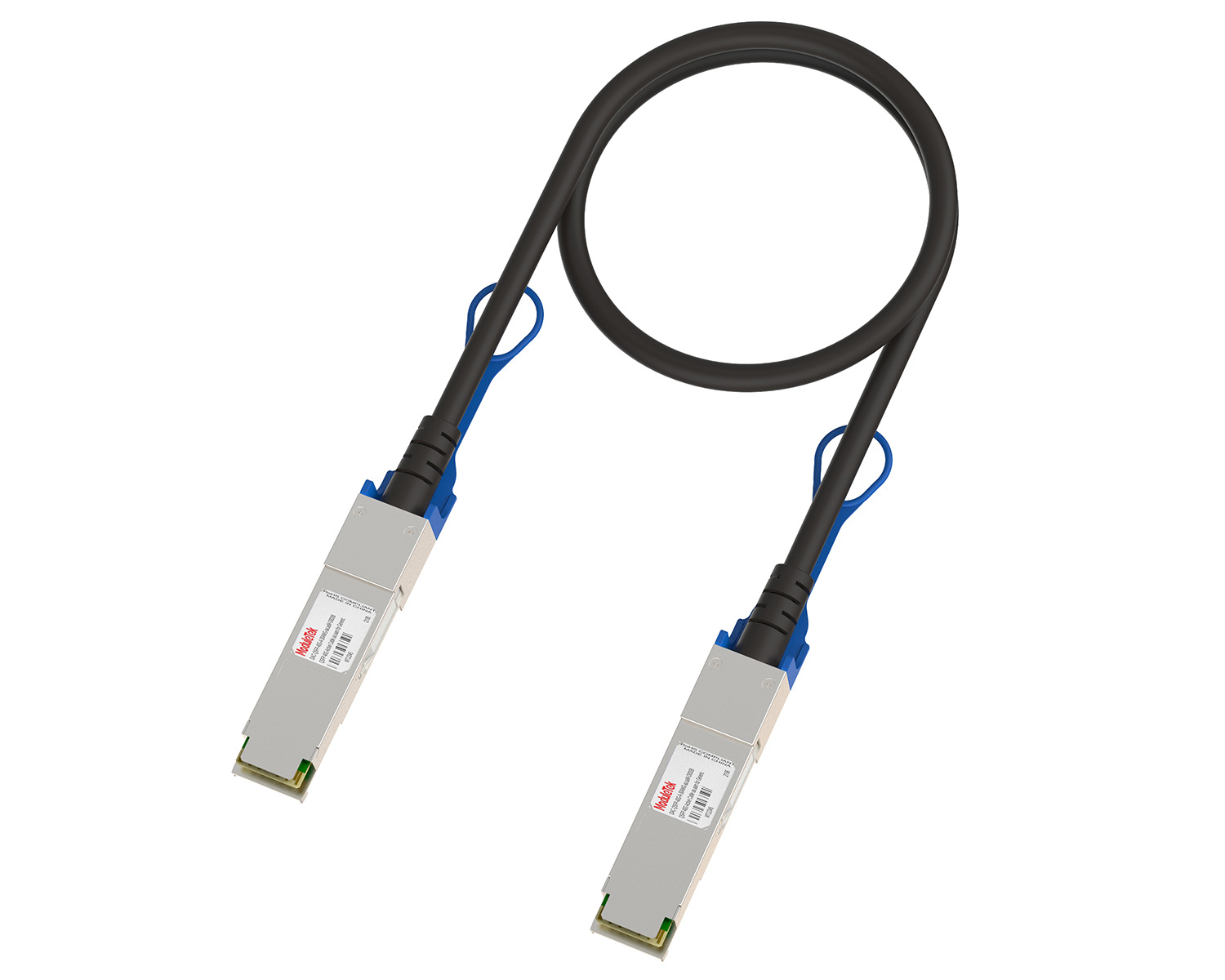 10G/40G Active DAC Series
 Full-Rate Passive DAC Series
 40G/100G Passive Breakout DAC Series
 Regular/MTP-MPO Fiber Patch Cords
 MT2011
 MT2010
 CodingBox
 QSFP to SFP Adapter
Nokia SR OS System Common Interface Configuration
Time: 2024-11-12
When optical transceivers are deployed on switches, basic interface configuration is often required according to actual application scenarios, including interface speed, FEC mode and other parameters. Taking the Nokia 7250 IXR-e as the test device, Moduletek Laboratory sorts out the common interface configurations for the Nokia SR OS system.
The Nokia 7250 IXR series supports two management interfaces under SR OS: Classic CLI and MD-CLI, with different corresponding configuration commands. Users can switch between the two modes by entering //. All configurations in this document apply to the MD-CLI interface and are performed under the configure global global configuration mode.
1. Ethernet Mode Configuration
Use the following command to set the interface Ethernet mode; set the service type to network for transmission networking scenarios:
port <port_number> ethernet mode <keyword>
2. Interface Administrative Status Configuration
Use the following command to enable or shut down the interface administratively:
port <port_number> admin-state <keyword>
By default, all interfaces on Nokia routers are administratively down and need to be manually enabled before use.
3. Interface Breakout and Aggregation Configuration
Use the following command to configure interface breakout or aggregation:
port <port_number> connector breakout <keyword>
The digit after c represents the number of channels, and the value after the hyphen represents the speed of each channel.
For example: c4-25g means splitting the port into 4 independent channels with each channel running at 25G. You can check the port status to verify the current configuration mode.
4. Interface FEC Mode Configuration
Use the following command to configure the interface FEC mode:
port <port_number> ethernet rs-fec-mode <keyword>
It is required that both ends of the optical link adopt the same FEC mode. You can check the port information to confirm the configured and actual running FEC mode.
Run the following command to delete the customized FEC configuration; the interface will restore to the default No-FEC mode:
delete port <port_number> ethernet rs-fec-mode
Important Notes
a. <port_number> refers to the interface ID. You can view all port information by running show port.
<keyword> indicates optional configuration parameters; enter ? to query available options.
b. All configuration modifications must be committed with the commit command to take effect.
Moduletek Limited is at your service.
For further inquiries about the above content, please contact us at: sales@moduletek.com