
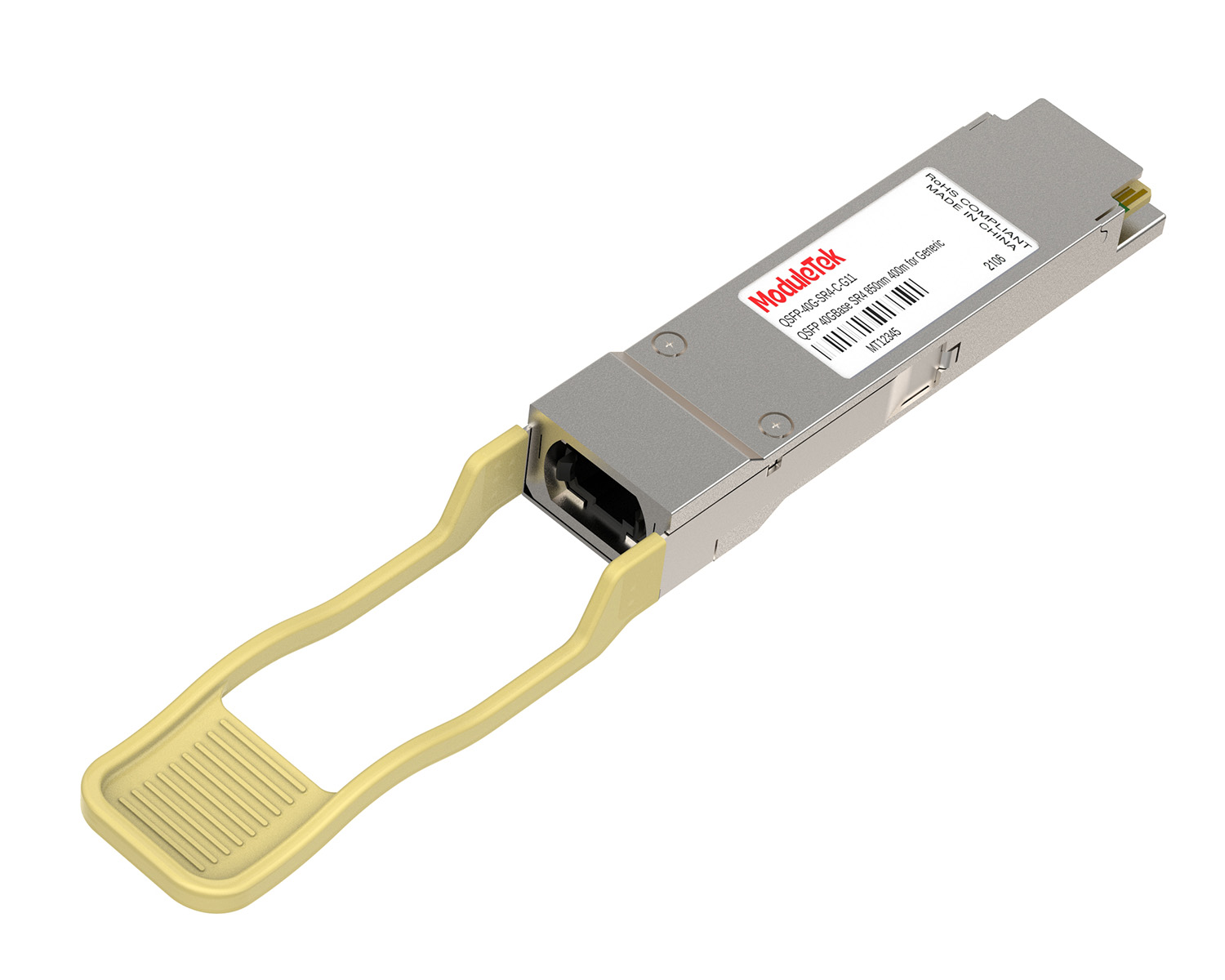
 40G/100G Optical Transceivers
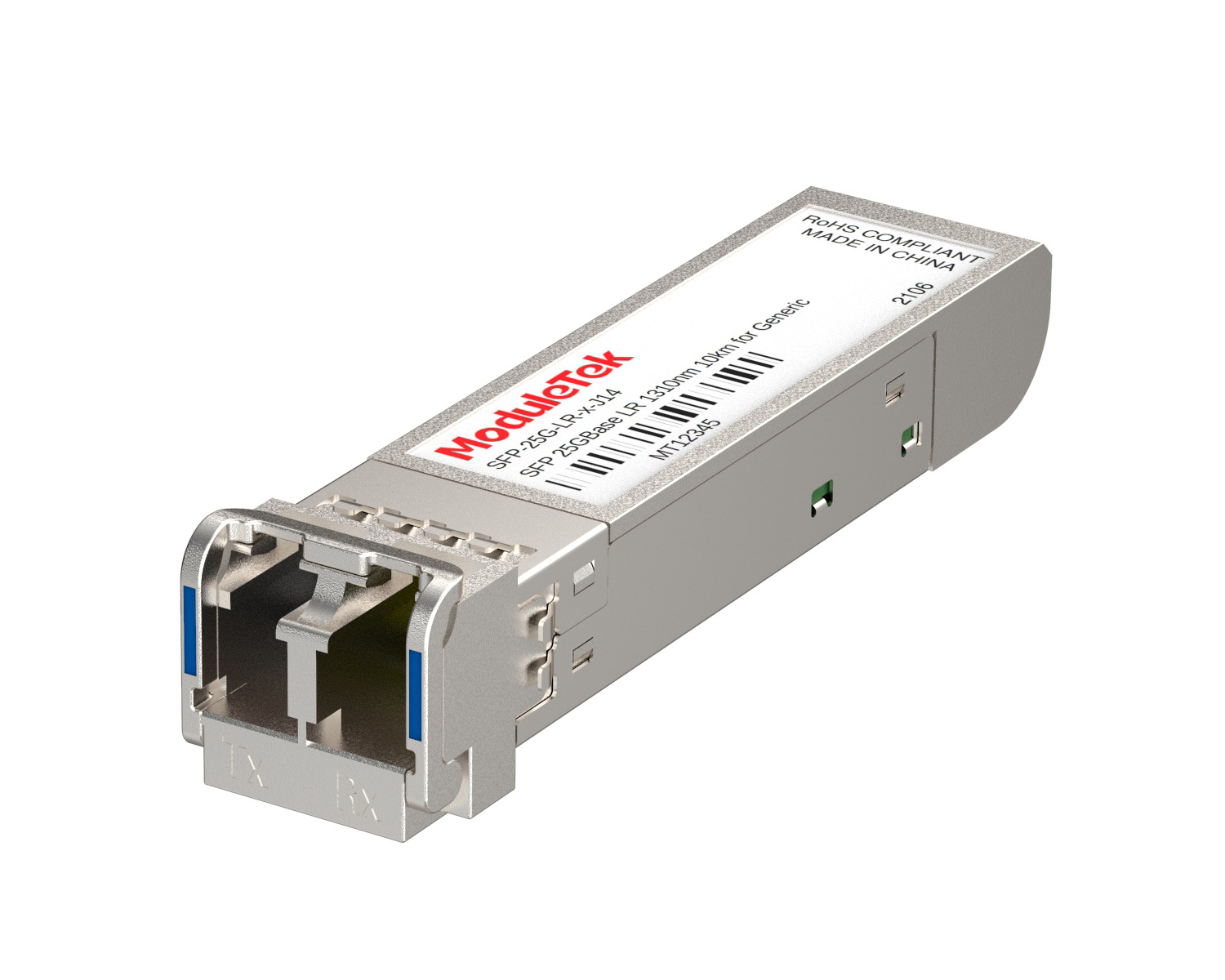 25G Optical Transceivers
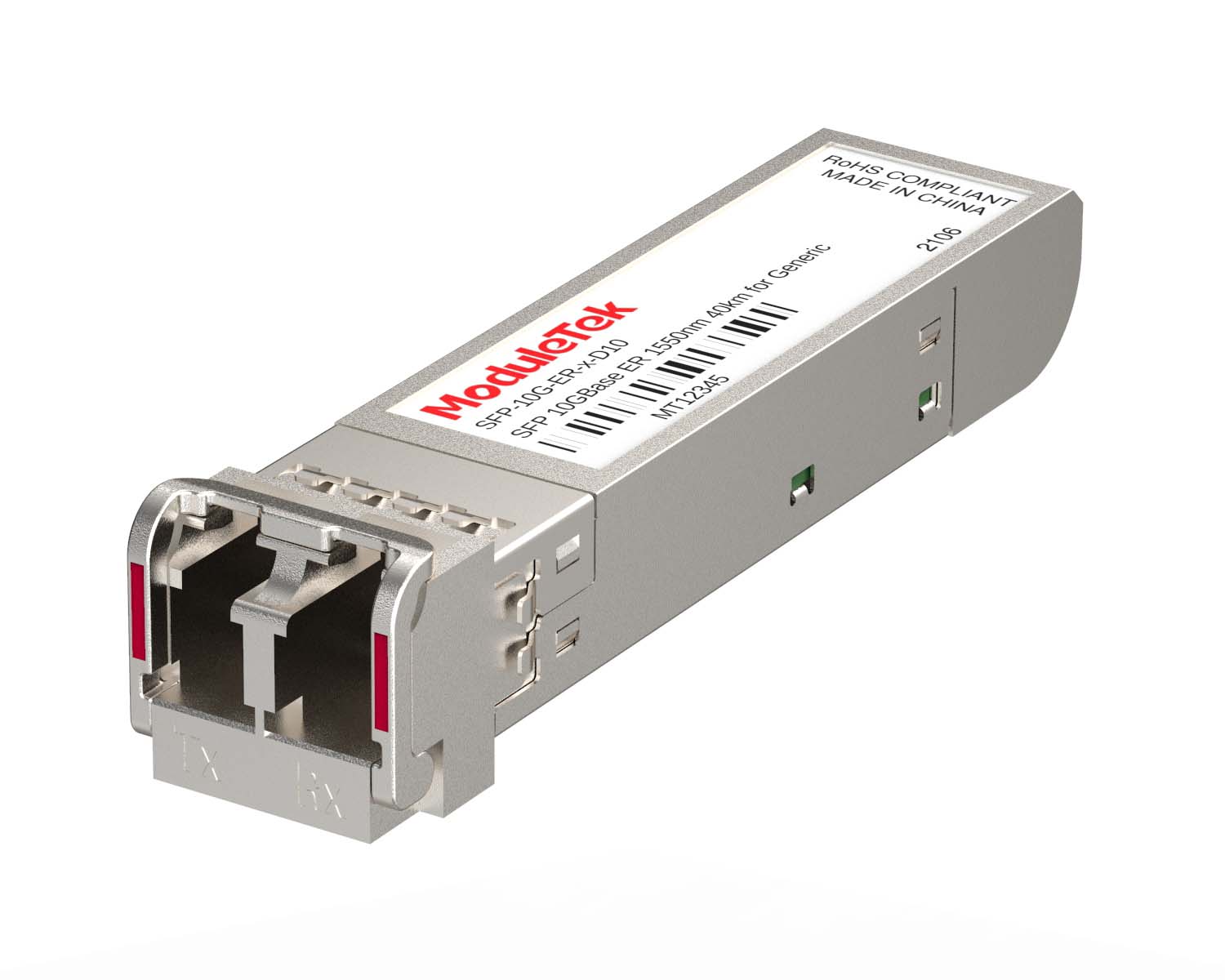 10G Optical Transceivers
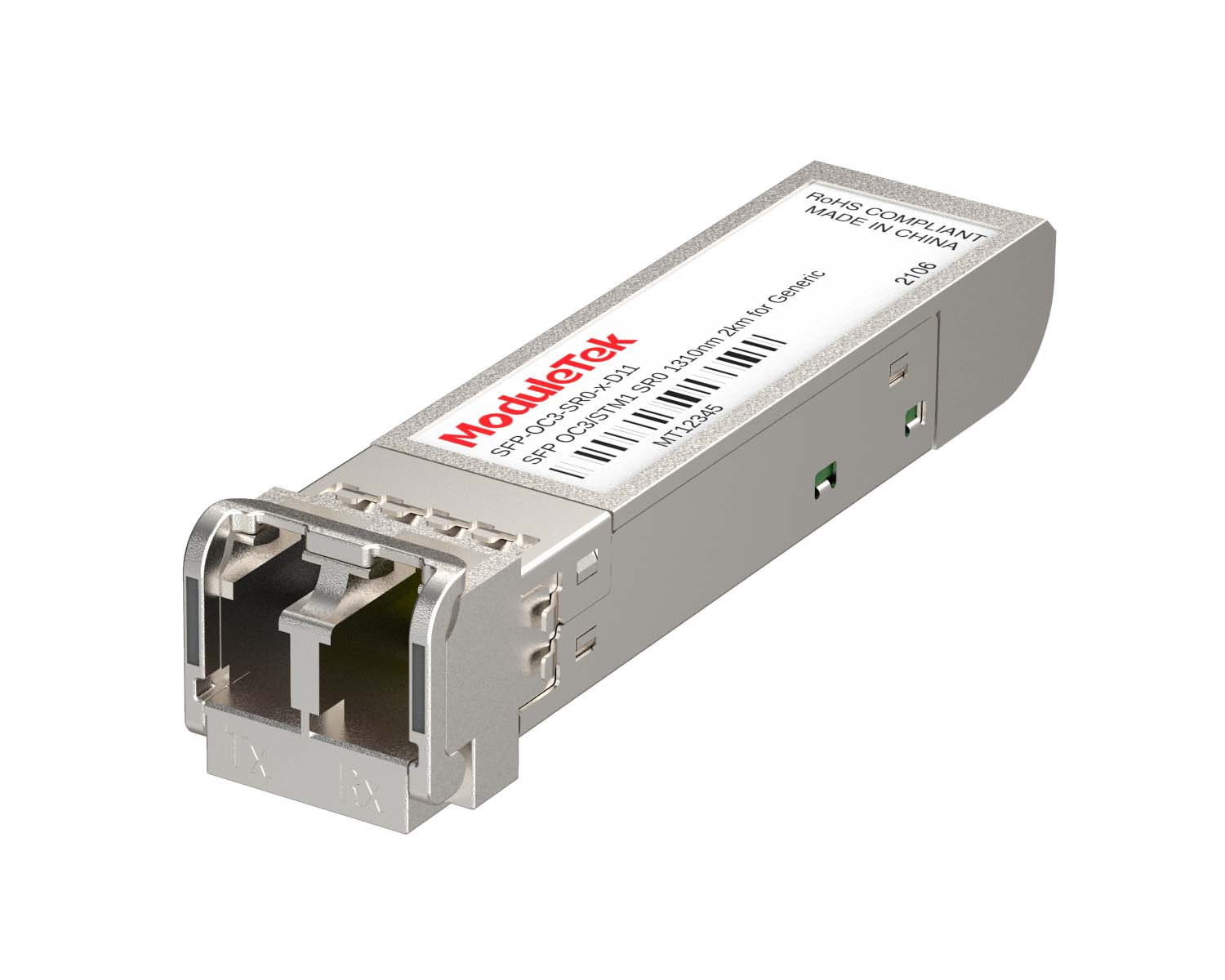 155M/2.5G Optical Transceivers
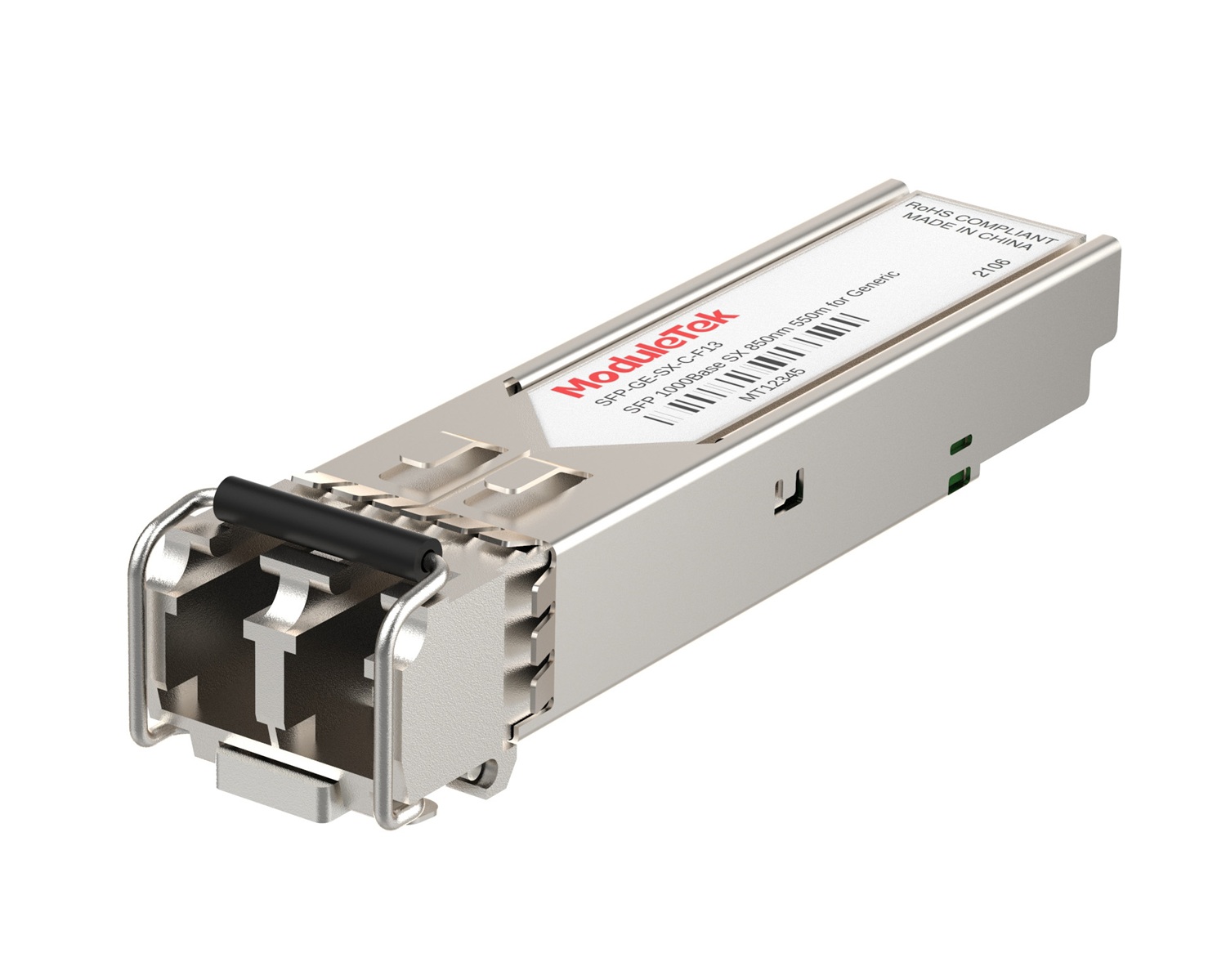 1G Optical Transceivers
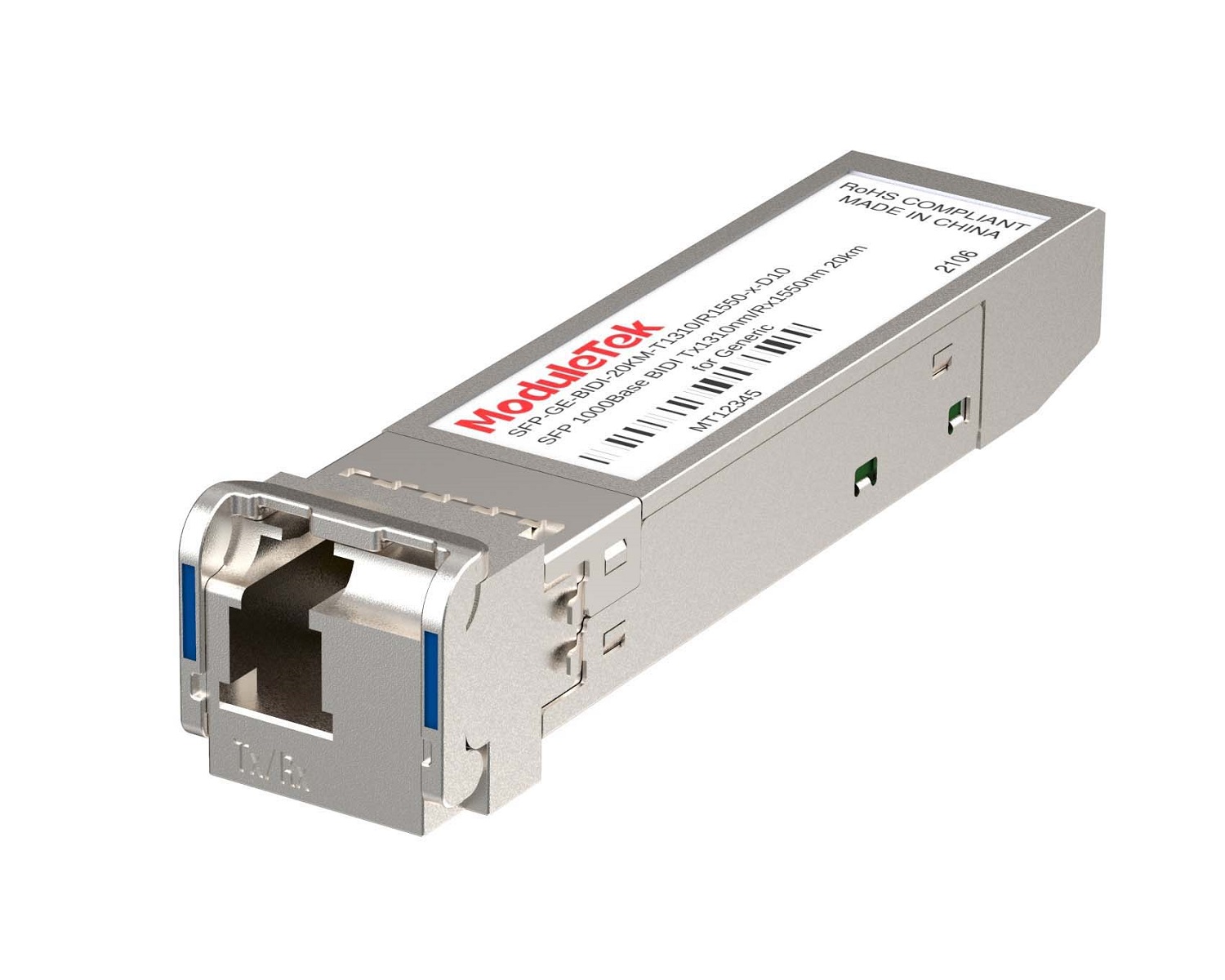 1G BIDI Optical Transceivers
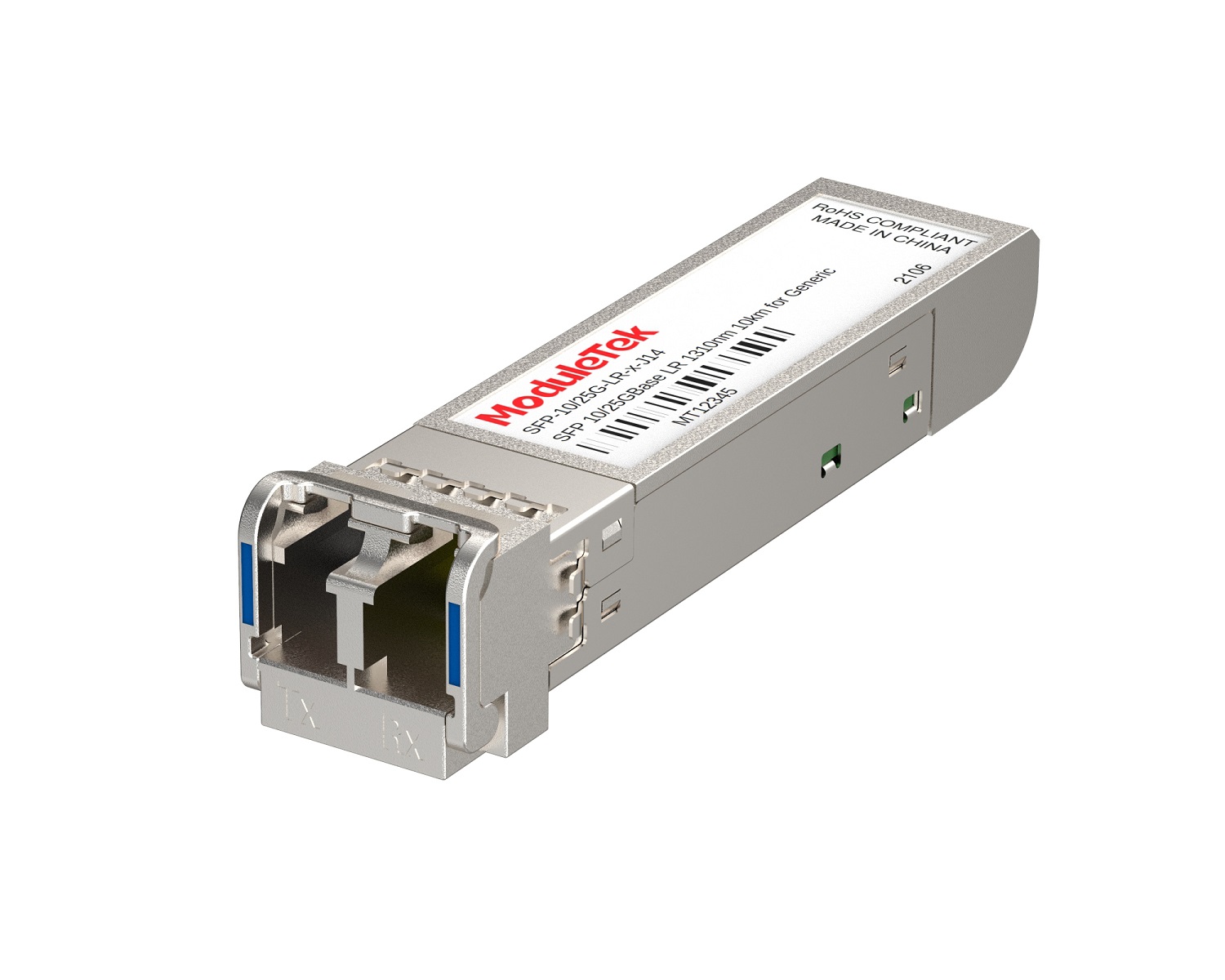 Dual-Rate Optical Transceivers
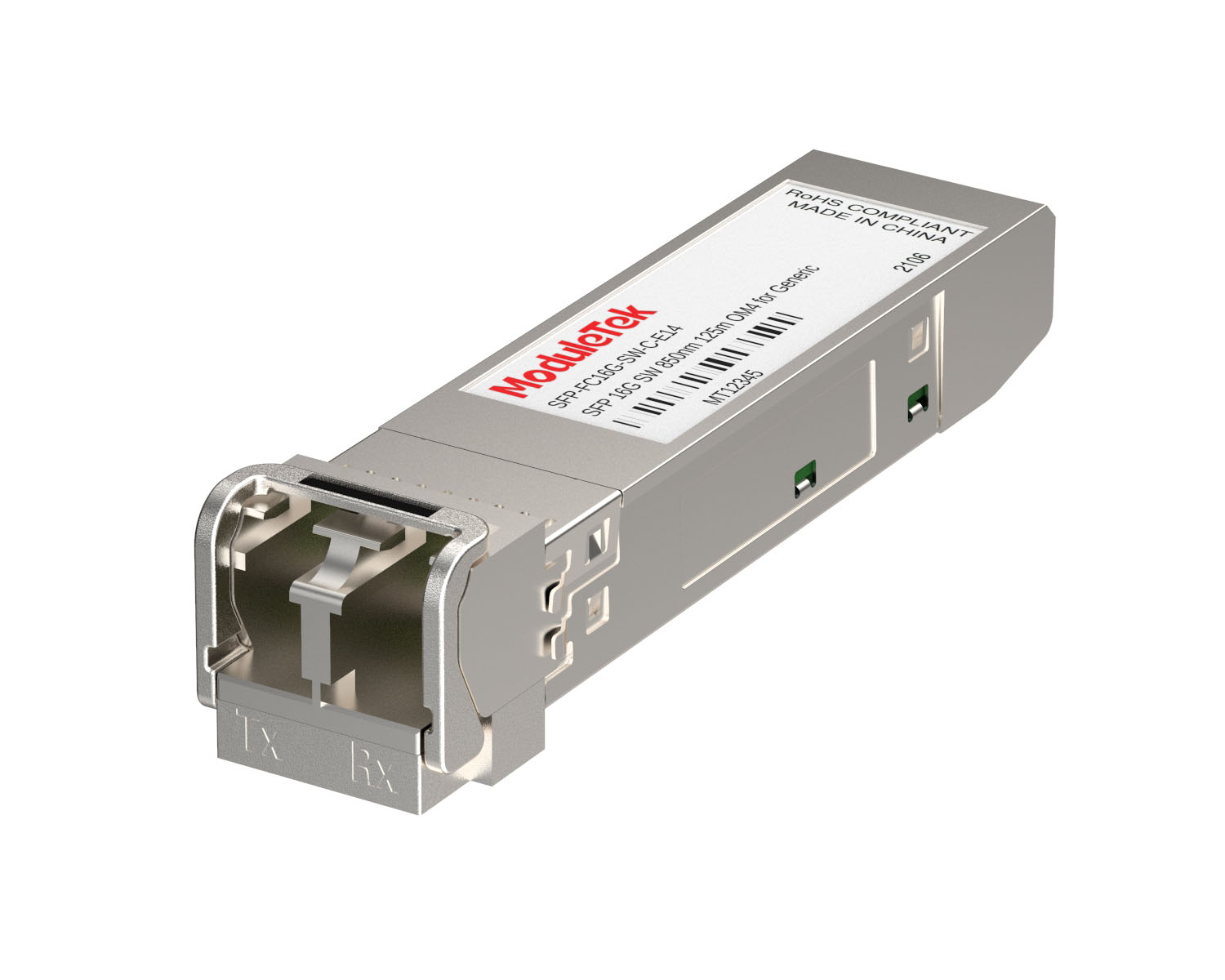 FC 16G/32G Optical Transceivers
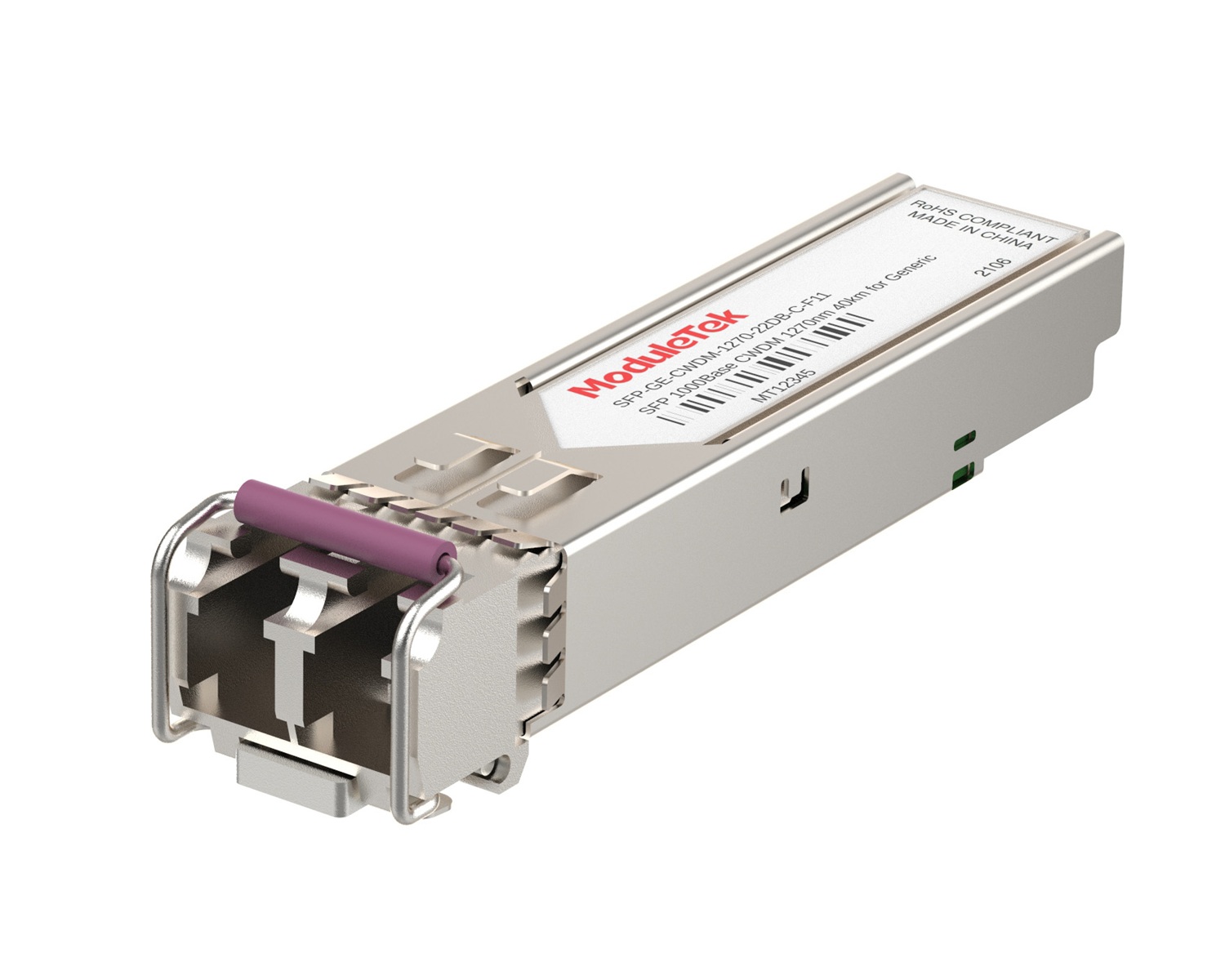 CWDM Optical Transceivers
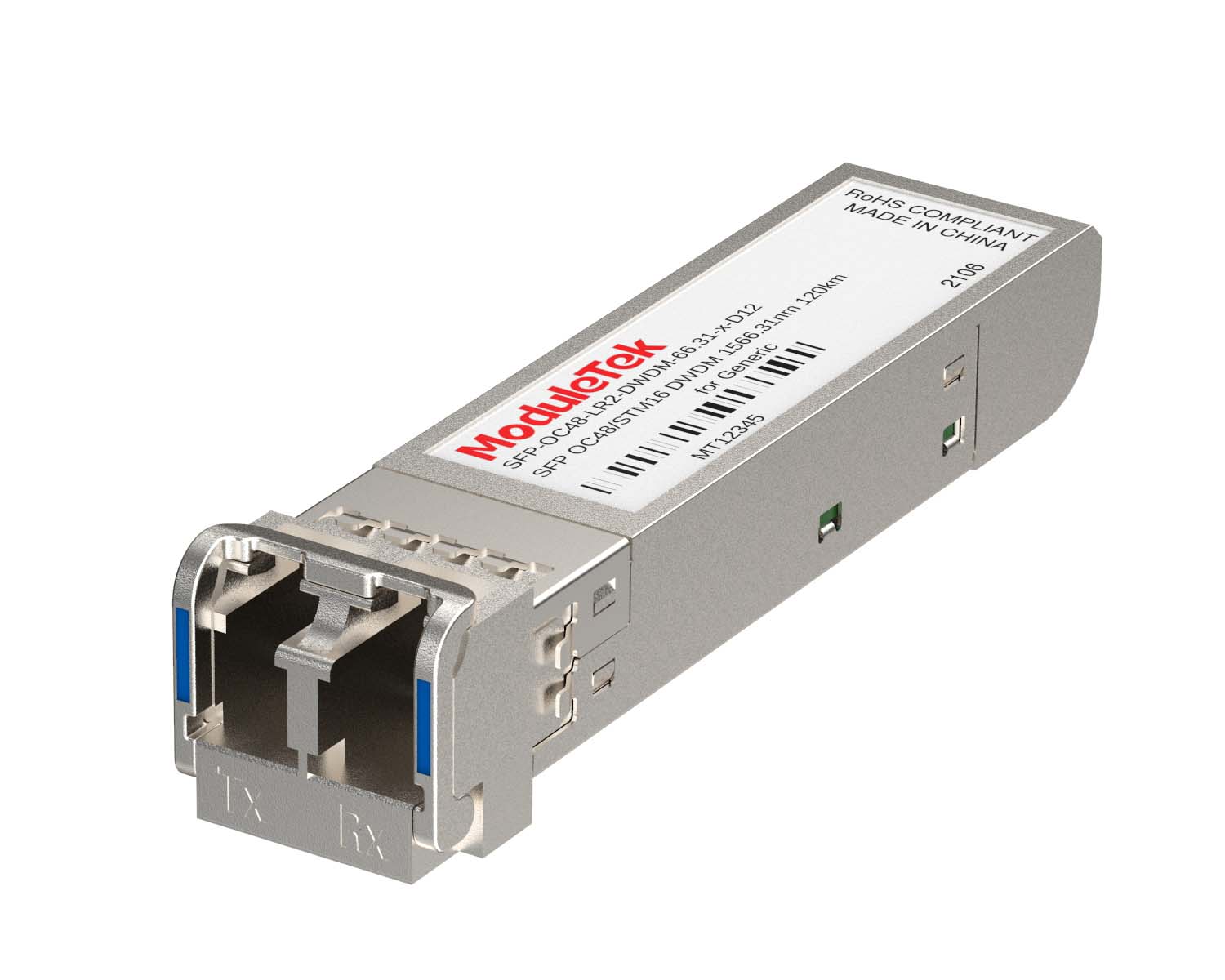 DWDM Optical Transceivers
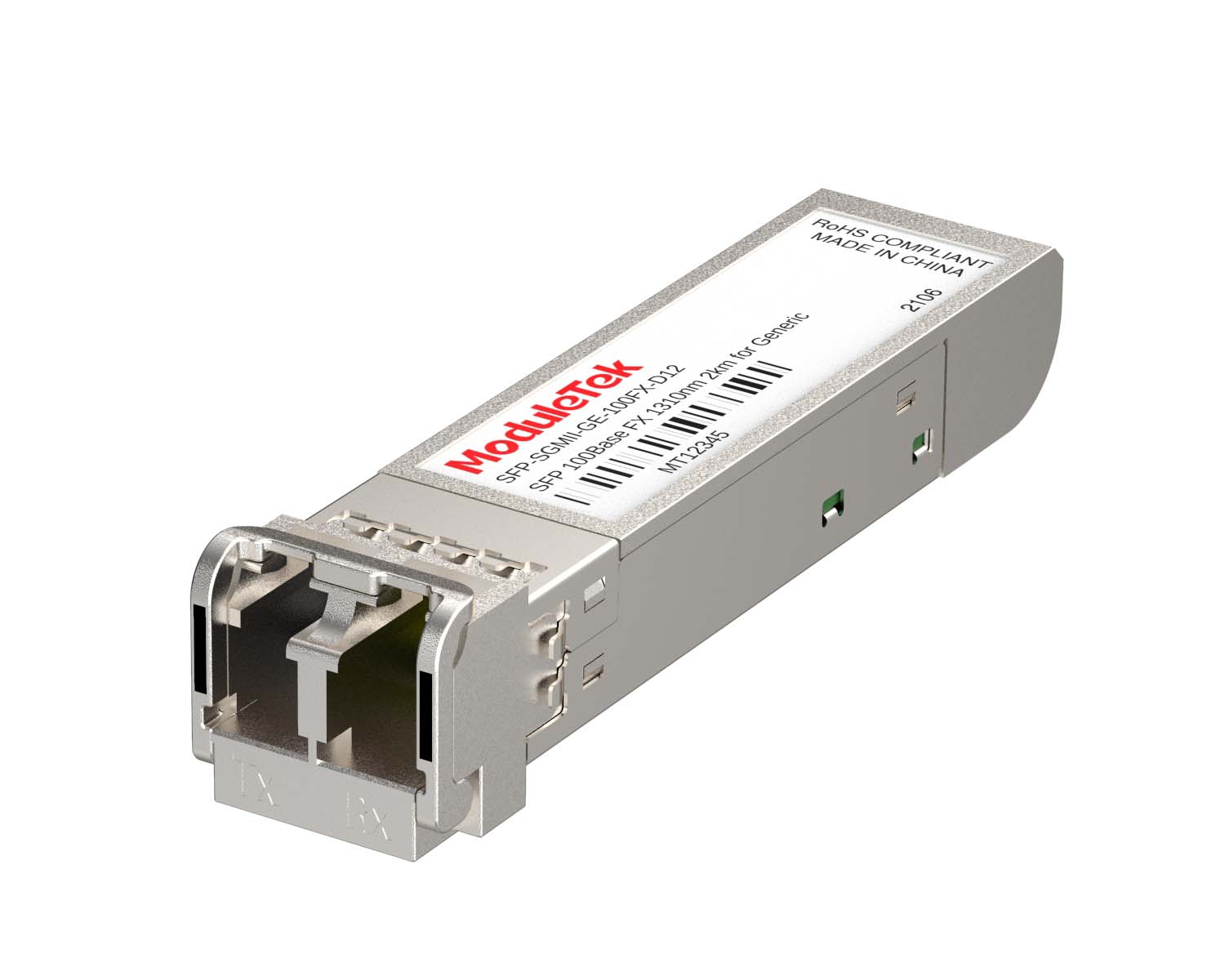 SGMII Port Optical Transceivers
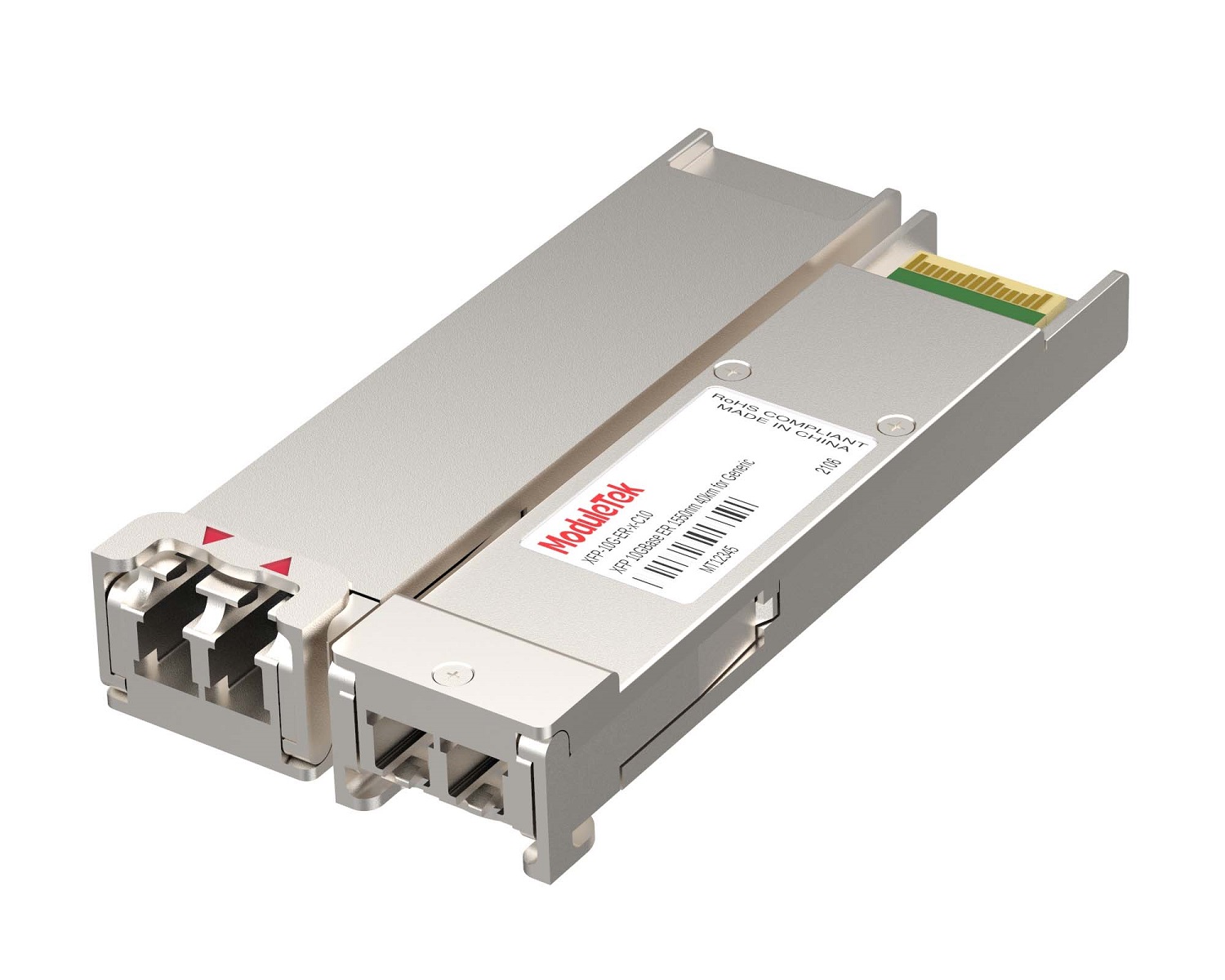 XFP Optical Transceivers
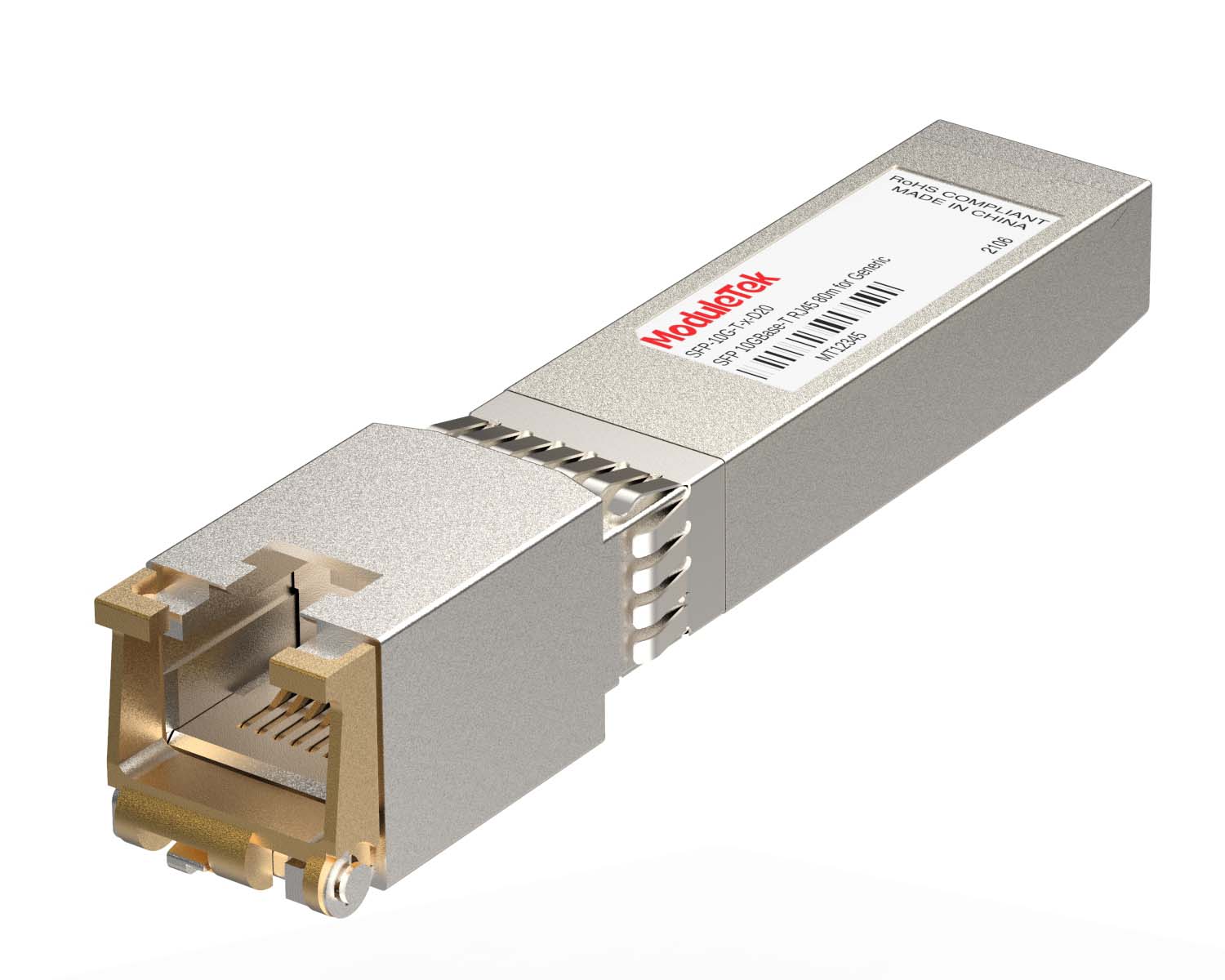 100M/1G/10G Coppers
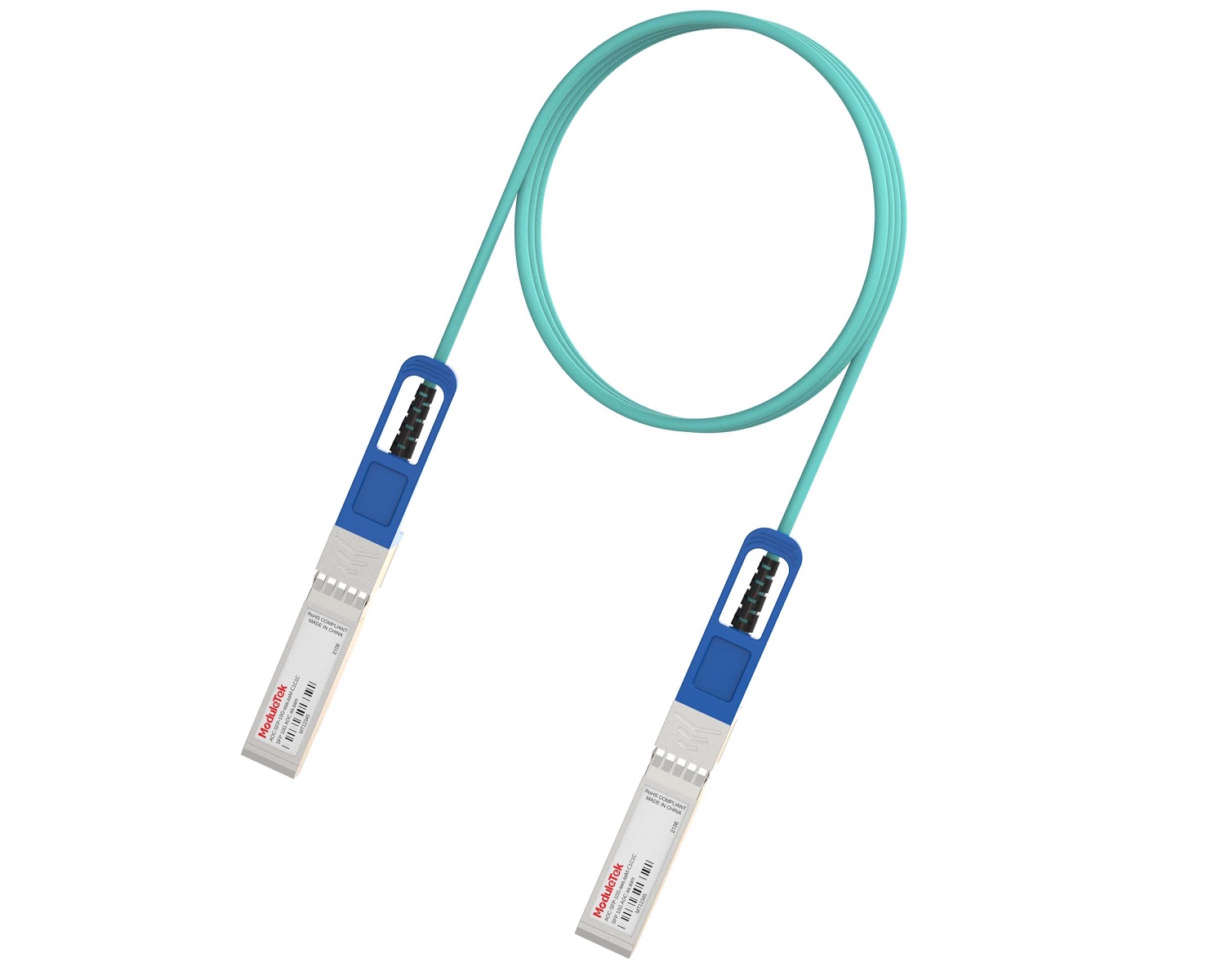 Full-Rate AOC & Breakout Series
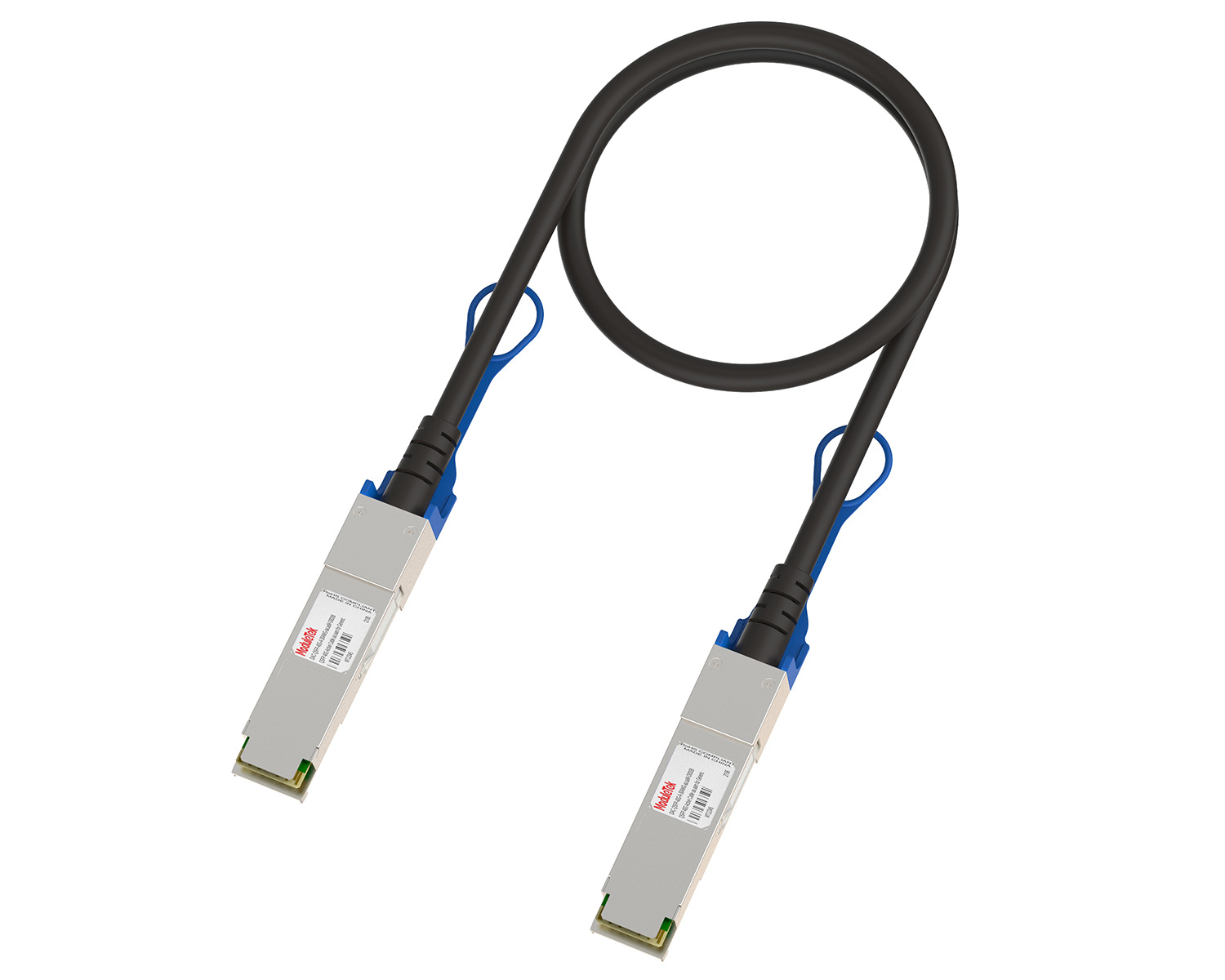 10G/40G Active DAC Series
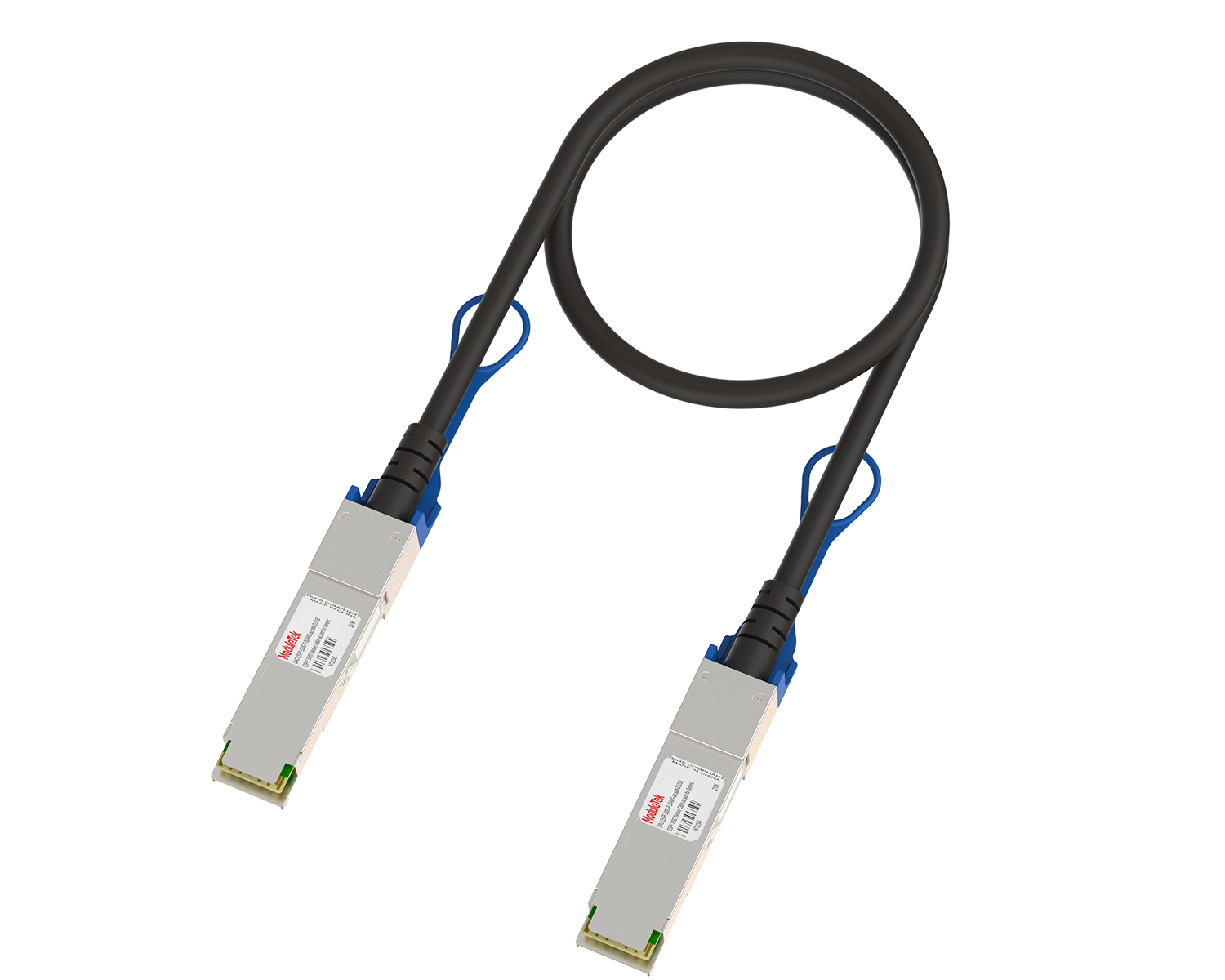 Full-Rate Passive DAC Series
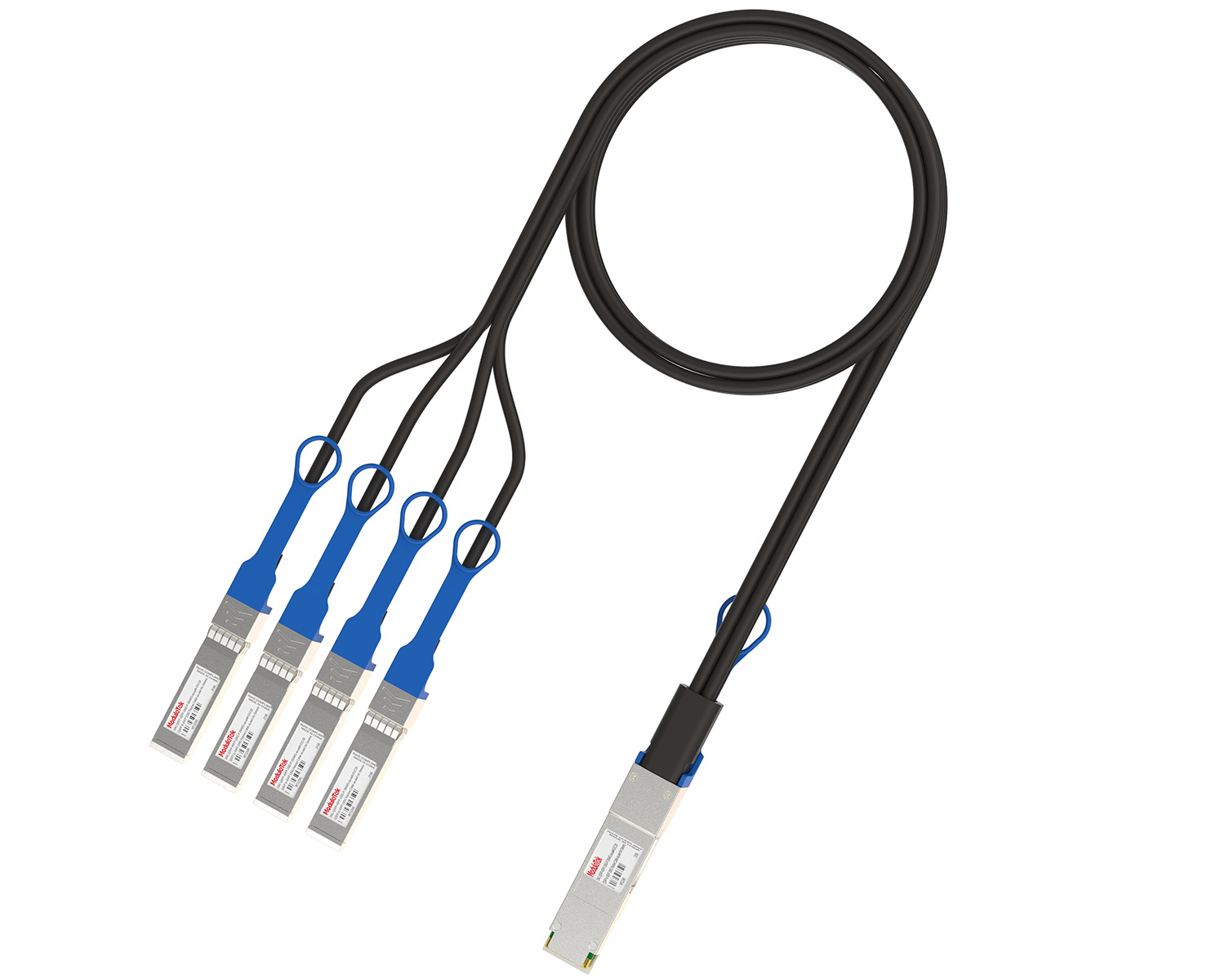 40G/100G Passive Breakout DAC Series
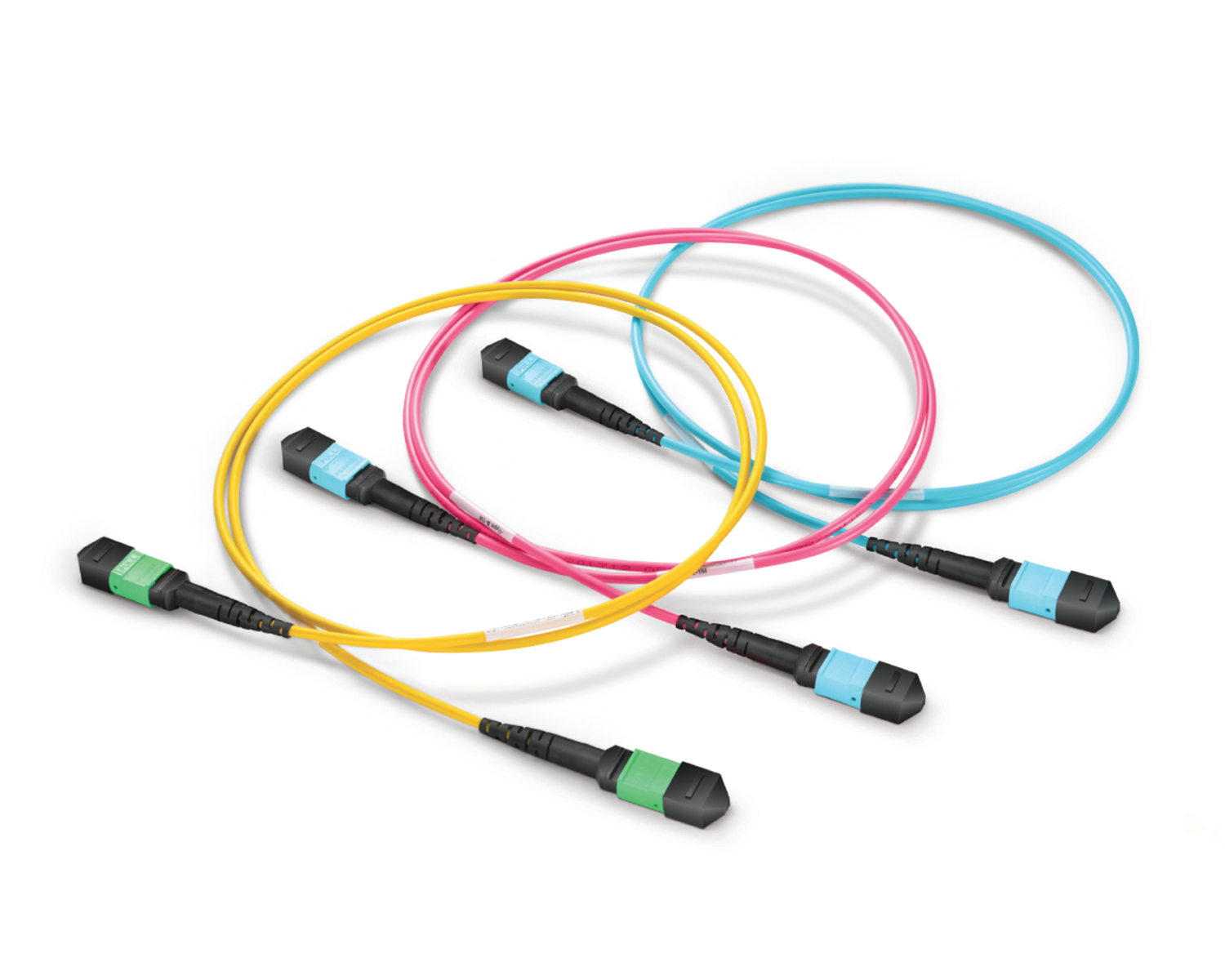 Regular/MTP-MPO Fiber Patch Cords
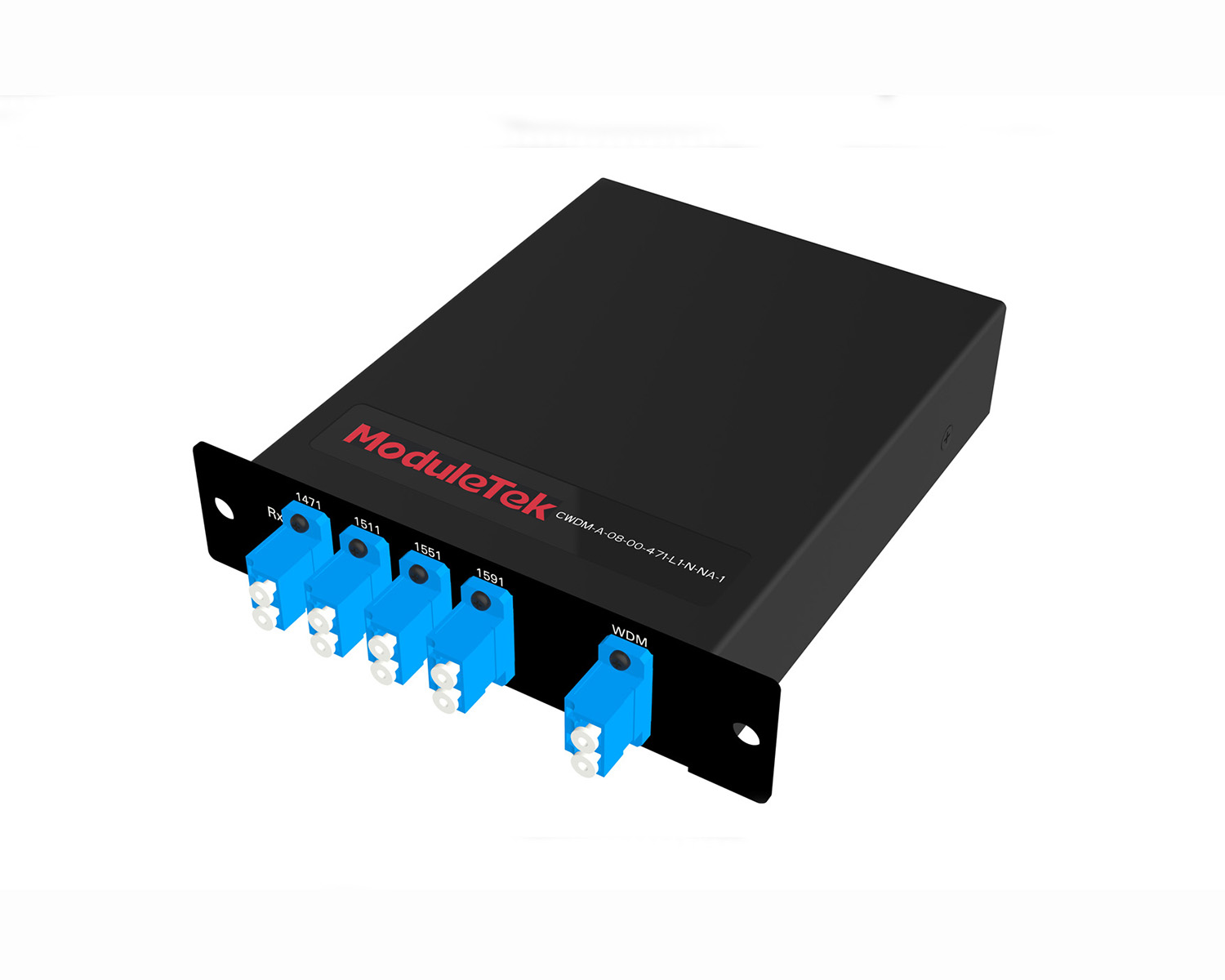 MT2011
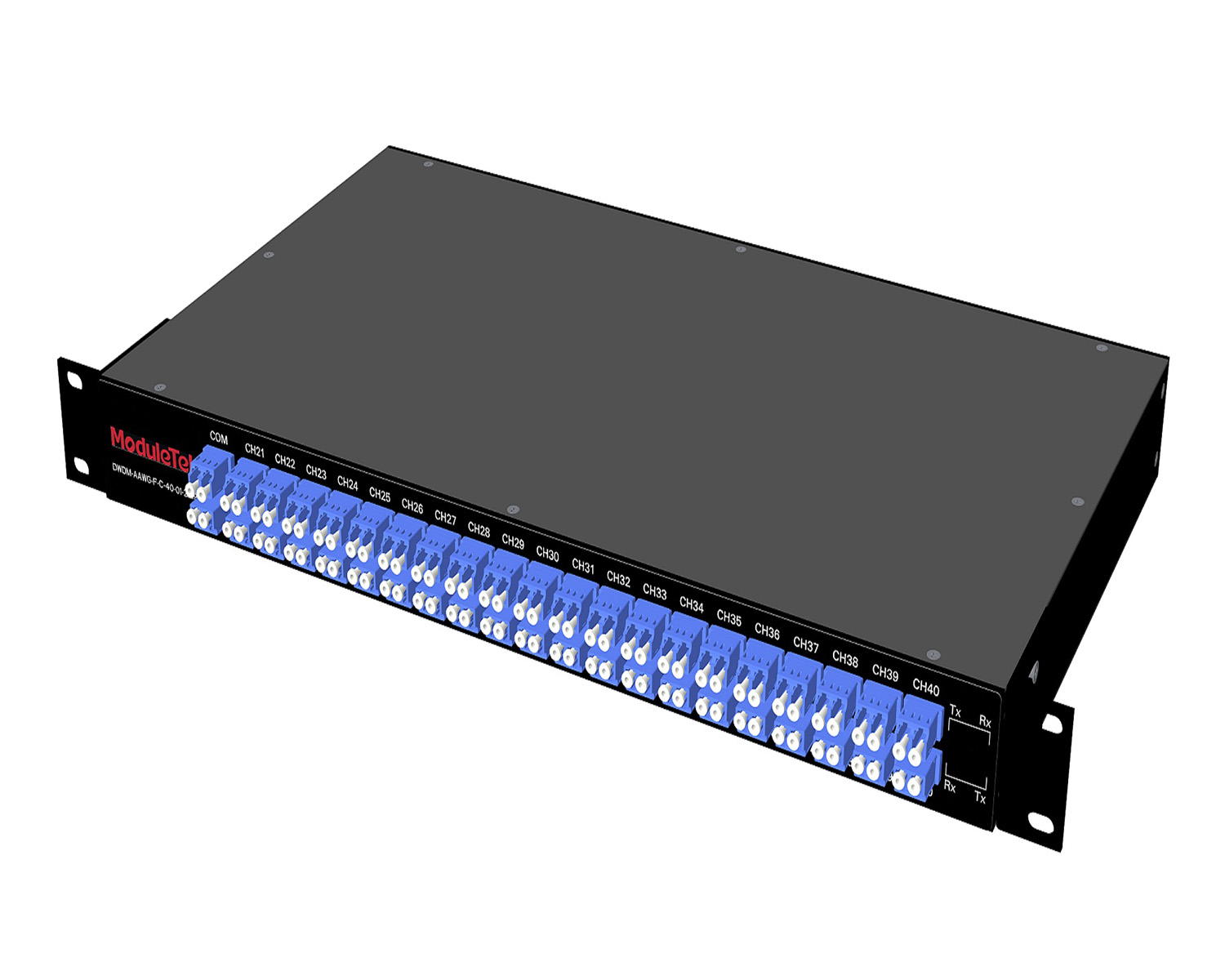 MT2010
 CodingBox
 QSFP to SFP Adapter
How To Turn Off Alarms For Third-Party Modules On H3C Switches
Time: 2024-06-30
H3C switches perform authentication on inserted optical modules. By default, a large number of alarm messages will be generated if the module is verified as non-H3C original.
H3C provides CLI commands to suppress these optical module alarm messages.
This guide uses the H3C S6820 switch as an example to show how to block alarms for non-H3C certified modules.
1. When a third-party optical module is installed on an H3C switch, the module can normally link up, but port logs will display alarm messages indicating an uncertified non-H3C module.
2. In system view, run either of the following commands to disable OPTMOD optical module alarms:
info-center source OPTMOD console level error
info-center source OPTMOD console deny
Note: Log messages can be filtered based on different severity levels.
3. After disabling non-H3C authentication alarms, the module will continue to link up normally, and no uncertified module alarms will appear in port logs.
Note: For third-party modules that do not support DOM on H3C switches, disabling alarms using these commands does not enable DDM reading. DDM data will still be unavailable.
4. To re-enable OPTMOD optical module alarms, run the following command in system view:
no info-center source OPTMOD console
For Huawei switch commands, please refer to : How To Turn Off Alarms For Third-Party Modules On Huawei Switches
Moduletek provides optical modules compatible with various H3C switch series. Welcome to purchase!
For further inquiries about the above content, please contact us at: sales@moduletek.com