
 40G/100G Optical Transceivers
 25G Optical Transceivers
 10G Optical Transceivers
 155M/2.5G Optical Transceivers
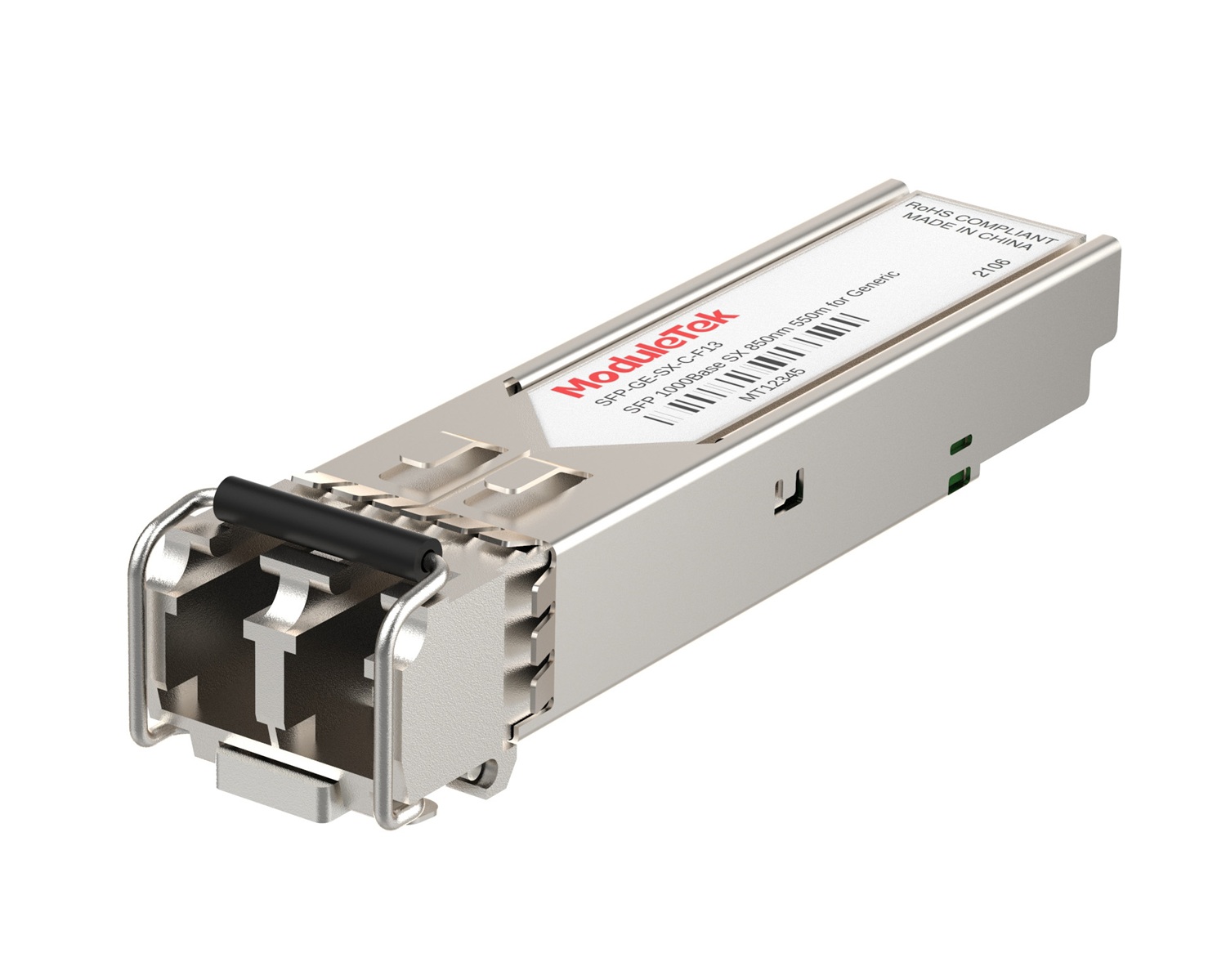 1G Optical Transceivers
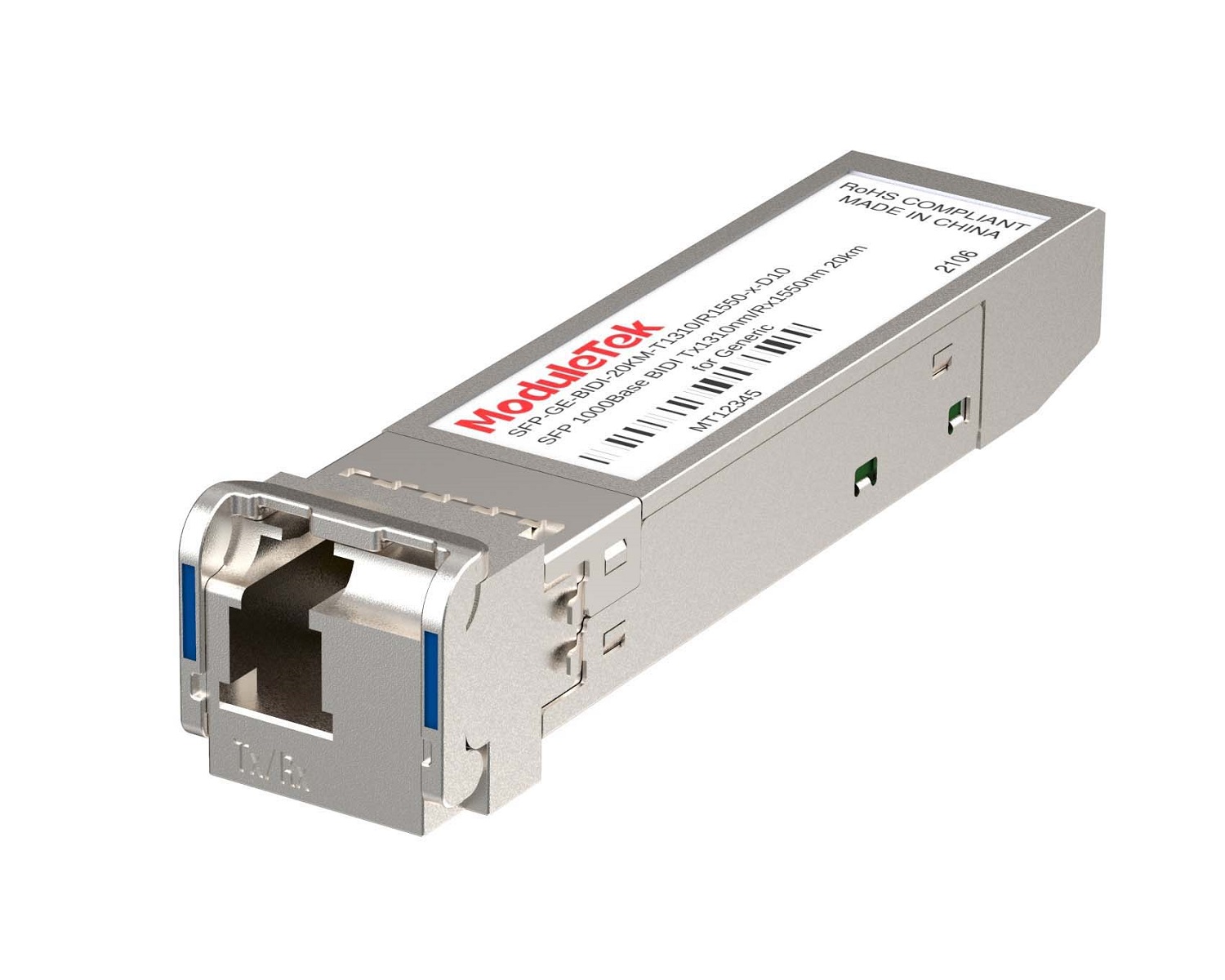 1G BIDI Optical Transceivers
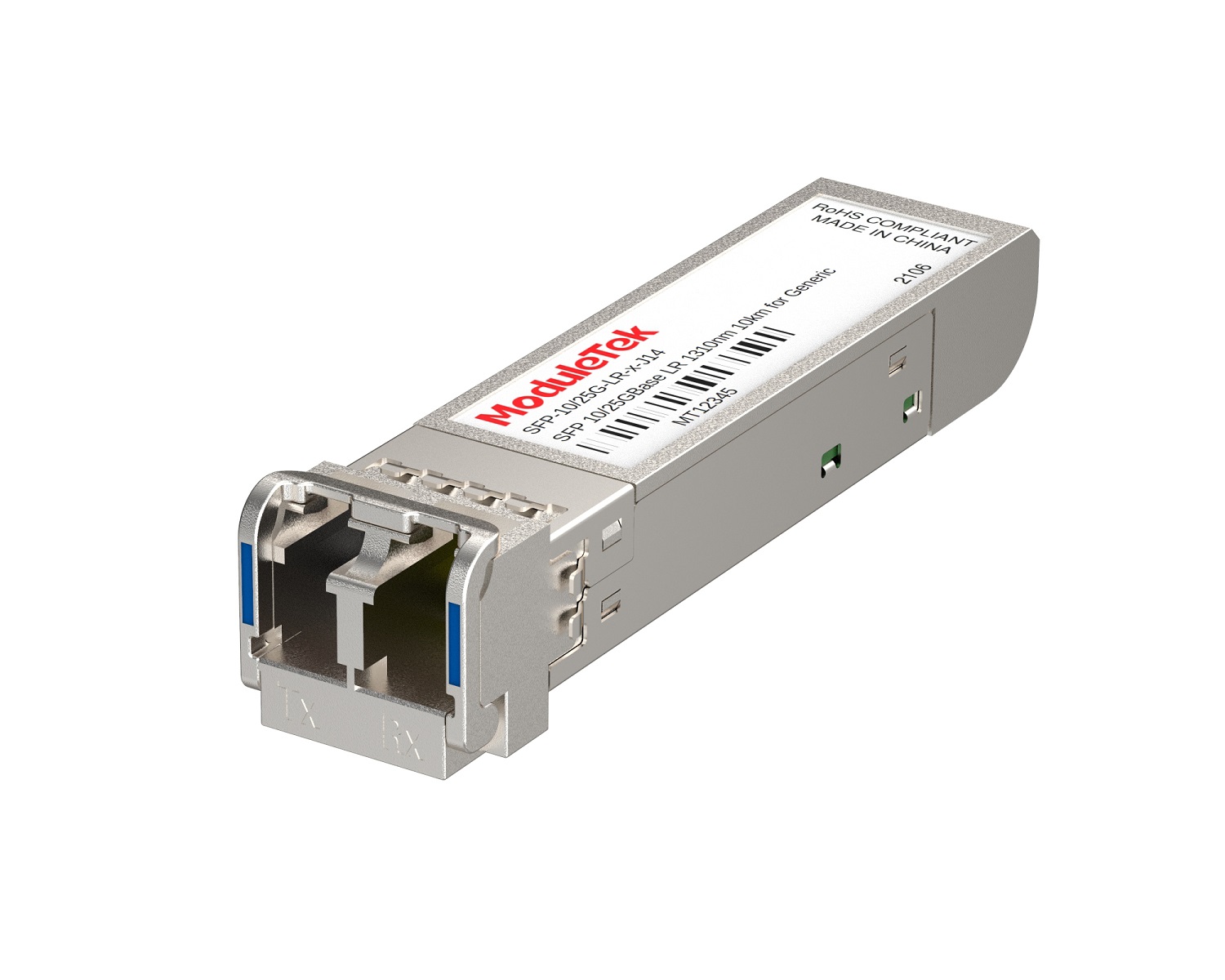 Dual-Rate Optical Transceivers
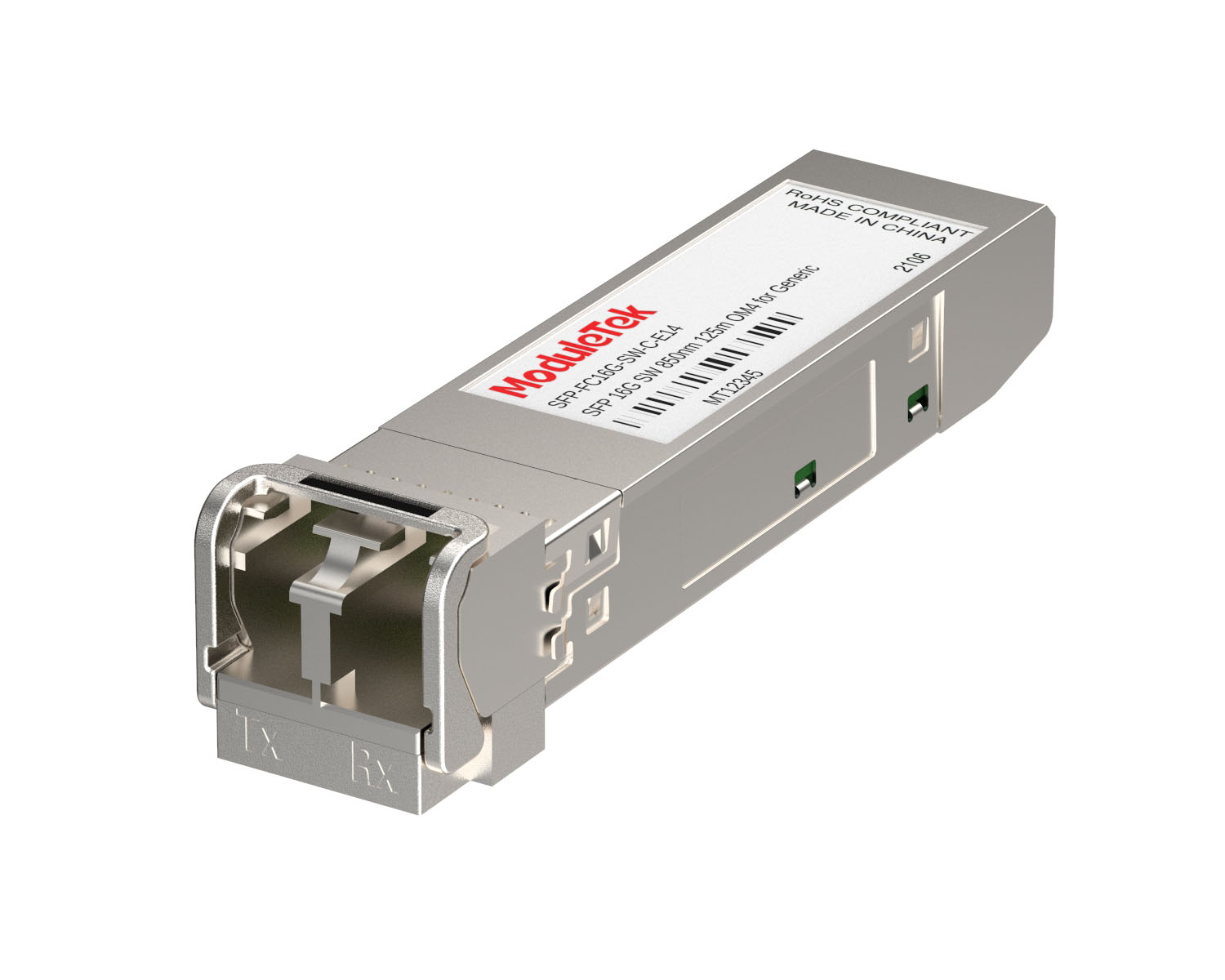 FC 16G/32G Optical Transceivers
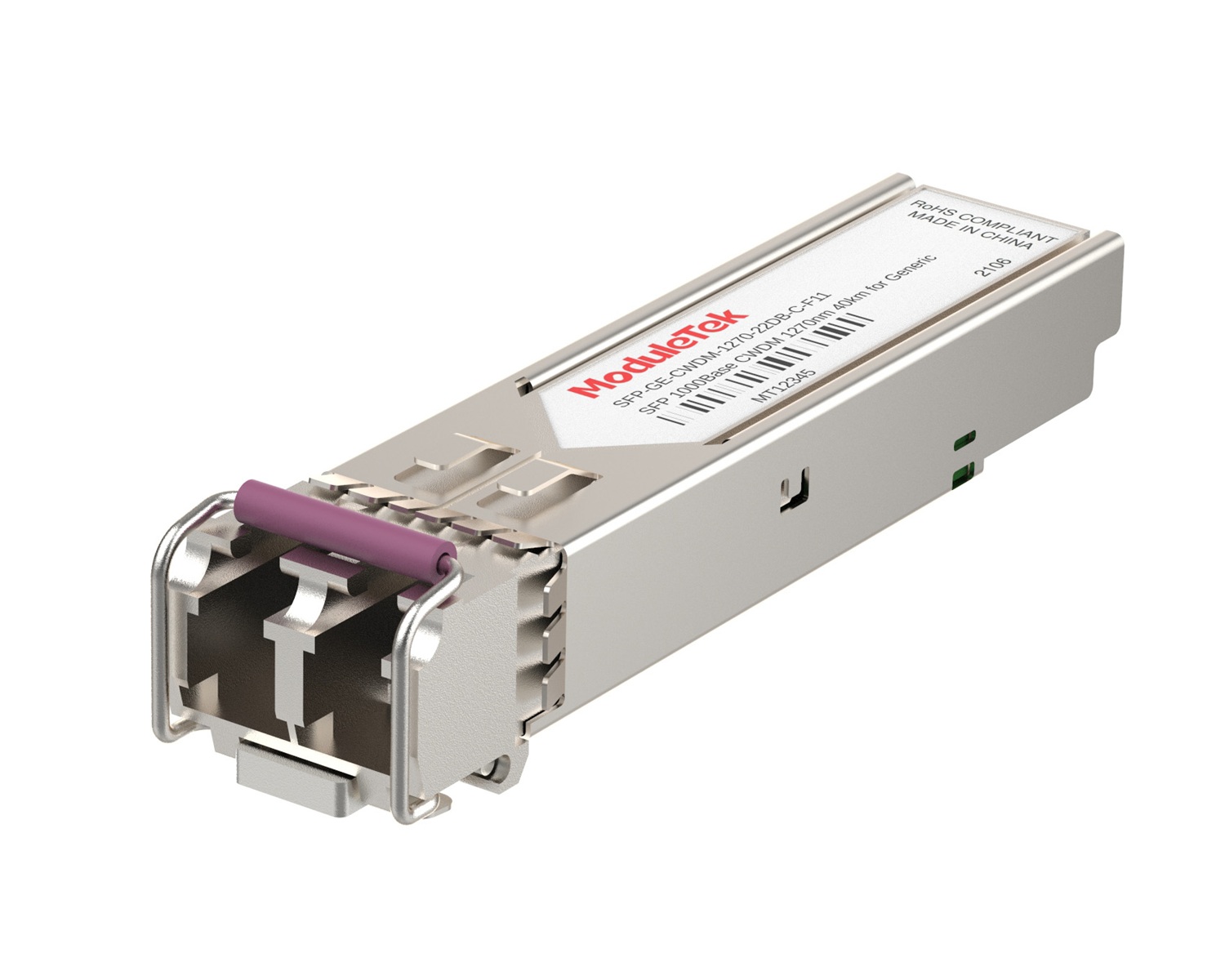 CWDM Optical Transceivers
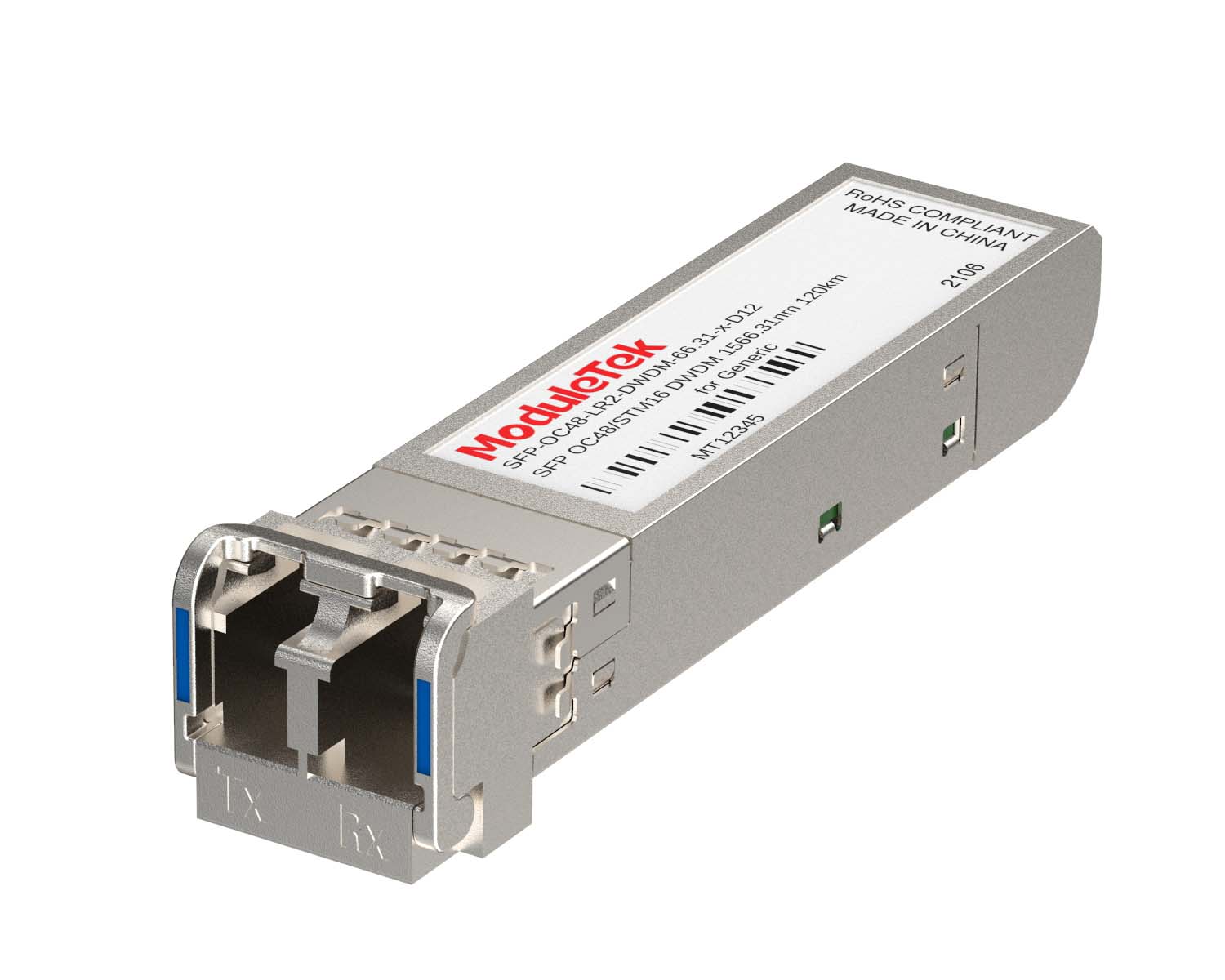 DWDM Optical Transceivers
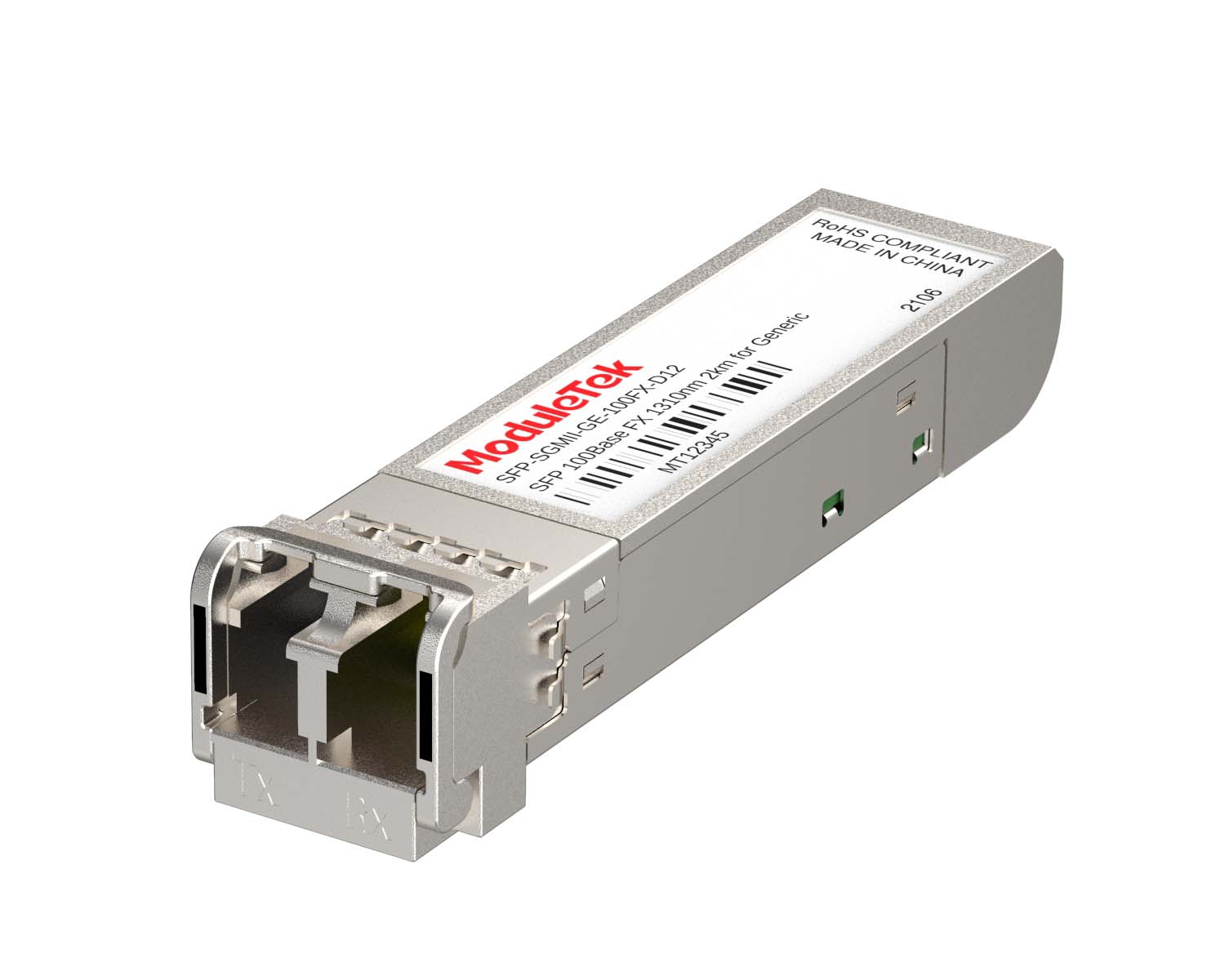 SGMII Port Optical Transceivers
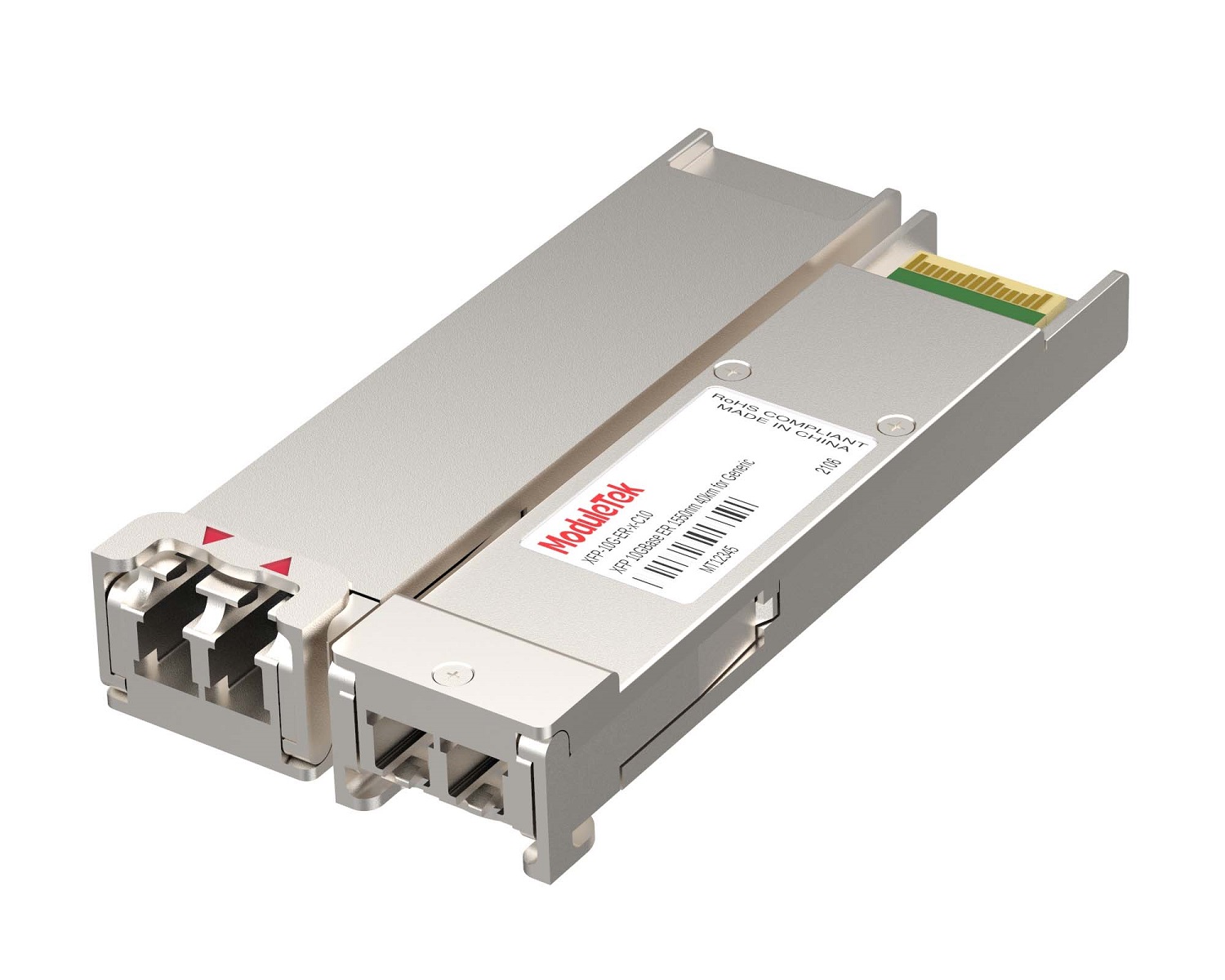 XFP Optical Transceivers
 100M/1G/10G Coppers
 Full-Rate AOC & Breakout Series
 10G/40G Active DAC Series
 Full-Rate Passive DAC Series
 40G/100G Passive Breakout DAC Series
 Regular/MTP-MPO Fiber Patch Cords
 MT2011
 MT2010
 CodingBox
 QSFP to SFP Adapter
 首页 > Home > Application Notes > How To Open Ports And Read Optical Module Information On Gigamon Switches
How To Open Ports And Read Optical Module Information On Gigamon Switches
Time: 2023-12-06
We have previously covered that ports on most mainstream switches are enabled by default, allowing optical modules to be recognized and their information read directly.
However, some network devices (such as routers) have their ports disabled by default, requiring manual port activation.
Gigamon switches also follow this practice — their ports are shut down by default.
This article uses a Moduletek SFP-10G-SR optical module installed in a Gigamon GigaVUE-TA101 as an example to demonstrate how to enable ports and read optical module information on Gigamon devices.

Figure 1 Optical Module Access Schematic
1. Check Port Status
Run the command:
show port
This command displays the status of all ports. If the Admin field shows disable, the port is administratively shut down.
The output includes interface type, speed, module type, administrative status, and more.
A port can only operate normally when Admin is set to enable.
2. Enable the Port
In privileged EXEC mode, run the following command to administratively enable the port:
port <port-id> params admin enable
Explanation:
• <port-id> represents the target port identifier, in the format <box-id>/<slot-num>/<port-num> (e.g., 1/1/x18).
You can use show port to confirm the exact port ID.
• Port speed abbreviations:
g = 1 Gb/s
x = 10 Gb/s
q = 40 Gb/s
c = 100 Gb/s
Once enabled, the port is ready for service.
3. Read Optical Module Information
Run the following command to view detailed information about the optical module on the specified port:
show port params port-list <port-id>
This single command displays integrated information including:
• Port link status
• Optical module type and rate
• Vendor name, serial number and part number
• DOM (Digital Optical Monitoring) values such as transmit optical power
Output content may vary slightly across different device models or firmware versions.
Module‑related data (type, serial number, optical power, etc.) is read directly from the module’s on-board memory,
while port-related data (administrative status, duplex mode, etc.) comes from the switch configuration.
Moduletek provides a full range of optical modules compatible with Gigamon switches. Welcome to purchase.
Moduletek Limited is at your service.
For further inquiries about the above content, please contact us at: sales@moduletek.com