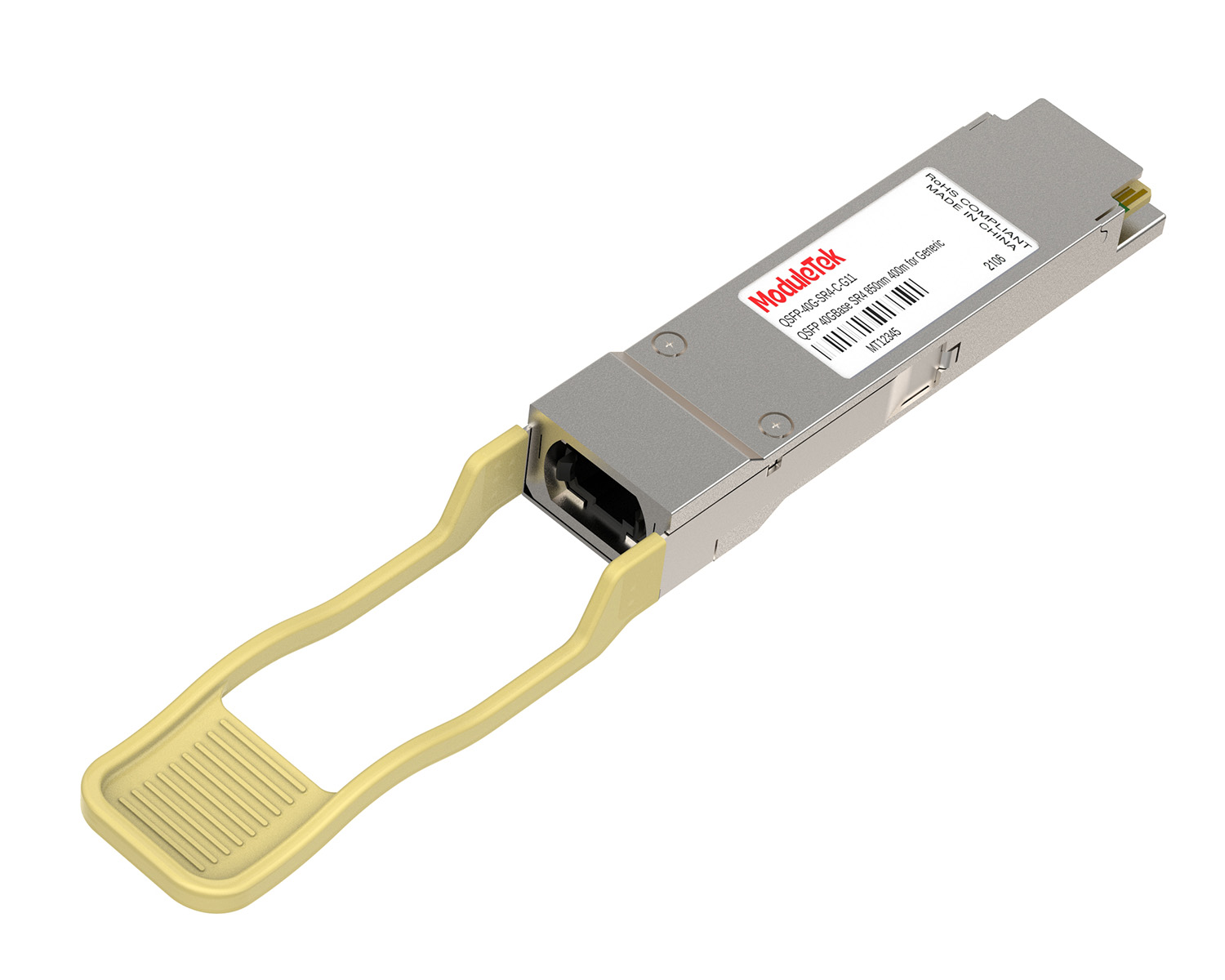
 40G/100G Optical Transceivers
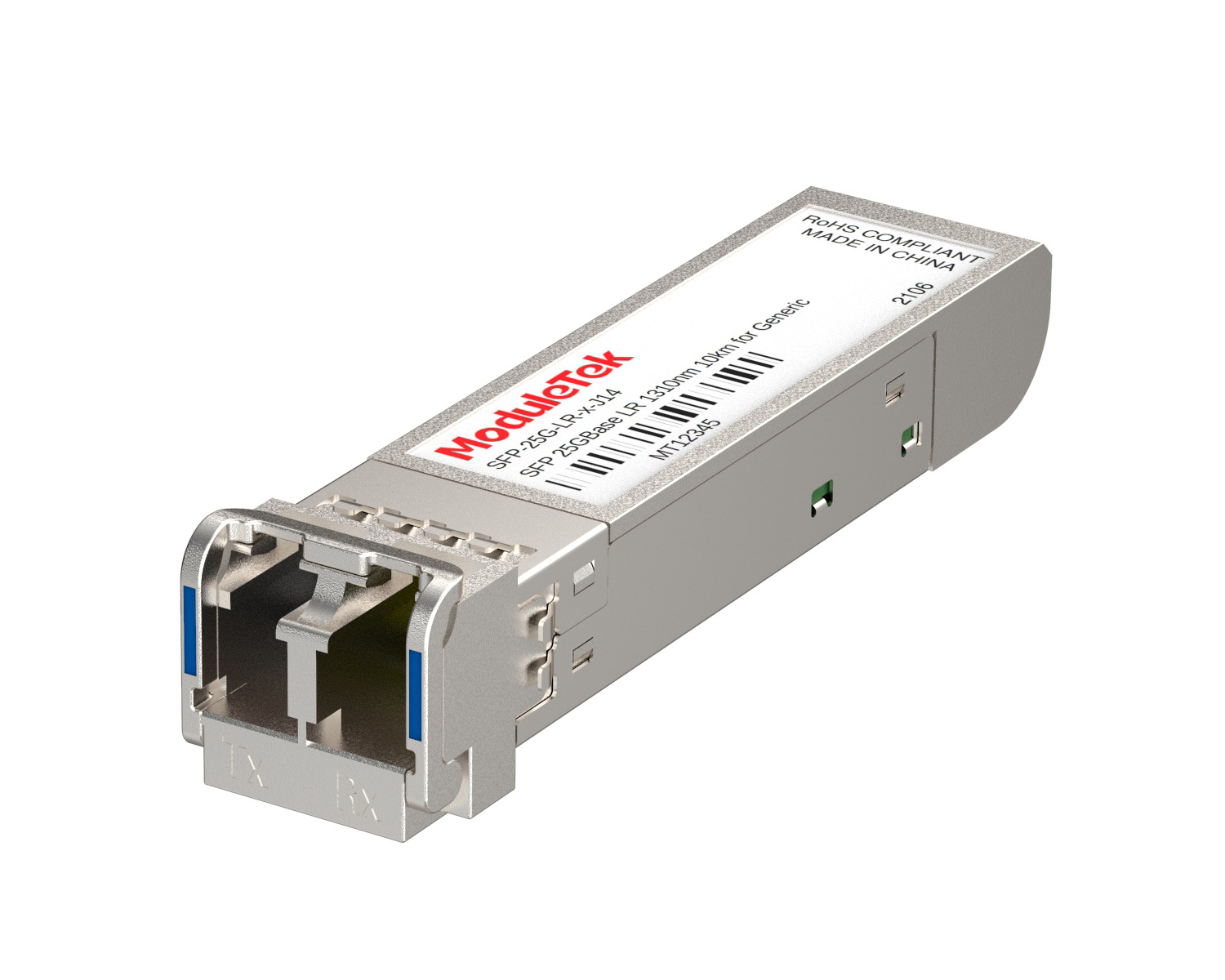 25G Optical Transceivers
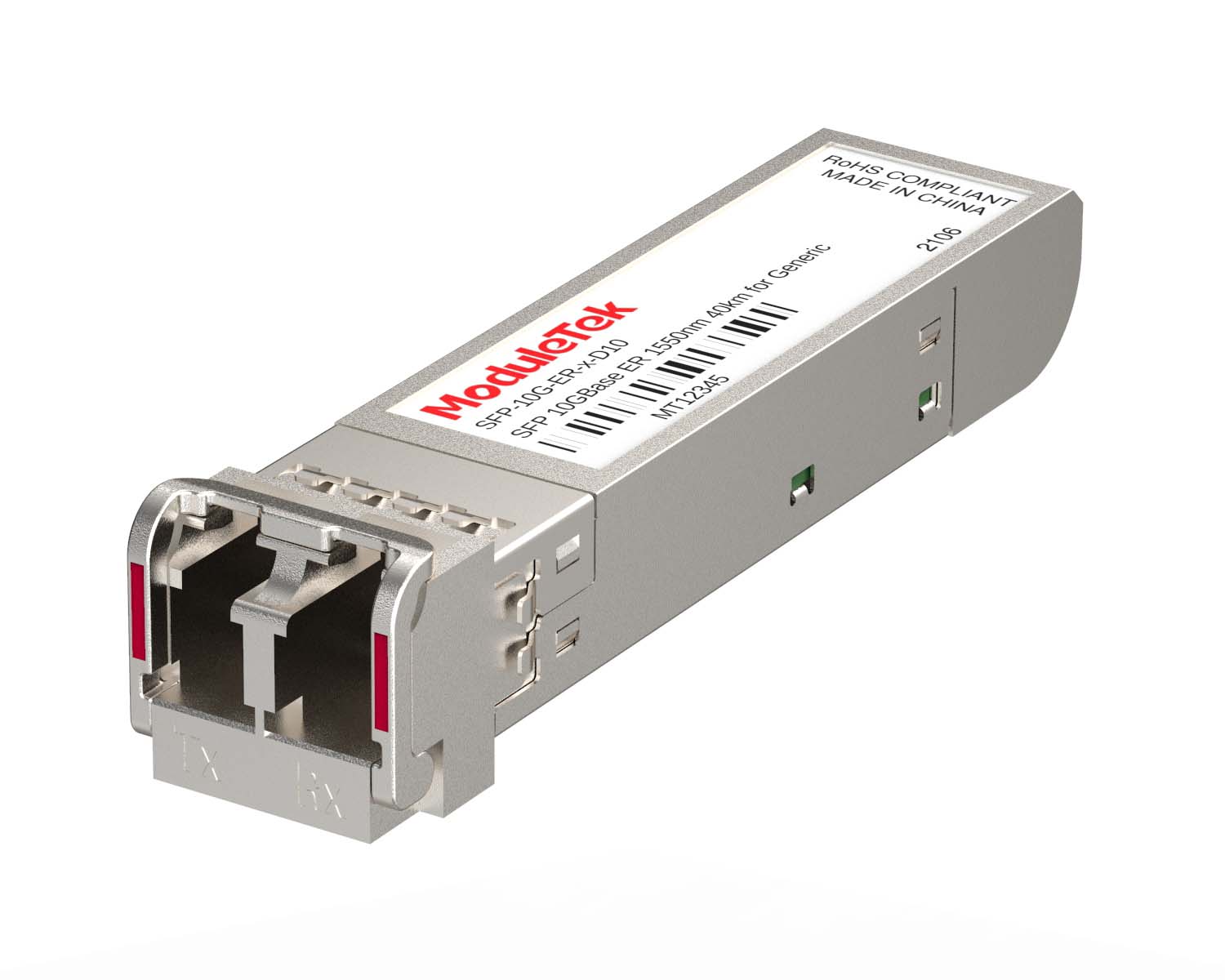 10G Optical Transceivers
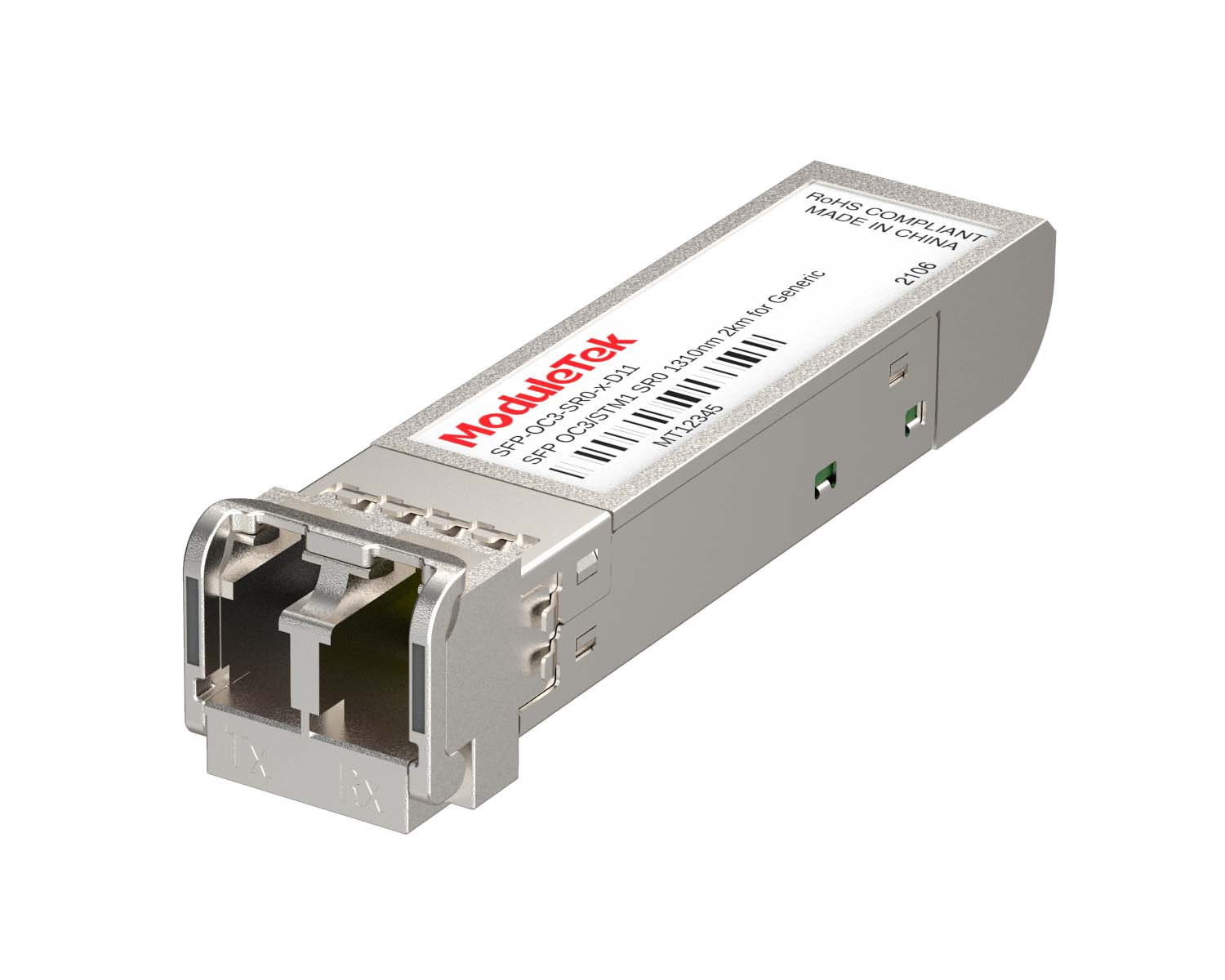 155M/2.5G Optical Transceivers
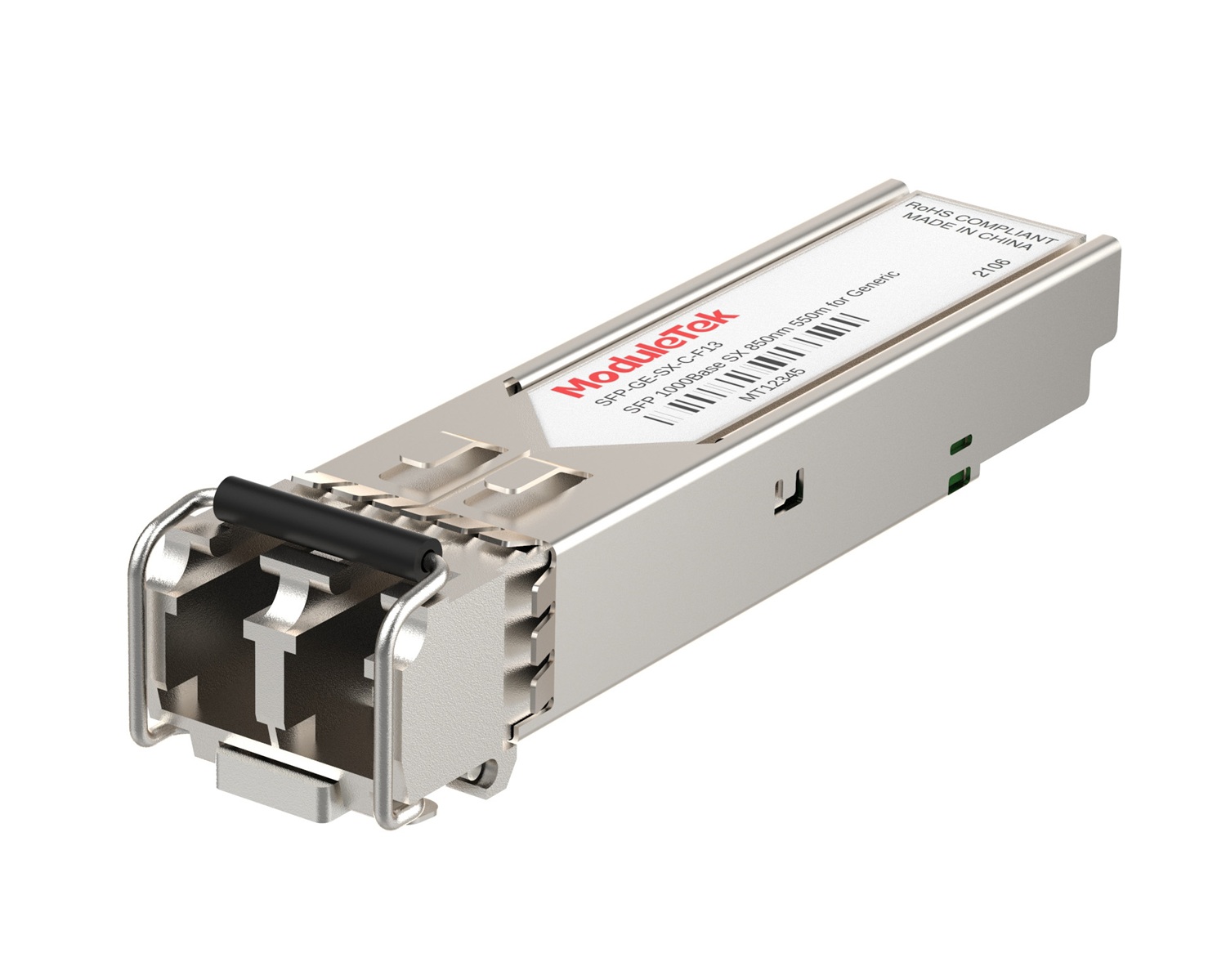 1G Optical Transceivers
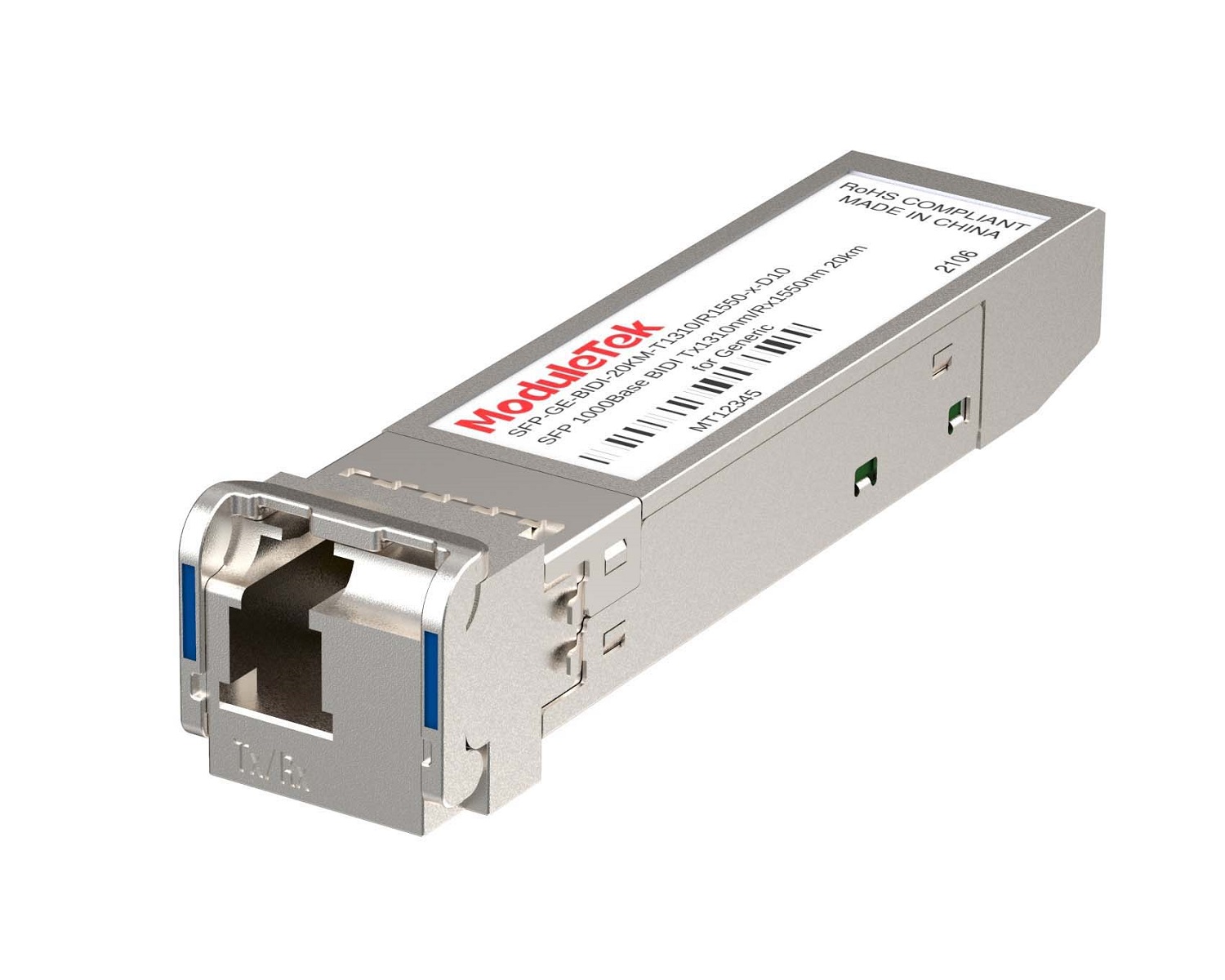 1G BIDI Optical Transceivers
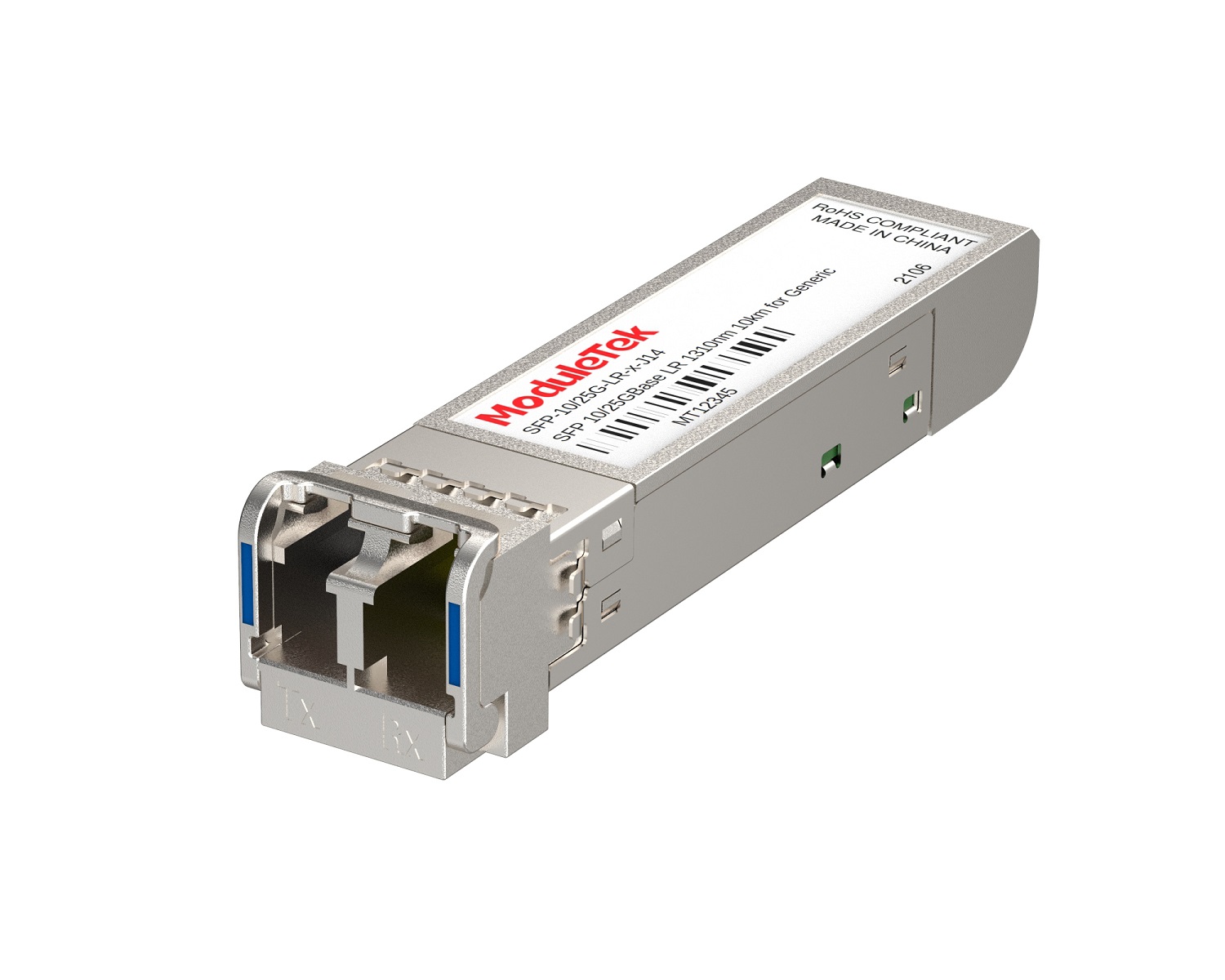 Dual-Rate Optical Transceivers
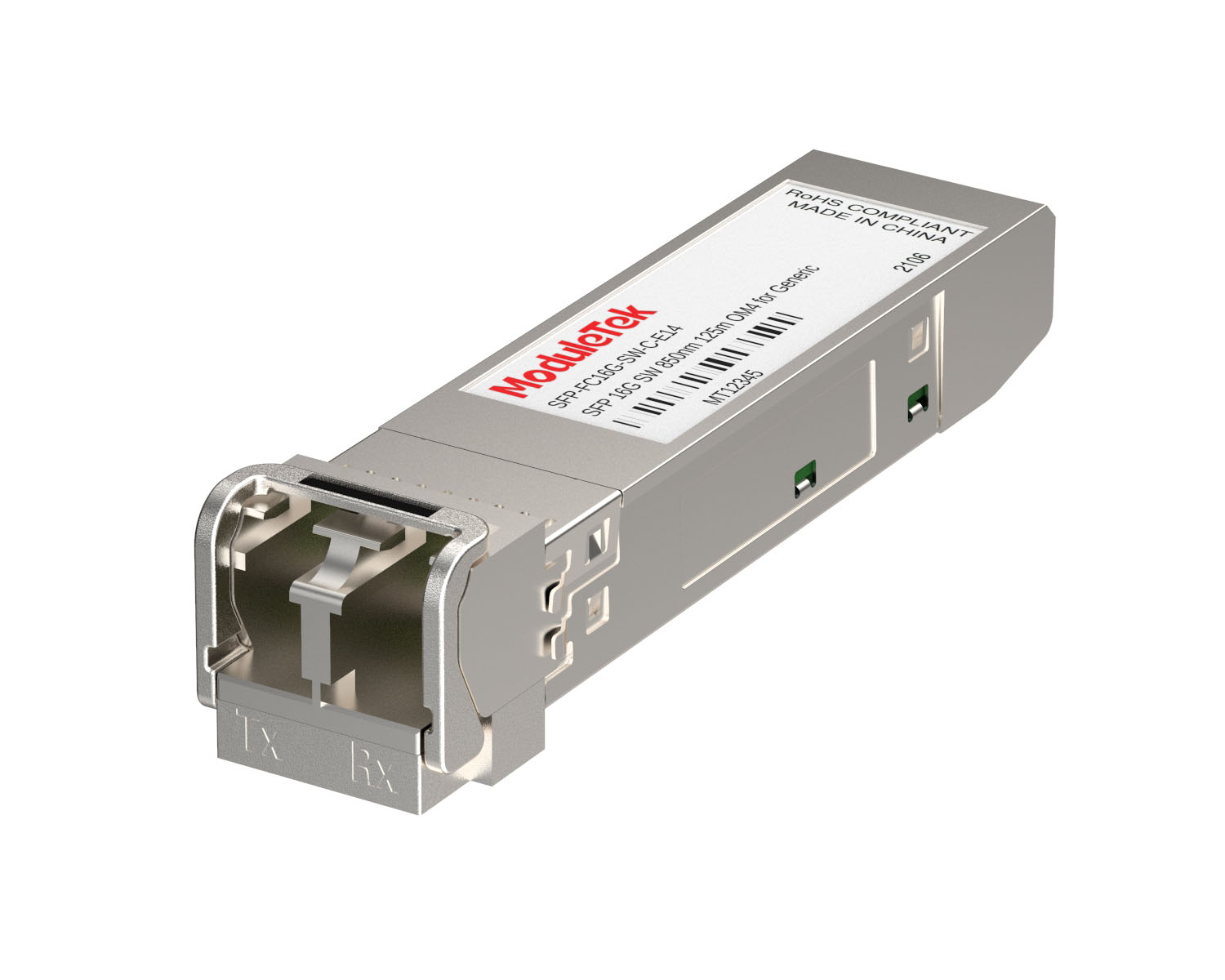 FC 16G/32G Optical Transceivers
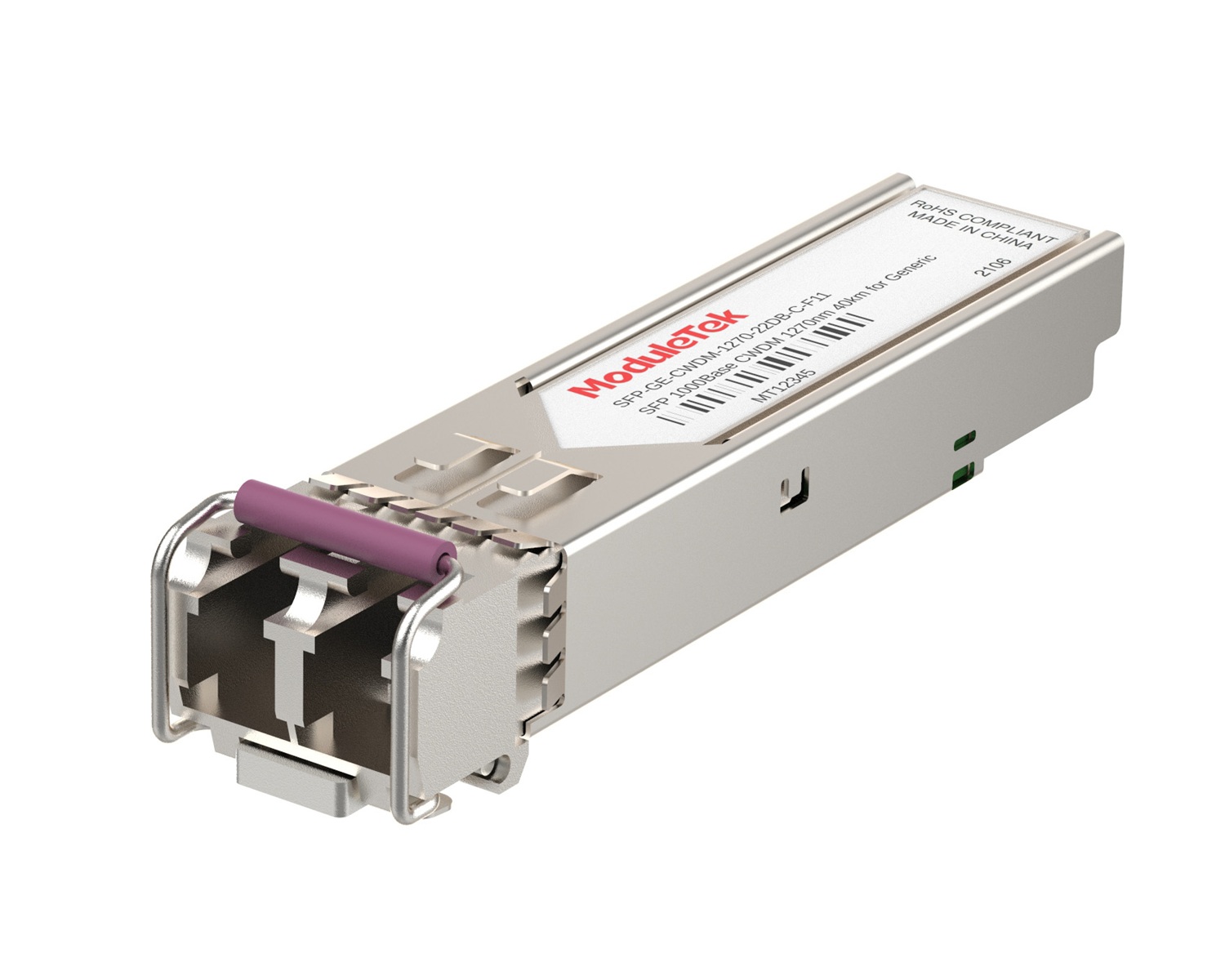 CWDM Optical Transceivers
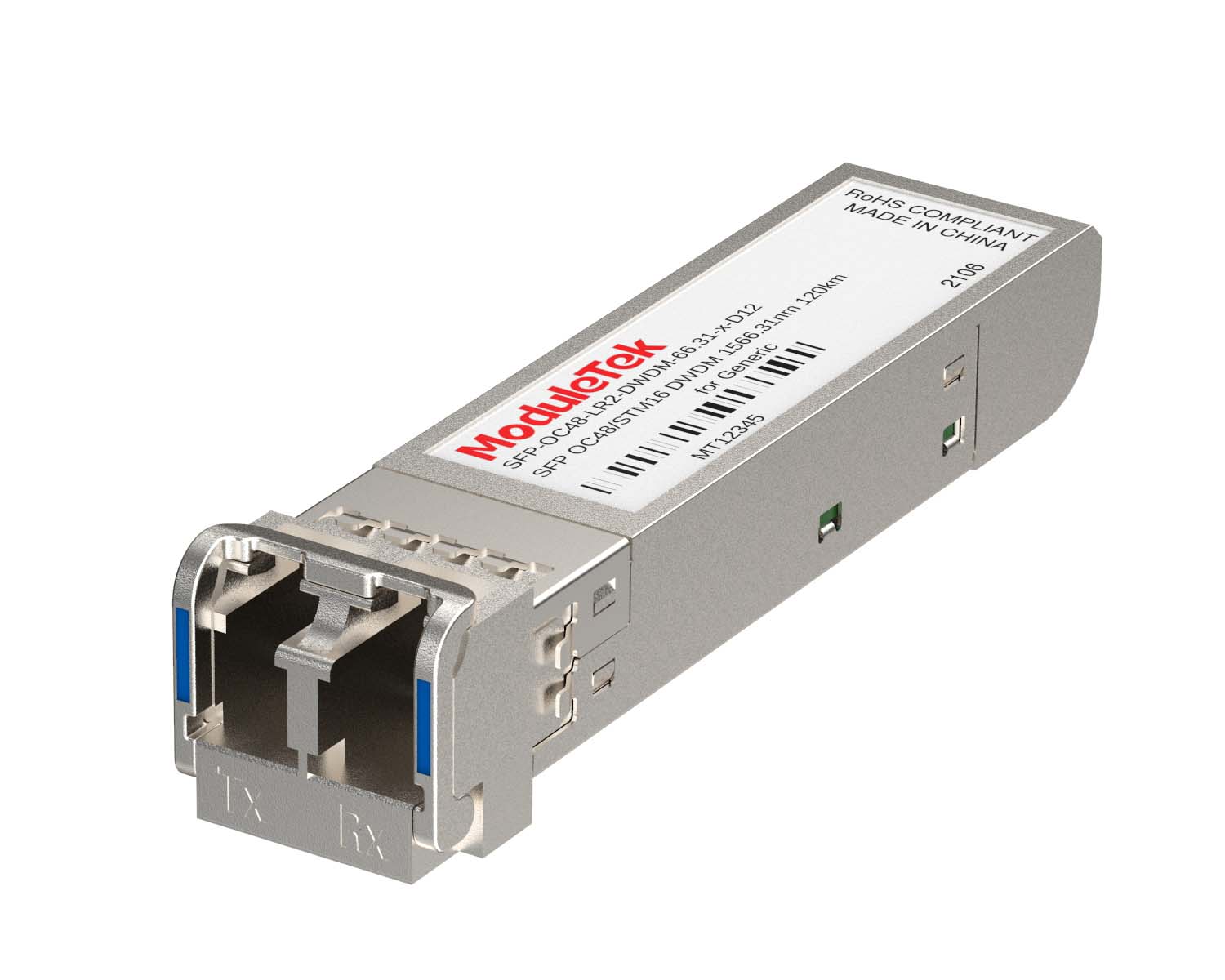 DWDM Optical Transceivers
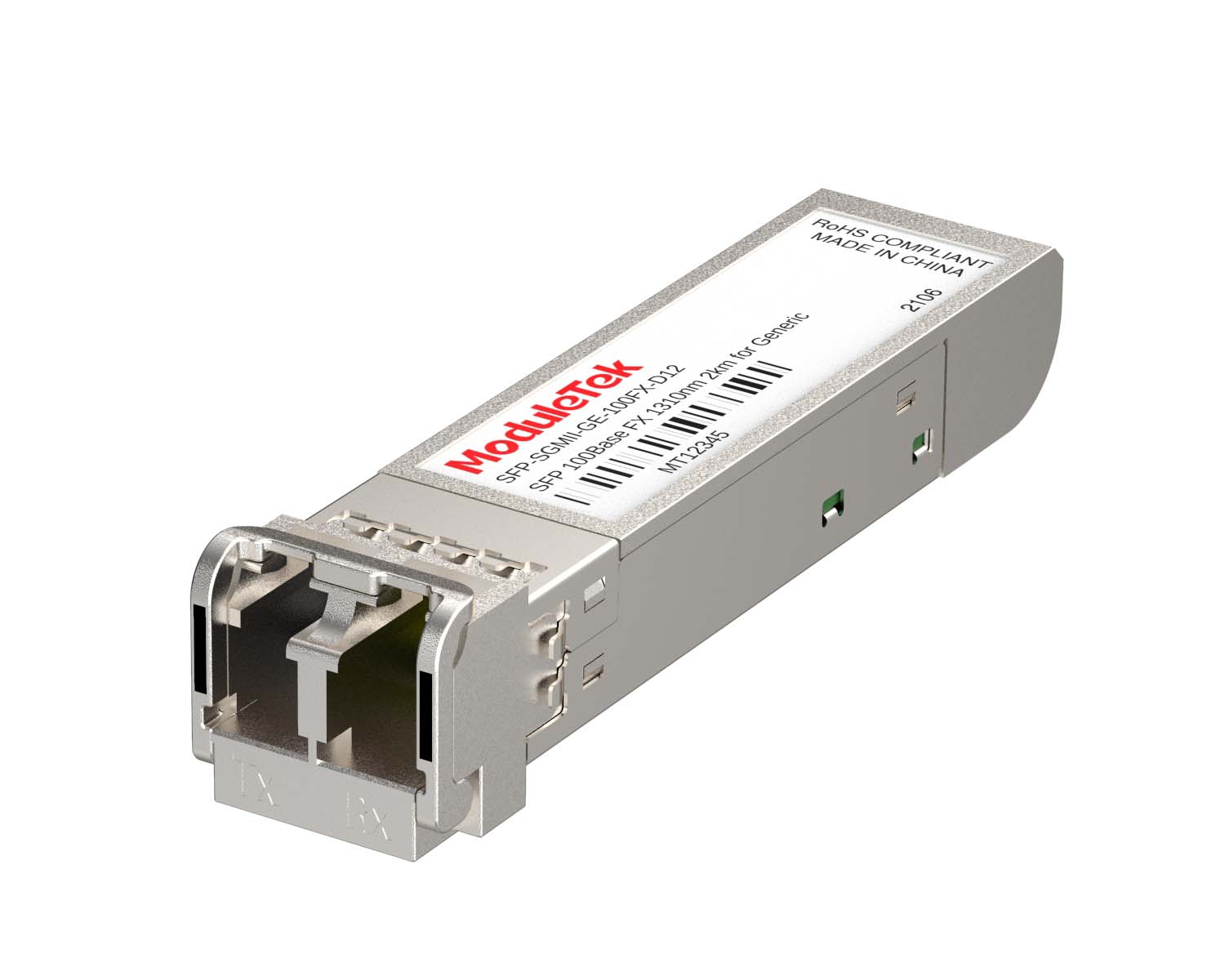 SGMII Port Optical Transceivers
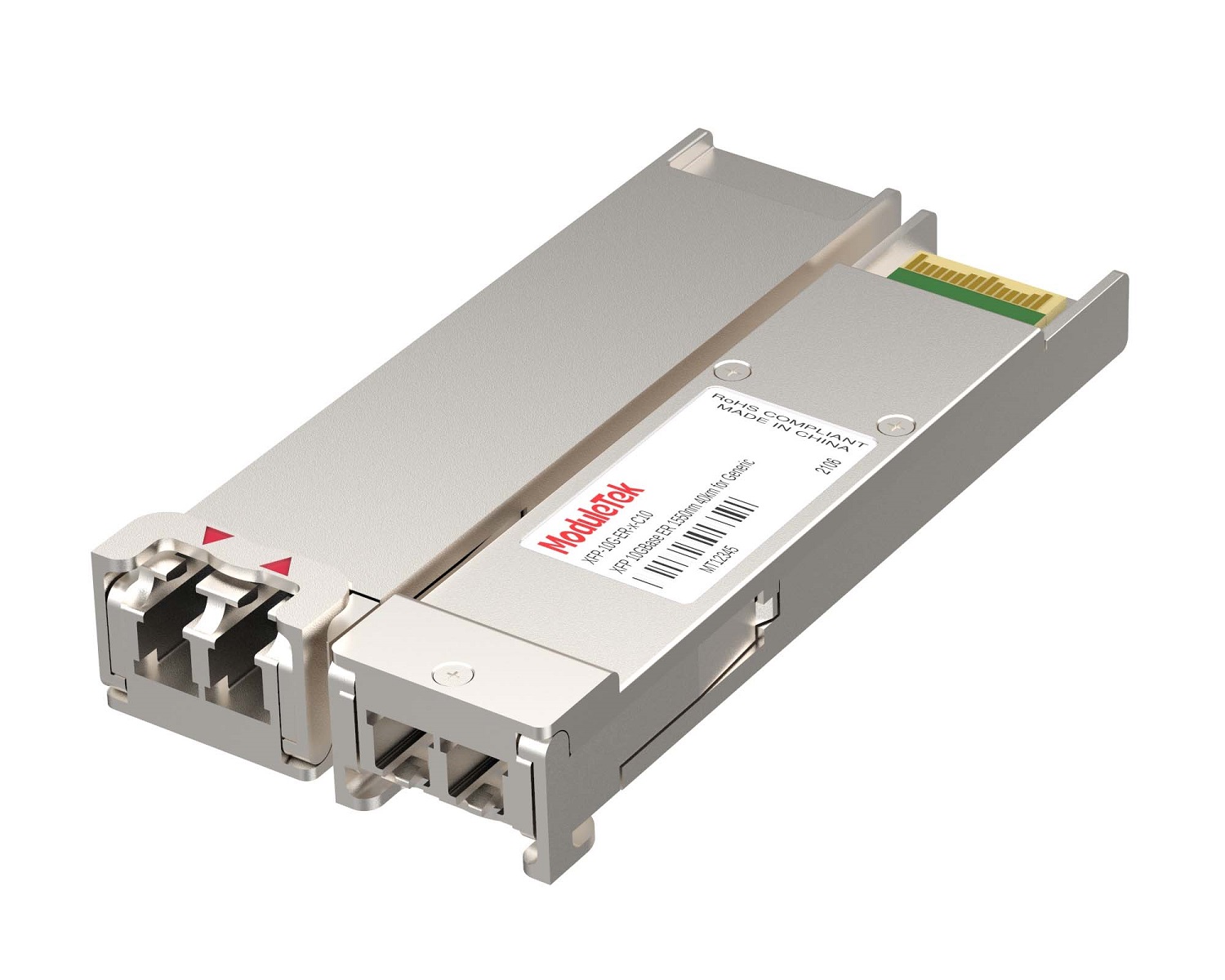 XFP Optical Transceivers
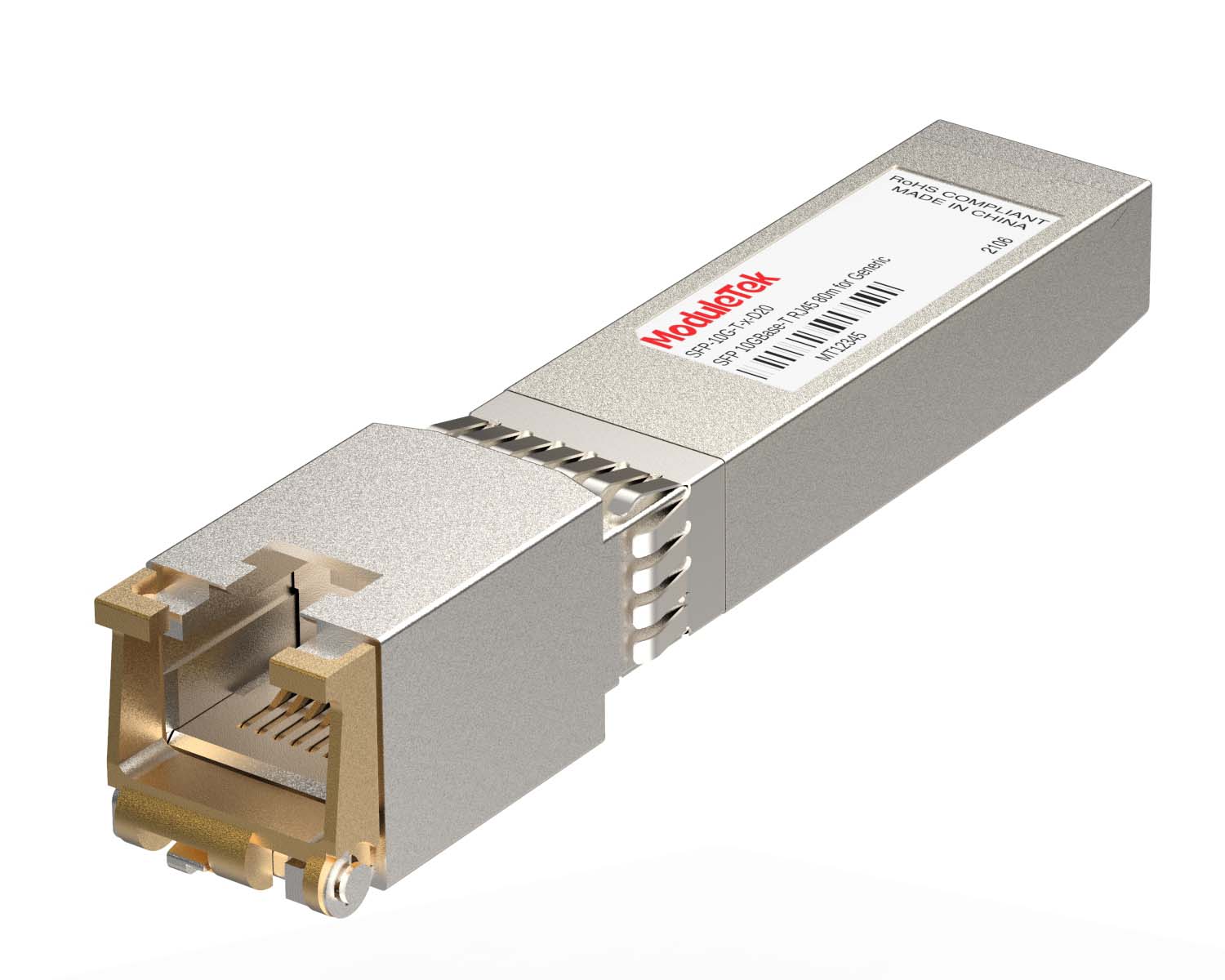 100M/1G/10G Coppers
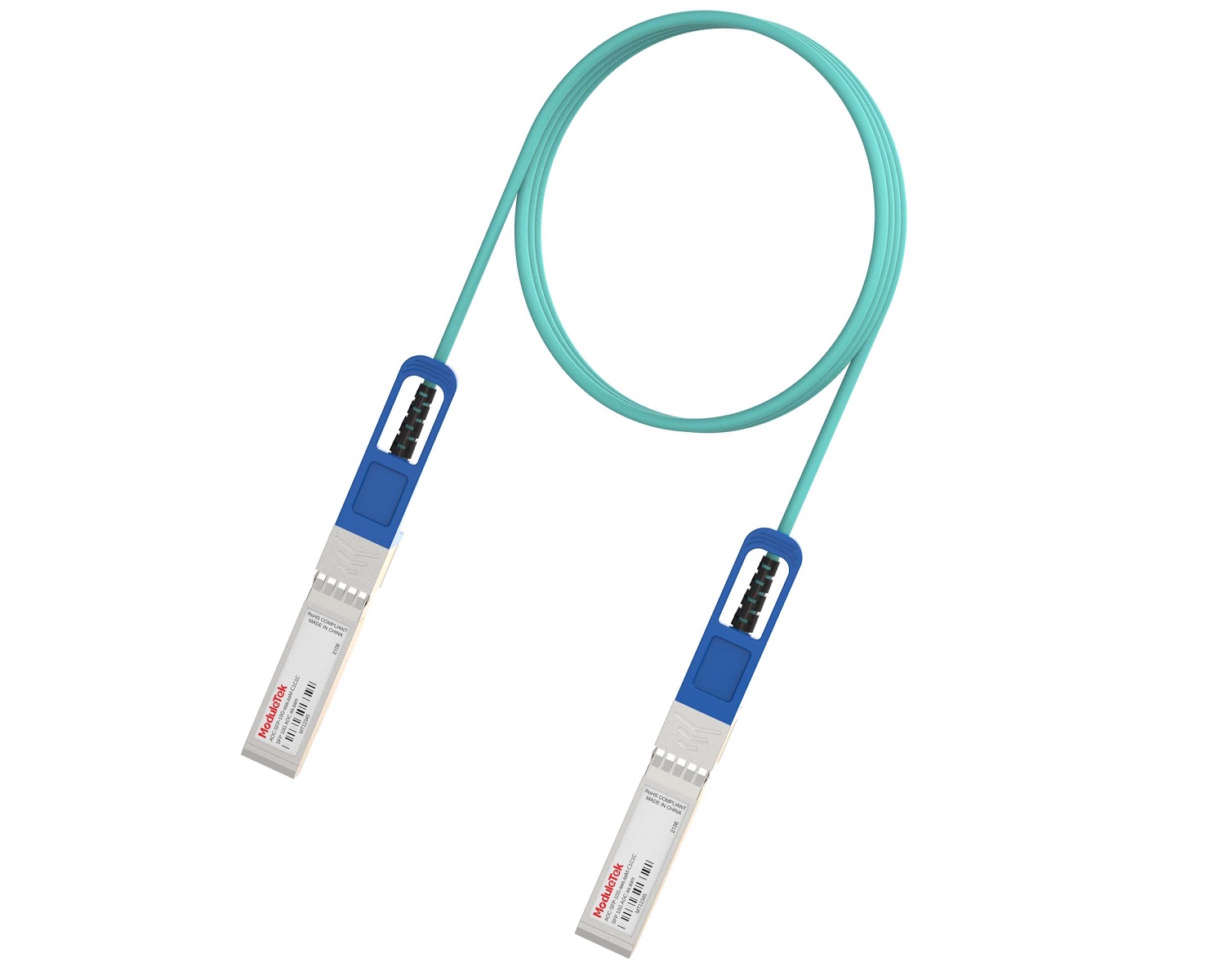 Full-Rate AOC & Breakout Series
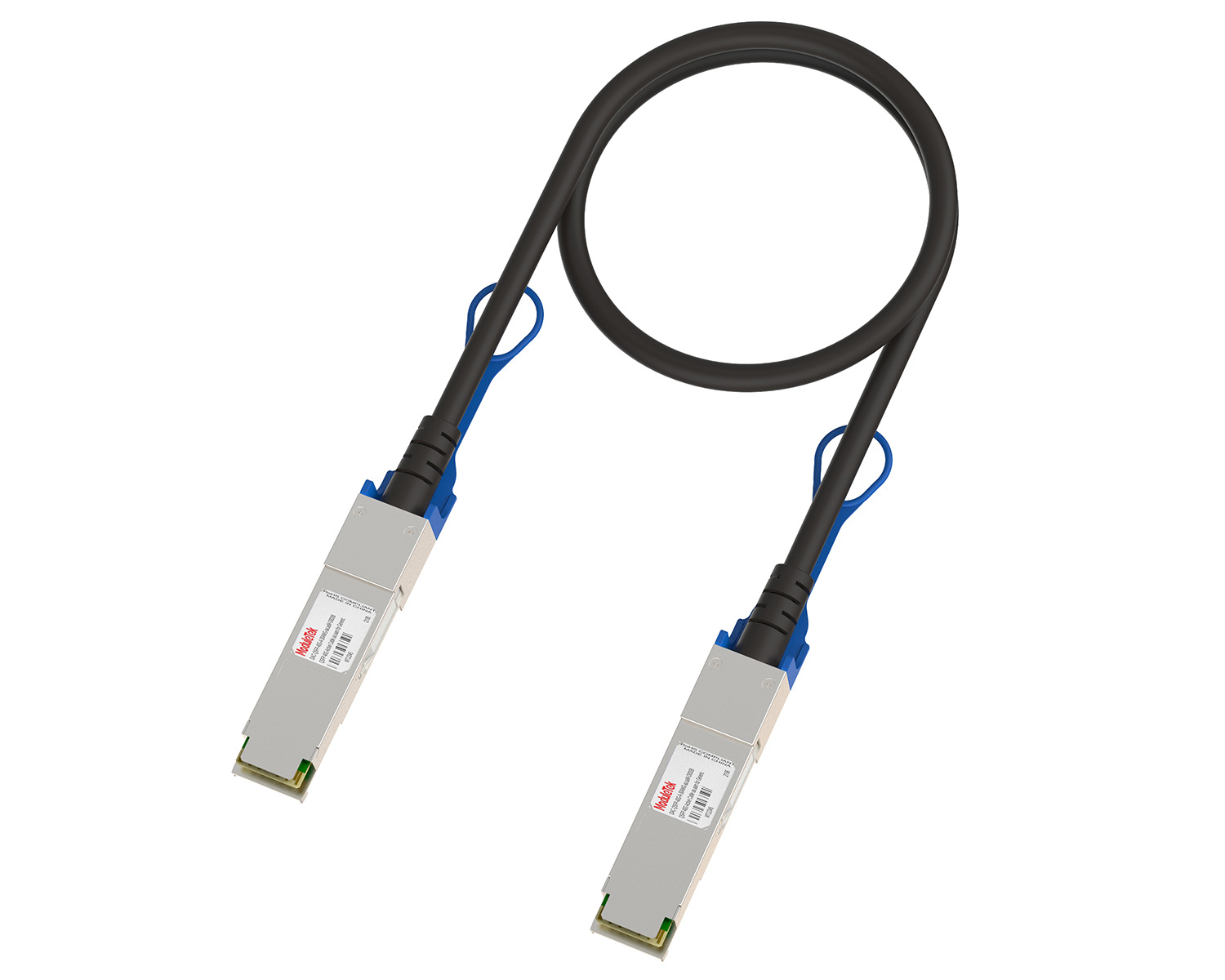 10G/40G Active DAC Series
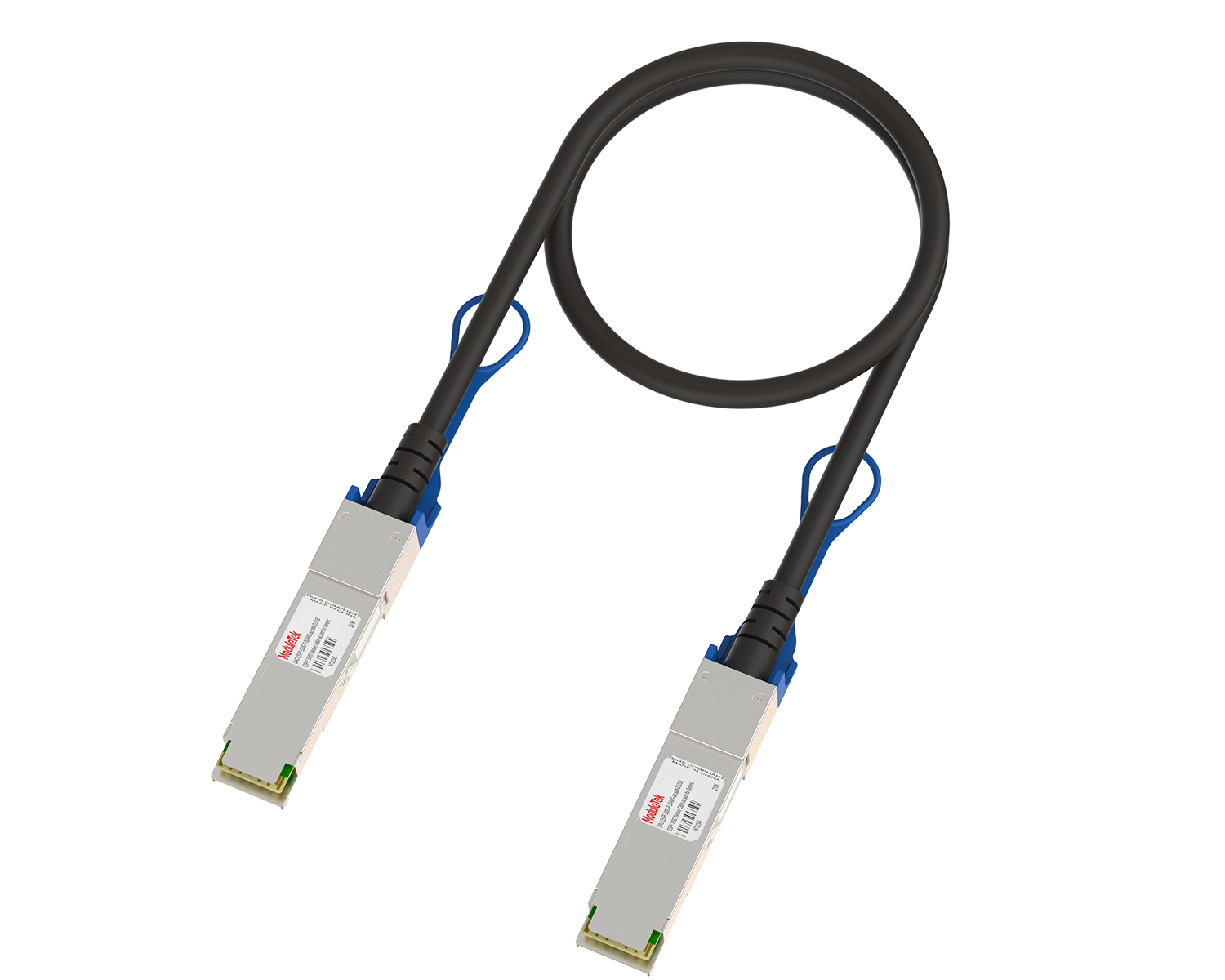 Full-Rate Passive DAC Series
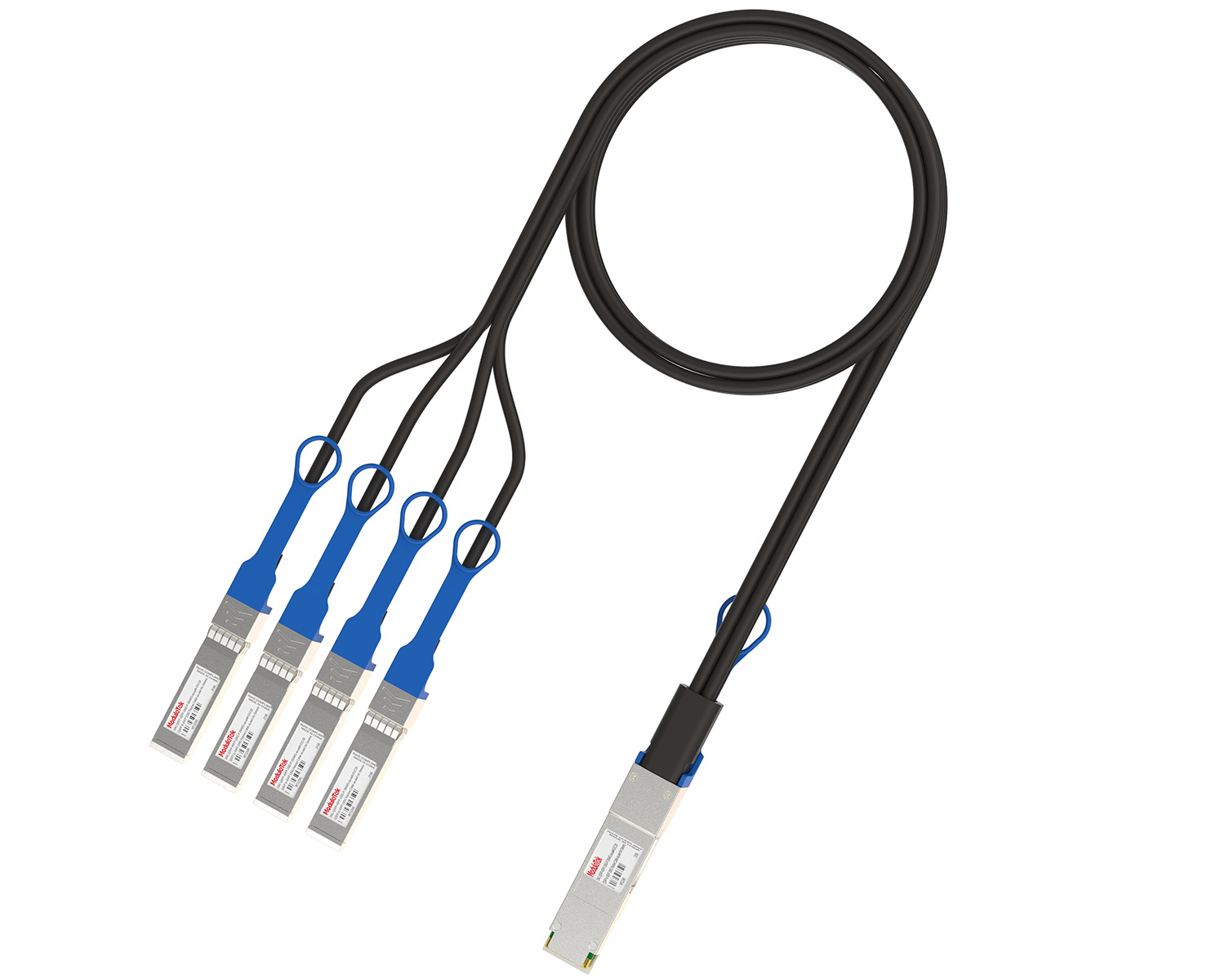 40G/100G Passive Breakout DAC Series
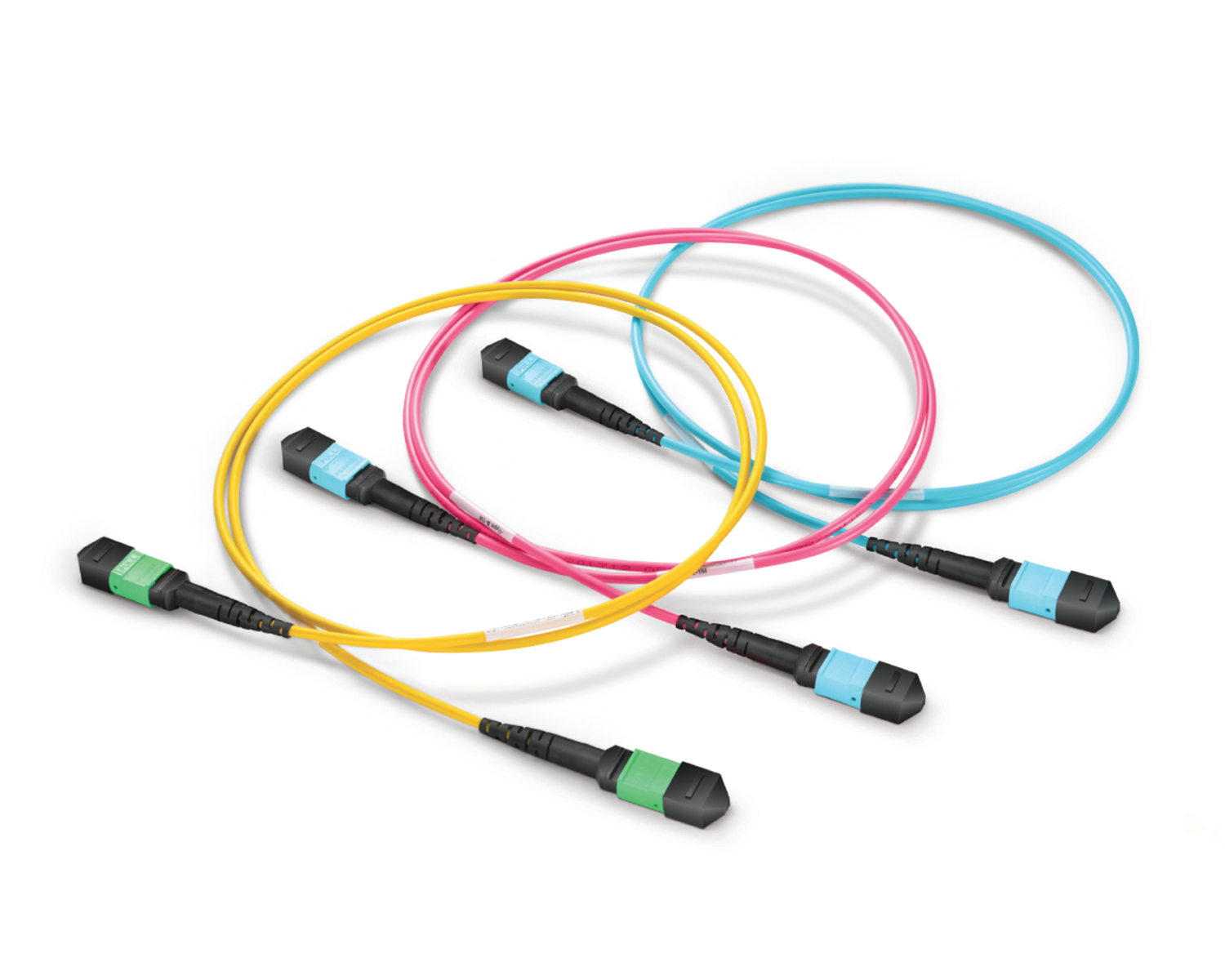 Regular/MTP-MPO Fiber Patch Cords
 MT2011
 MT2010
 CodingBox
 QSFP to SFP Adapter
Unboxing Of Cisco C1200-16T-2G Switch
Time: 2024-08-23
Cisco Catalyst 1200 Series is a next-generation intelligent switch, featuring flexible management options, comprehensive security functions and Layer 3 static routing capabilities. It provides a cost-effective, ideal solution for small and medium-sized enterprise networks.
Moduletek Laboratory purchased a Cisco C1200-16T-2G switch for compatibility testing of 1G SFP transceivers. This document presents the complete unboxing, inspection and acceptance process, as well as key hardware details of the device.
Table 1 Official Device Specifications
| Model | Official Description |
| C1200-16T-2G | 16x 10/100/1000 ports, 2x Gigabit SFP, Rack-mountable |
• Outer Package Inspection
The outer carton is printed with a clear Cisco logo. In addition to basic information (device model, product specifications, and device ID label), it is also attached with a compliance label specifying the names and contents of toxic and hazardous substances/elements in the product. The package is intact with no damage, deformation or stains, complying fully with factory standards.
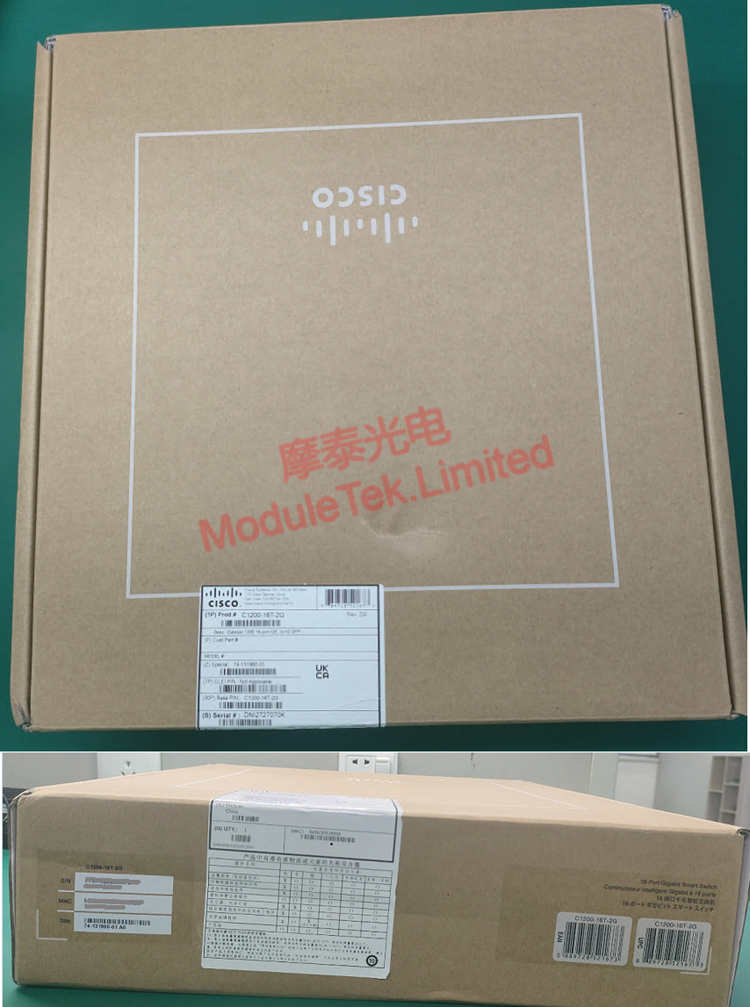
Figure 1 Outer Packaging
• Unboxing & Accessory Checklist
After opening the outer package, internal items are neatly arranged. An inventory confirms all standard accessories are complete and undamaged:
1× Switch host (built-in power module, no additional configuration required)
1× Accessory kit (including rack-mounting screws)
1× Product user guide
1× Standard power cord
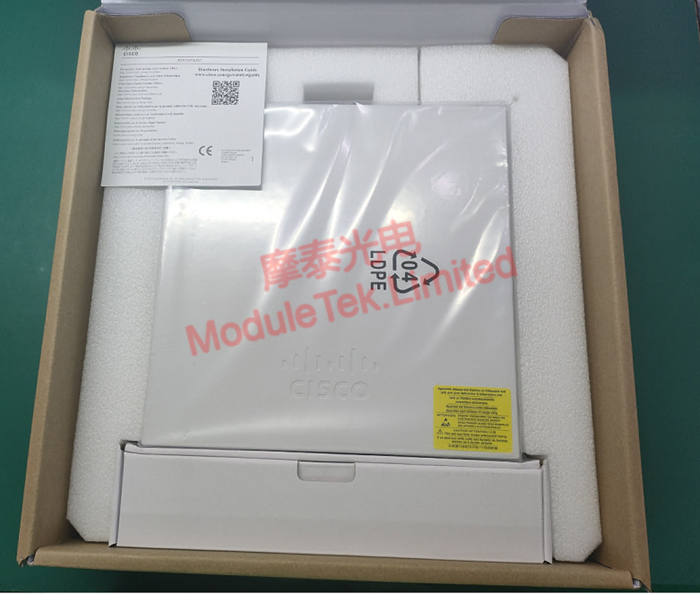
Figure 2 Inner Packaging
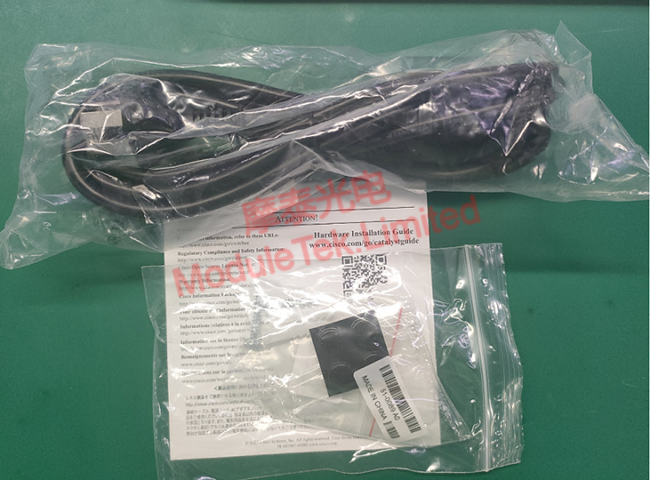
Figure 3 Complete Accessories
• Device Panel Details
a. Front Panel
It is equipped with 2× 1G SFP ports (for connecting optical transceivers), 16× 1G RJ45 ports (for wired terminal access), 1× RJ45 console port, 1× Type-C console port (both for device console connection), and 1× USB-A port (for storage expansion and Bluetooth console access). All interfaces are clearly labeled and reasonably laid out, facilitating daily operation and on-site deployment.
b. Rear Panel
The core component is the power input port, featuring a simple design for easy wiring and deployment. It is also equipped with a power switch for convenient, quick device startup or shutdown.
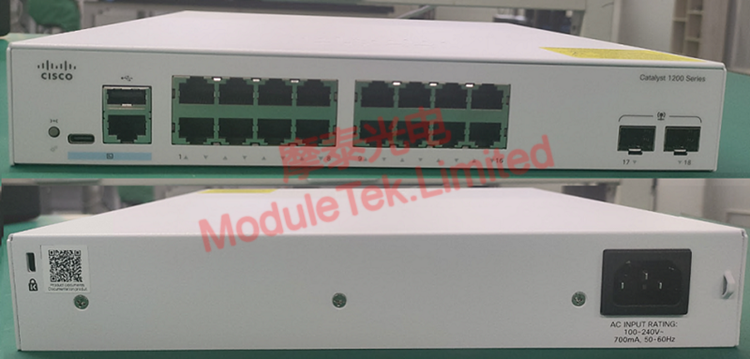
Figure 4 Front/Rear Panel Details
• Device Power-On Test
Connect the supporting power cord and turn on the device. The switch starts stably with no obvious noise or abnormal overheating; all indicator lights illuminate normally, and device initialization meets official standards.
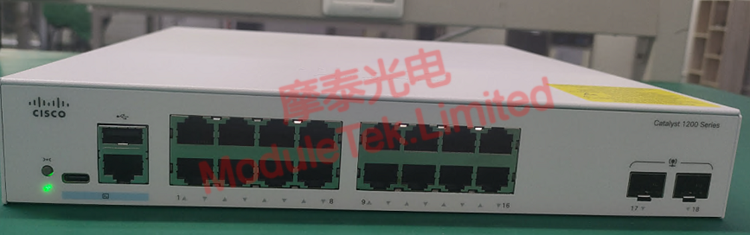
Figure 5 Power-On Status
• Console Login & Transceiver Compatibility Test
a. Console Login
Use an RJ45-to-DB9 serial cable to connect a computer to the switch’s console port. The device’s default baud rate is 9600, and the initial login account/password is cisco/cisco. After successfully logging in to the console, run the command:
show version
The device’s running system version information is displayed normally, with timely and accurate command response.
b. Transceiver Compatibility Test
Insert a Moduletek GE-T electrical port transceiver (compatible with Cisco GLC-TE) into the switch’s SFP port. The device quickly identifies the transceiver type without any alarms or identification abnormalities, demonstrating excellent adaptability that meets the subsequent testing needs of 1G SFP series optical transceivers.
Moduletek’s full-series 1G/10G optical transceivers are highly compatible with various Cisco network devices, featuring stable performance and strong adaptability. Welcome to consult and purchase.
For further inquiries about the above content, please contact us at: sales@moduletek.com