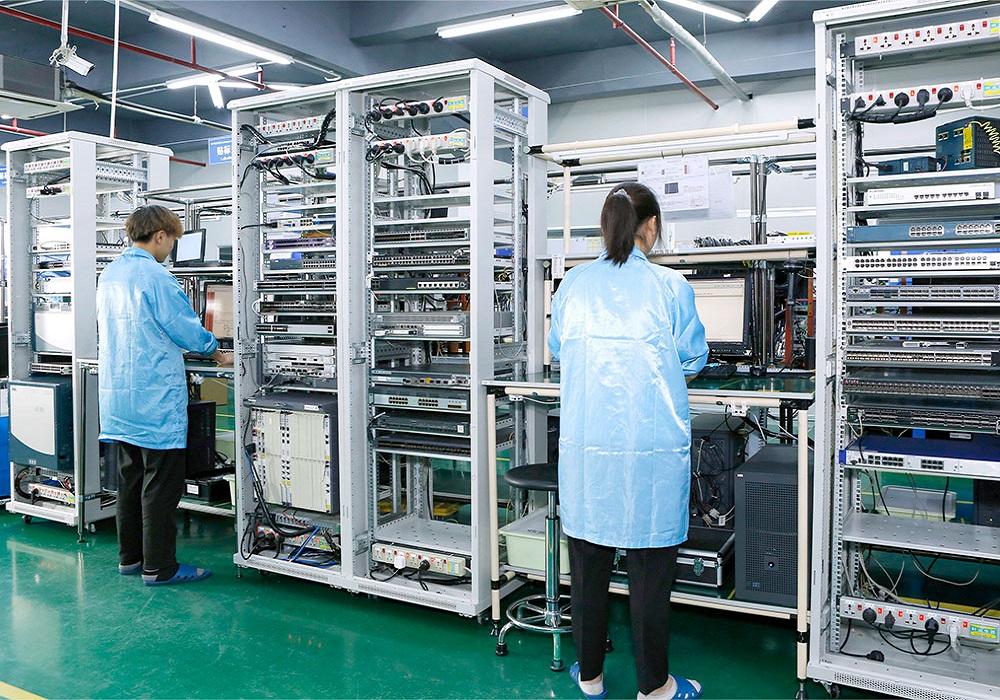
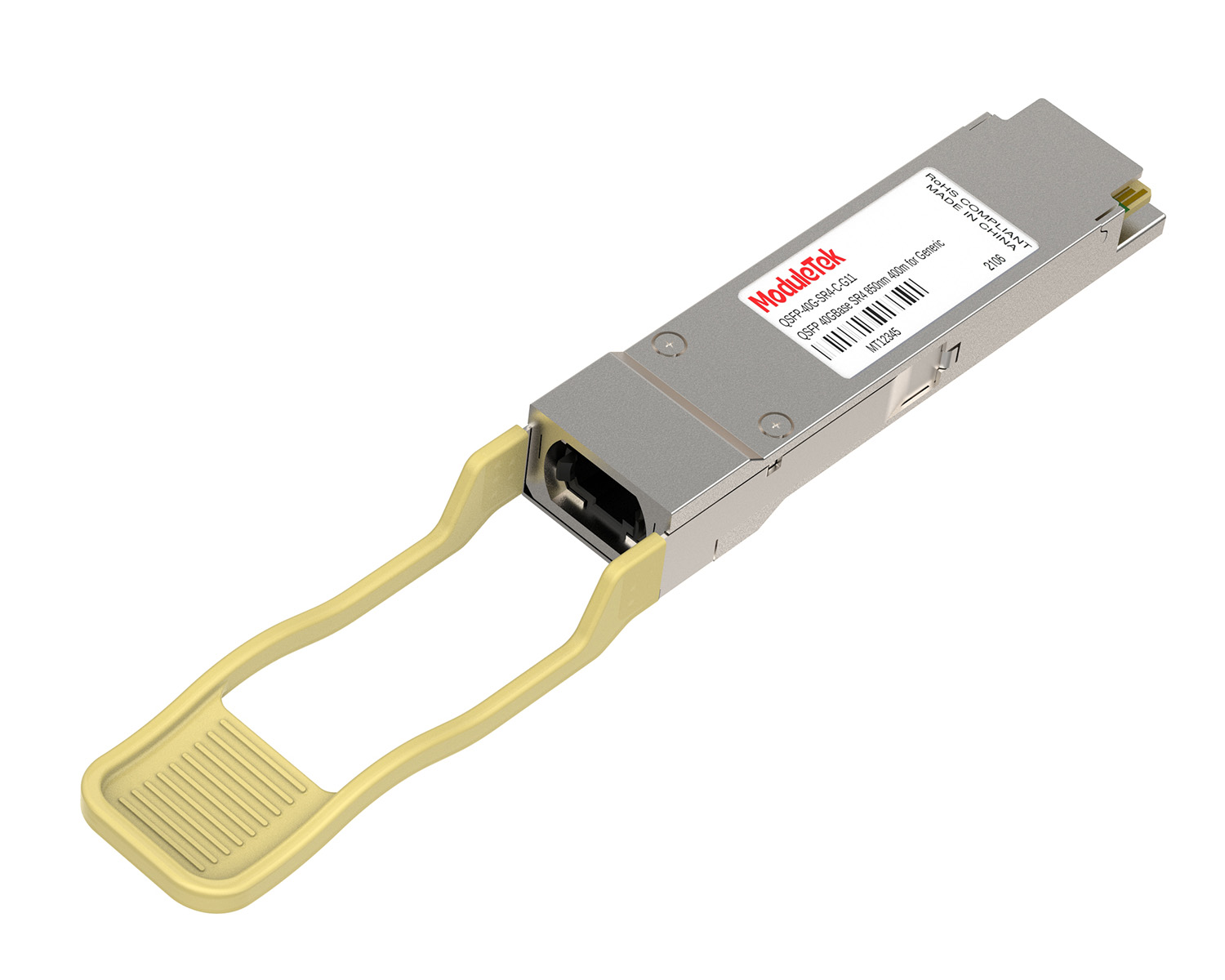
 40G/100G Optical Transceivers
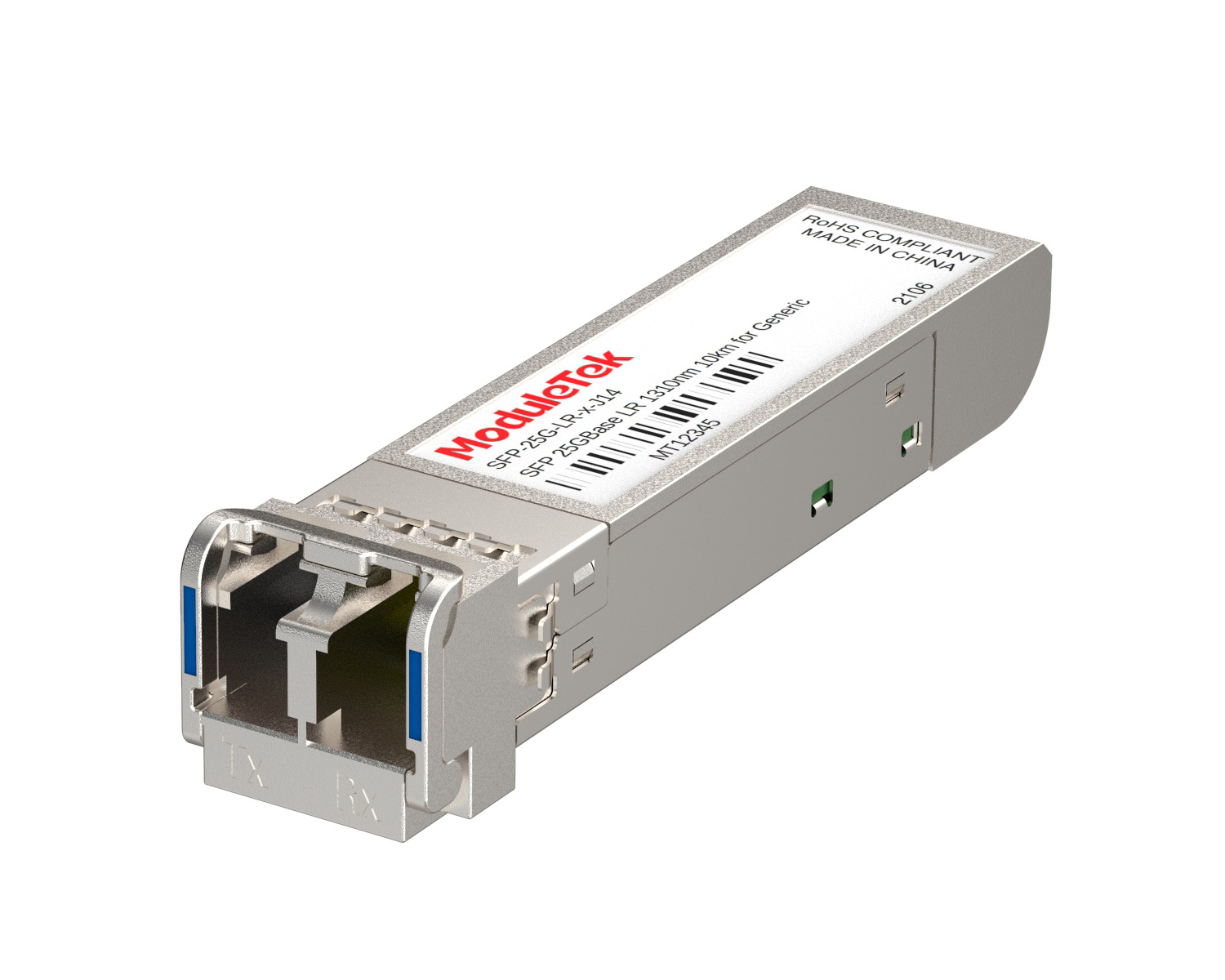 25G Optical Transceivers
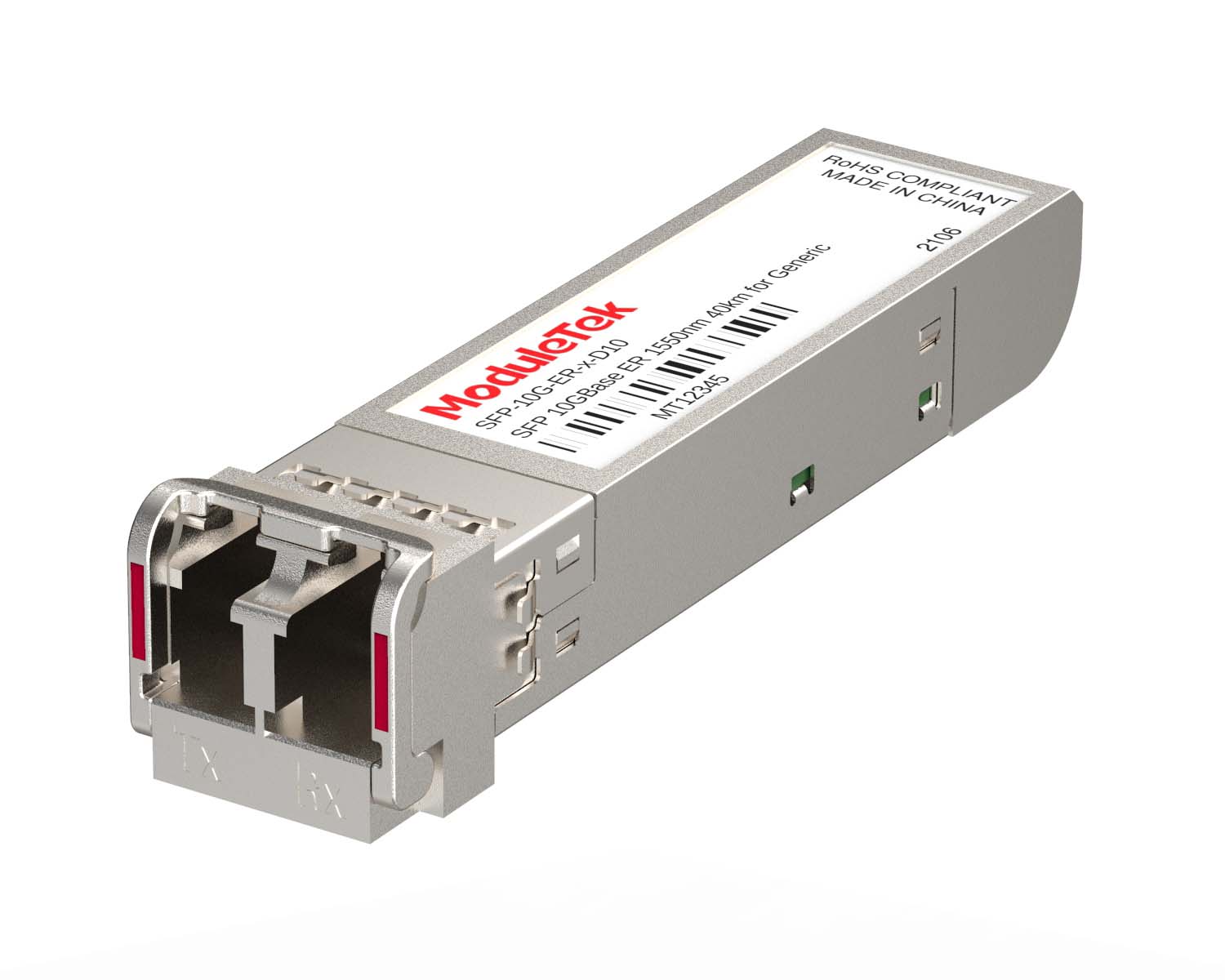 10G Optical Transceivers
 155M/2.5G Optical Transceivers
 1G Optical Transceivers
 1G BIDI Optical Transceivers
 Dual-Rate Optical Transceivers
 FC 16G/32G Optical Transceivers
 CWDM Optical Transceivers
 DWDM Optical Transceivers
 SGMII Port Optical Transceivers
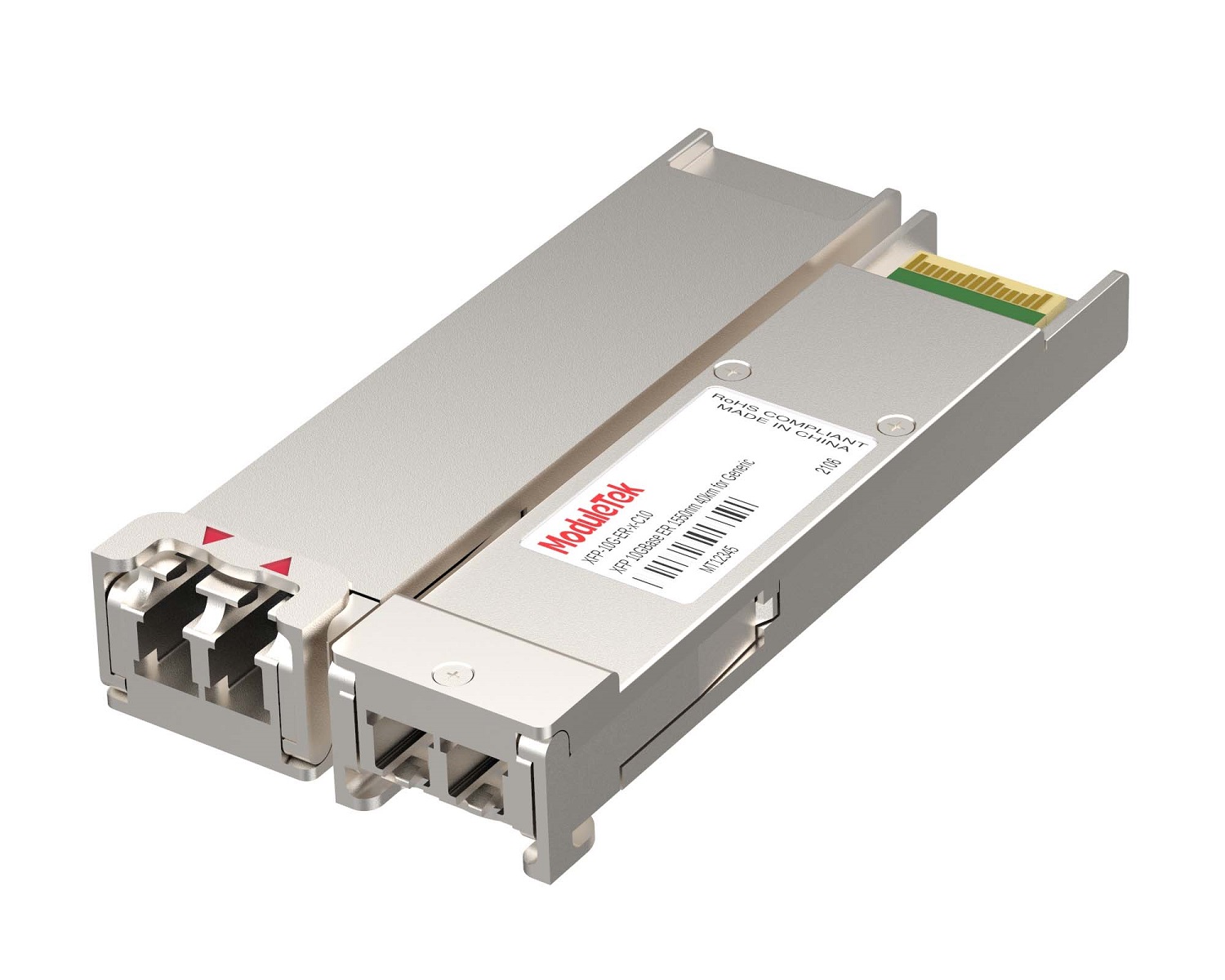 XFP Optical Transceivers
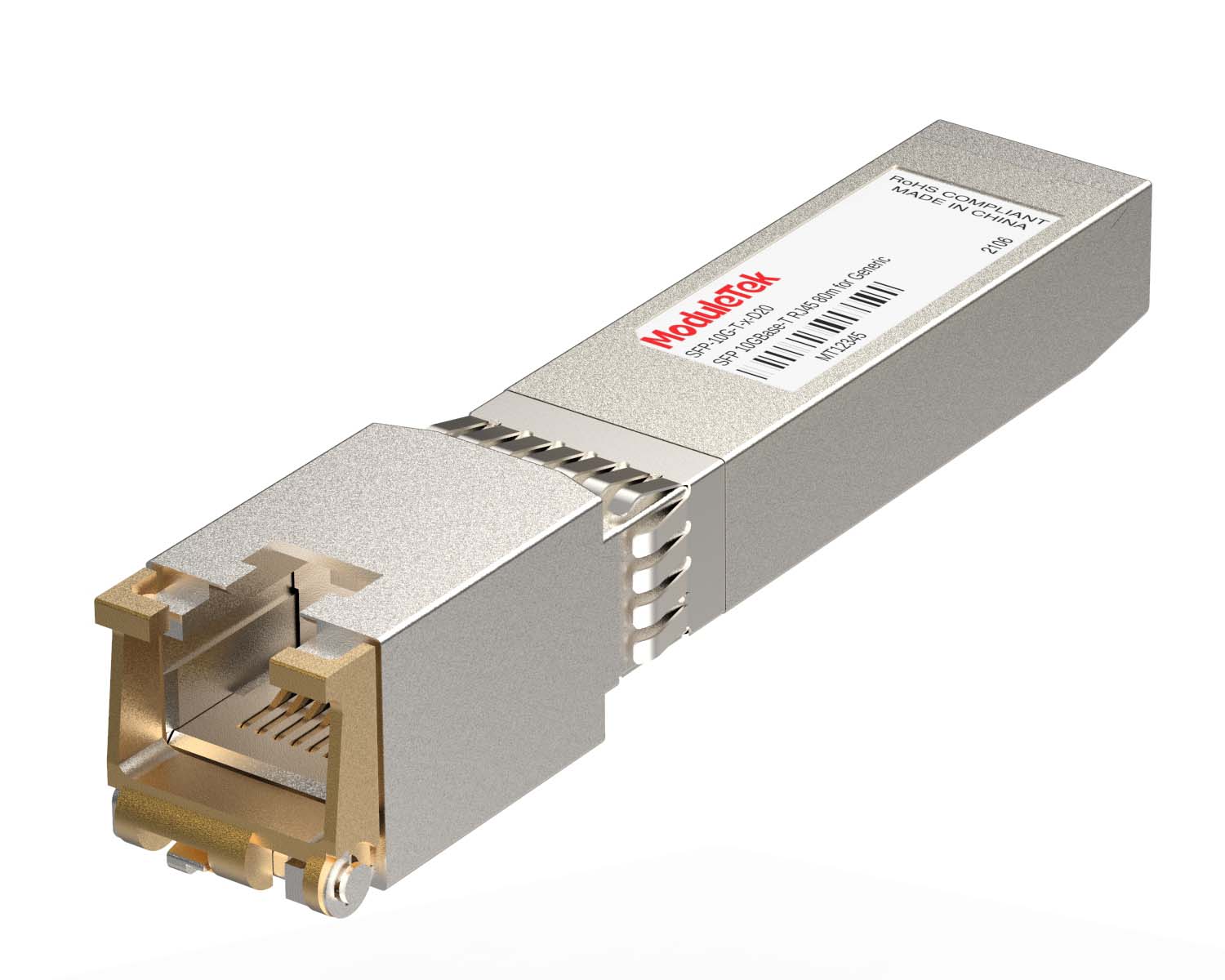 100M/1G/10G Coppers
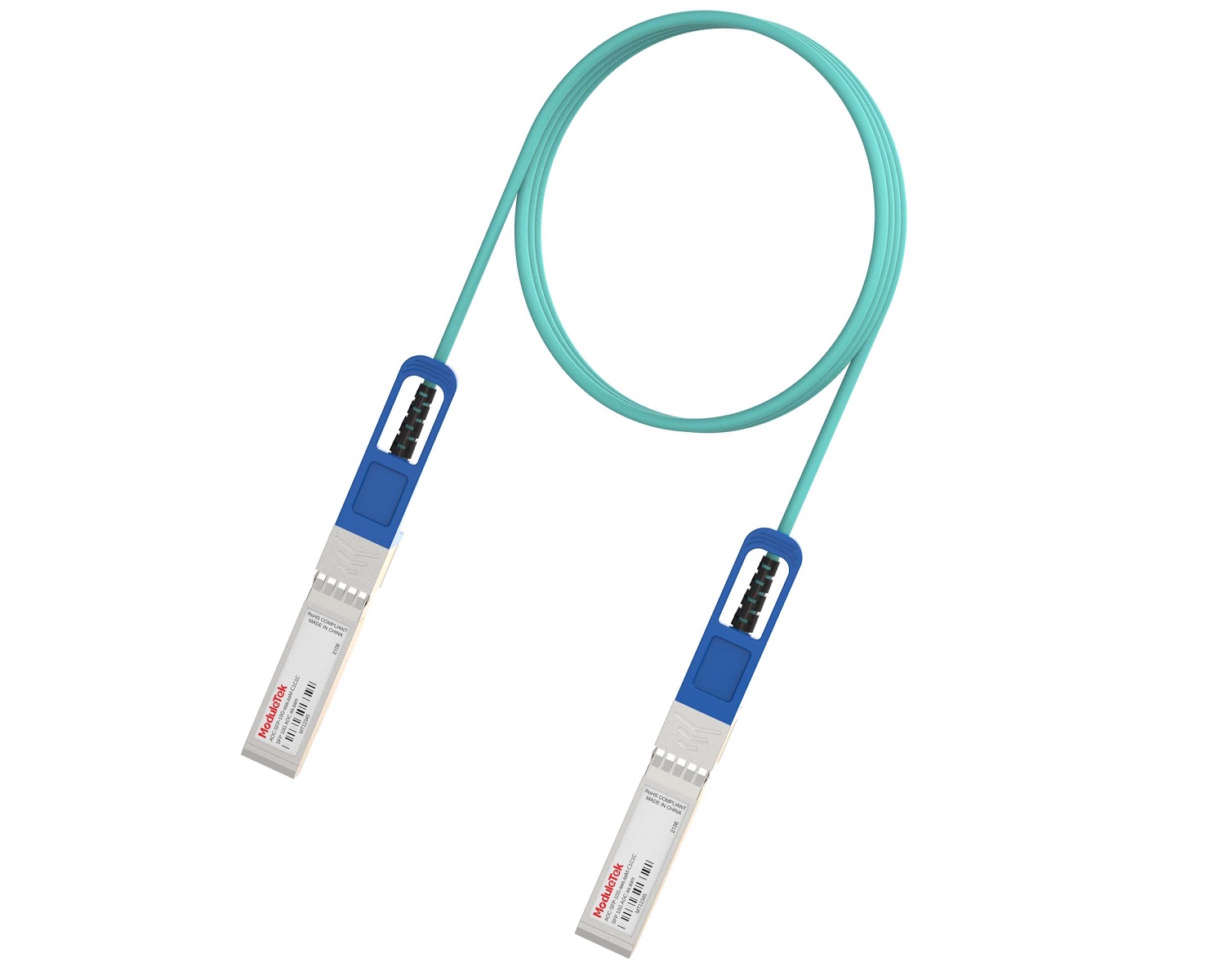 Full-Rate AOC & Breakout Series
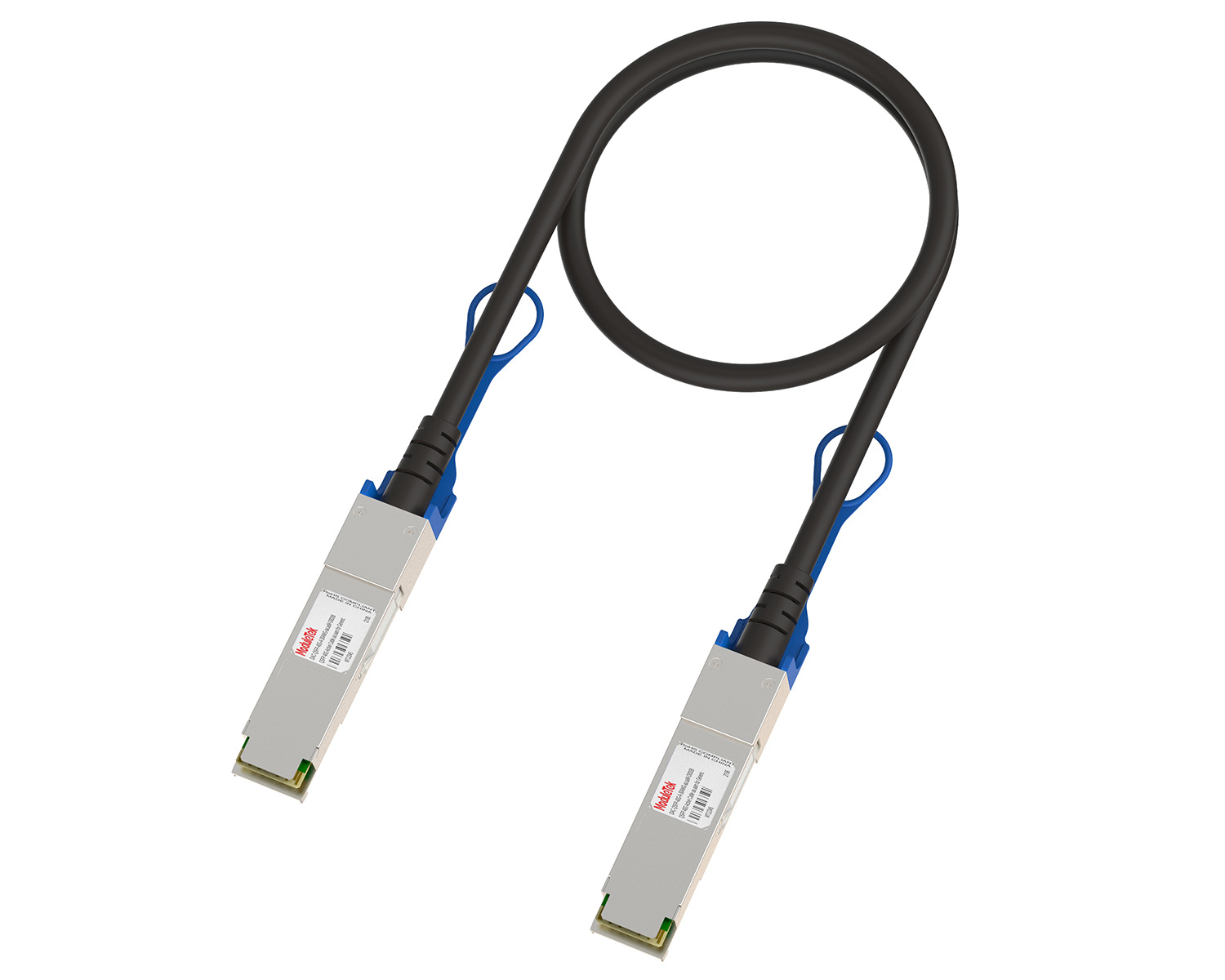 10G/40G Active DAC Series
 Full-Rate Passive DAC Series
 40G/100G Passive Breakout DAC Series
 Regular/MTP-MPO Fiber Patch Cords
 MT2011
 MT2010
 CodingBox
 QSFP to SFP Adapter
Cisco Switch Password Recovery By Modifying Configuration Files
Time: 2024-11-06
When logging into a Cisco switch via the console port, administrators usually configure a console user account and password for authentication to prevent unauthorized access, thereby maintaining operational security and protecting network data. What should you do if this password is forgotten?
Cisco switches offer multiple solutions for forgotten account passwords, including modifying the startup configuration file, adjusting configuration registers, and restoring factory settings. Taking the Cisco WS-C3560G-24TS switch as an example, Moduletek Laboratory demonstrates how to complete console password reset by pressing the MODE key and modifying the configuration file.

Figure 1 Cisco Switch MODE Key
Operation Steps
1. Reboot the switch and press and hold the MODE key within 30 seconds of power-on.
2. The system enters BOOT mode. Run the command to initialize the FLASH file system:
flash_init
3. Execute the following commands in sequence to view the configuration file in the FLASH directory:
load_helper
dir flash:
4. Rename the configuration file that contains the forgotten password (to avoid loading it during startup):
rename flash:config.text flash:config.old
5. Run the command to start the switch:
boot
When prompted, select not to enter the initial configuration wizard.
6. After the switch finishes booting, it will automatically enter user mode. Enter privileged EXEC mode, then rename the original configuration file and copy it to the current system configuration (to retain existing settings except the password).
7. Enter global configuration mode, reset the console user password, and run the save command to save the new configuration. This completes the password reset operation.
Moduletek Limited is at your service.
For further inquiries about the above content, please contact us at: sales@moduletek.com