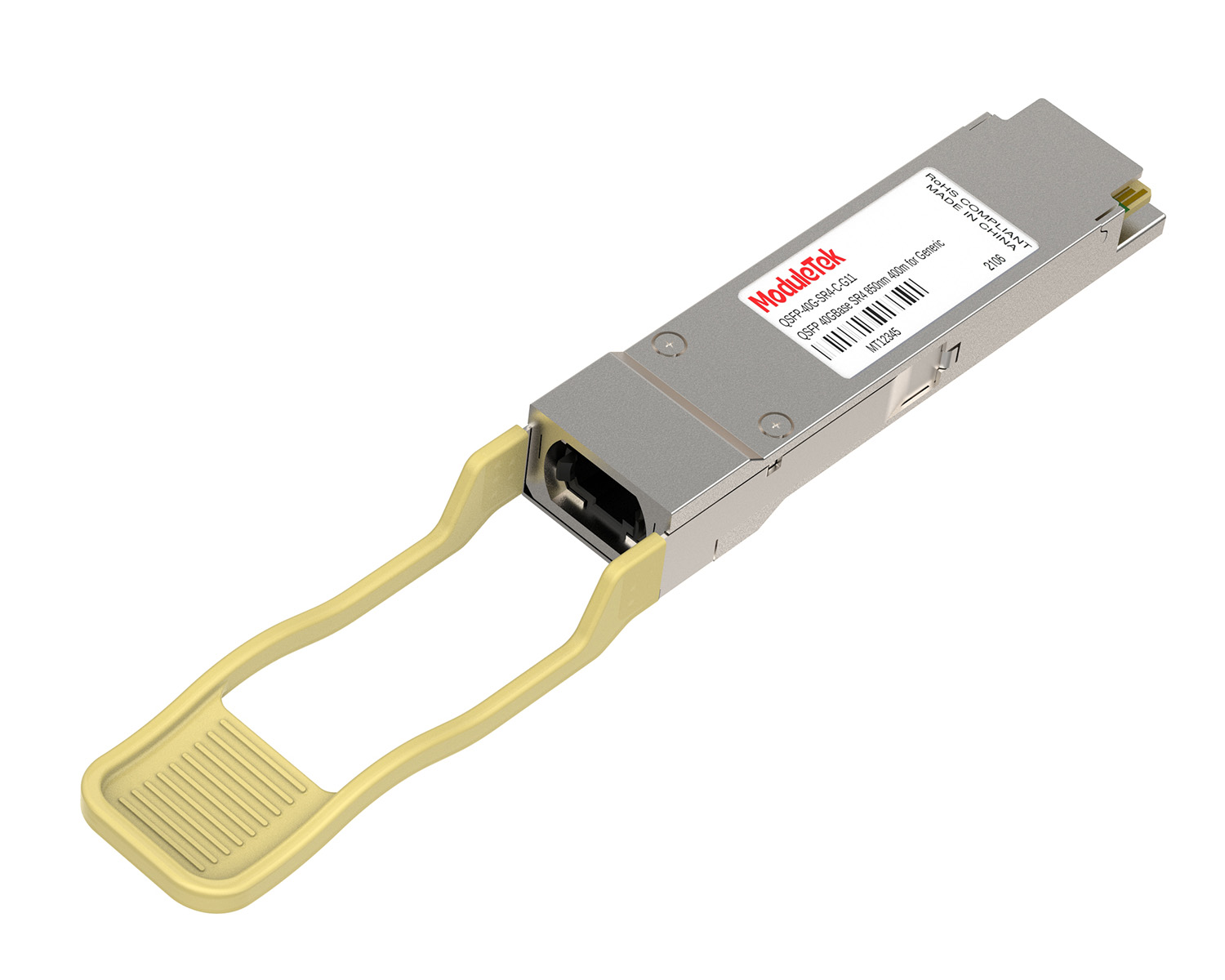
 40G/100G Optical Transceivers
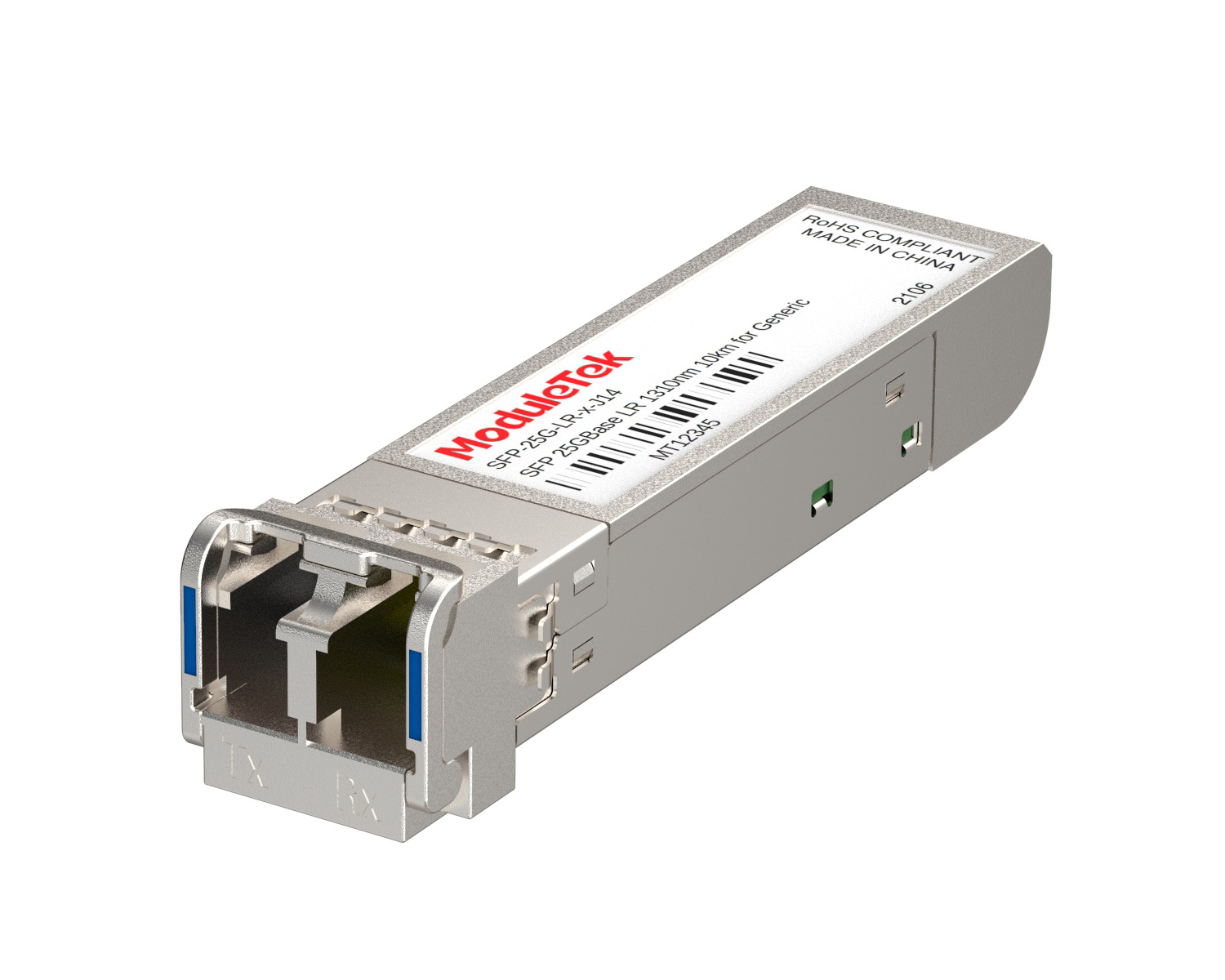 25G Optical Transceivers
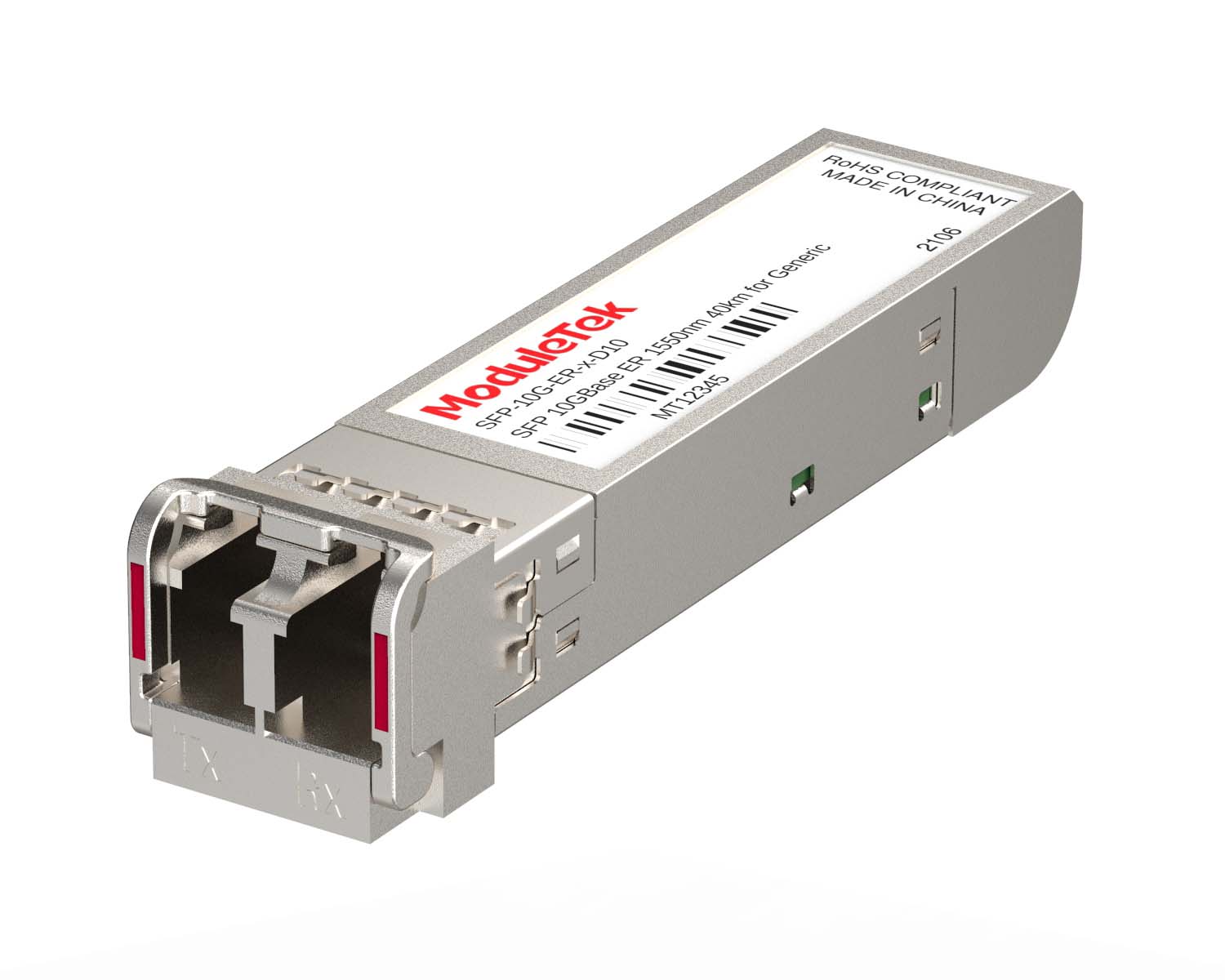 10G Optical Transceivers
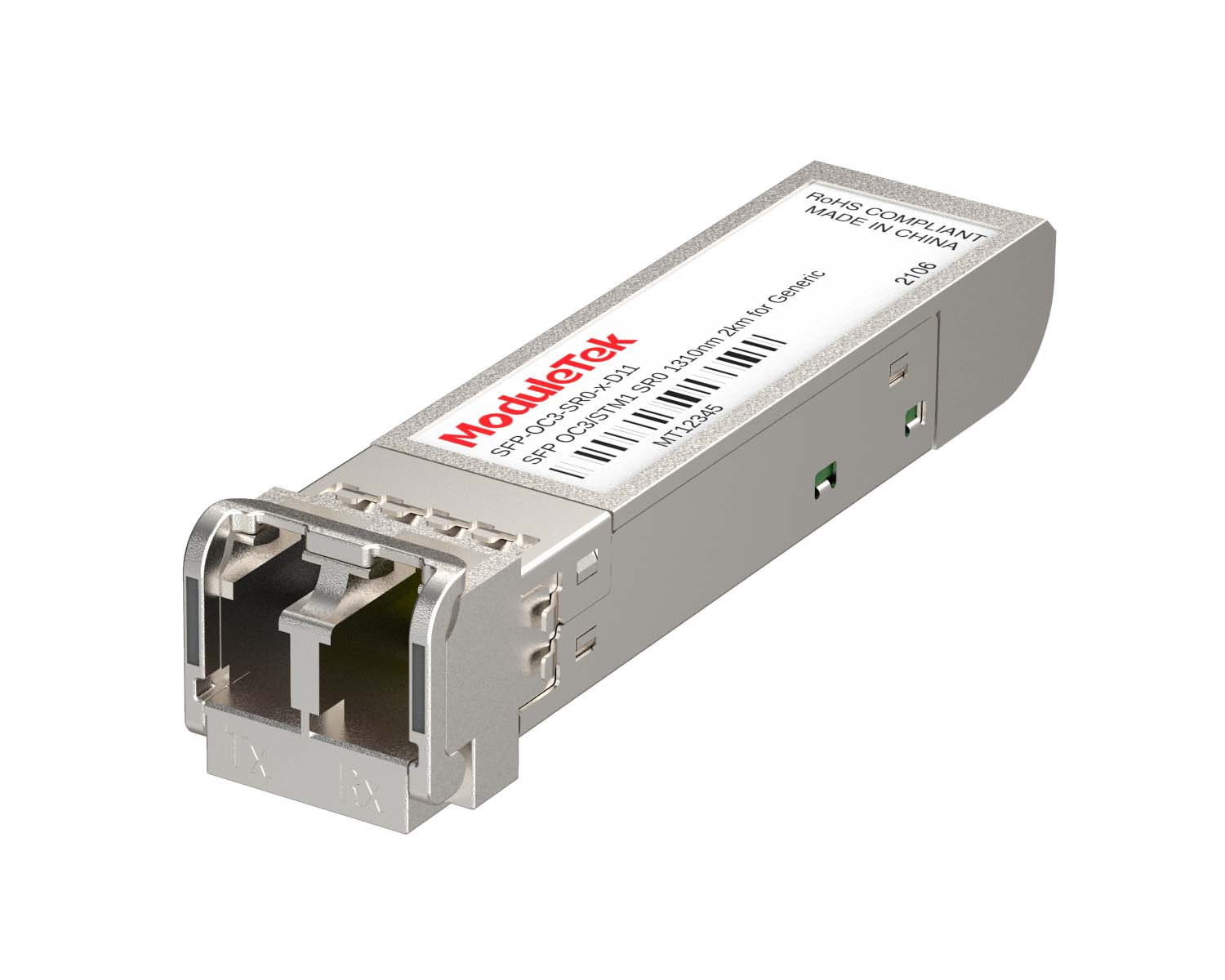 155M/2.5G Optical Transceivers
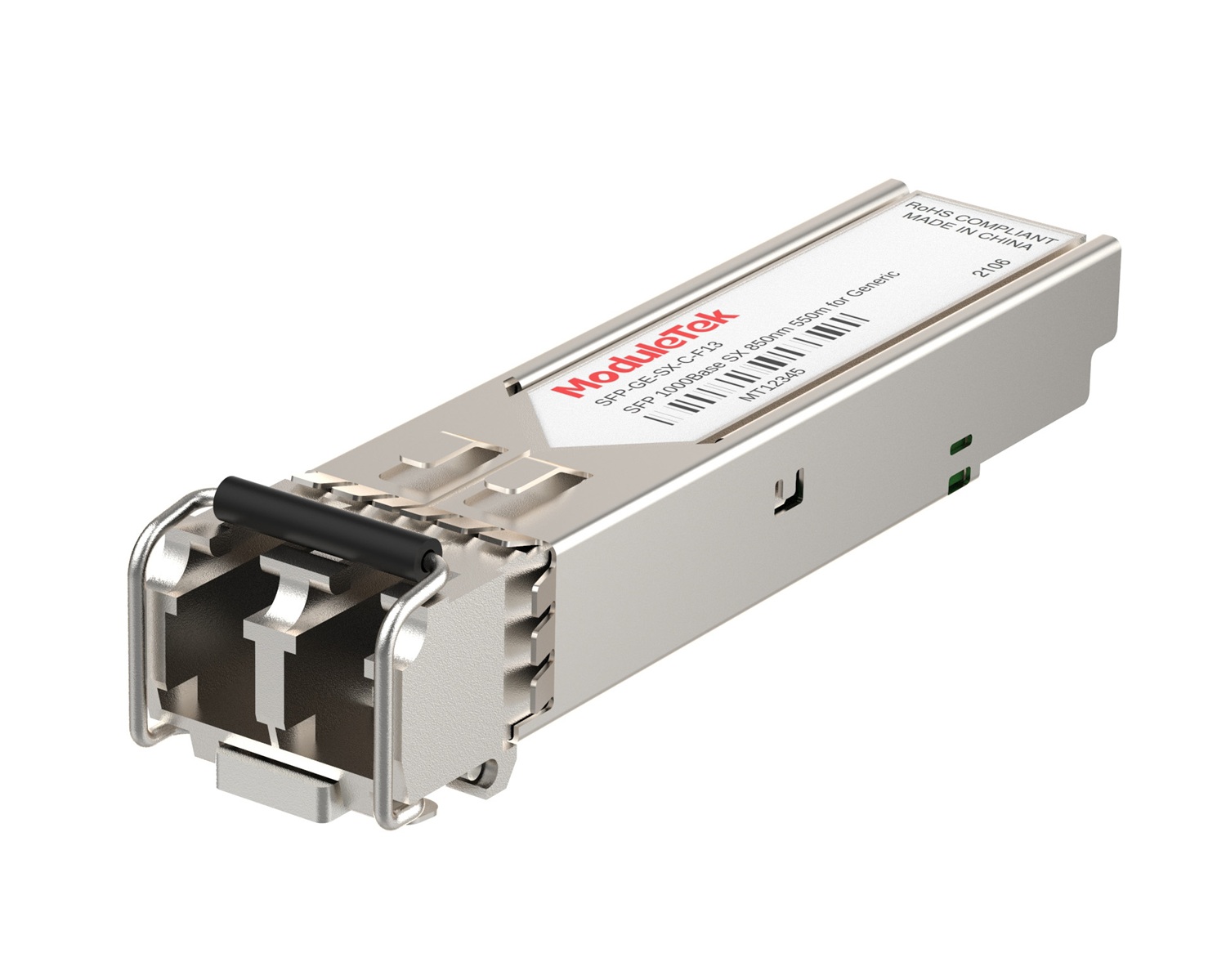 1G Optical Transceivers
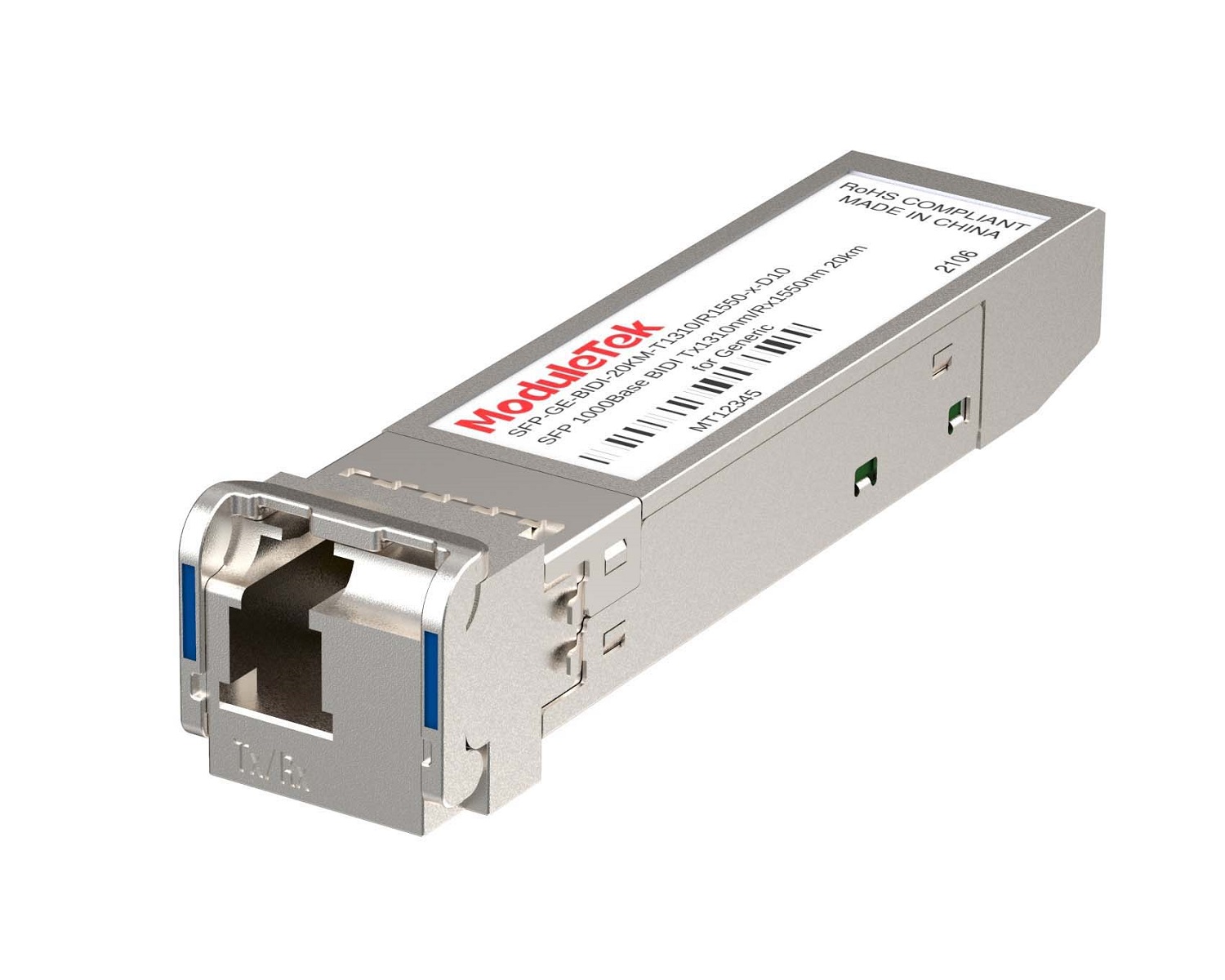 1G BIDI Optical Transceivers
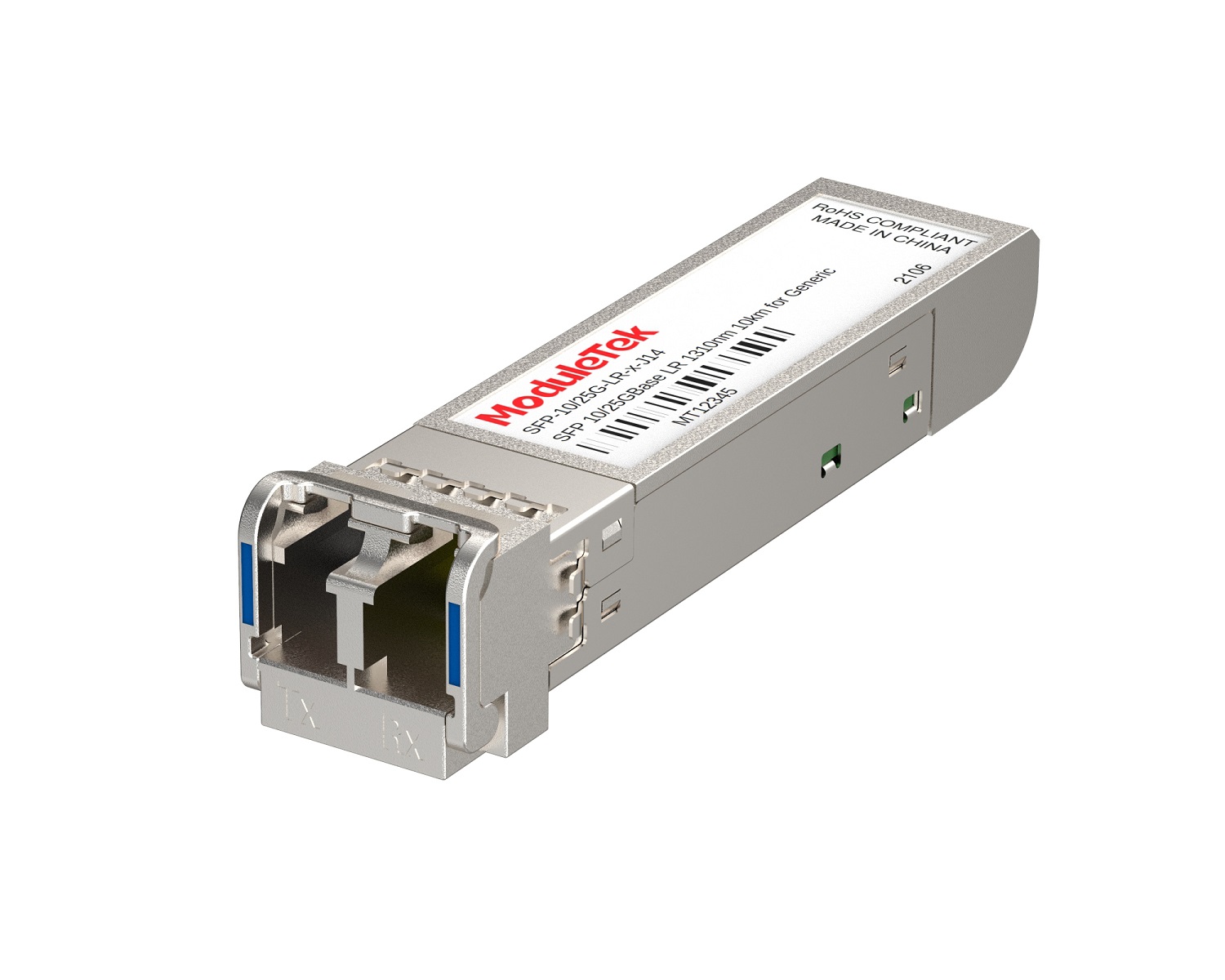 Dual-Rate Optical Transceivers
 FC 16G/32G Optical Transceivers
 CWDM Optical Transceivers
 DWDM Optical Transceivers
 SGMII Port Optical Transceivers
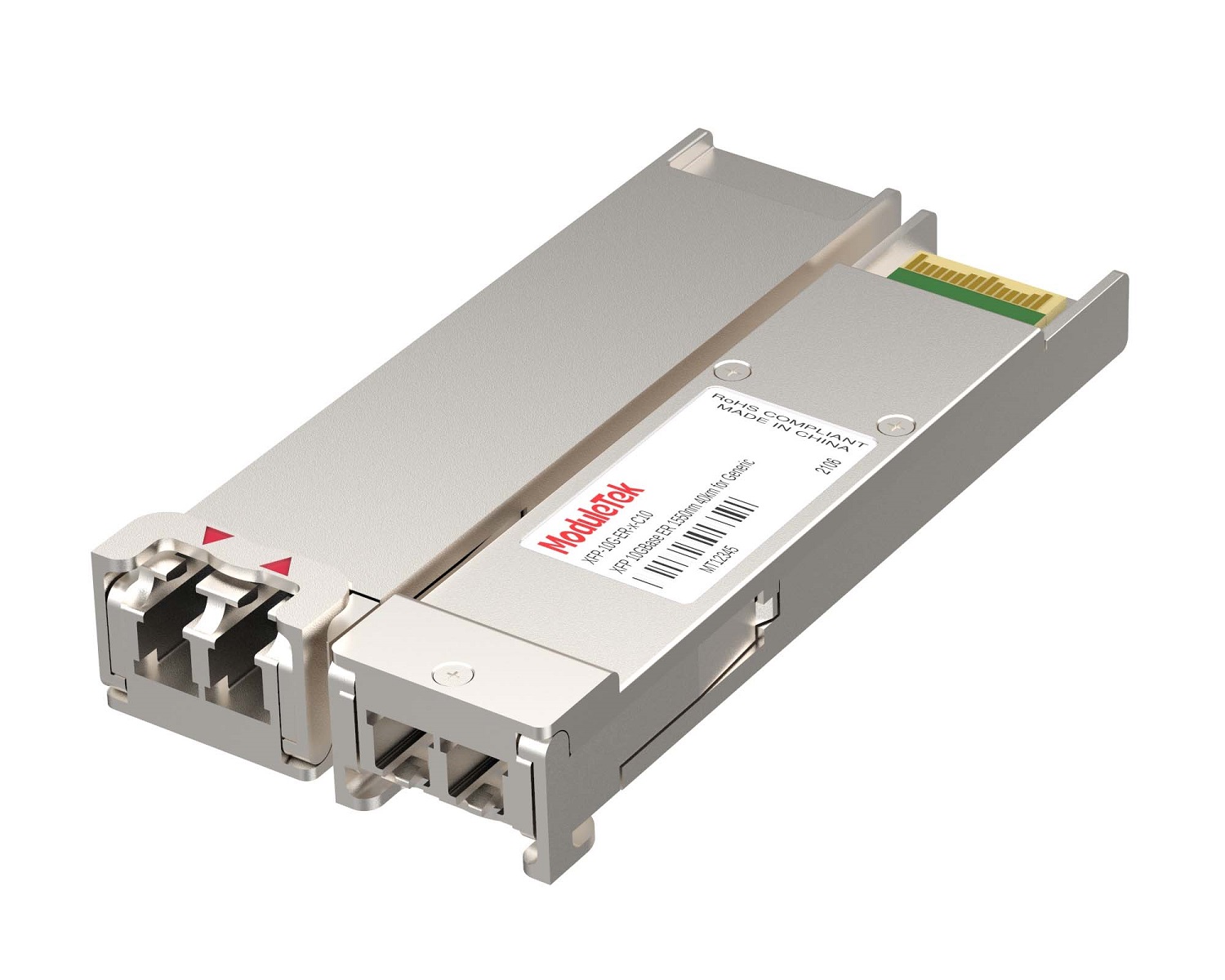 XFP Optical Transceivers
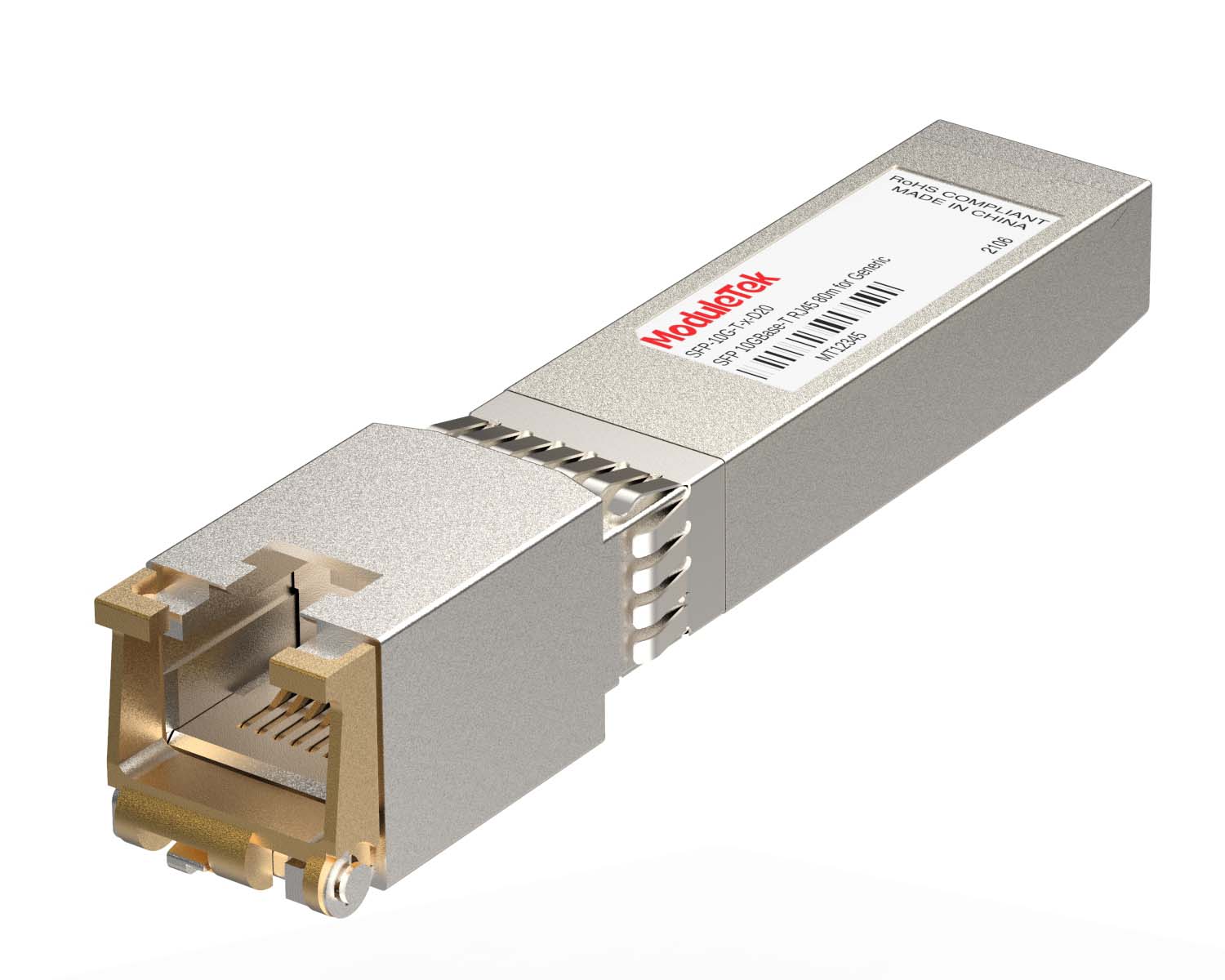 100M/1G/10G Coppers
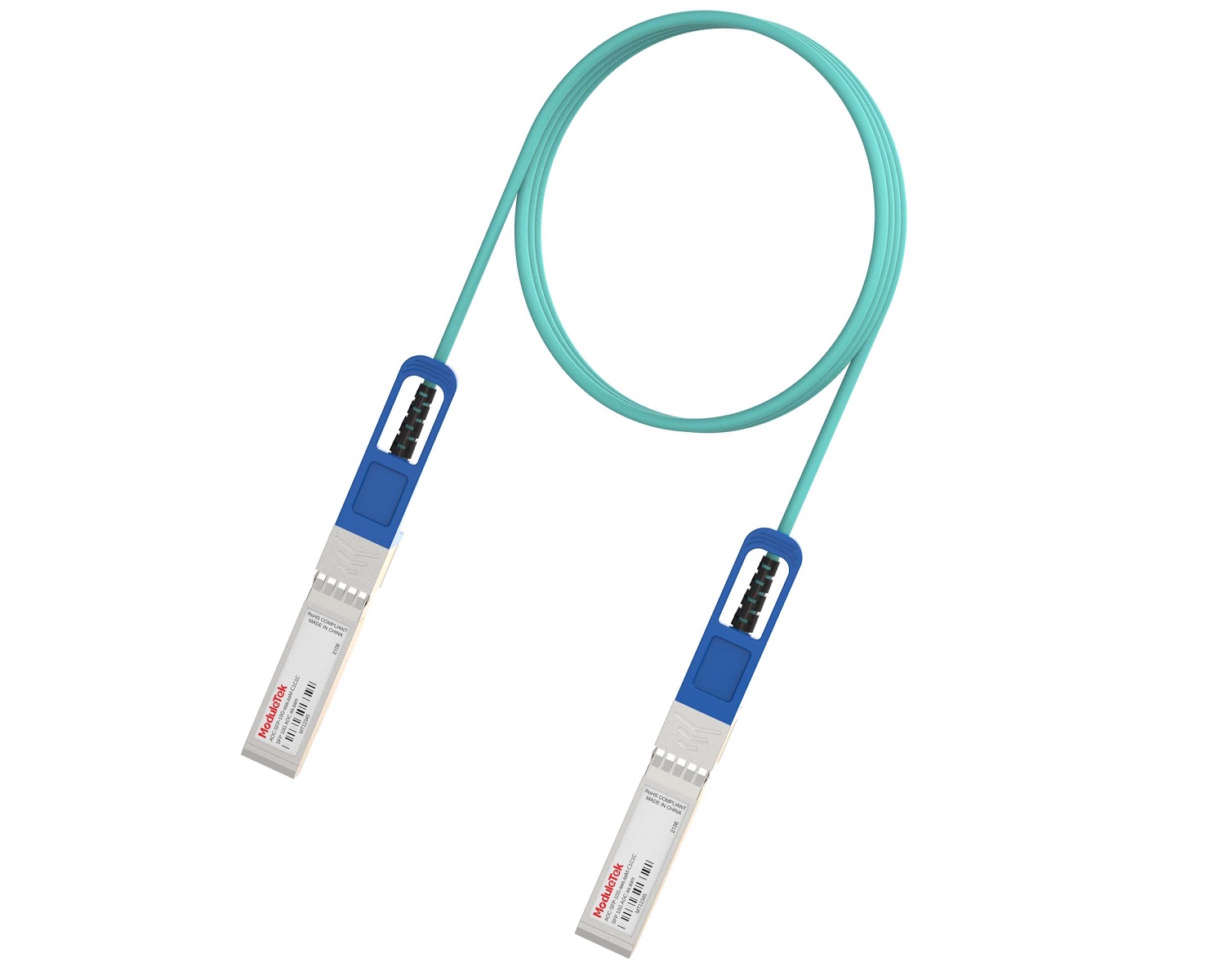 Full-Rate AOC & Breakout Series
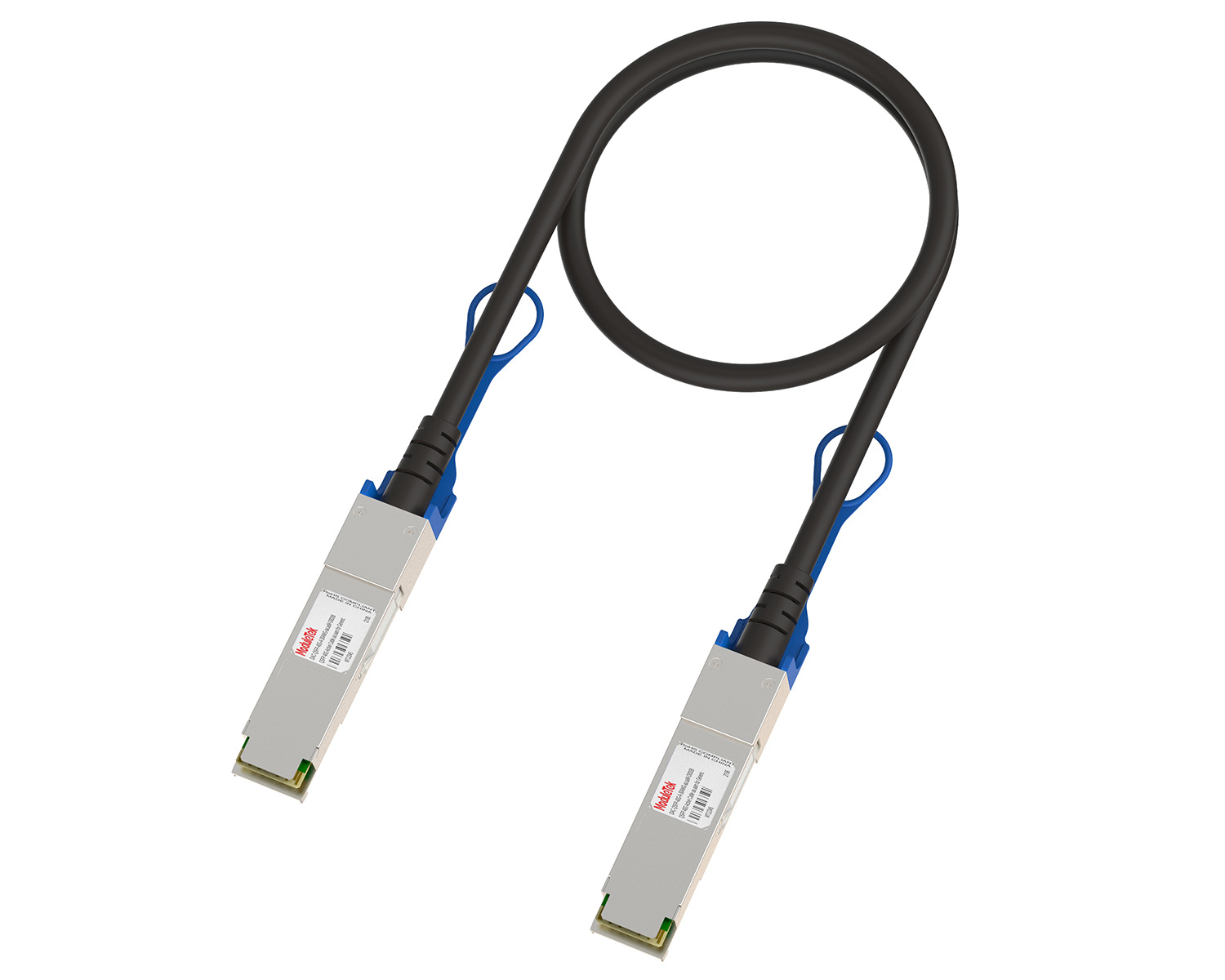 10G/40G Active DAC Series
 Full-Rate Passive DAC Series
 40G/100G Passive Breakout DAC Series
 Regular/MTP-MPO Fiber Patch Cords
 MT2011
 MT2010
 CodingBox
 QSFP to SFP Adapter
Nokia 7250 IXR-e Switch SFP28 Interface Rate Configuration
Time: 2024-11-12
When deploying the Nokia 7250 IXR-e (2QSFP28 + 8SFP28 + 24SFP+) switch, Moduletek Labs found that the rate configuration logic of SFP28 interfaces differs significantly from that of traditional SFP+ ports. SFP28 ports adopt an interface group configuration mechanism, and this article introduces the correct rate configuration method for the SFP28 interfaces of this switch model.
The SFP28 interfaces on the Nokia 7250 IXR-e operate at 25G by default. If you directly configure the speed using the conventional SFP+ configuration command (where 10000 represents 10G):
configure port 1/1/25 ethernet speed 10000
the system will prompt an FEC mode mismatch error. Even if you manually set the interface to no-FEC mode, other ports in the same group will still report the same FEC mismatch alarm.
As specified in the official document Nokia 7250 Interface Configuration Guide 23.10.R1, SFP28 interfaces support backward compatibility with 10G. These SFP28 ports are divided into groups, with 4 interfaces per group. Before modifying the interface rate, all ports in the target group must be administratively shut down first. All interfaces in the same group must use the same rate; when one port is configured to 10G, the other three ports in the group will be automatically set to 10G synchronously.
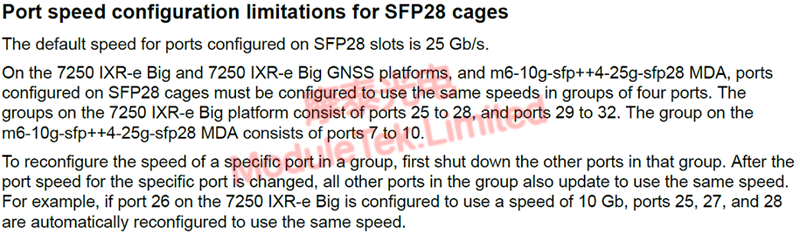
Figure 1 Interface Rate Configuration Error

Figure 2 SFP28 Interface Rate Restrictions
Combining official specifications and practical deployment experience, the correct configuration steps are as follows:
1. Administratively shut down all 4 interfaces in the same group simultaneously;
2. Uniformly configure all ports in the group to no-FEC mode;
3. Modify the rate of any one interface in the group to 10G (the other three ports in the group will automatically synchronize to 10G);
4. Re-enable all interfaces in the group after the configuration is completed.
When a 10G optical transceiver is inserted into an SFP28 port, there are obvious differences in the interface status and configuration before and after the rate modification:
• Interface status and configuration when the SFP28 interface is at the default 25G rate;
• Interface status and configuration after manually modifying the SFP28 interface rate to 10G.
Moduletek Limited is at your service.
For further inquiries about the above content, please contact us at: sales@moduletek.com