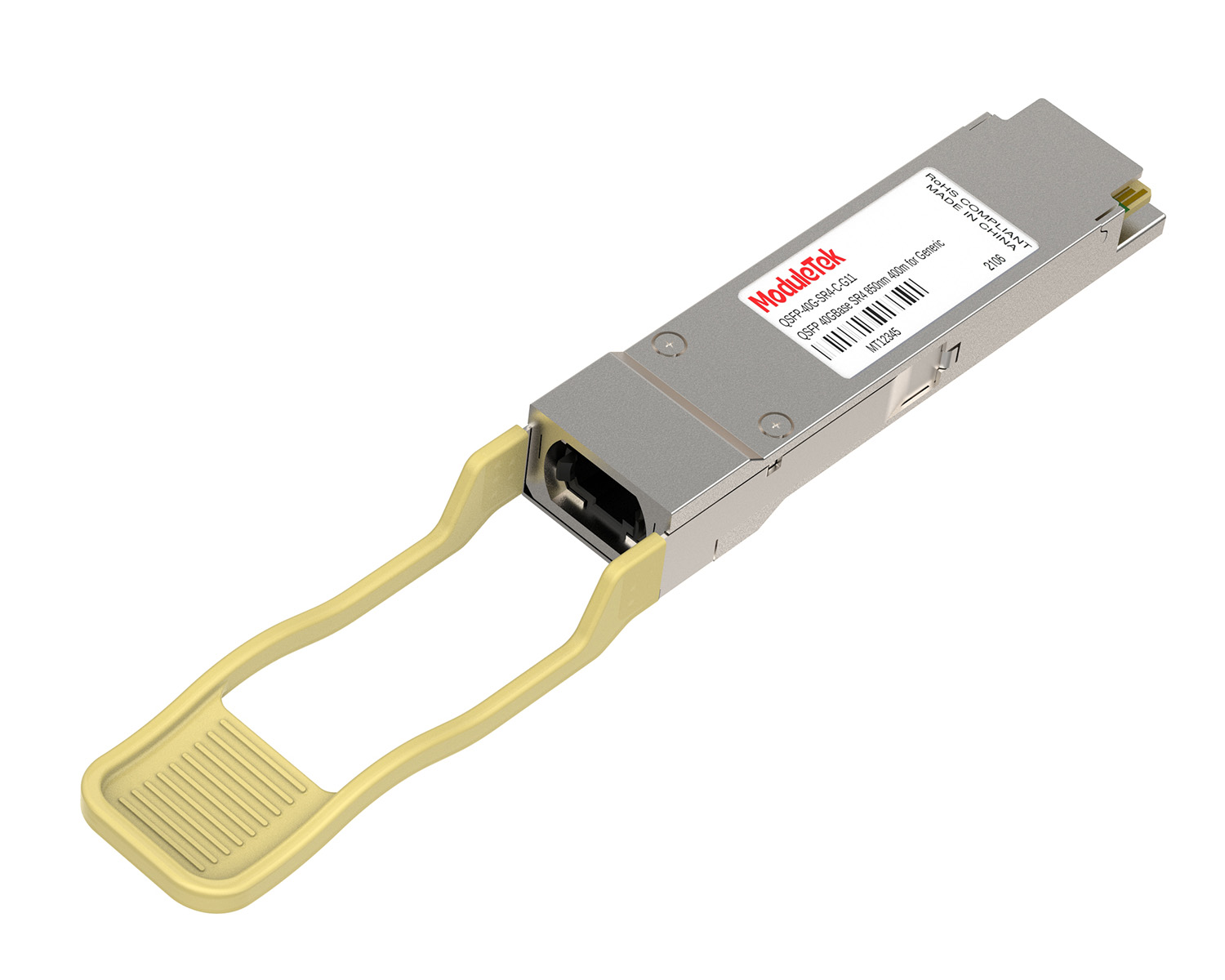
 40G/100G Optical Transceivers
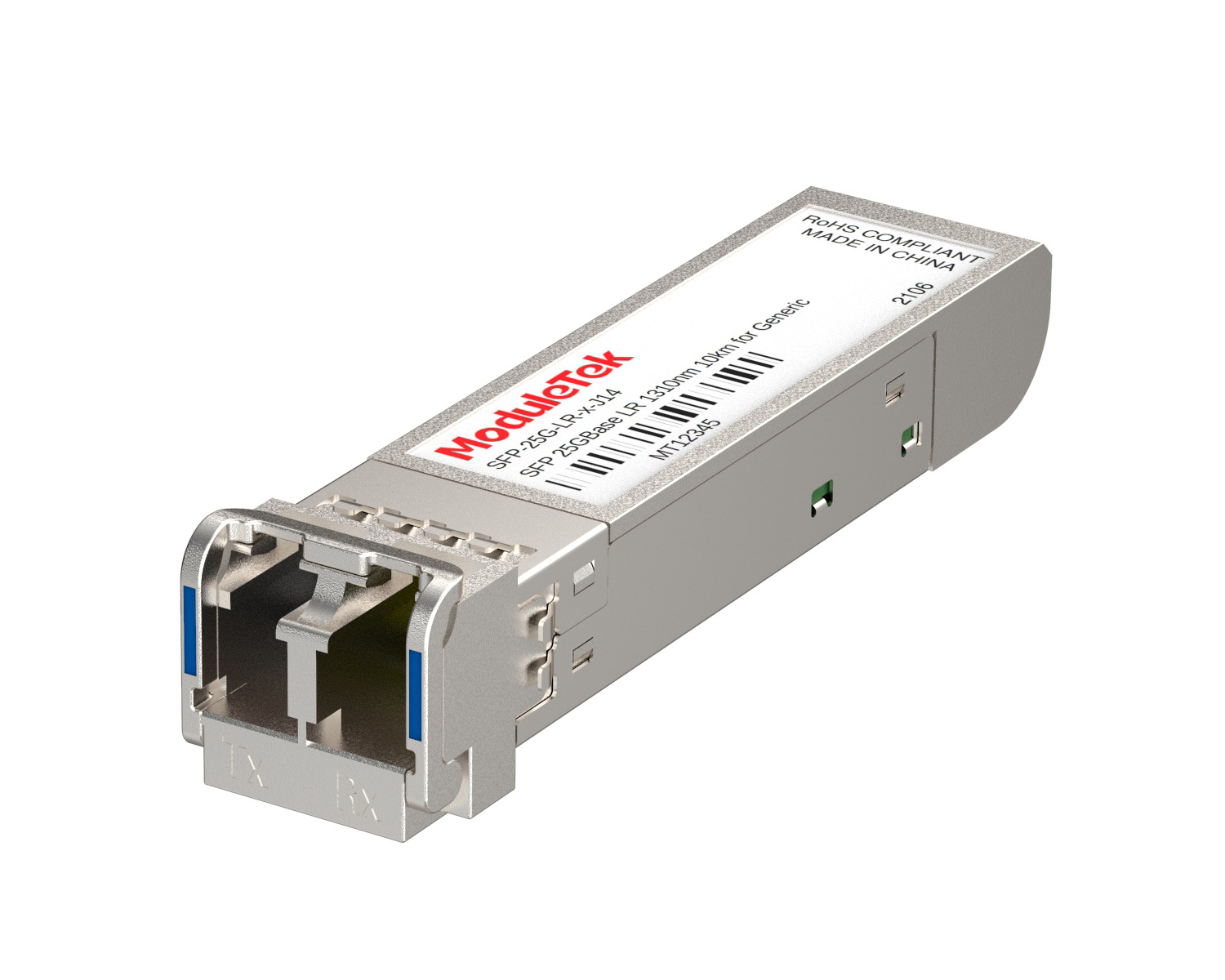 25G Optical Transceivers
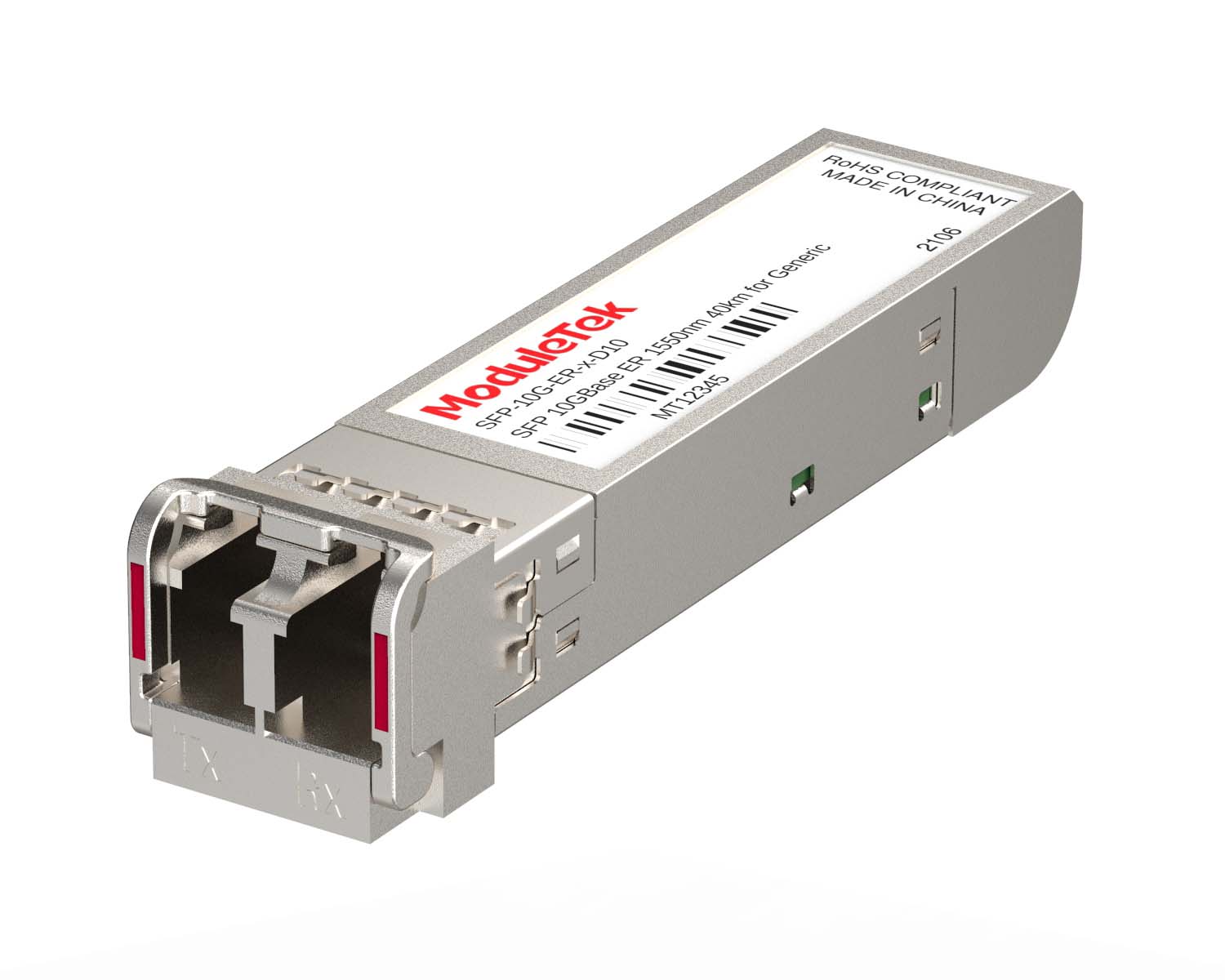 10G Optical Transceivers
 155M/2.5G Optical Transceivers
 1G Optical Transceivers
 1G BIDI Optical Transceivers
 Dual-Rate Optical Transceivers
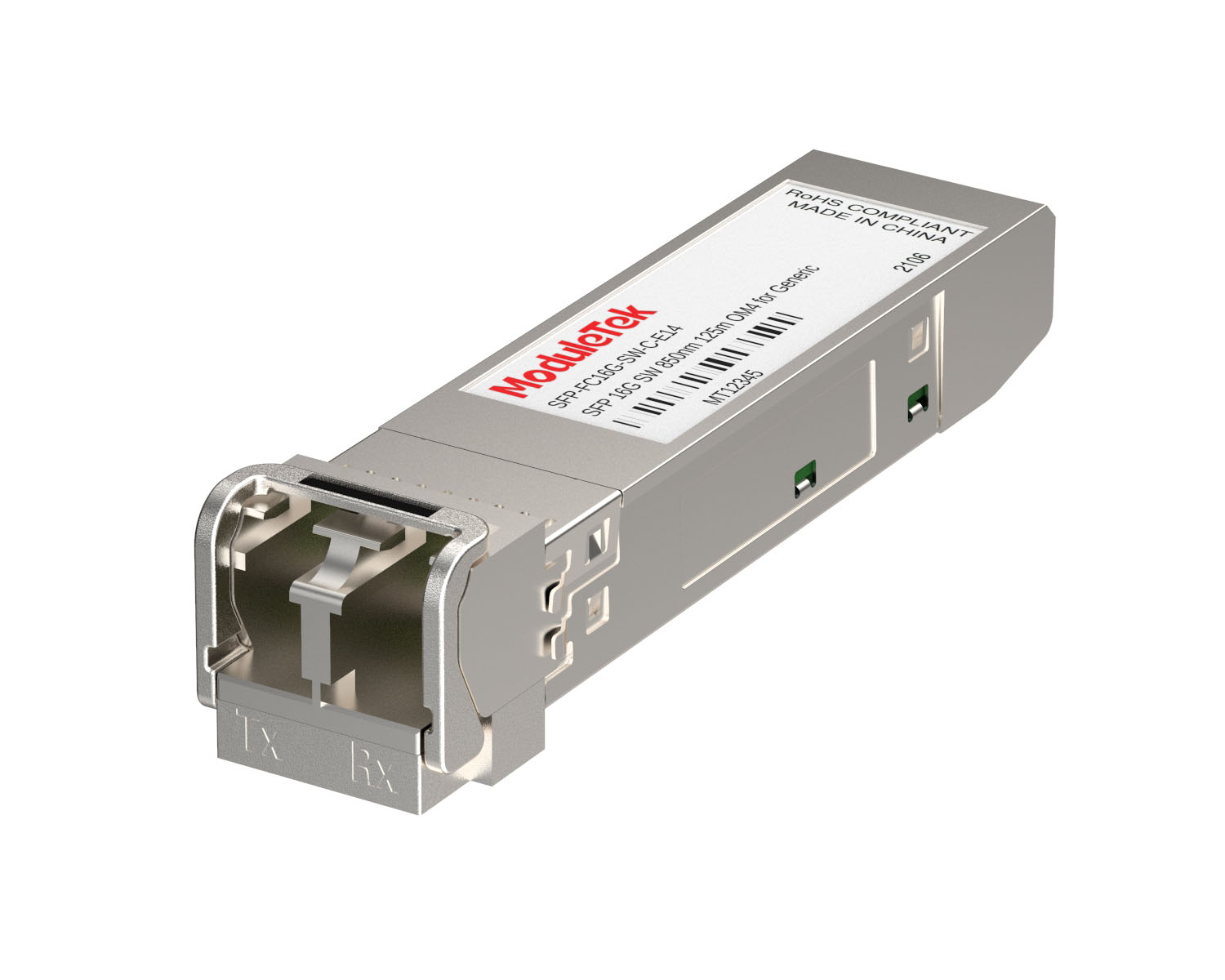 FC 16G/32G Optical Transceivers
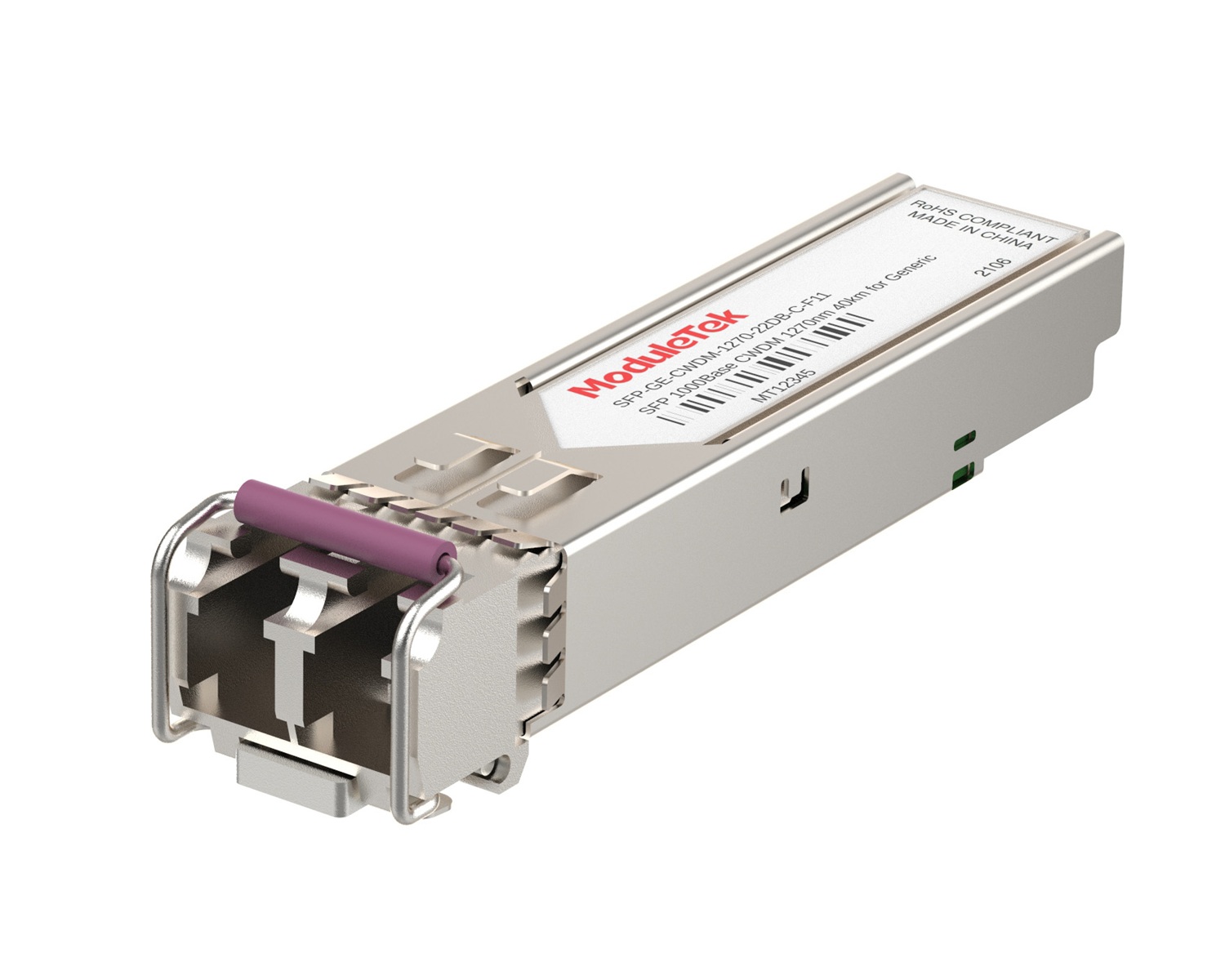 CWDM Optical Transceivers
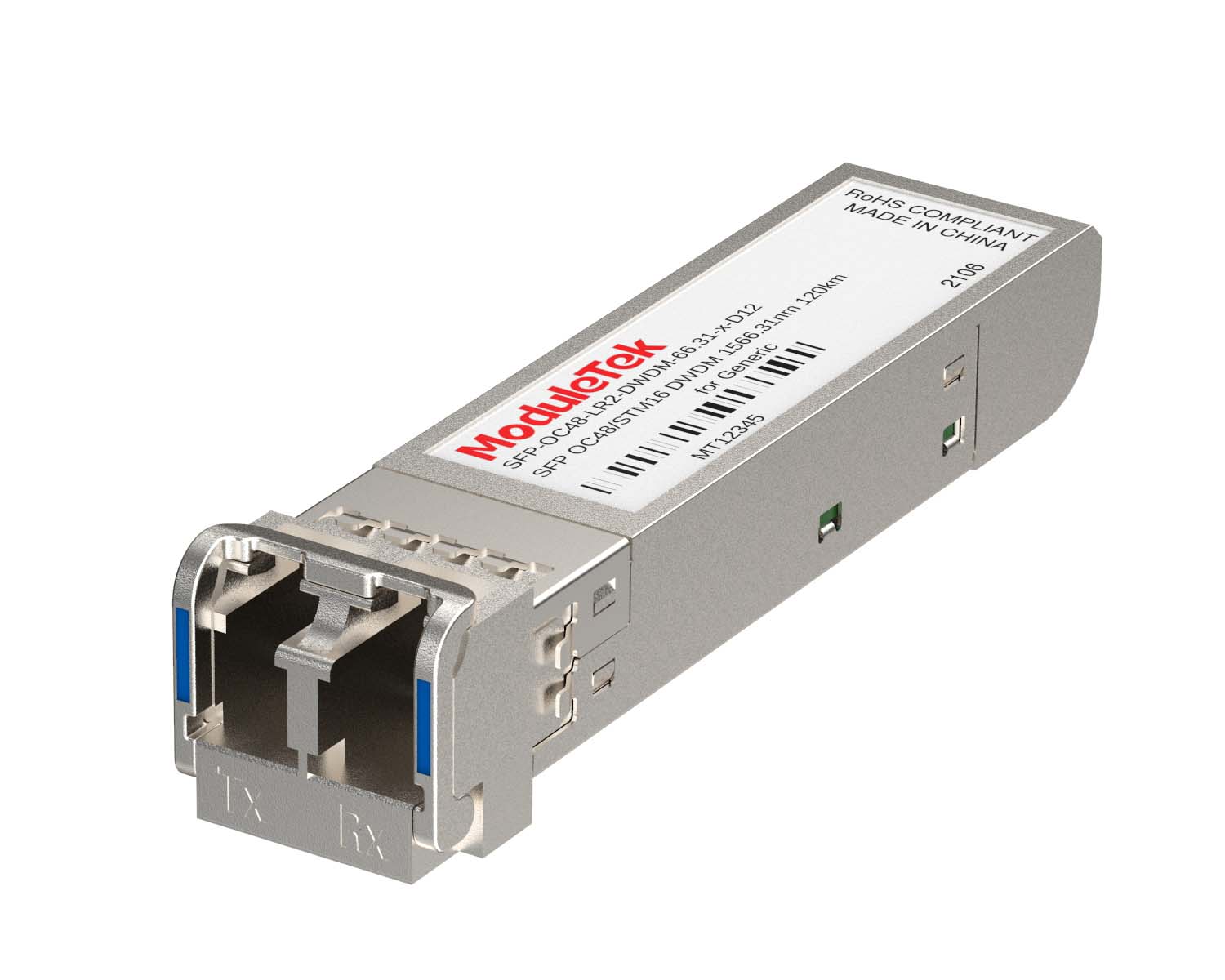 DWDM Optical Transceivers
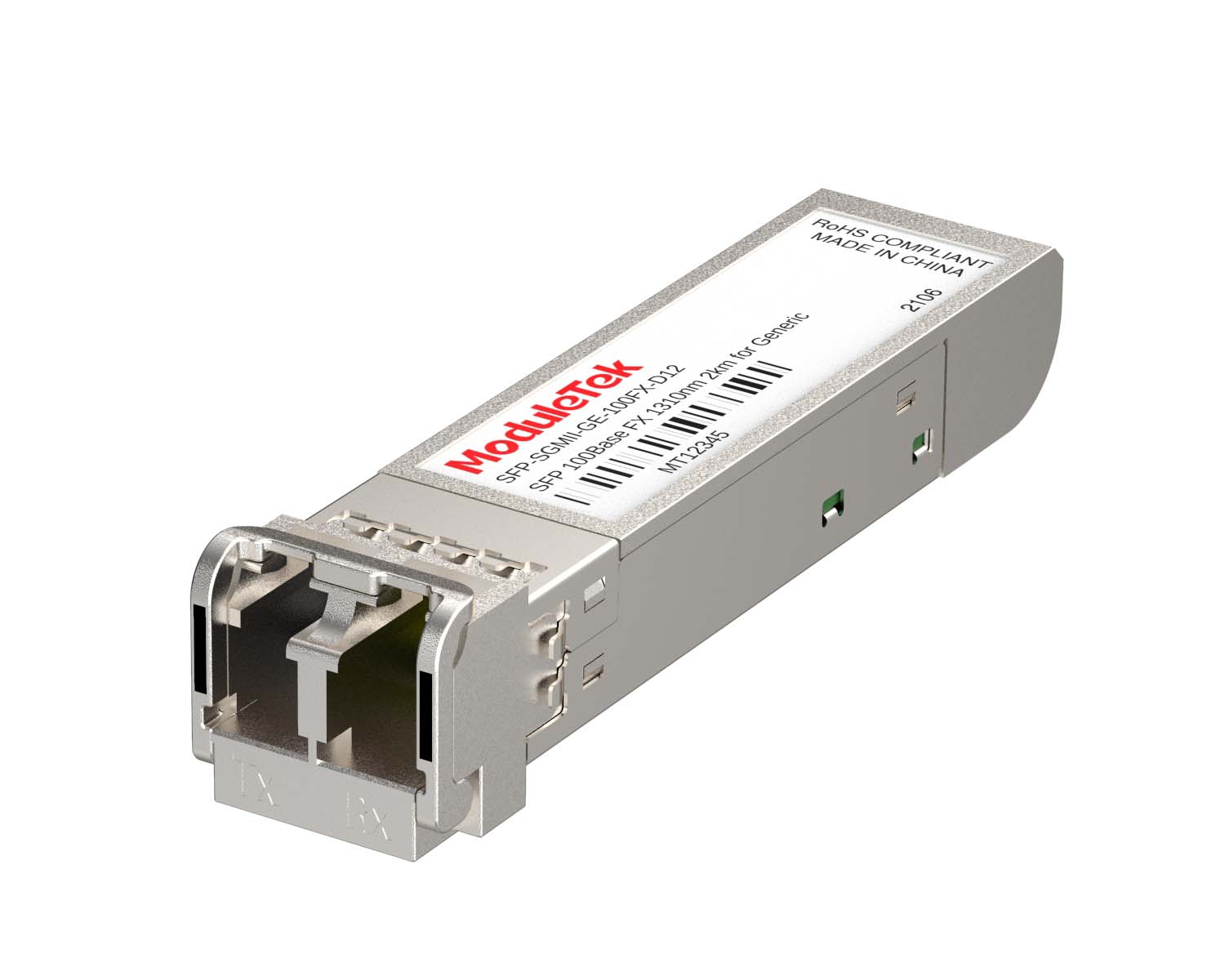 SGMII Port Optical Transceivers
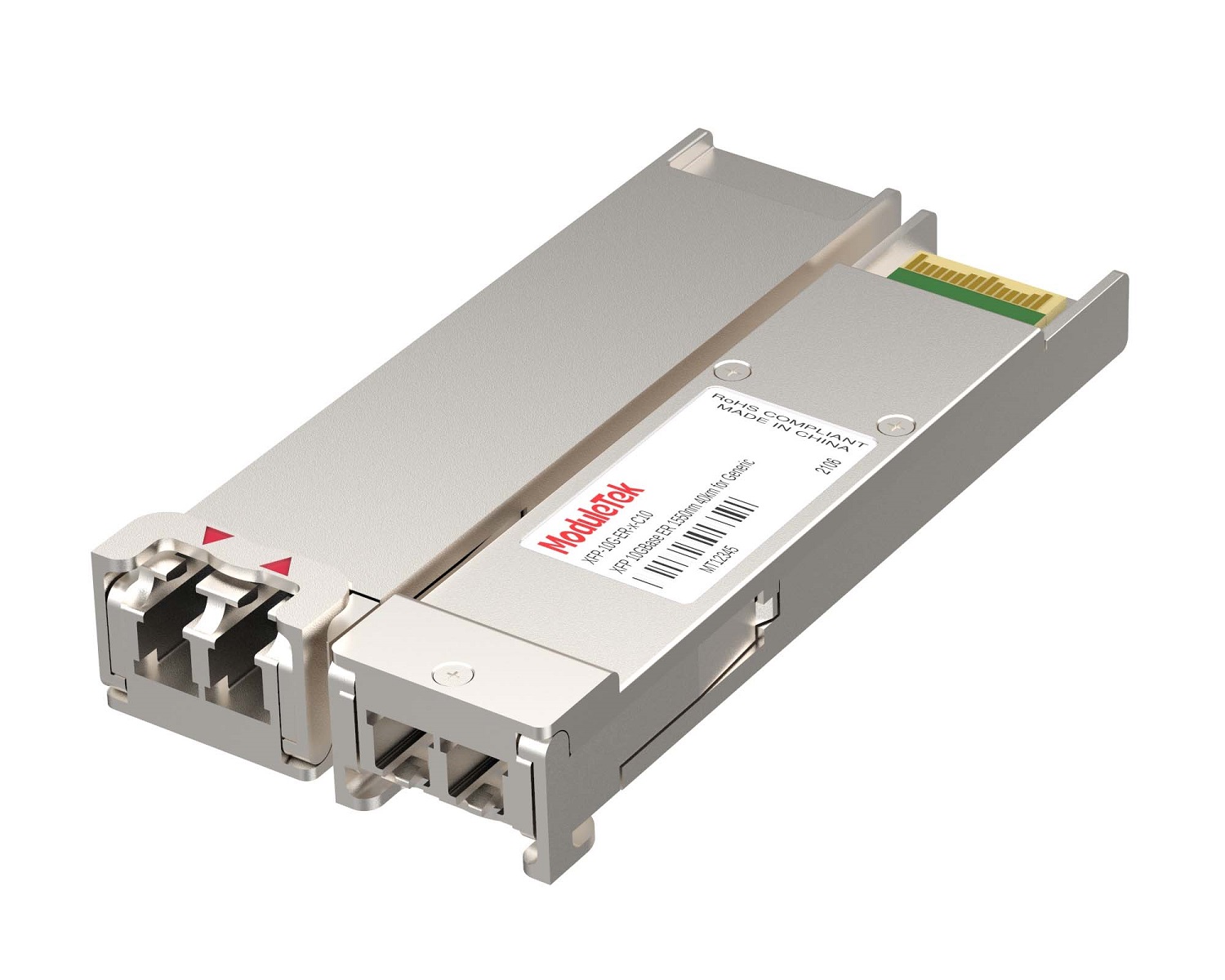 XFP Optical Transceivers
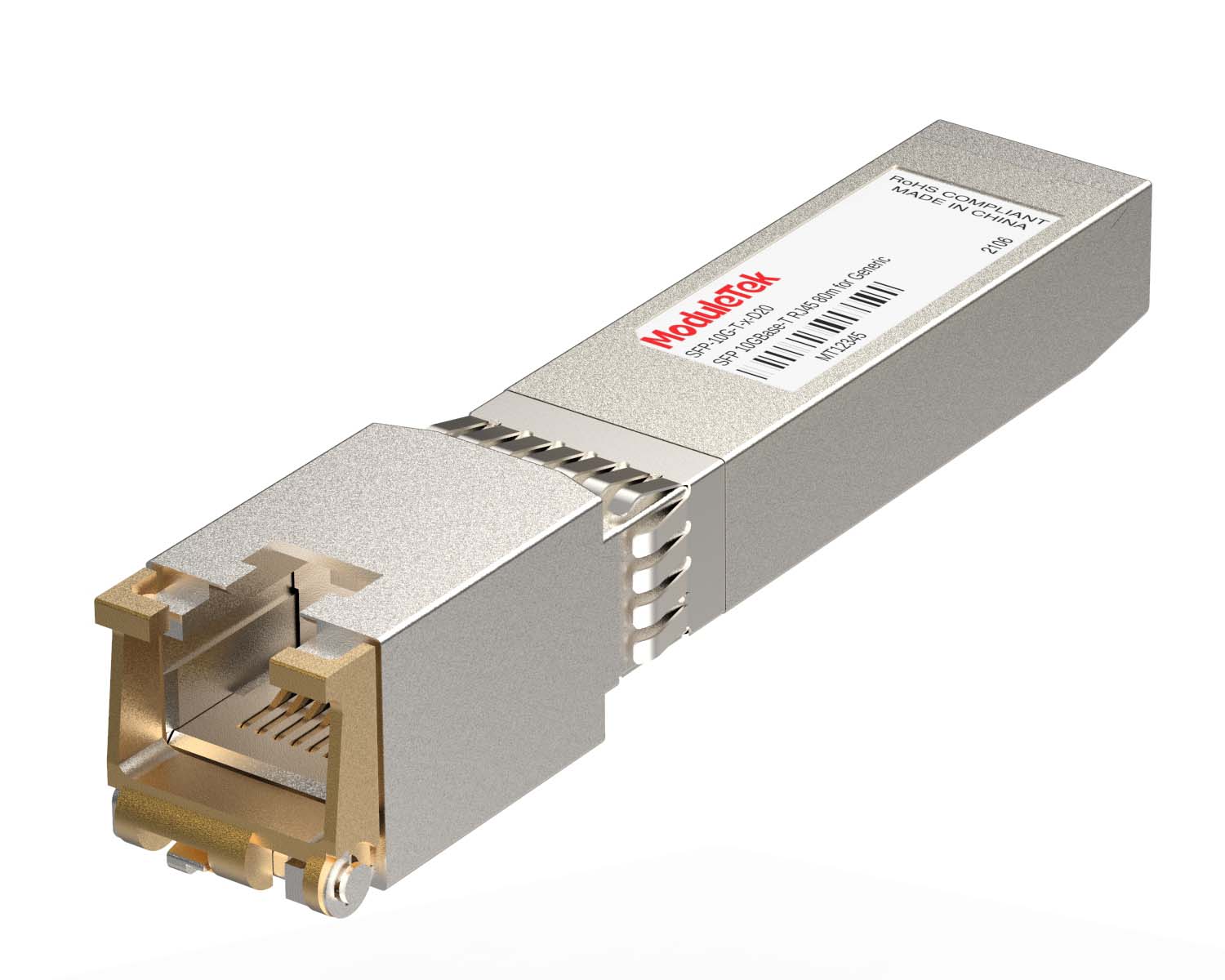 100M/1G/10G Coppers
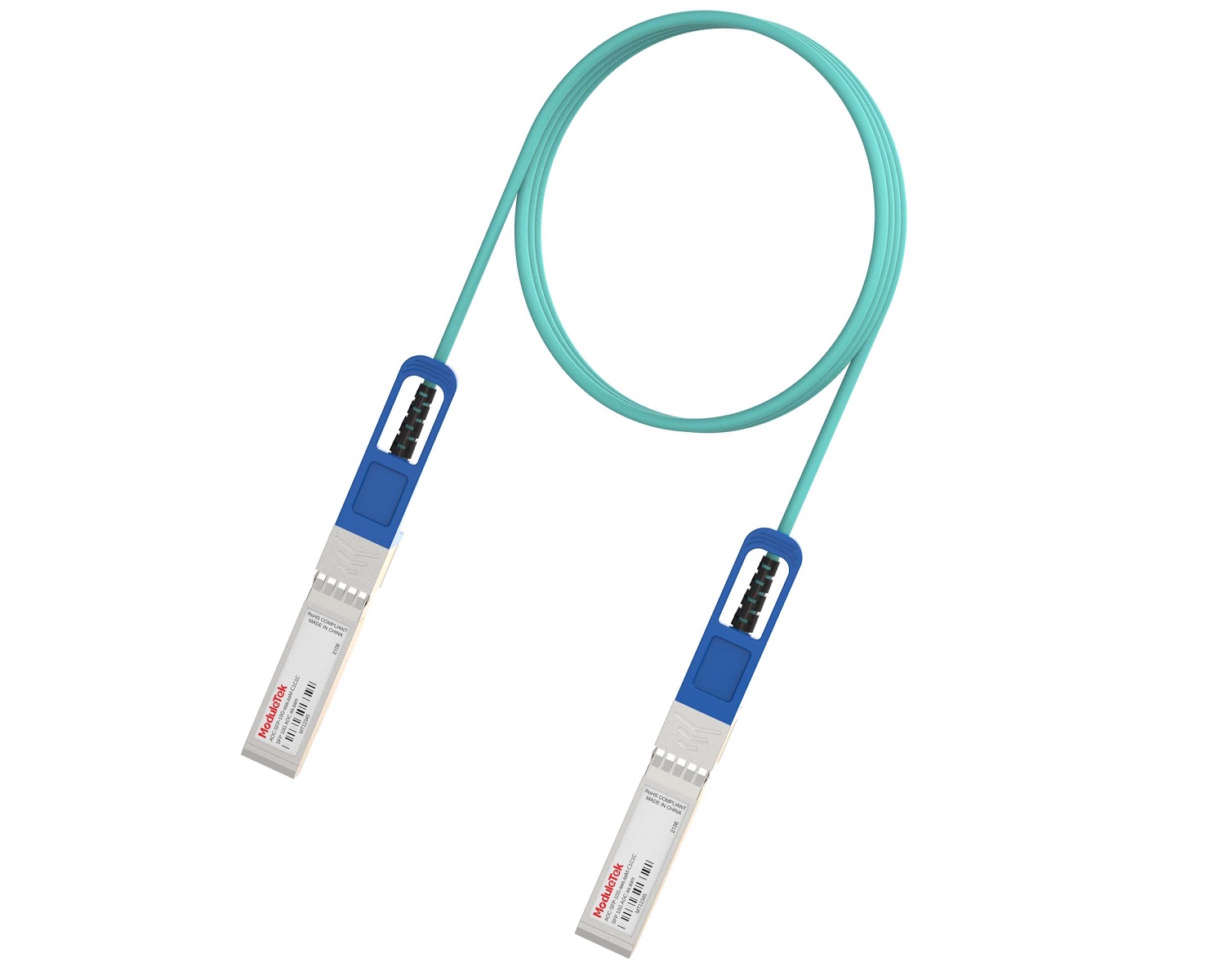 Full-Rate AOC & Breakout Series
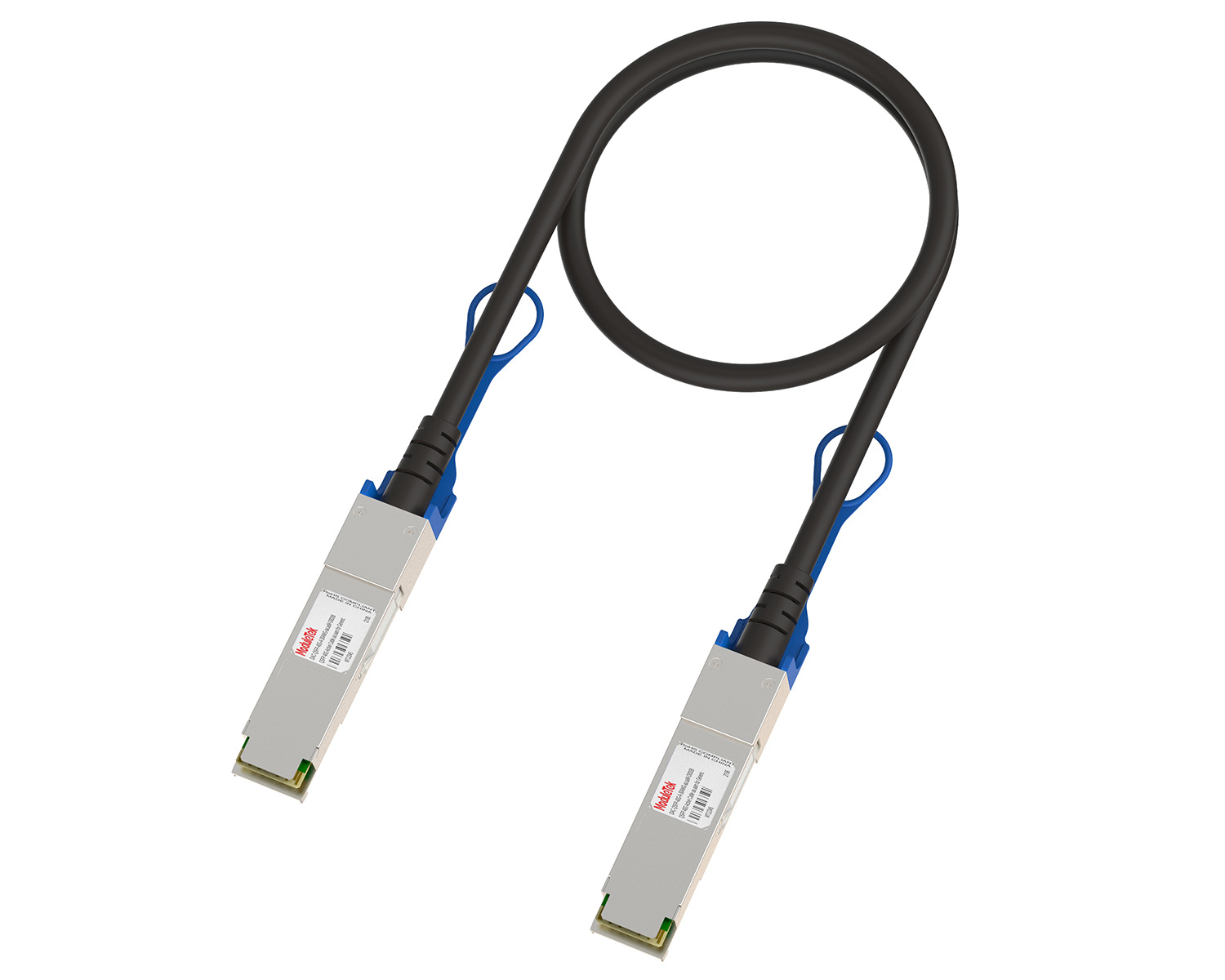 10G/40G Active DAC Series
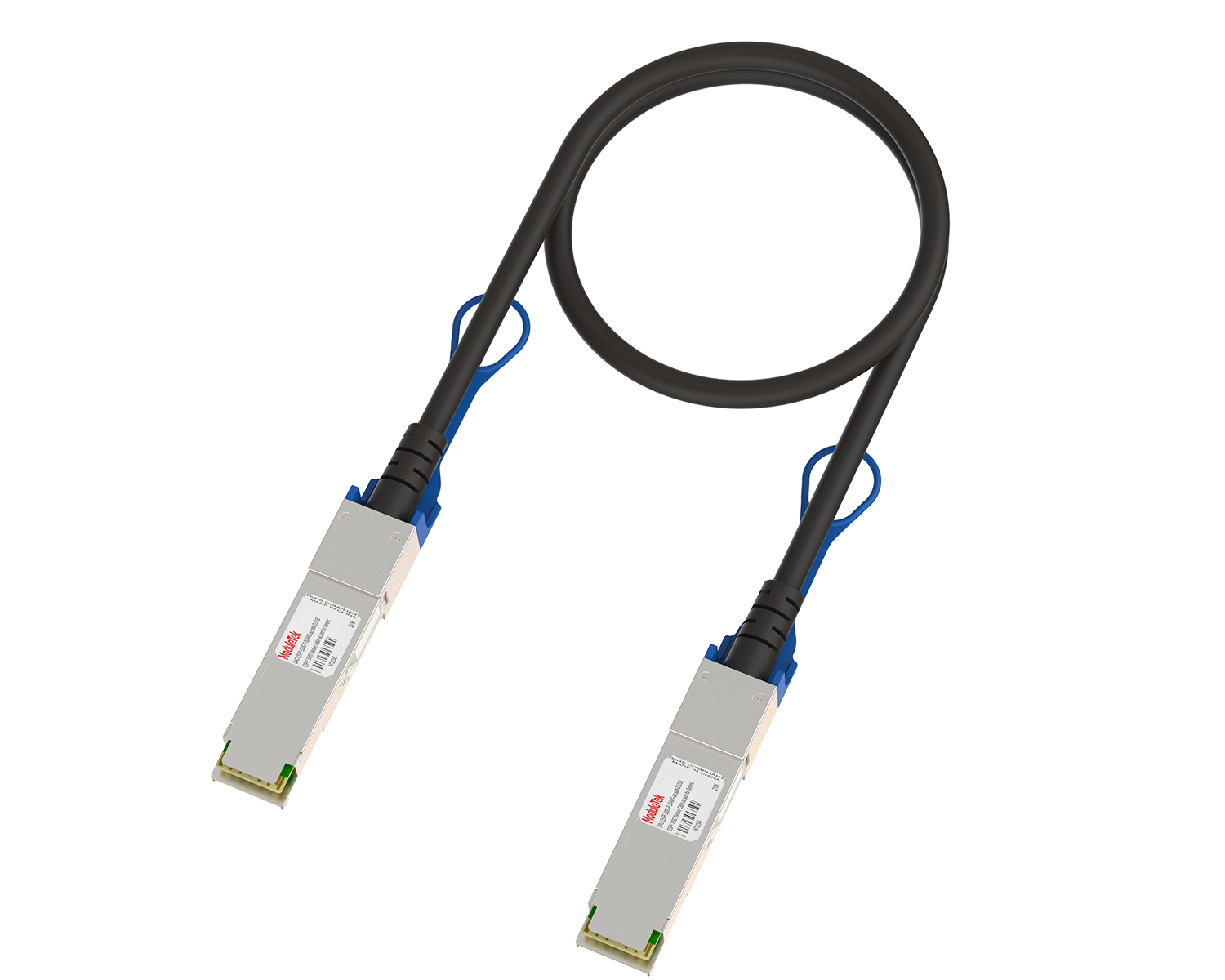 Full-Rate Passive DAC Series
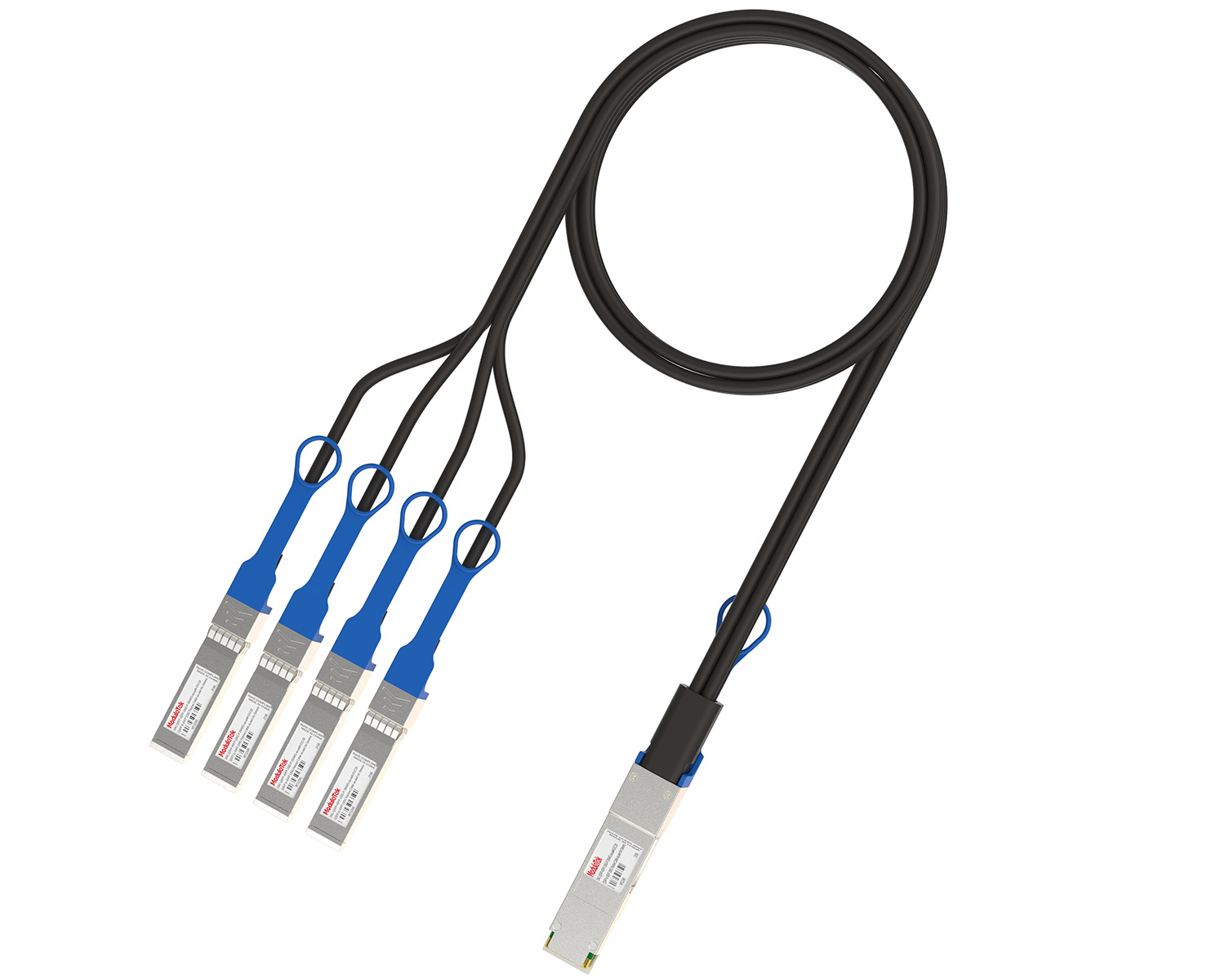 40G/100G Passive Breakout DAC Series
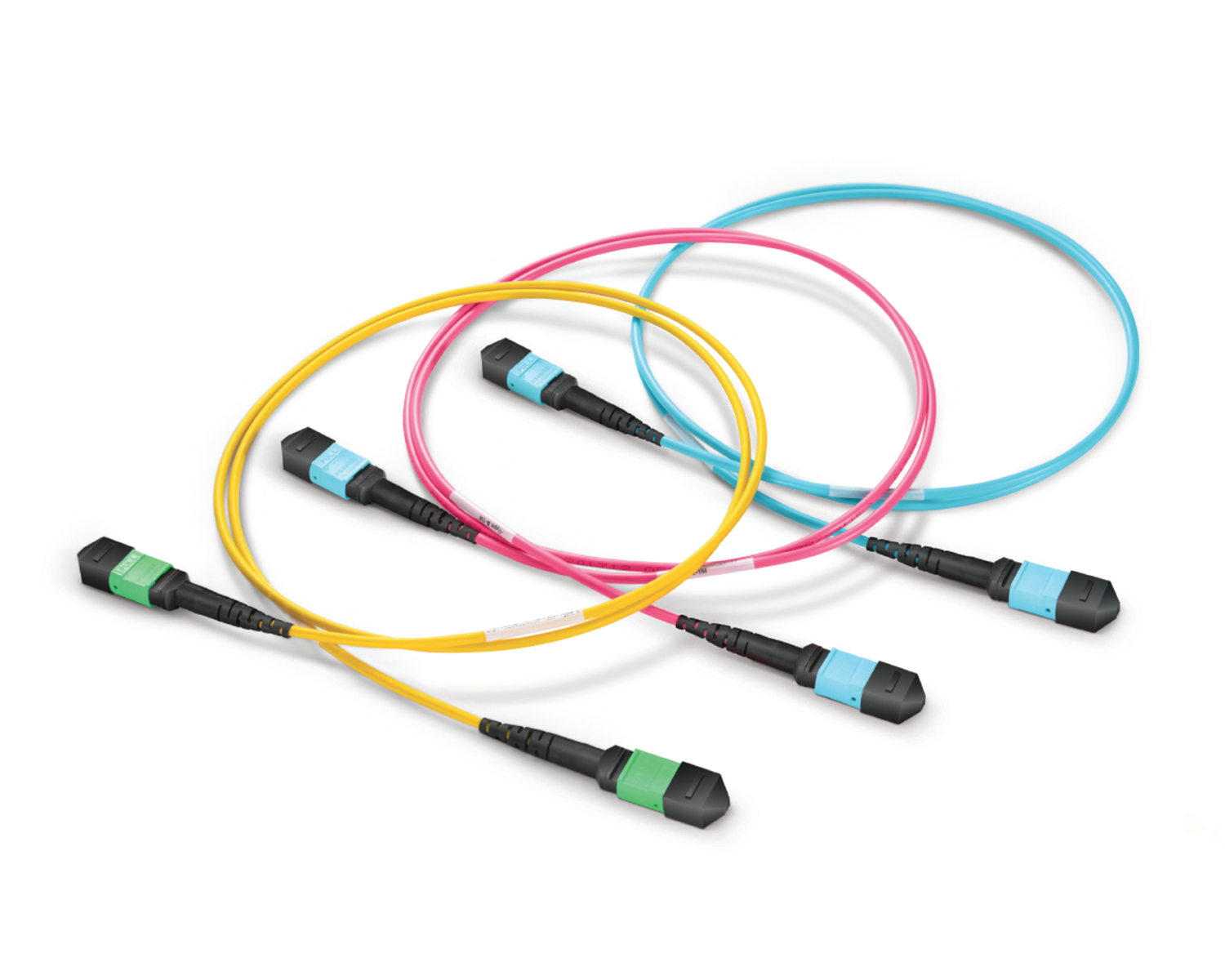 Regular/MTP-MPO Fiber Patch Cords
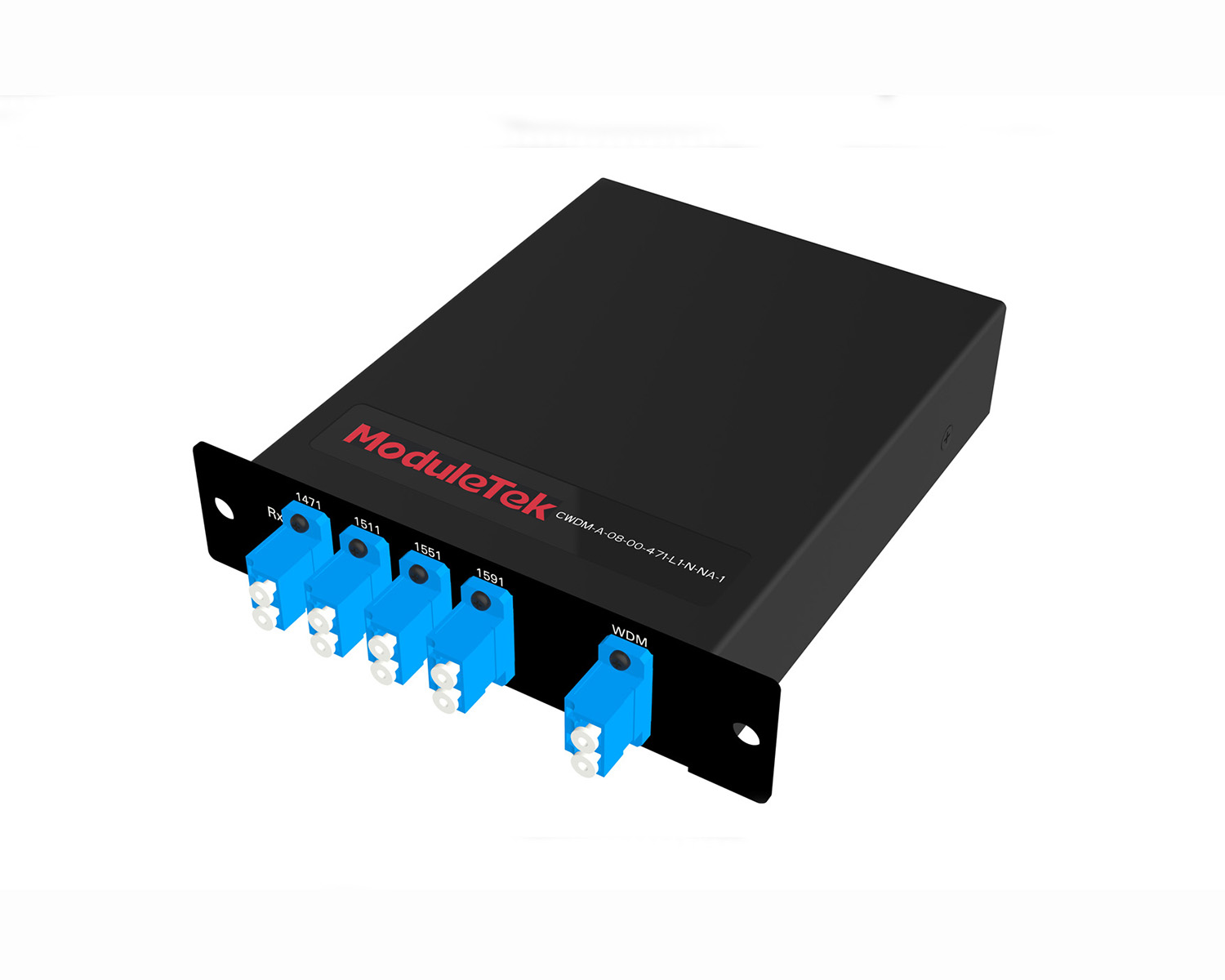 MT2011
 MT2010
 CodingBox
 QSFP to SFP Adapter
H3C Switch Password Recovery By Ignoring Current Configuration
Time: 2024-12-20
If you forget the console login password of an H3C switch and the password recovery function is enabled (enabled by default), you can bypass the current system configuration during startup to temporarily clear the console login authentication password. If the password recovery function is disabled, restoring factory settings is the only solution.
Taking the H3C S5120-20P-SI switch as an example, Moduletek Labs introduces the password recovery procedure by skipping the current system configuration.
1. Connect the serial cable to the switch and reboot the device. When the following startup messages appear on the terminal interface, press Ctrl+B in a timely manner to enter BootRom mode.
2. After entering the BootRom main menu, the first message will display whether the device has the password recovery function enabled — ensure the status is Enabled. Select the Skip current system configuration option (Option 7 in this case). The device will boot with a temporary factory default configuration, which is only valid for this startup.
3. The system will prompt that the configuration skip is successful. When the BootRom menu reappears, select Reboot to restart the switch.
4. After the reboot is complete, the system directly enters user mode with all previous configurations cleared. You can enter the system view to restore the original startup configuration; skip this step if restoration is not required.
5. In the system view, configure a new console login authentication mode and password, then save the configuration to the startup configuration to complete the password recovery.
Note: Configuration menus and commands may vary slightly by H3C device model and system version. Please refer to the actual interface prompts of your device.
Moduletek Limited is at your service.
For Cisco switch password recovery, refer to: Cisco Switch Password Recovery By Modifying Configuration Files .
For further inquiries about the above content, please contact us at: sales@moduletek.com