
 40G/100G Optical Transceivers
 25G Optical Transceivers
 10G Optical Transceivers
 155M/2.5G Optical Transceivers
 1G Optical Transceivers
 1G BIDI Optical Transceivers
 Dual-Rate Optical Transceivers
 FC 16G/32G Optical Transceivers
 CWDM Optical Transceivers
 DWDM Optical Transceivers
 SGMII Port Optical Transceivers
 XFP Optical Transceivers
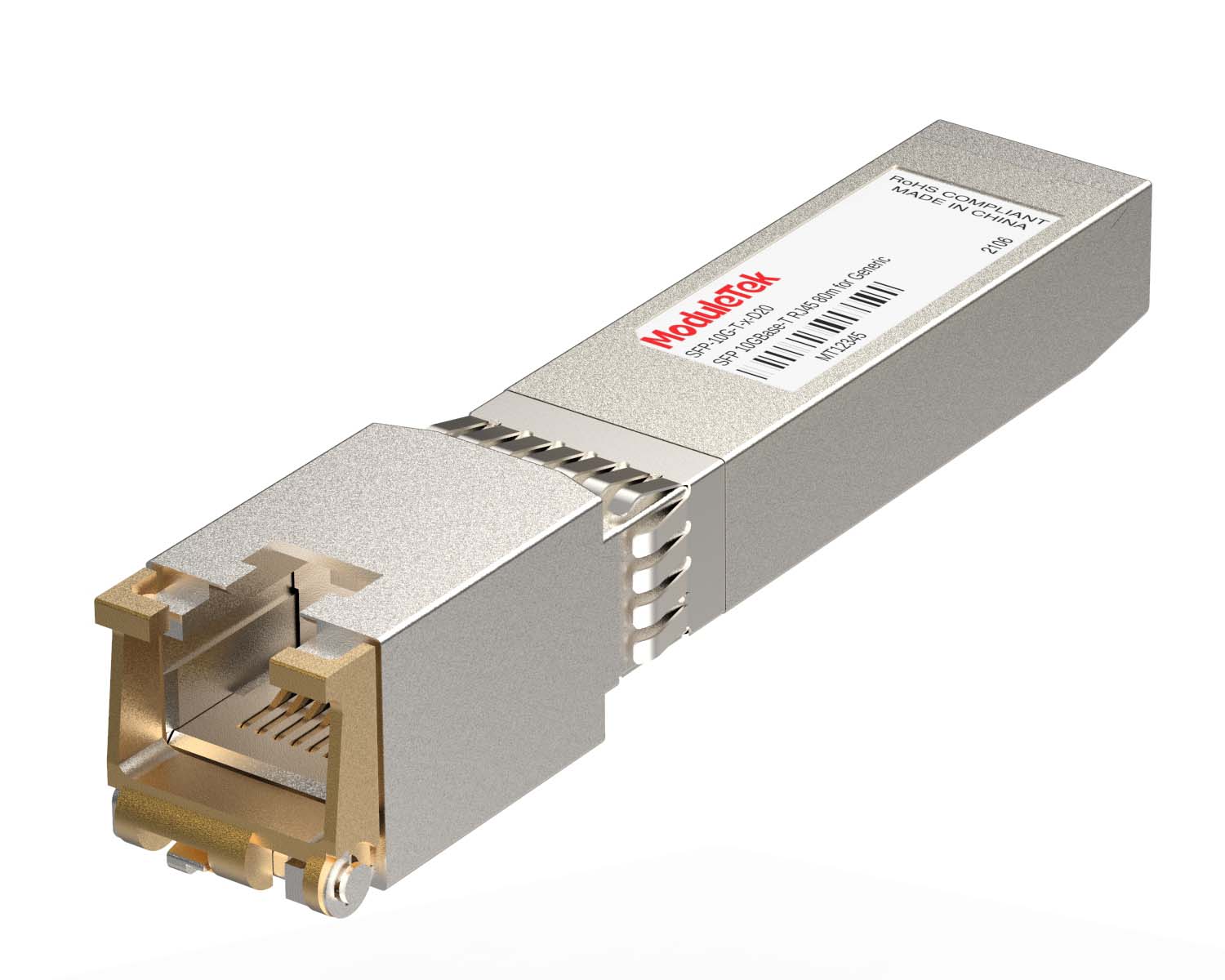 100M/1G/10G Coppers
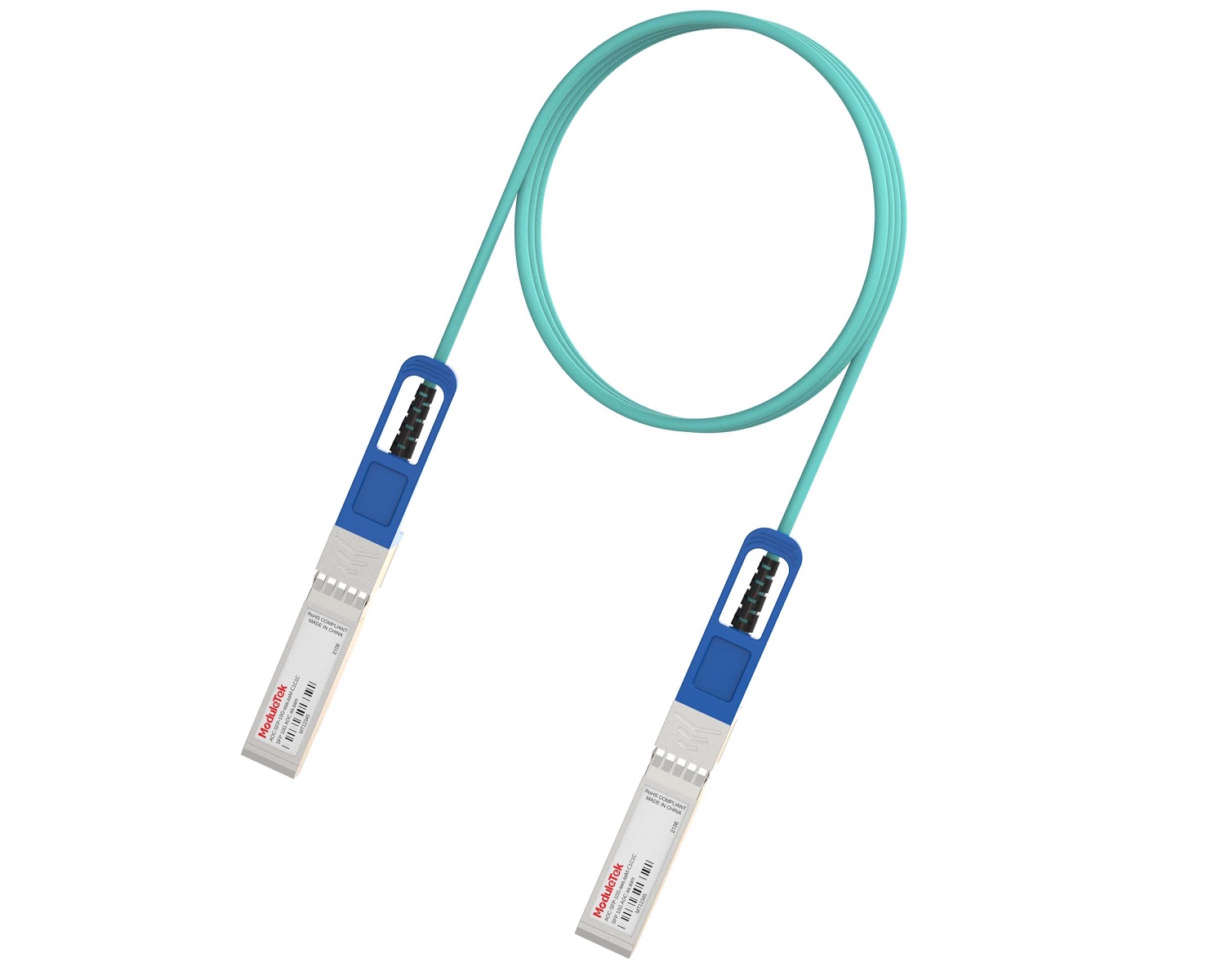 Full-Rate AOC & Breakout Series
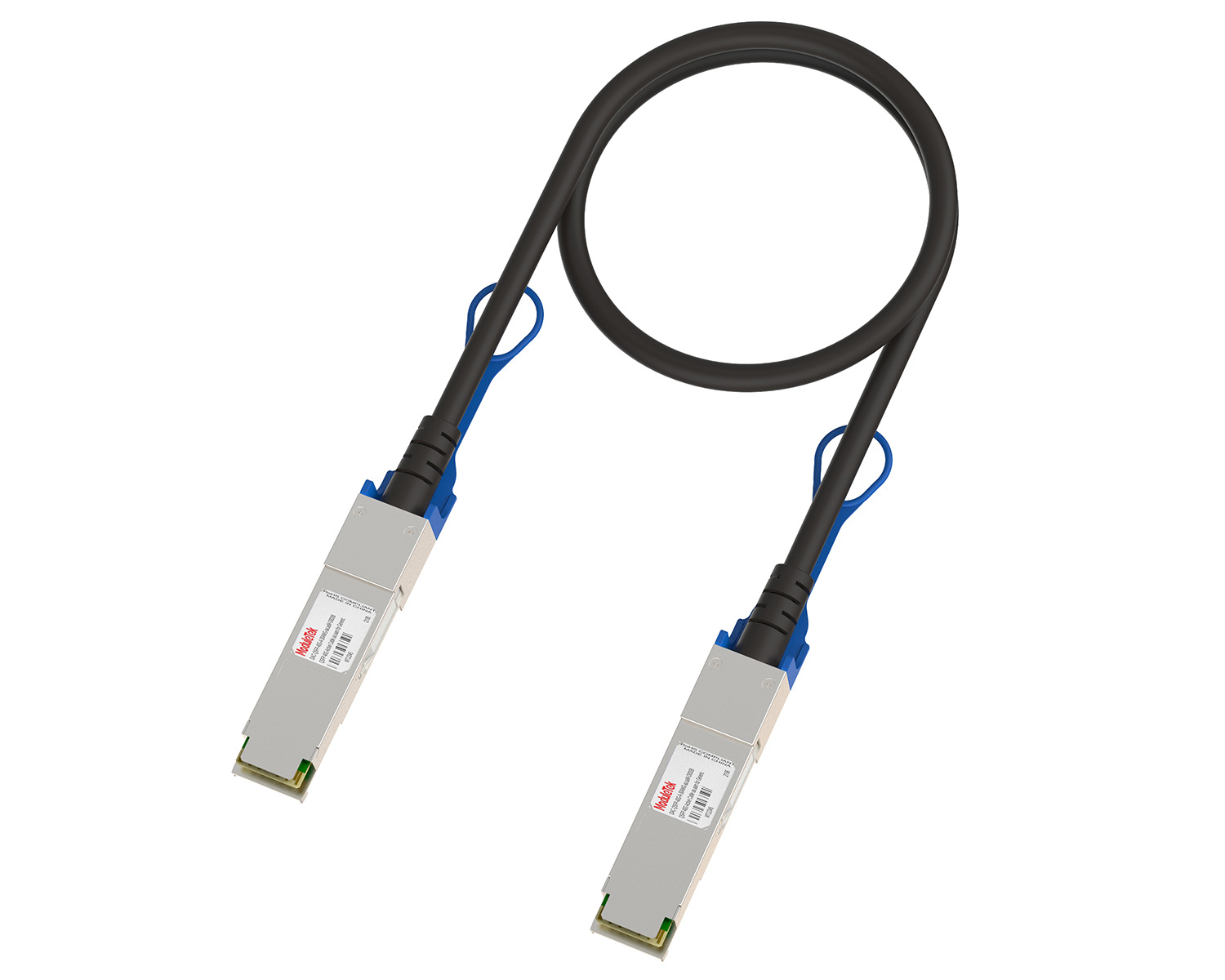 10G/40G Active DAC Series
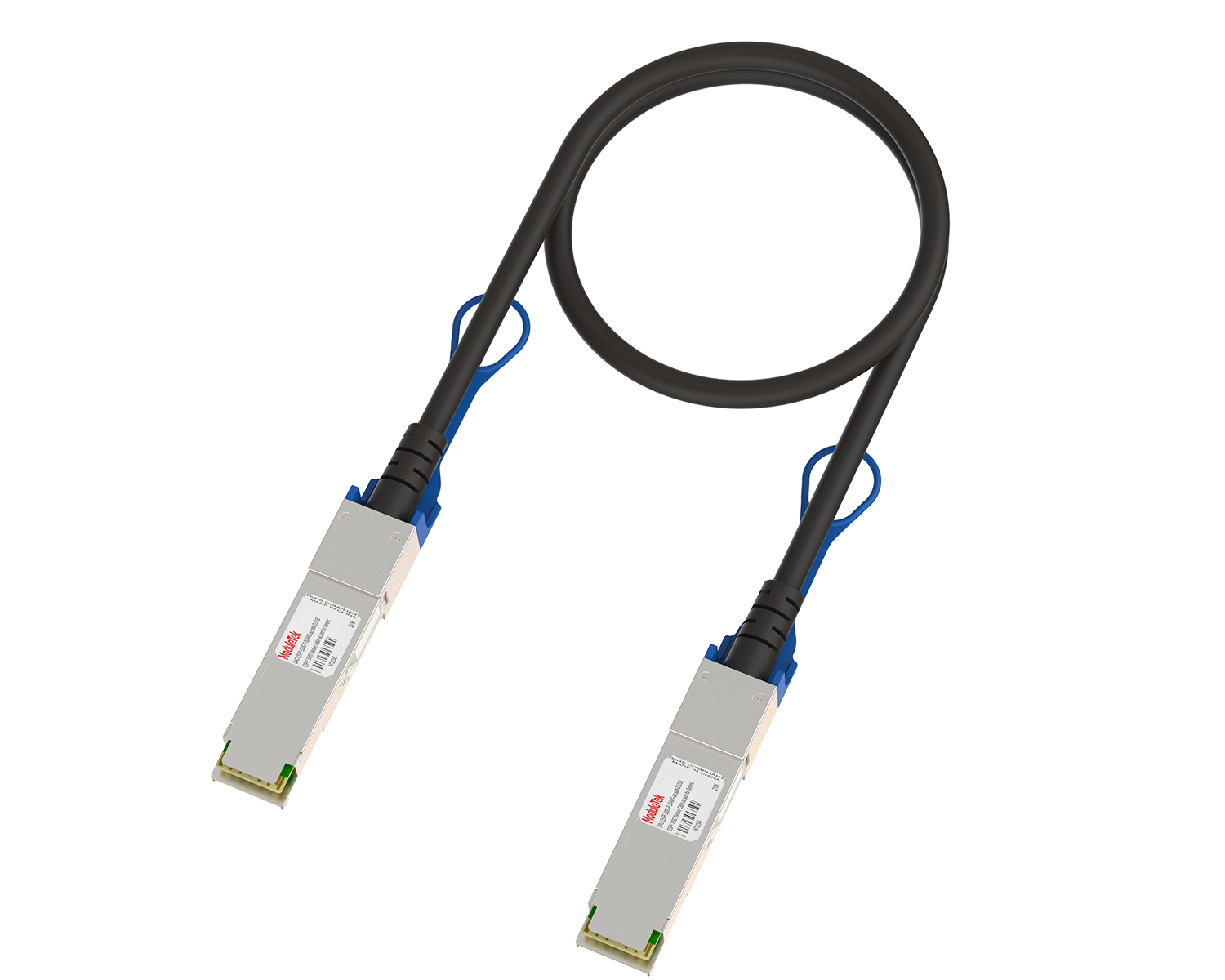 Full-Rate Passive DAC Series
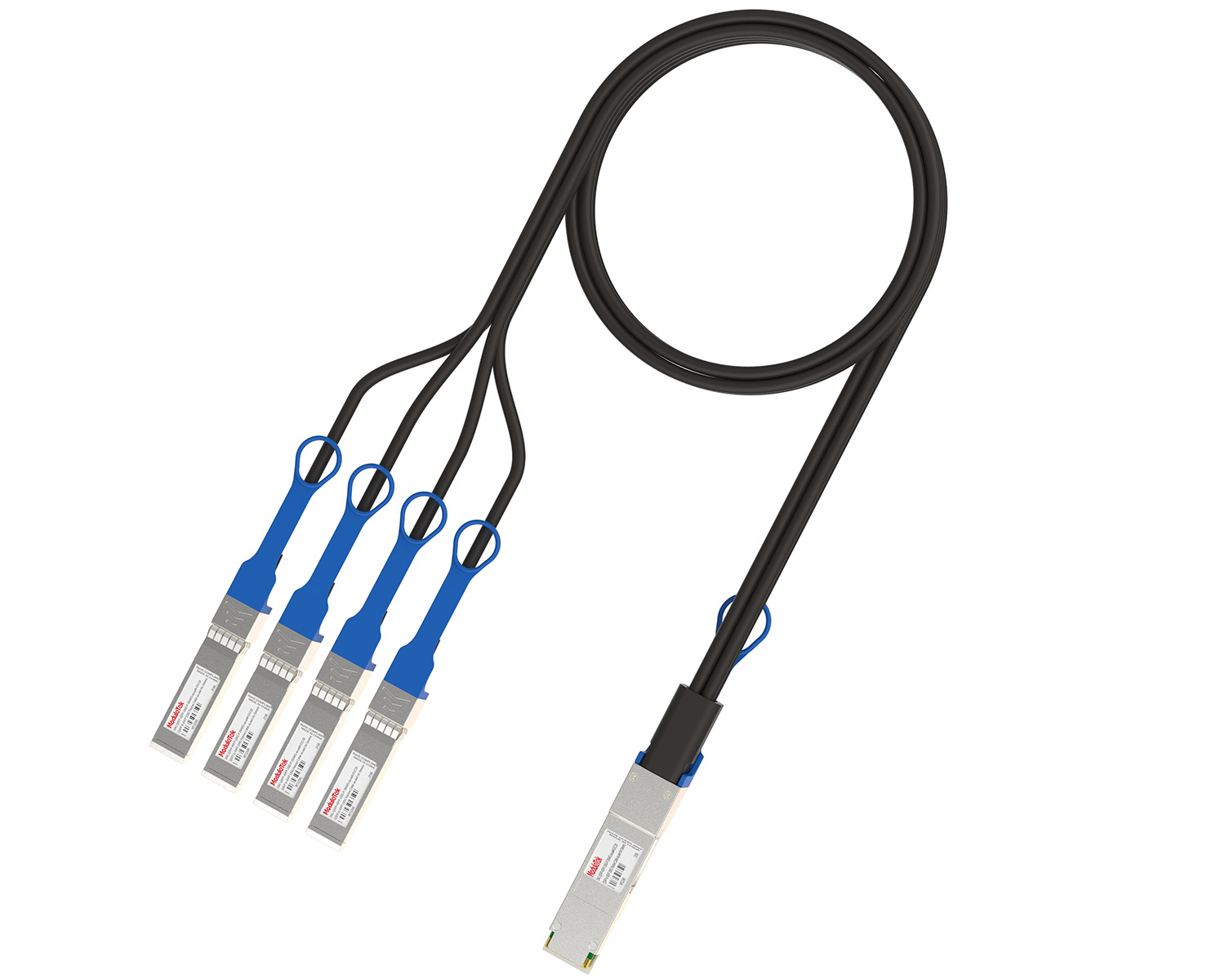 40G/100G Passive Breakout DAC Series
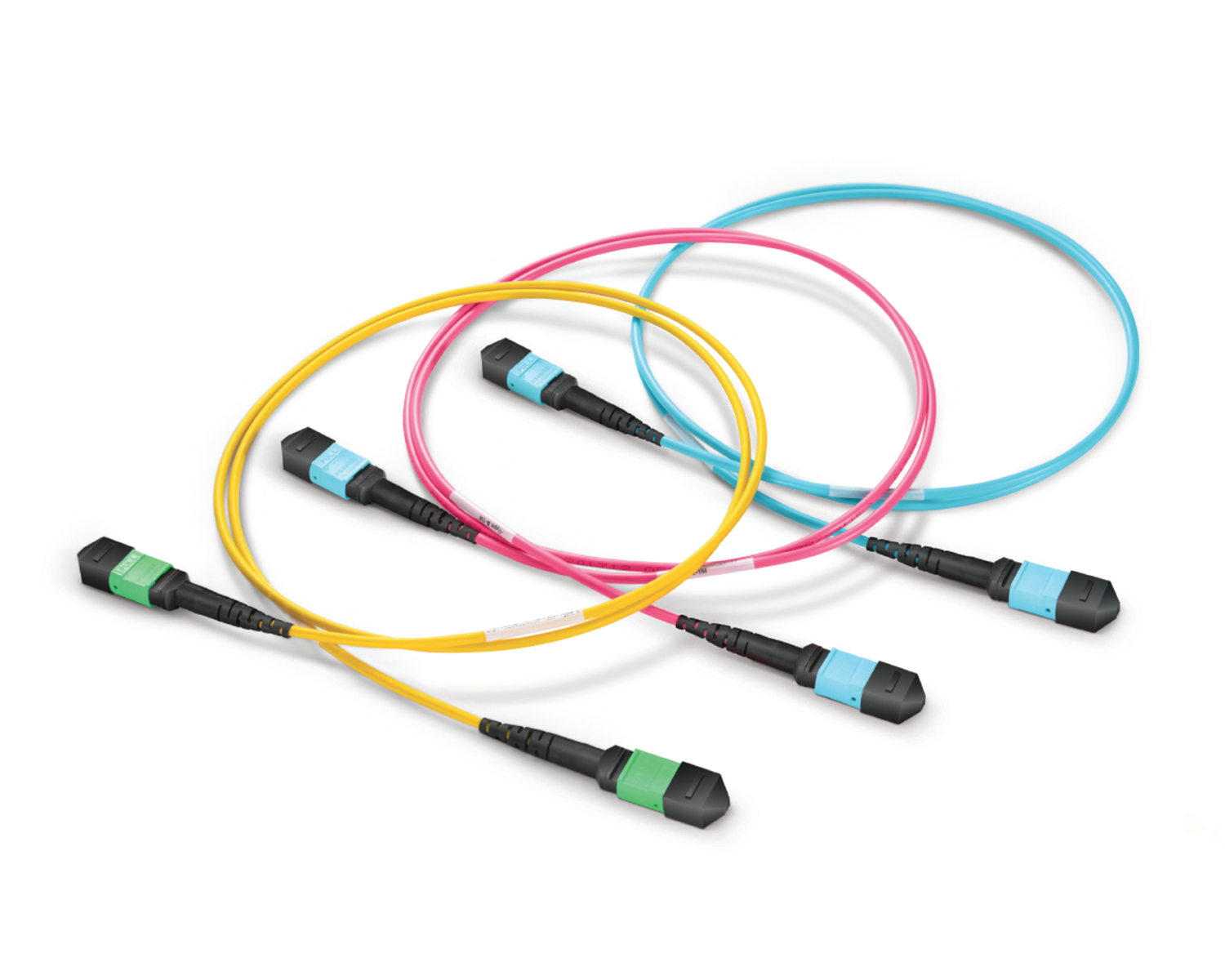 Regular/MTP-MPO Fiber Patch Cords
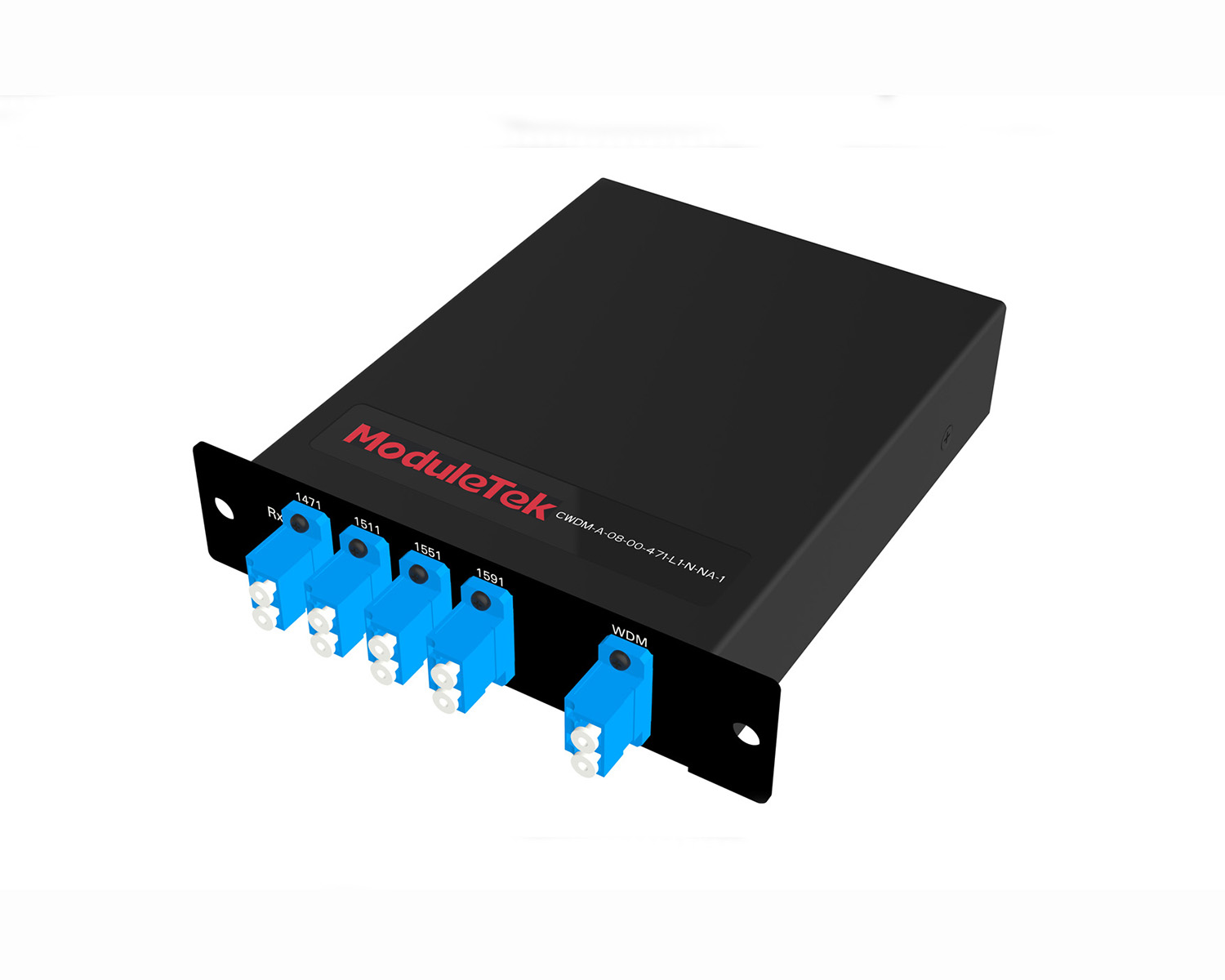 MT2011
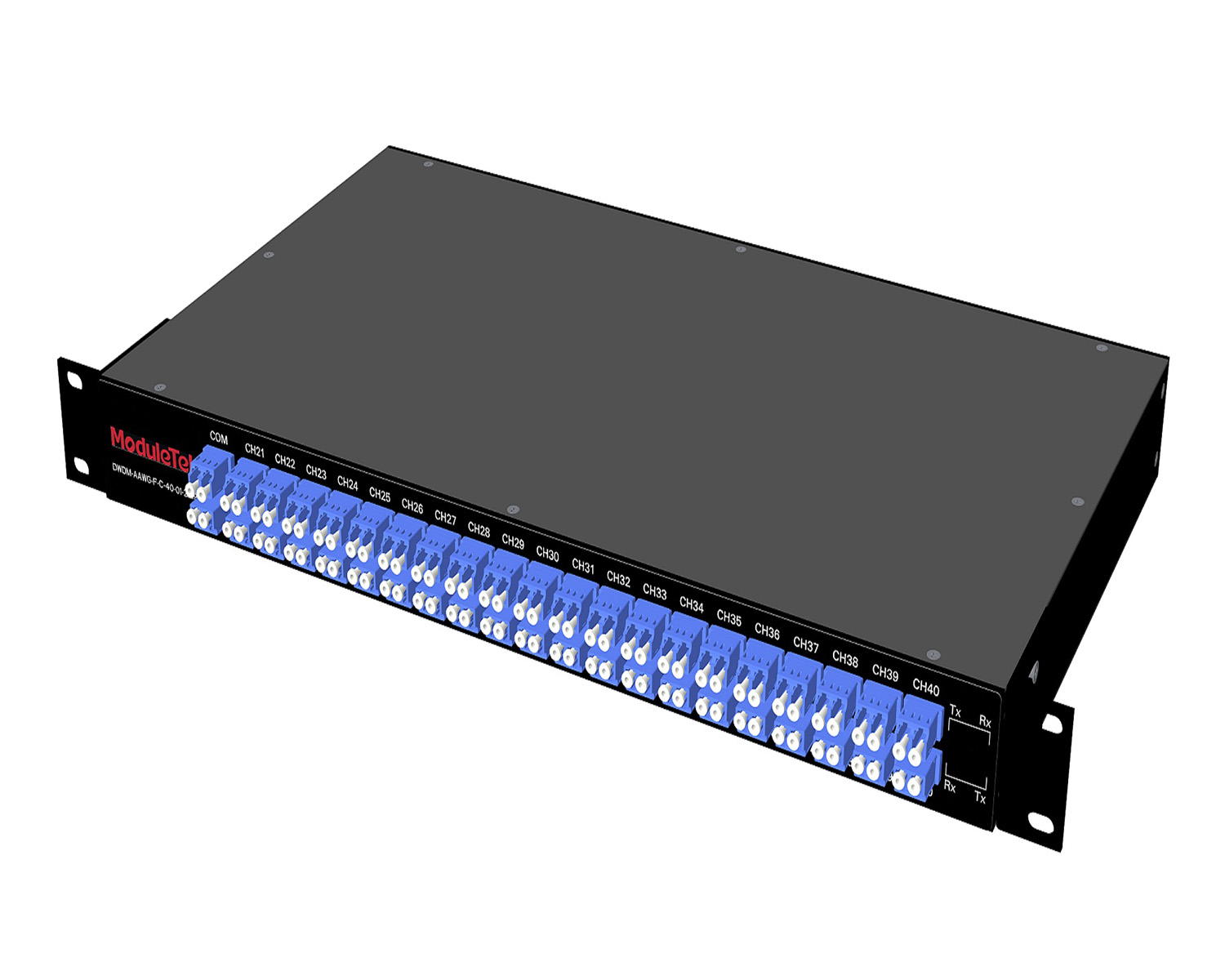 MT2010
 CodingBox
 QSFP to SFP Adapter
Mellanox MSN4700-WS2FC Switch Unboxing
Time: 2024-11-27
The Mellanox MSN4700-WS2FC is a member of the Mellanox SN4000 series switch family, designed for leaf node, spine node and core node applications in data centers.
Moduletek Laboratory has purchased a Mellanox MSN4700-WS2FC switch to conduct compatibility testing for the 40G/100G/200G/400G QSFP-DD product family. The following takes you through the unboxing and acceptance process.
Table 1 Official Equipment Description
|
Model
|
Description
|
|
MSN4700-WS2FC
|
Spectrum-3-based 400GbE 1U Open Ethernet Switch (with Cumulus Linux), 32 QSFPDD ports,
2 power supplies (AC), x86 CPU, standard depth, P2C airflow, slide kit |
It is worth noting that the Mellanox SN4700 series switches are available in three system platforms: Onyx, Cumulus Linux, and ONIE. Different factory-preinstalled system platforms correspond to different switch sub-models. The MSN4700-WS2FC comes pre-installed with NVIDIA Cumulus Linux, an innovative operating system that brings the Linux user experience from the server to the switch and provides rich routing capabilities for large-scale applications.
The device’s outer package is printed with the Mellanox logo, product labels, and packing labels.
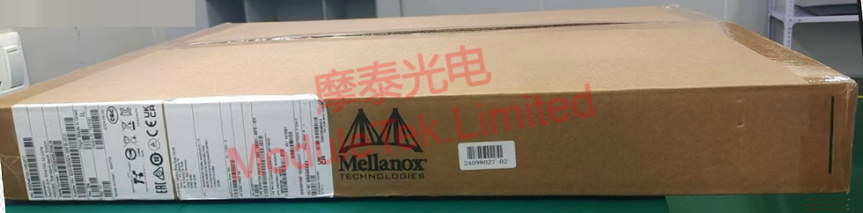
Figure 1 MSN4700-WS2FC Outer Package
Inside the box, the device includes a main unit (with power supplies and fans already installed), along with accessories: two C14-to-C15 power cables for 100-127VAC, two C14-to-C15 power cables for 200-240VAC, one DB9-to-RJ45 serial cable, cable ties, and sliding rails.
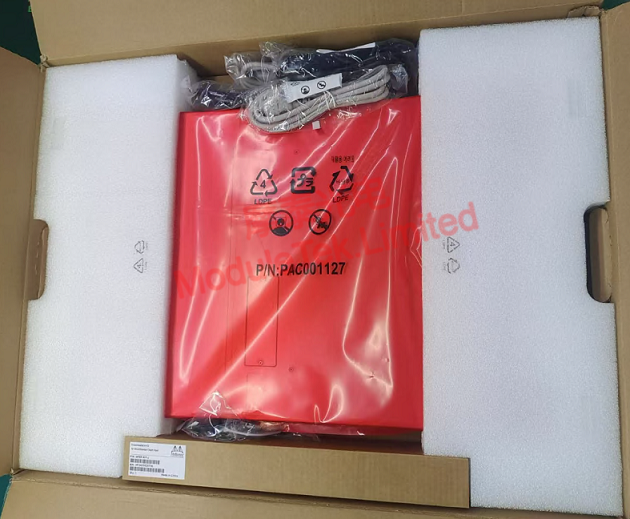
Figure 2 MSN4700-WS2FC Inner Package
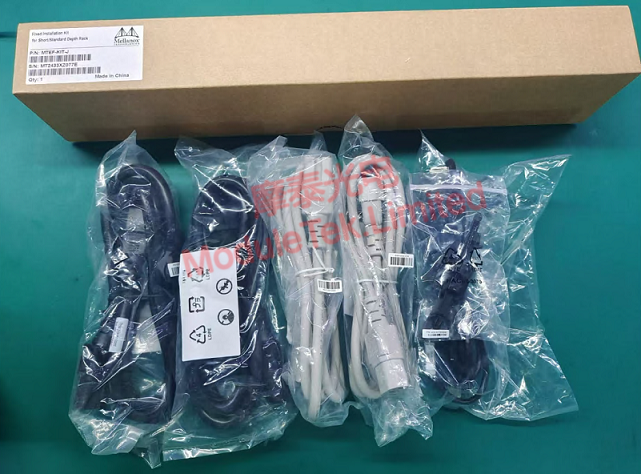
Figure 3 MSN4700-WS2FC Accessories
The front panel mainly features 32 400G QSFP-DD ports, 1 RJ45 console port, 1 USB port, and 1 RJ45 management port. The rear panel mainly has 2 power supply slots (with power supply modules already installed) and 6 fan slots (with fan modules already installed).
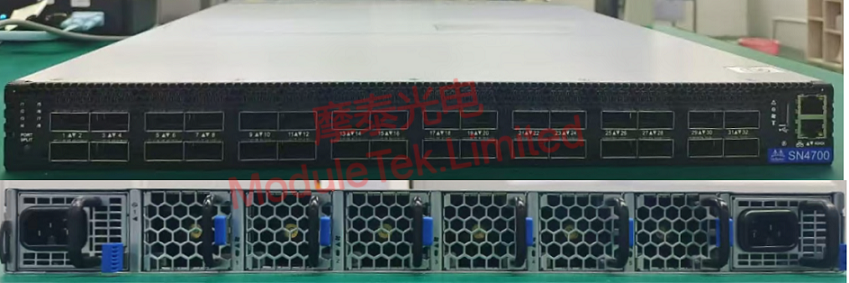
Figure 4 MSN4700-WS2FC Front/Back Panel
Connect the power cord to power up the device; there is obvious noise during startup.
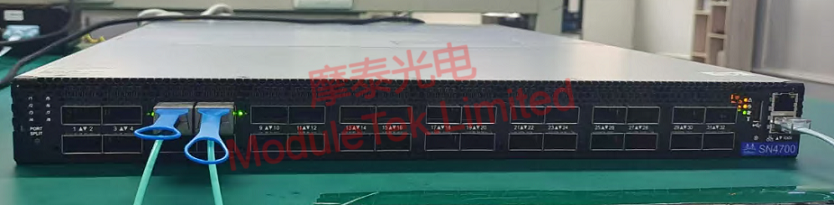
Figure 5 MSN4700-WS2FC Device Power-Up
Use a DB9-to-RJ45 serial cable to connect to the switch via the console port.
The device’s default baud rate: 115200
Default account/password: cumulus/cumulus
Log in to the console and execute the following command to view the system version information:
cat /etc/lsb-release
Insert the Mellanox-compatible 100G SR4 optical module produced by Moduletek into the device’s Ethernet port; the device can correctly identify the module type.
Moduletek’s optical modules are well compatible with Mellanox-related equipment. Welcome to purchase.
Moduletek Limited is at your service.
For further inquiries about the above content, please contact us at: sales@moduletek.com