
 40G/100G Optical Transceivers
 25G Optical Transceivers
 10G Optical Transceivers
 155M/2.5G Optical Transceivers
 1G Optical Transceivers
 1G BIDI Optical Transceivers
 Dual-Rate Optical Transceivers
 FC 16G/32G Optical Transceivers
 CWDM Optical Transceivers
 DWDM Optical Transceivers
 SGMII Port Optical Transceivers
 XFP Optical Transceivers
 100M/1G/10G Coppers
 Full-Rate AOC & Breakout Series
 10G/40G Active DAC Series
 Full-Rate Passive DAC Series
 40G/100G Passive Breakout DAC Series
 Regular/MTP-MPO Fiber Patch Cords
 MT2011
 MT2010
 CodingBox
 QSFP to SFP Adapter
Araknis AN-310-SW-R-8-PoE Switch Showcase
Time: 2024-12-18
SnapAV is a U.S.-based manufacturer and distributor of audio/video (A/V), surveillance, networking, and remote management solutions. Araknis Networks, a brand under SnapAV, specializes in professional-grade networking and infrastructure solutions for residential and commercial scenarios.
Araknis offers OvrC, a cloud-based remote management platform that provides remote monitoring, real-time notifications, remote reboot, configuration editing, firmware updates and other maintenance functions.
Moduletek Laboratory purchased an Araknis AN-310-SW-R-8-PoE switch to conduct compatibility testing for its 1G SFP product lineup. This article presents the device unboxing, basic configuration and internal disassembly overview.
Table 1 Araknis AN-310-SW-R-8-PoE Official Key Parameters
| Part Number | AN-310-SW-R-8-POE |
| Flash Memory | 16MB |
| SDRAM Memory | 128MB |
| Switching Capacity | 20Gbps |
| Forwarding Rate | 14.8Mpps |
| PoE Power Budget | 130W |
| Line Voltage | 100-240V AC,50/60 Hz |
| Power Consumption | Max:157.06W Device:12.92W |
| Operating Temperature | 32-122°F |
| Management Features | CLI,WEB,Telnet Dual FW Image FW Upgrade:TFTP,HTTP Management Access Filtering:SNMP/Web/Telnet RMON:1,2,3,9 groups Ports Mirroring:One to One, Many to One Remote Ping Cable Diagnostics UPnP |
1. Switch Unboxing
The product outer packaging is printed with the Araknis logo and device model. It is uncommon to print the model directly on the box; most manufacturers attach a label to indicate the model instead.
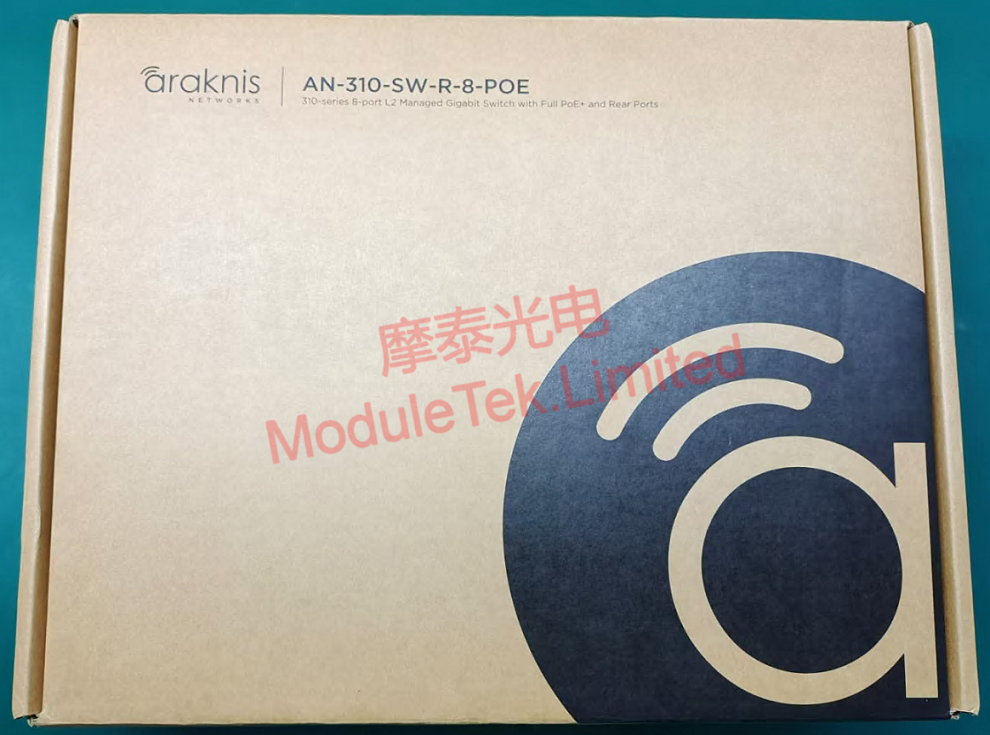
Figure 1 Product Outer Packaging
The package includes the main unit with built-in power supply and complete accessories: mounting screws, angle brackets, non-slip pads, user manual and power cord.
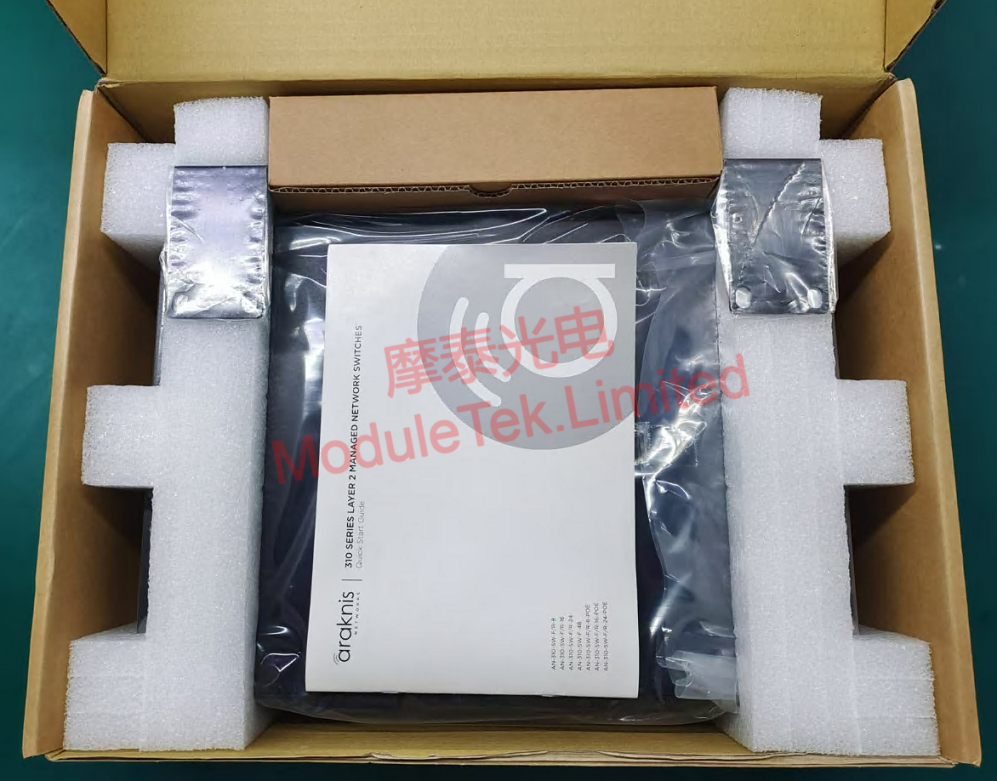
Figure 2 Unboxed Main Unit
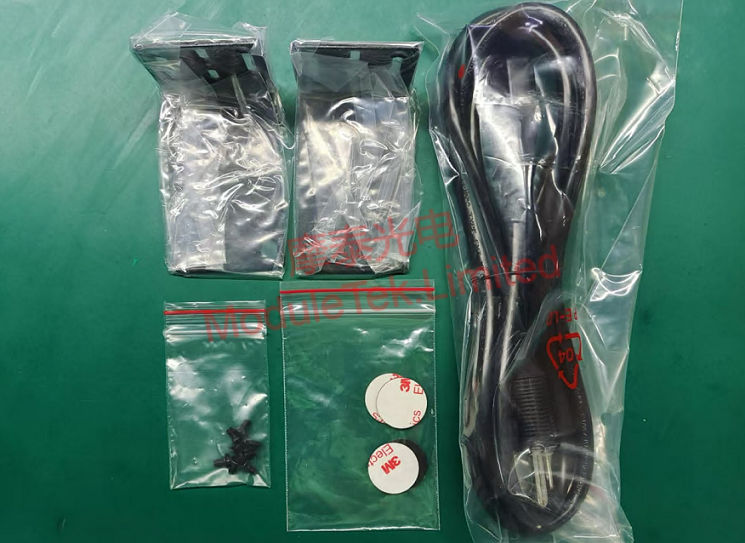
Figure 3 Device Accessories
The front panel of the Araknis AN-310-SW-R-8-PoE is designed with LED port status indicators. The rear panel is equipped with 8 × 100M/1G RJ45 PoE ports, 2 × 1G SFP ports, an AC power inlet and a reset button.
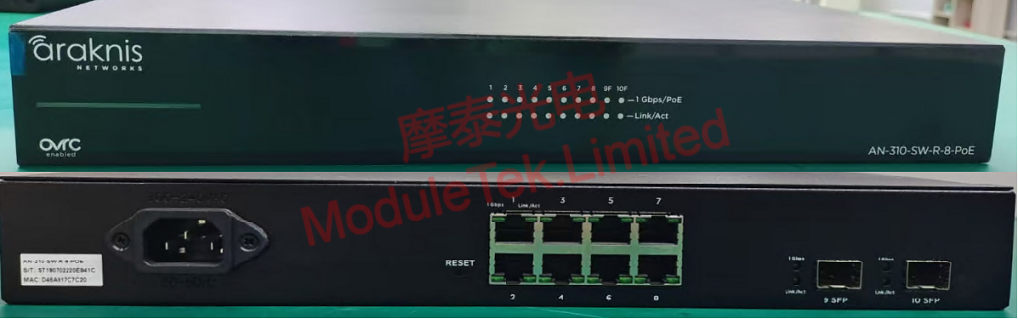
Figure 4 Device Front and Rear Panels
2. System Access and Function Verification
Connect the power cord to power on the device. The switch runs quietly without obvious fan noise. LED status indicators on both front and rear panels allow users to quickly check link operating status.
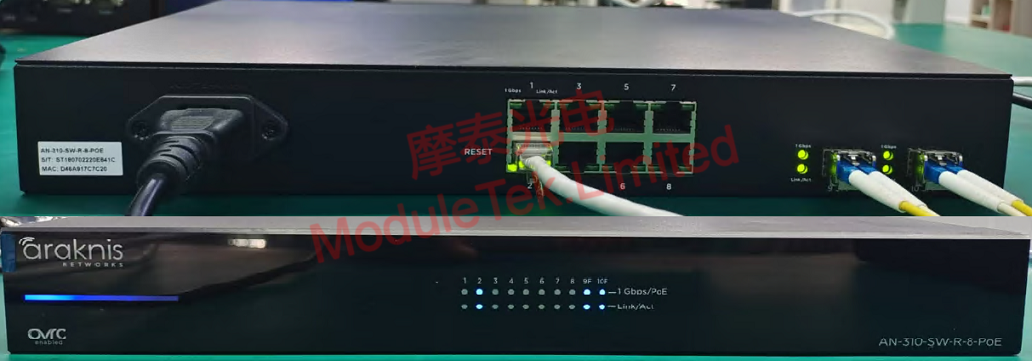
Figure 5 Device Power-On Status
Connect a PC to the switch via an Ethernet cable.
Default management IP: 192.168.20.254
Default username / password: araknis / araknis
Log in to the web management interface. The login page directly displays the device model. Note that the default management IP varies for different Araknis product models.
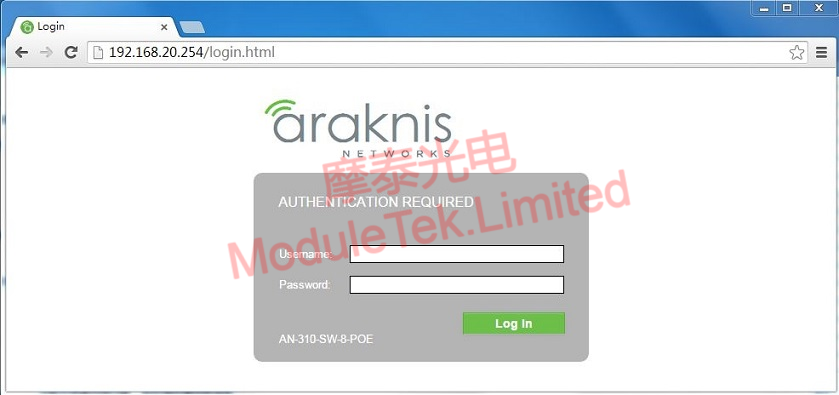
Figure 6 Web Login Interface
Insert Moduletek SFP-GE-LX optical module into the Araknis AN-310-SW-R-8-PoE switch and connect fiber patch cords. The module links up normally and the port indicator lights up.
In the web GUI, navigate to STATUS → PORTS to view interface status, speed, duplex mode, as well as transmit and receive data statistics.
This switch does not support optical module identity recognition or DDM data display.
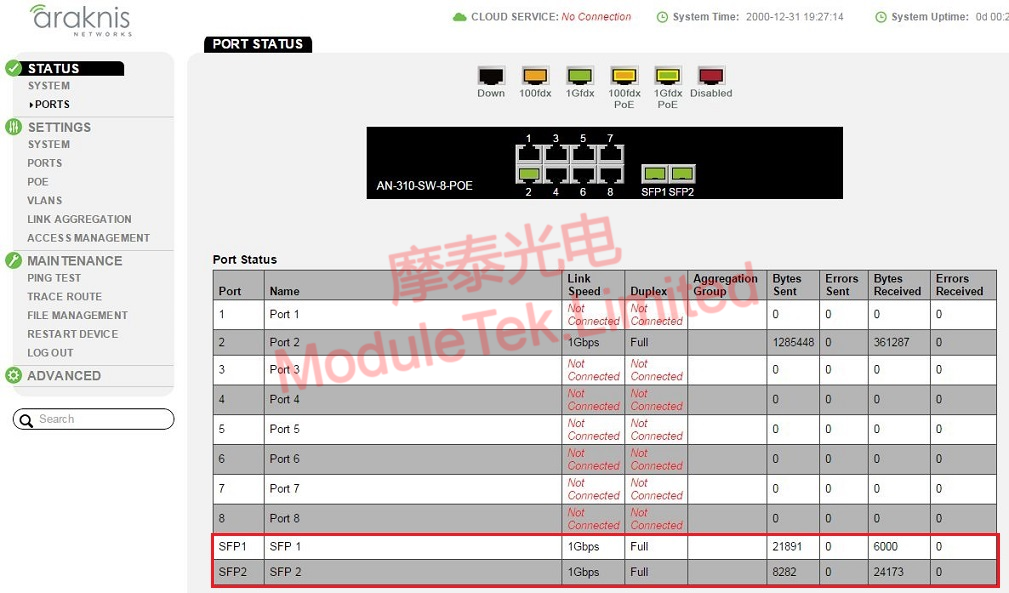
Figure 7 Interface Status Page
3. Switch Disassembly
Remove the top cover of the switch. Its internal structure is divided into three parts:
• Main PCB motherboard integrated with core chips, resistors, heat dissipation and other components;
• LED control board;
• Power supply board with an independently mounted cooling fan.
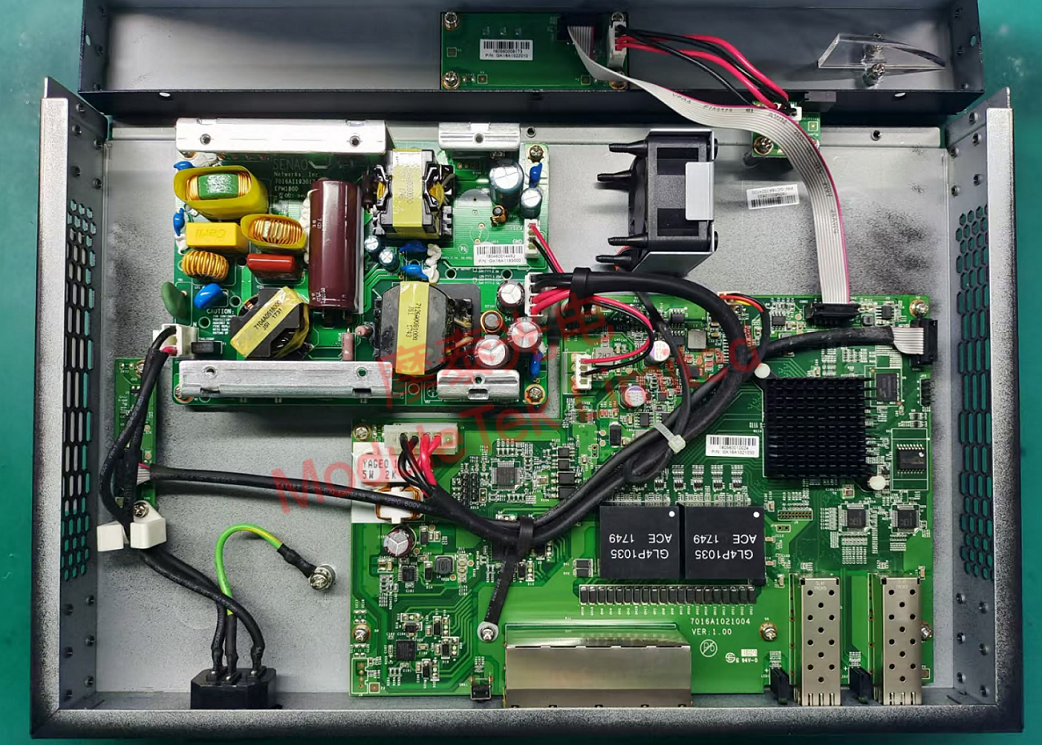
Figure 8 Device Internal Structure
Remove the heatsink to reveal the main switching chip: Realtek RTL8380M.
It is a 10-port Gigabit wire-speed forwarding controller, supporting 8 ports of 10/100/1000M Ethernet PHY and 2 ports of SGMII / 1000Base-X.
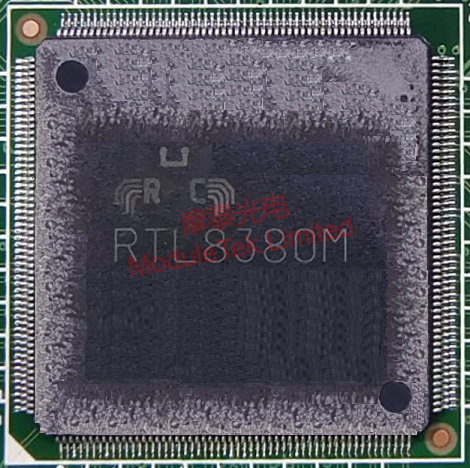
Figure 9 Main Switching Chip
Moduletek’s optical modules deliver excellent compatibility with Araknis networking devices. Welcome to inquire and purchase.
For further inquiries about the above content, please contact us at: sales@moduletek.com






