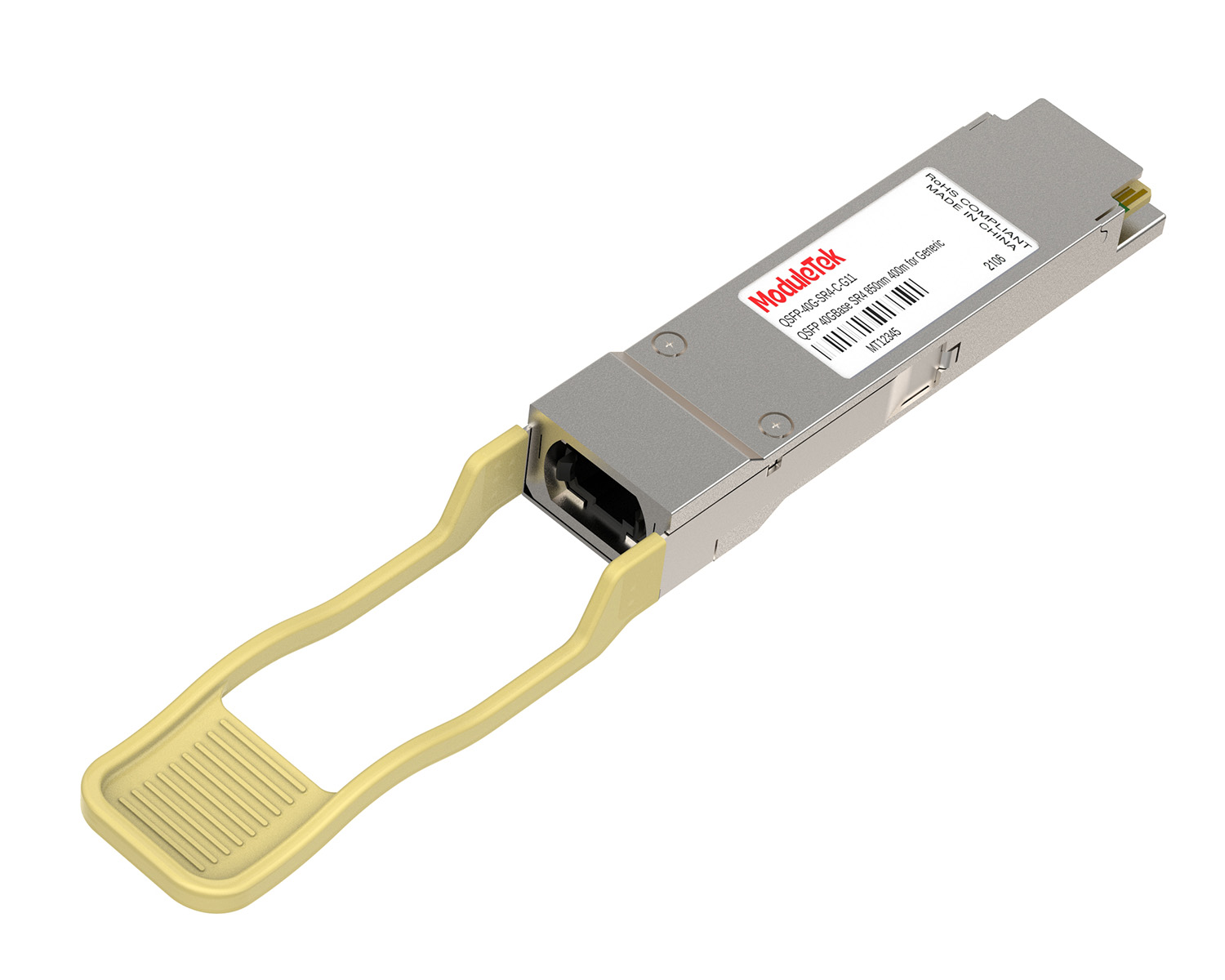
 40G/100G Optical Transceivers
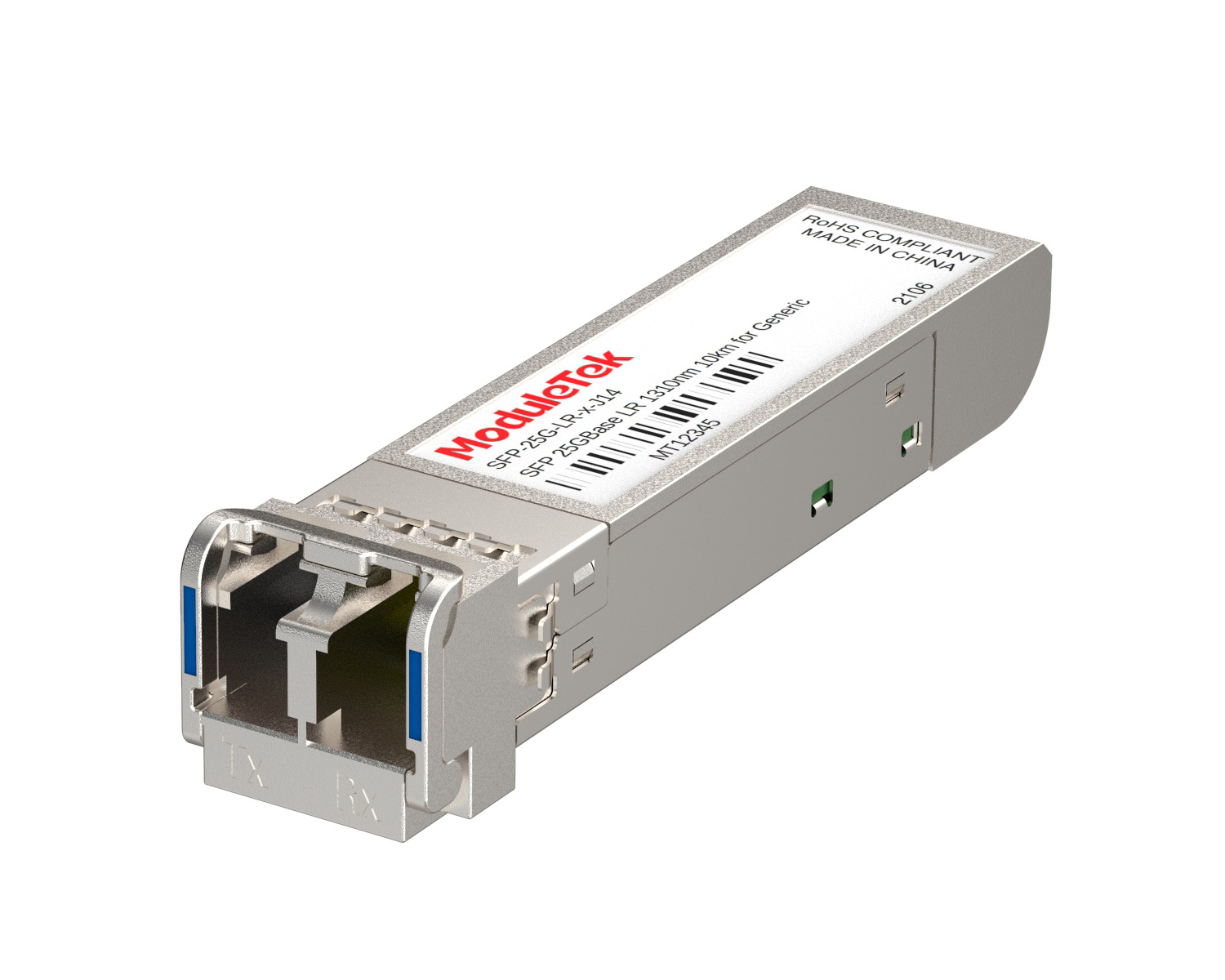 25G Optical Transceivers
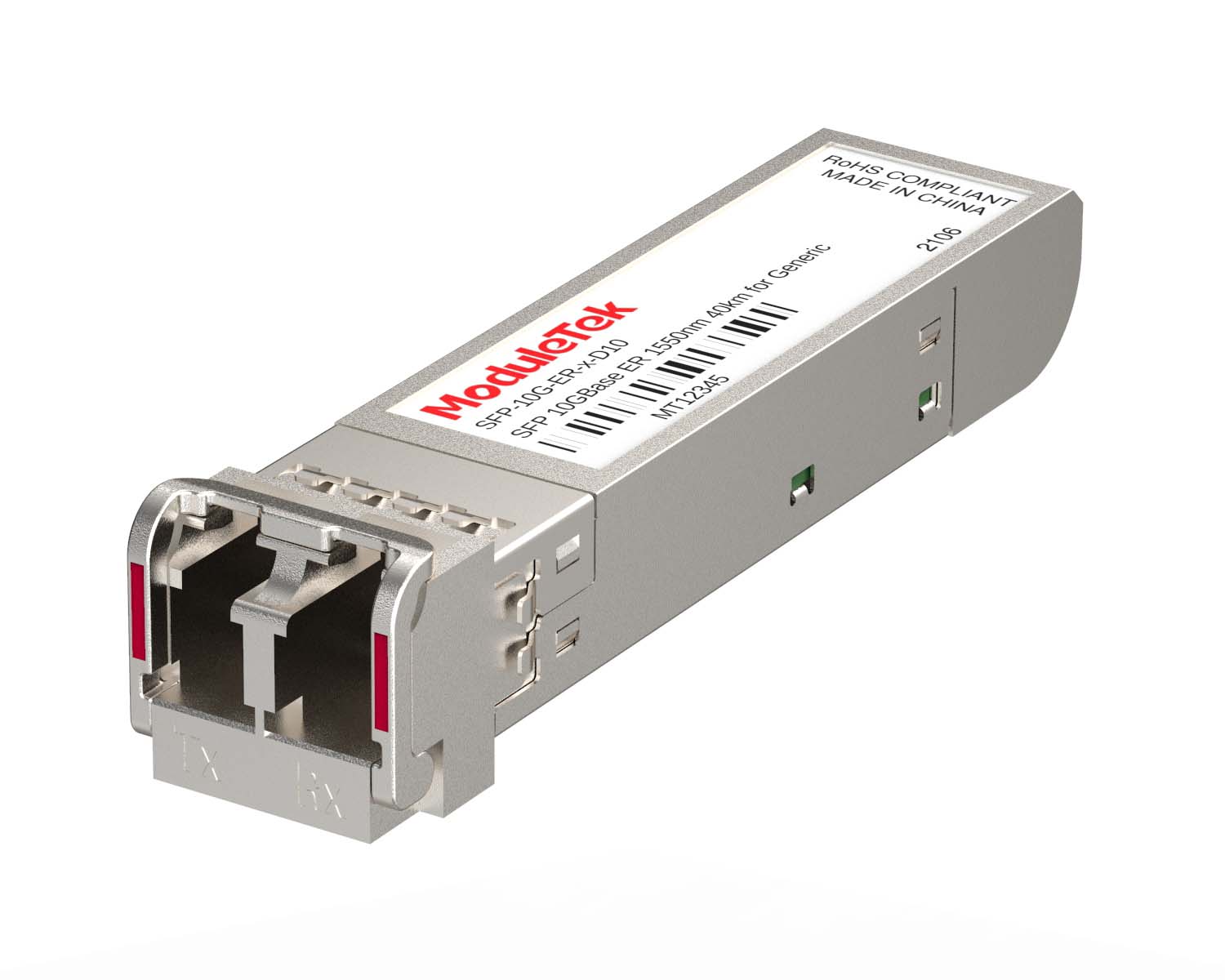 10G Optical Transceivers
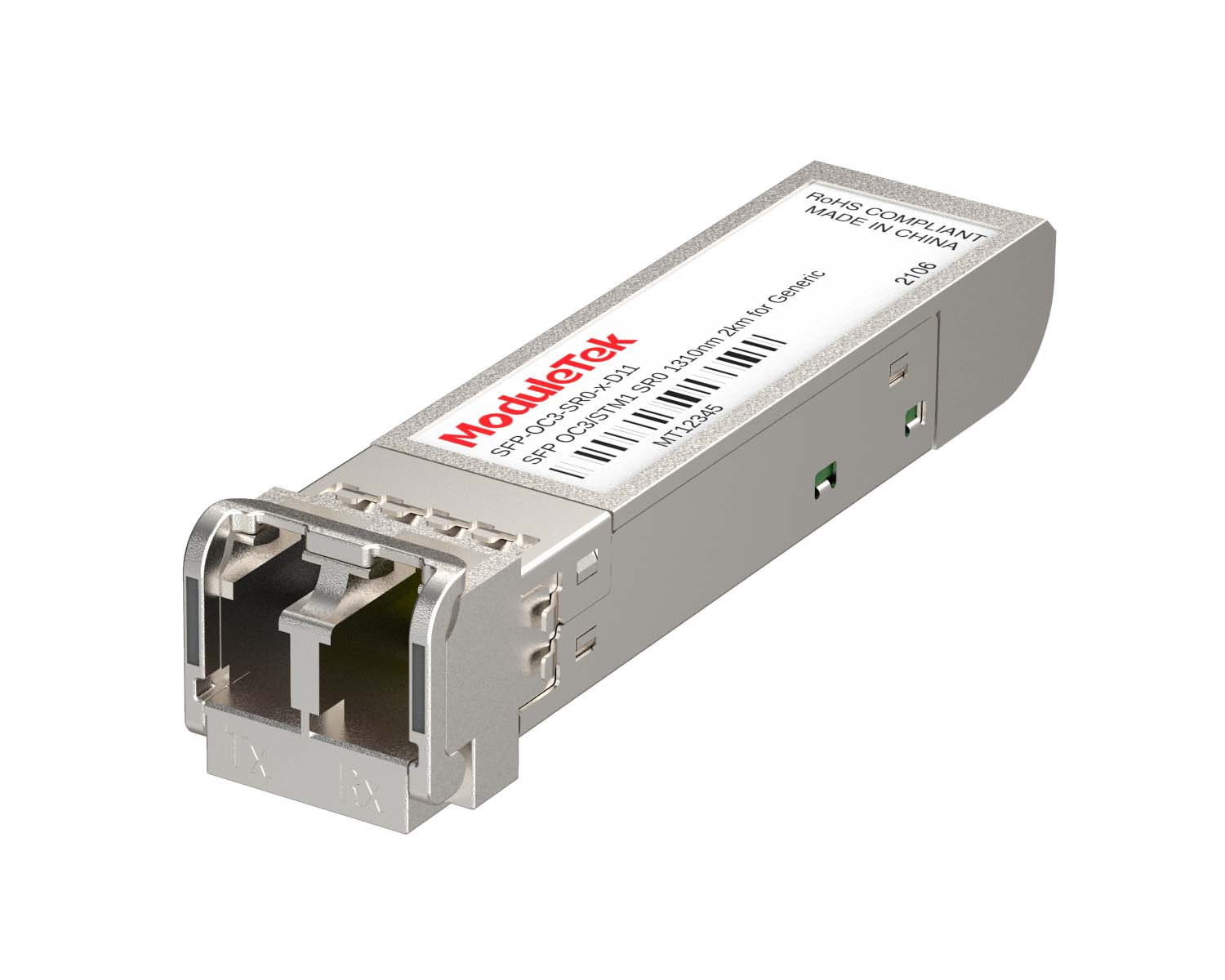 155M/2.5G Optical Transceivers
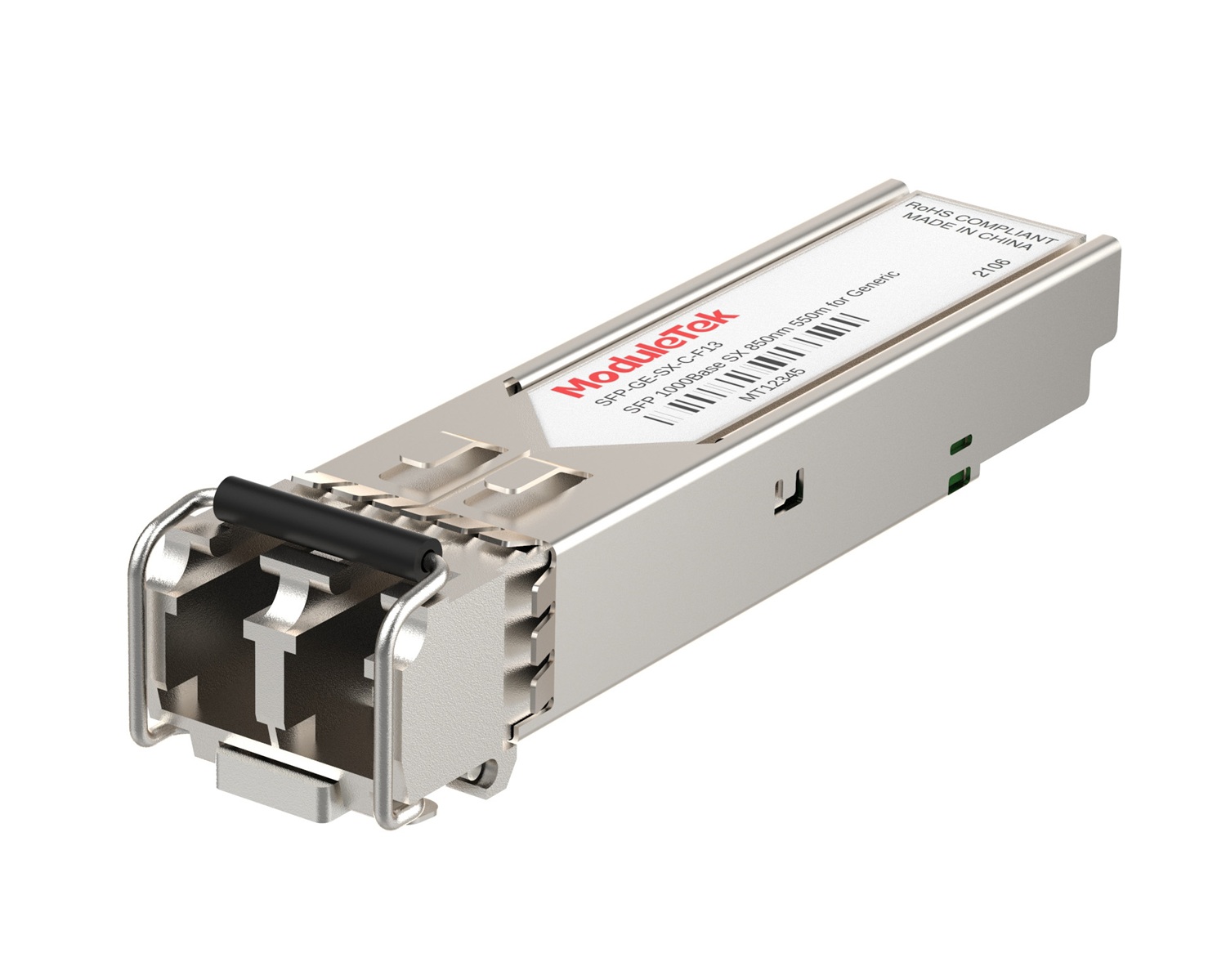 1G Optical Transceivers
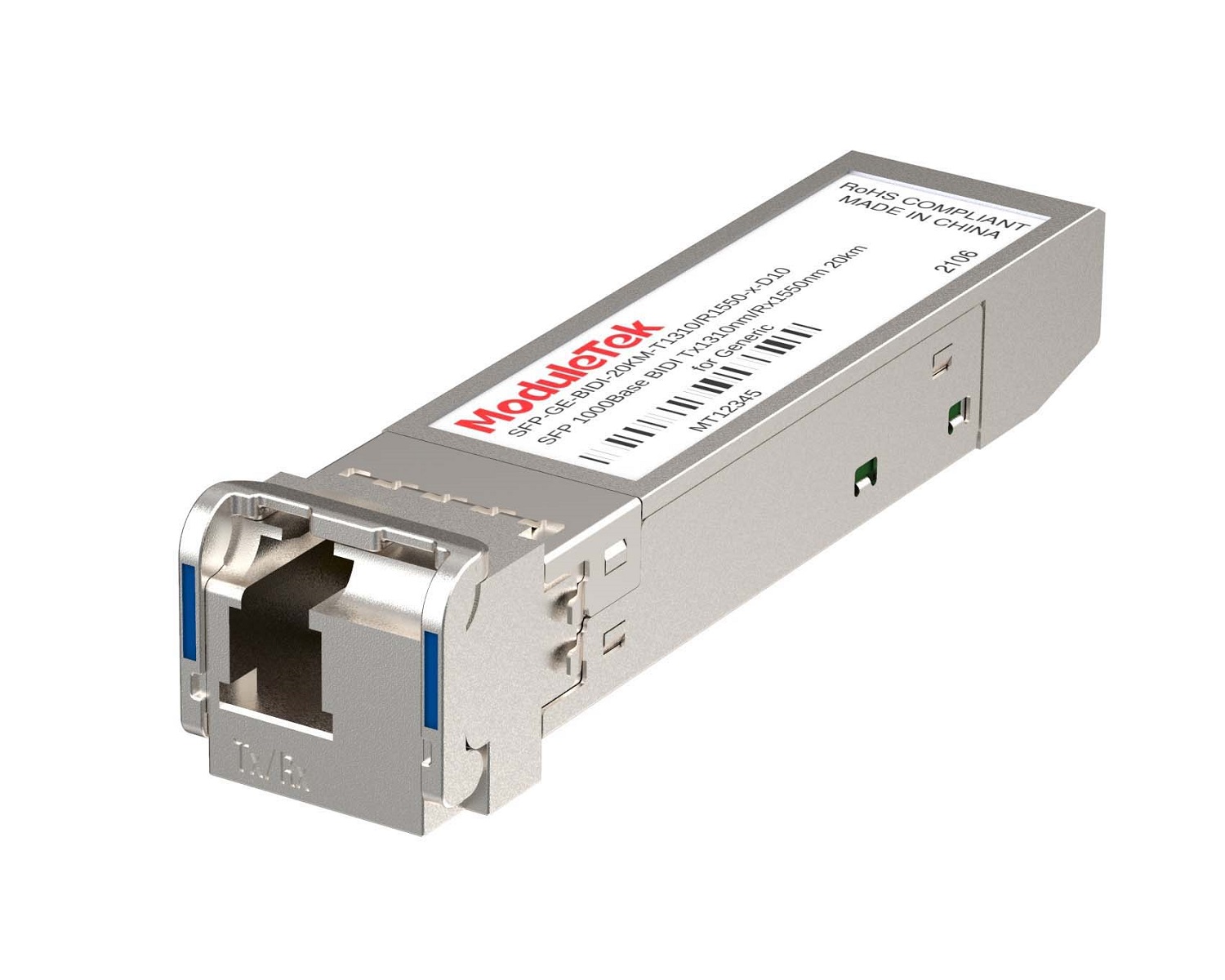 1G BIDI Optical Transceivers
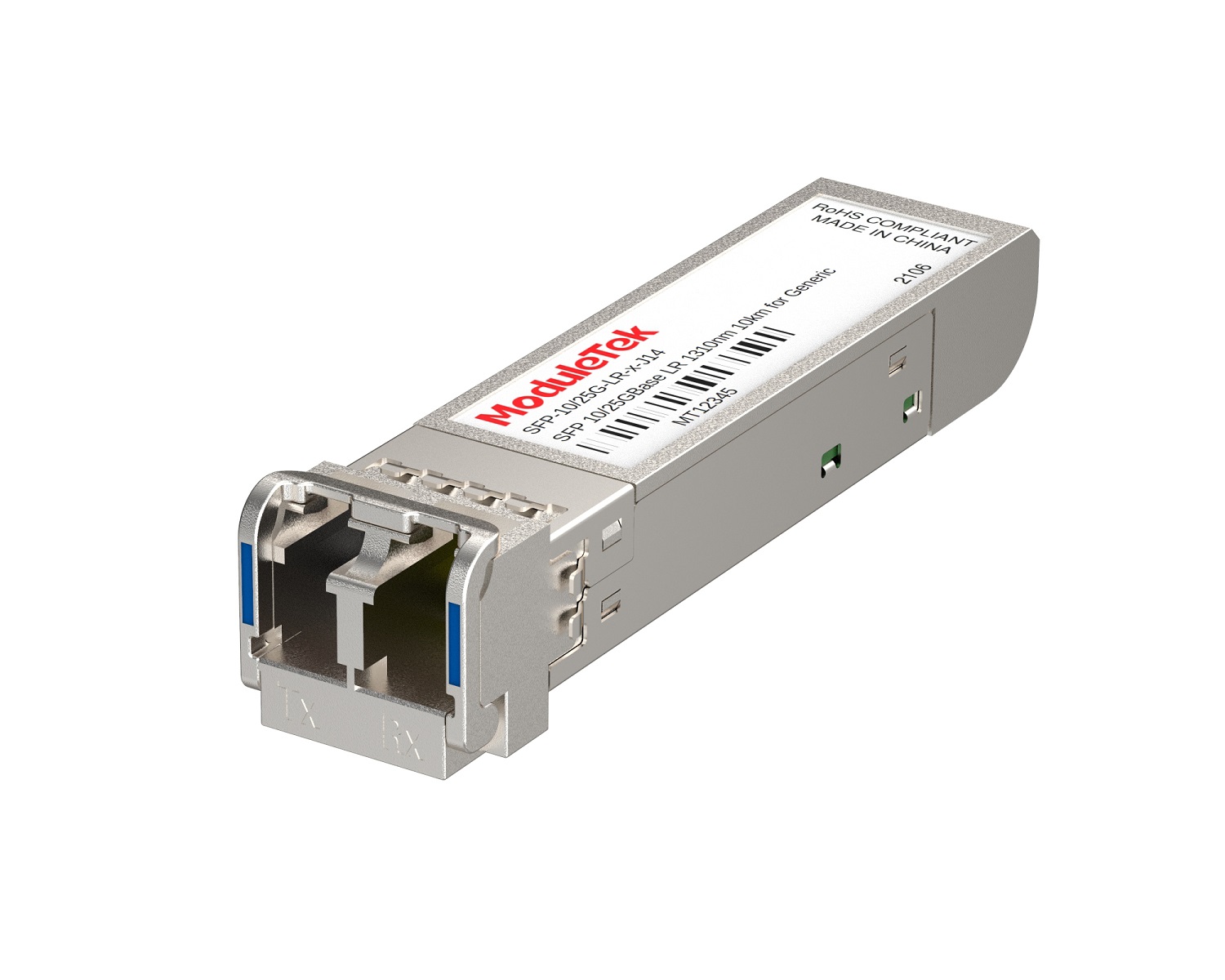 Dual-Rate Optical Transceivers
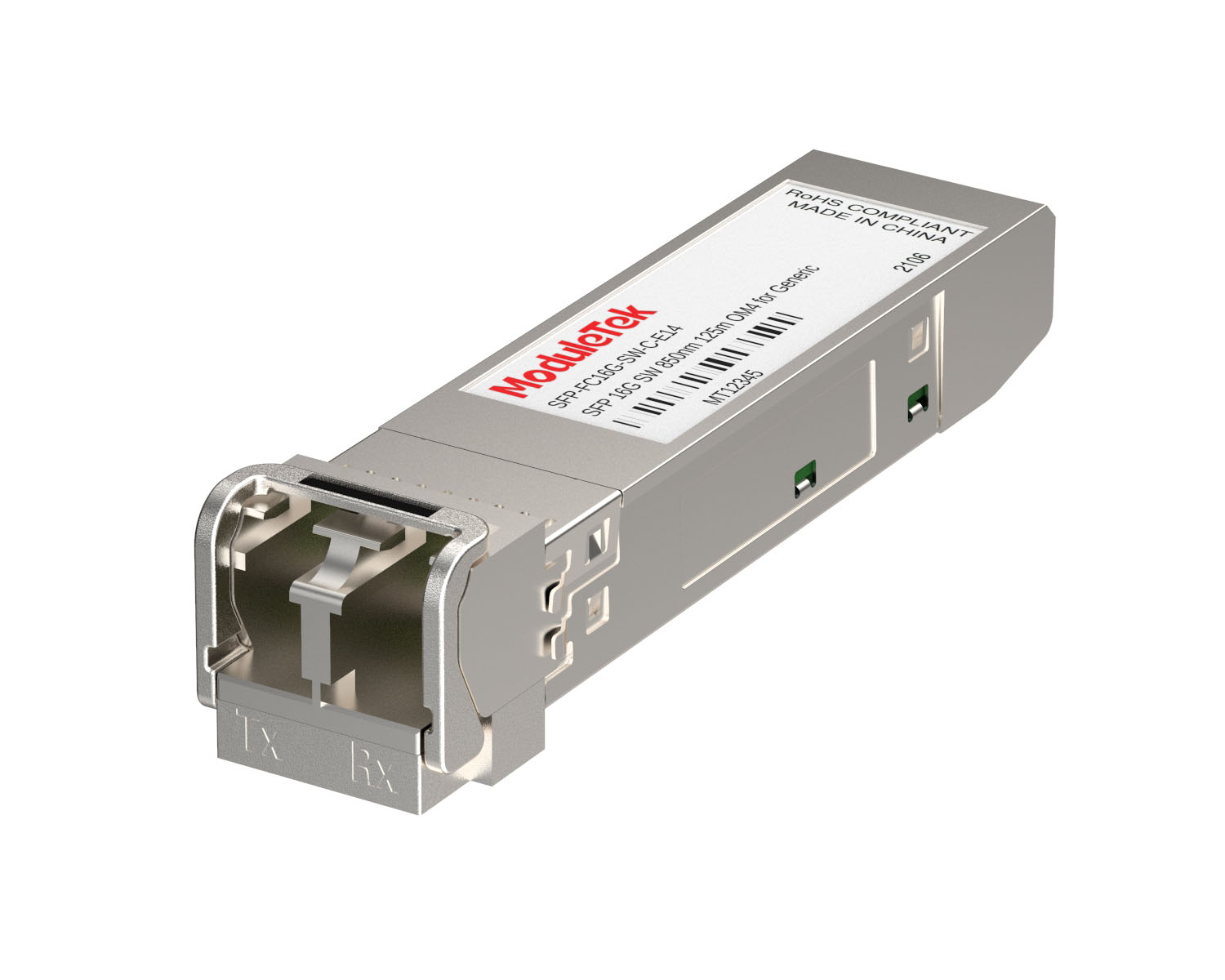 FC 16G/32G Optical Transceivers
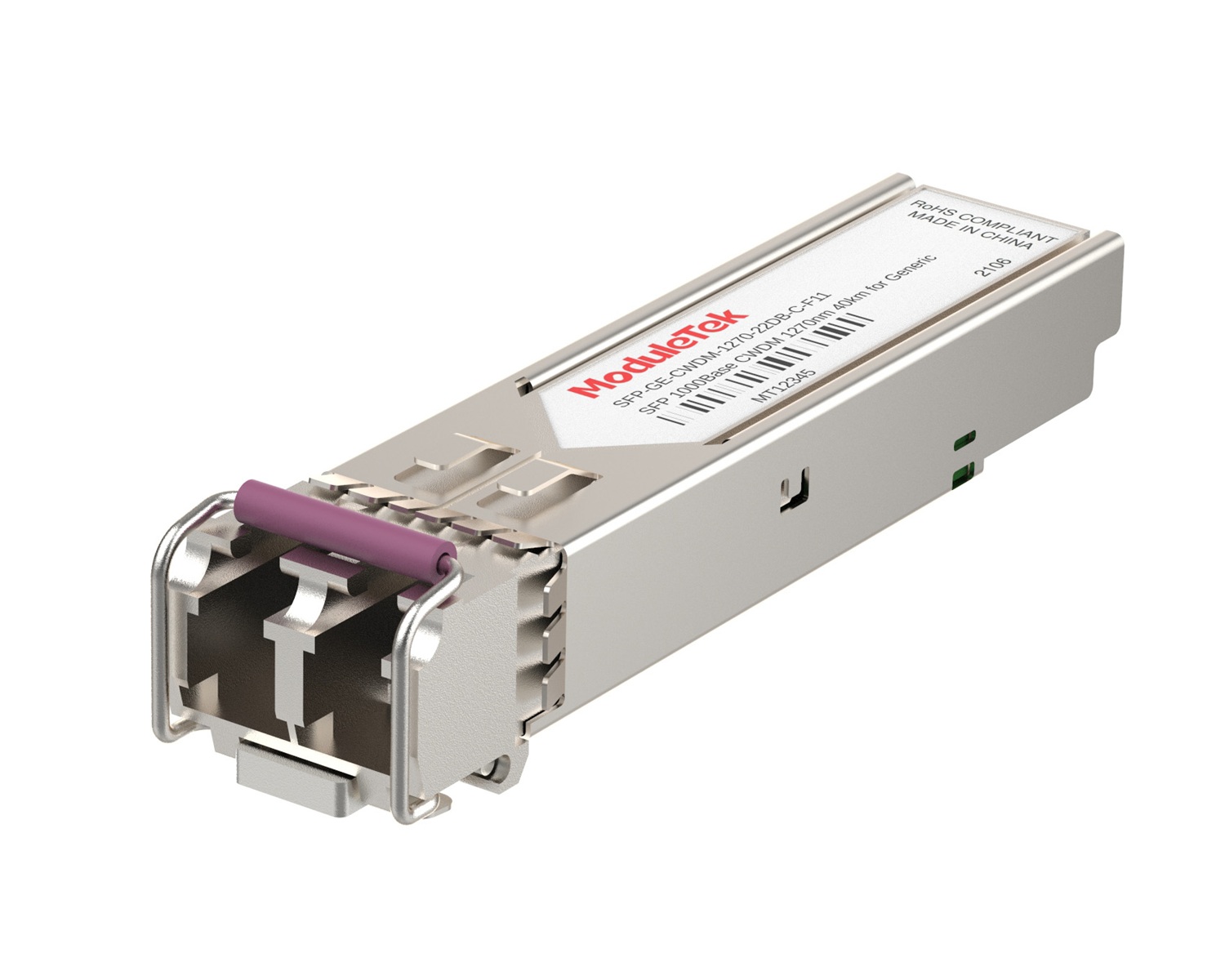 CWDM Optical Transceivers
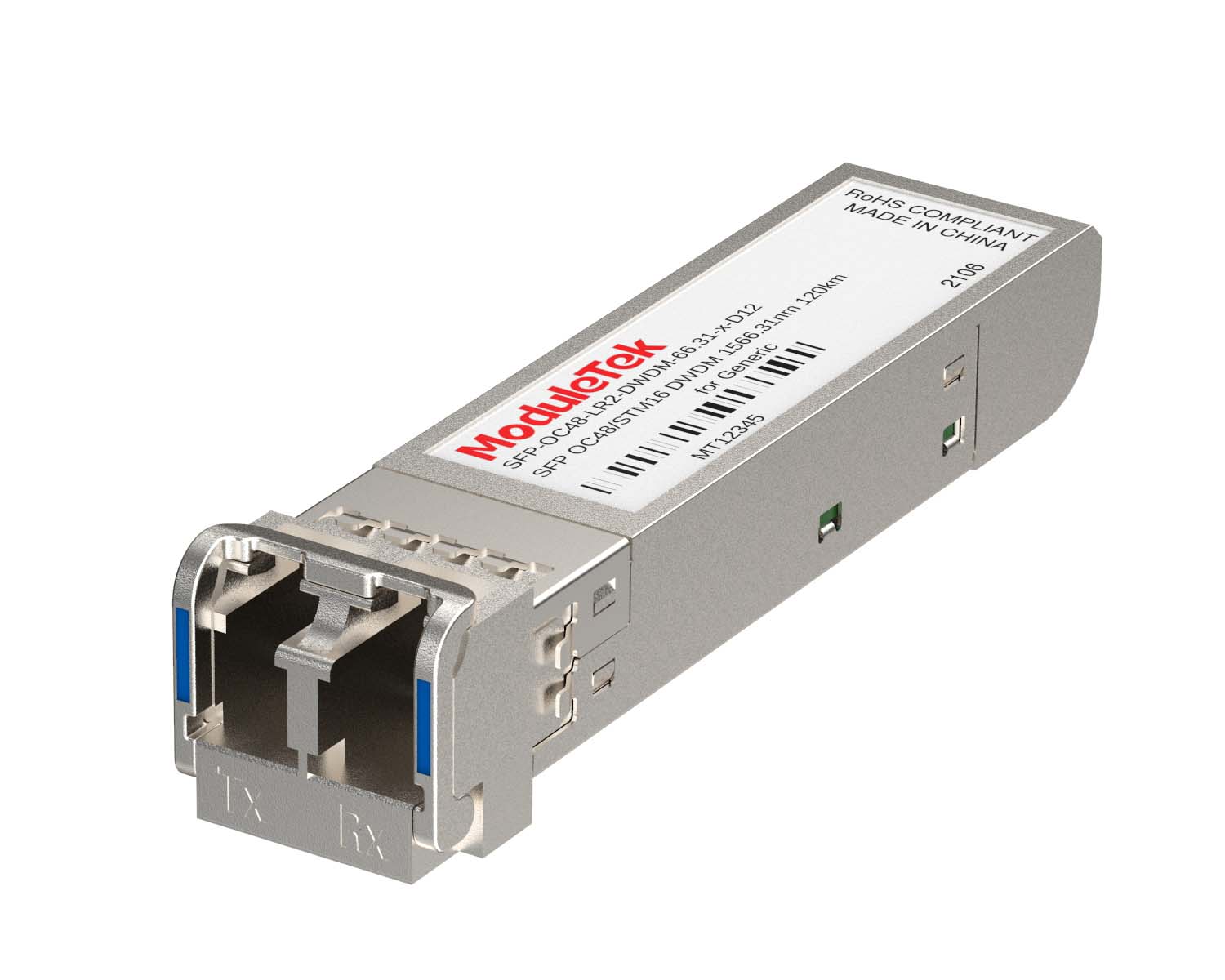 DWDM Optical Transceivers
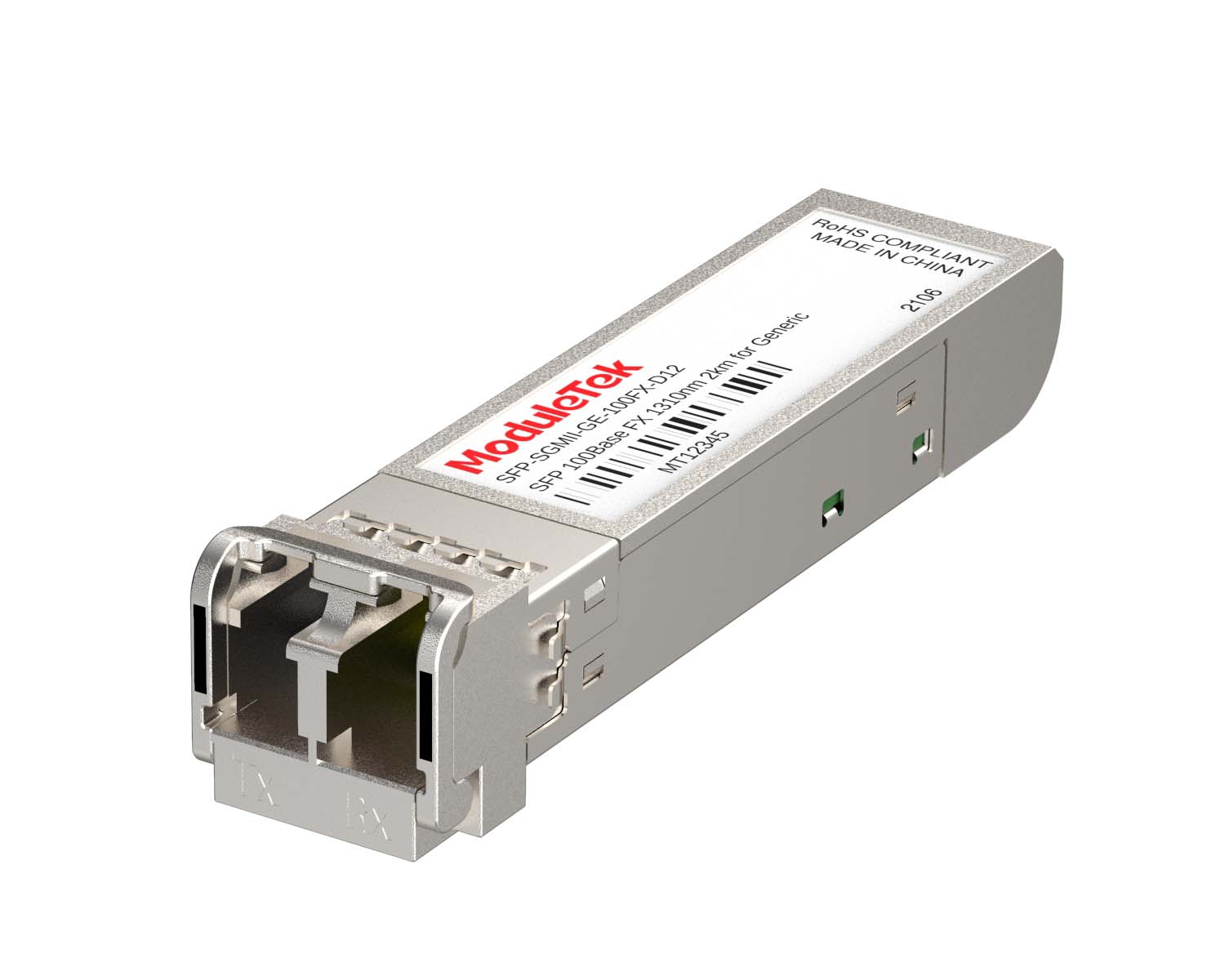 SGMII Port Optical Transceivers
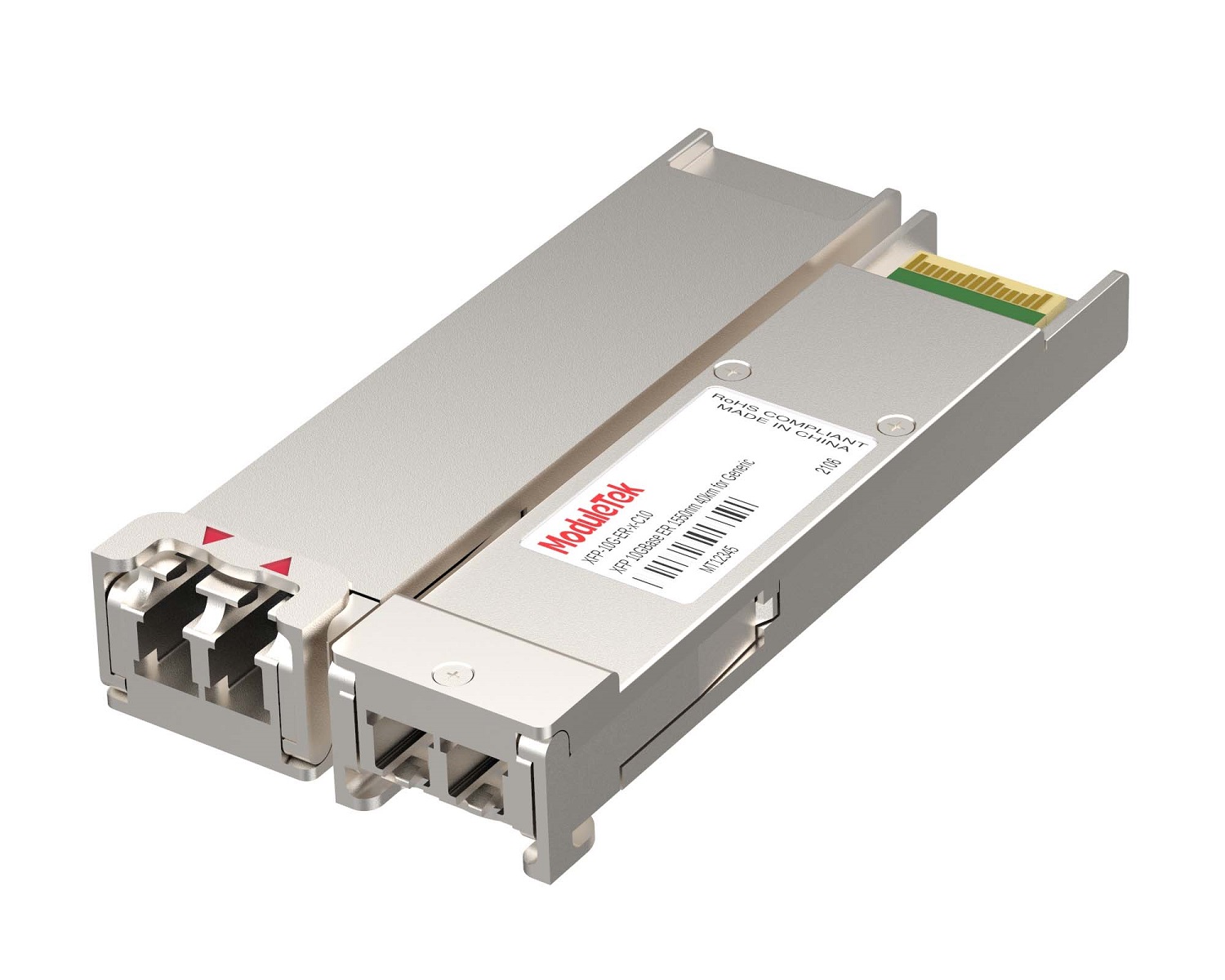 XFP Optical Transceivers
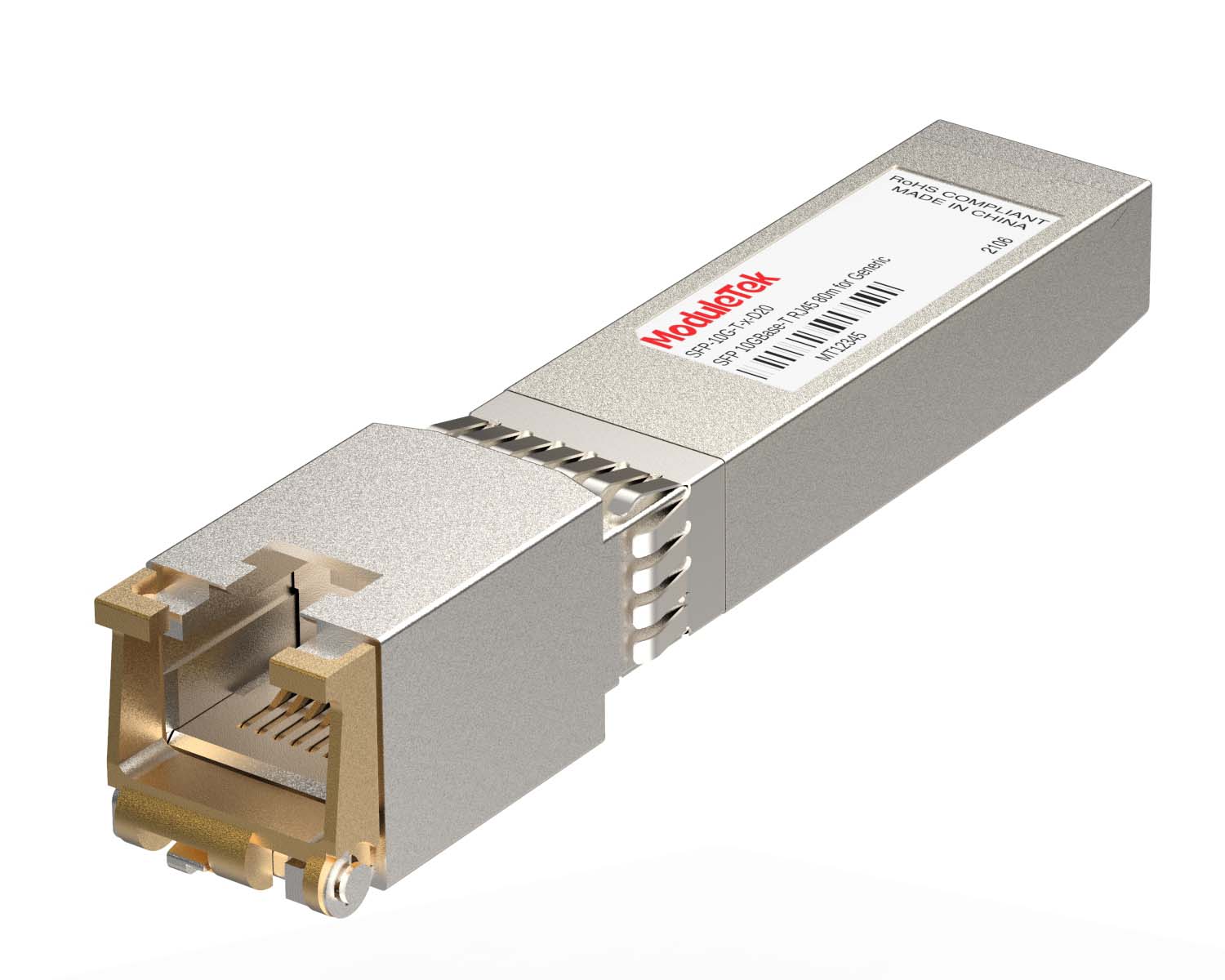 100M/1G/10G Coppers
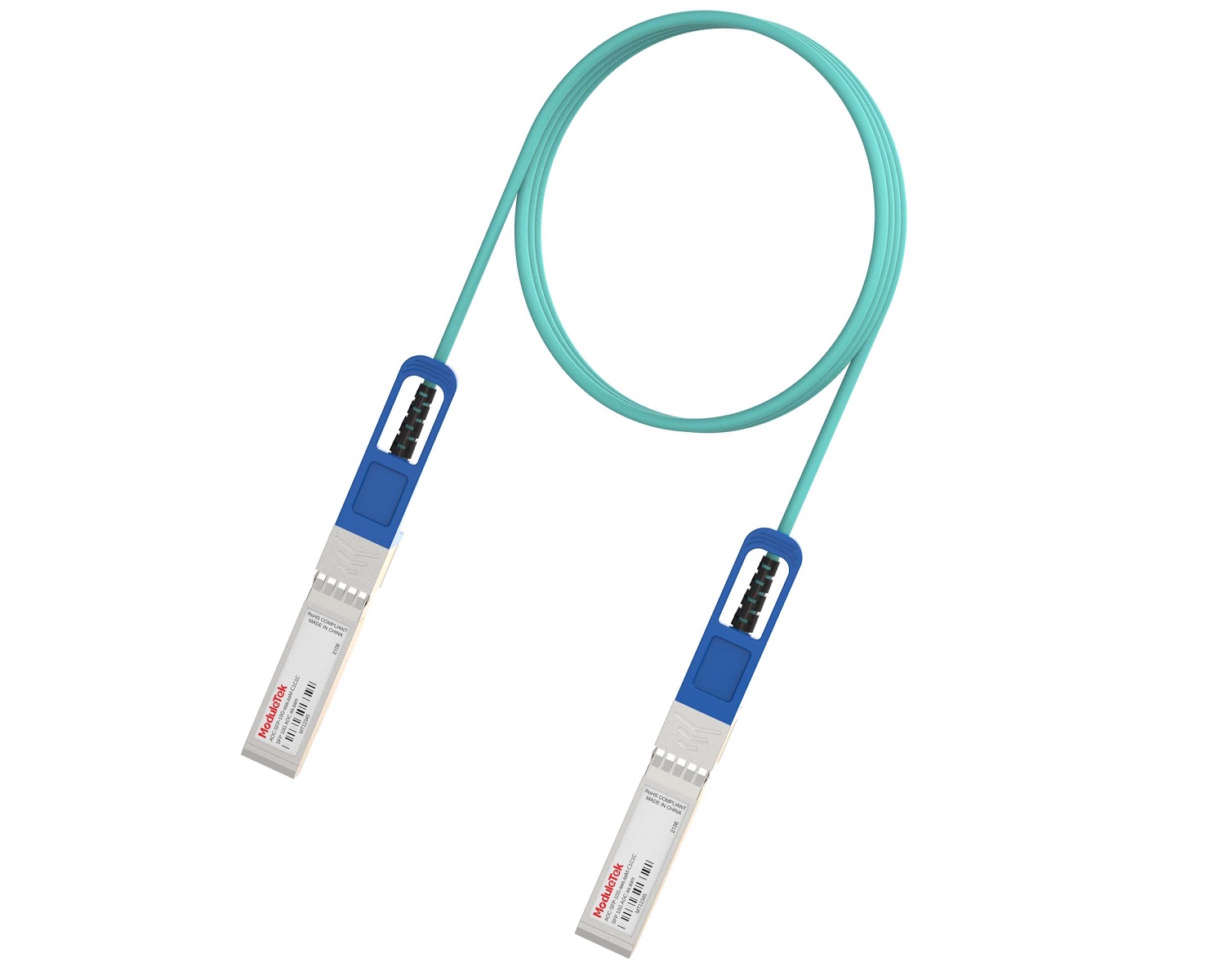 Full-Rate AOC & Breakout Series
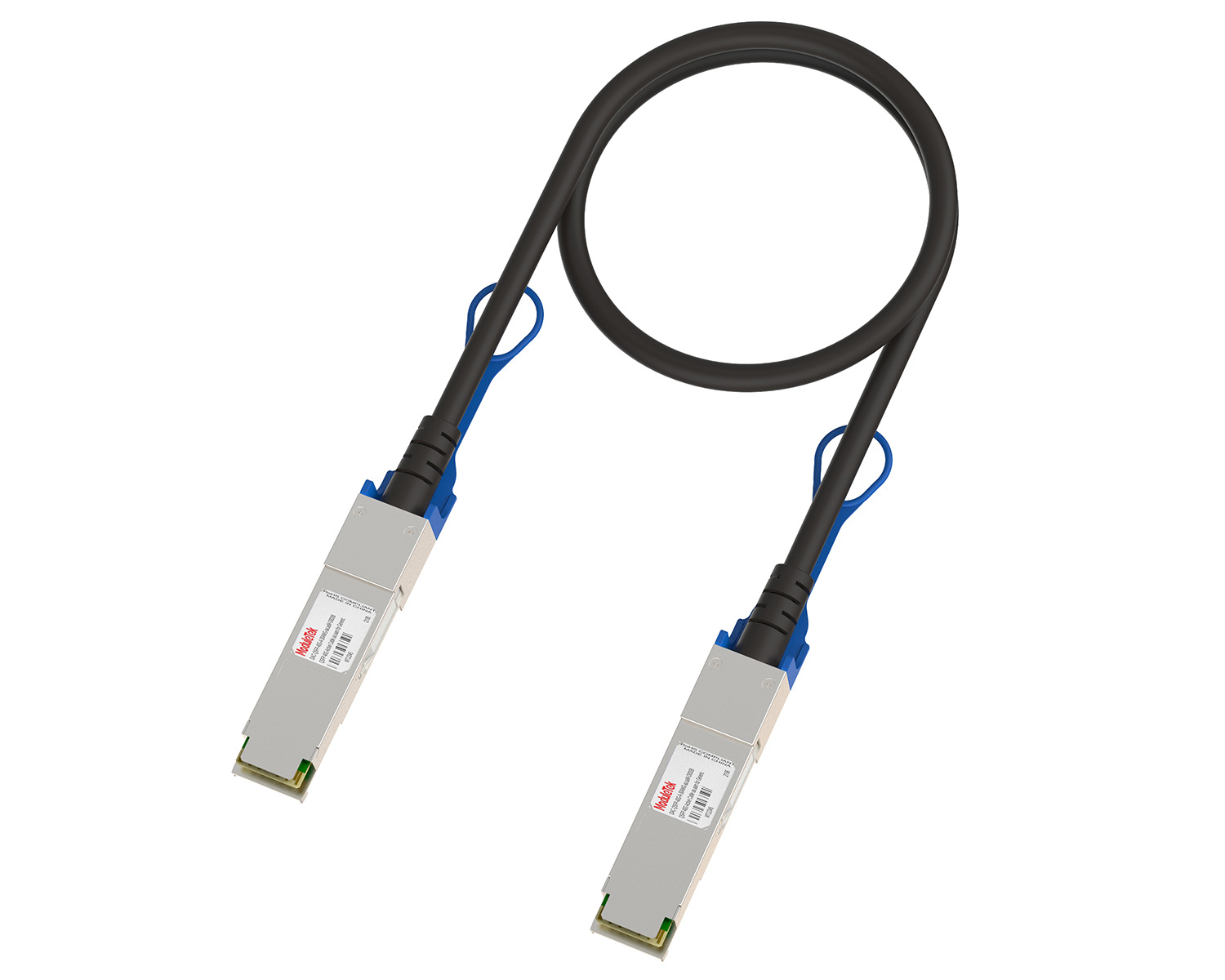 10G/40G Active DAC Series
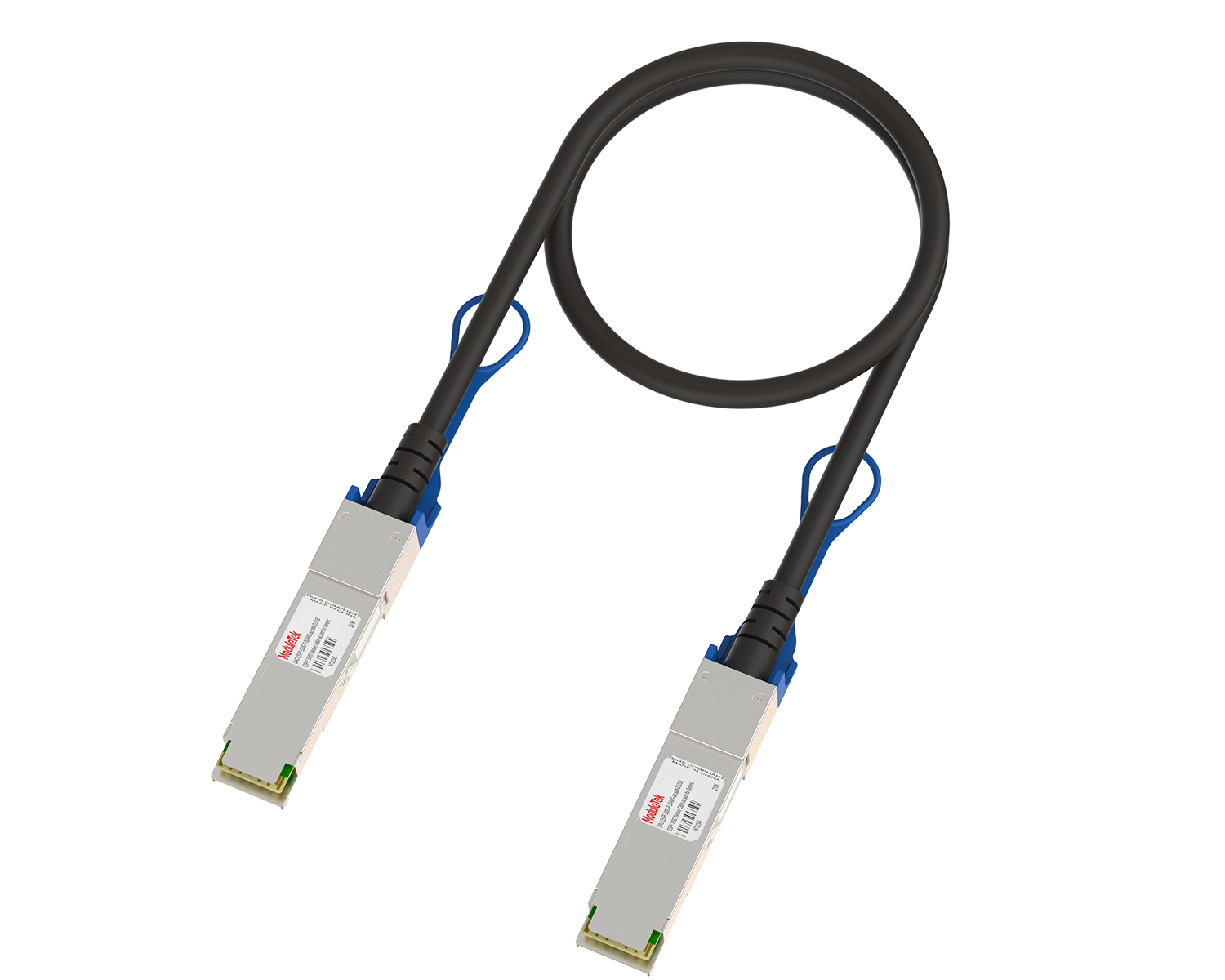 Full-Rate Passive DAC Series
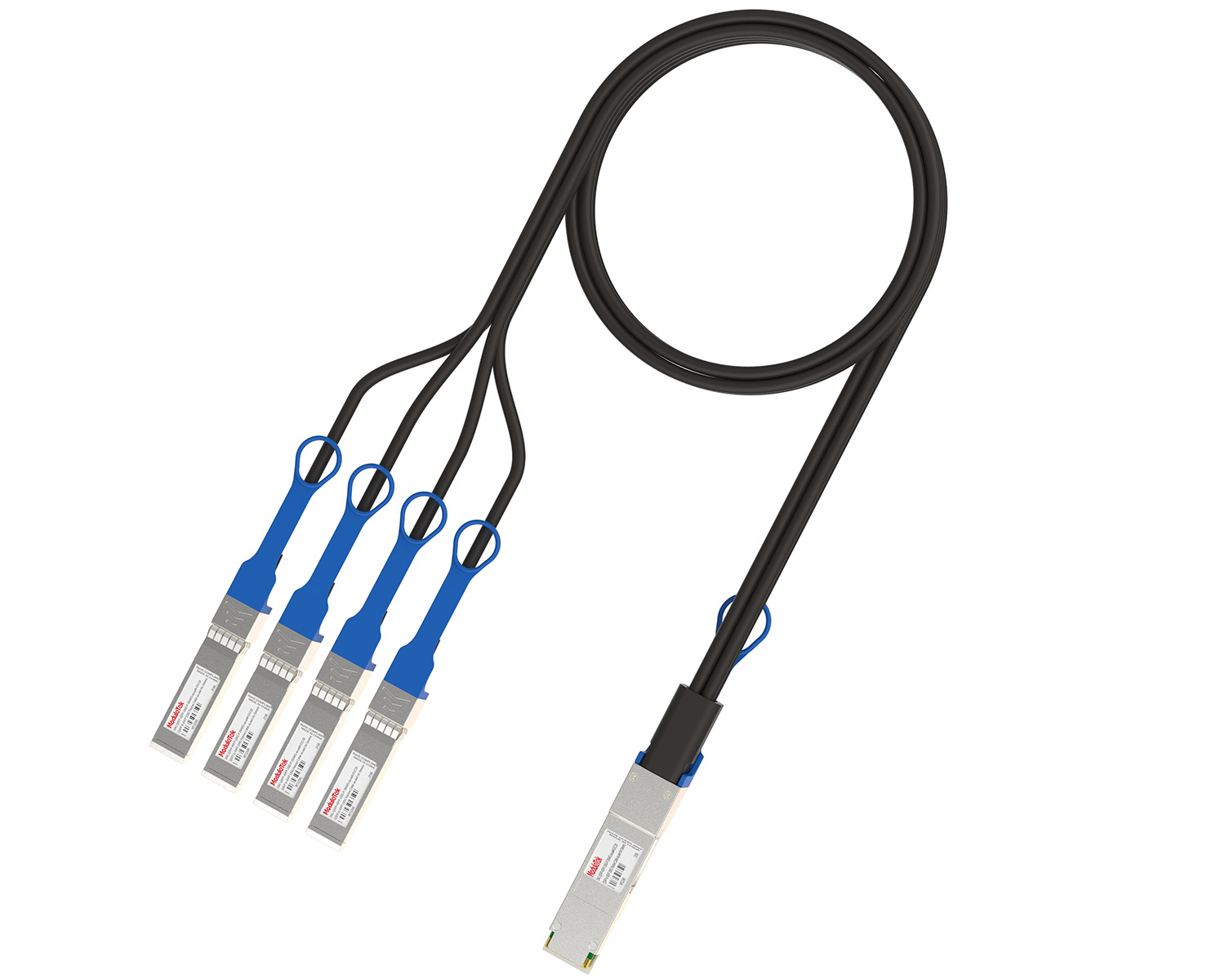 40G/100G Passive Breakout DAC Series
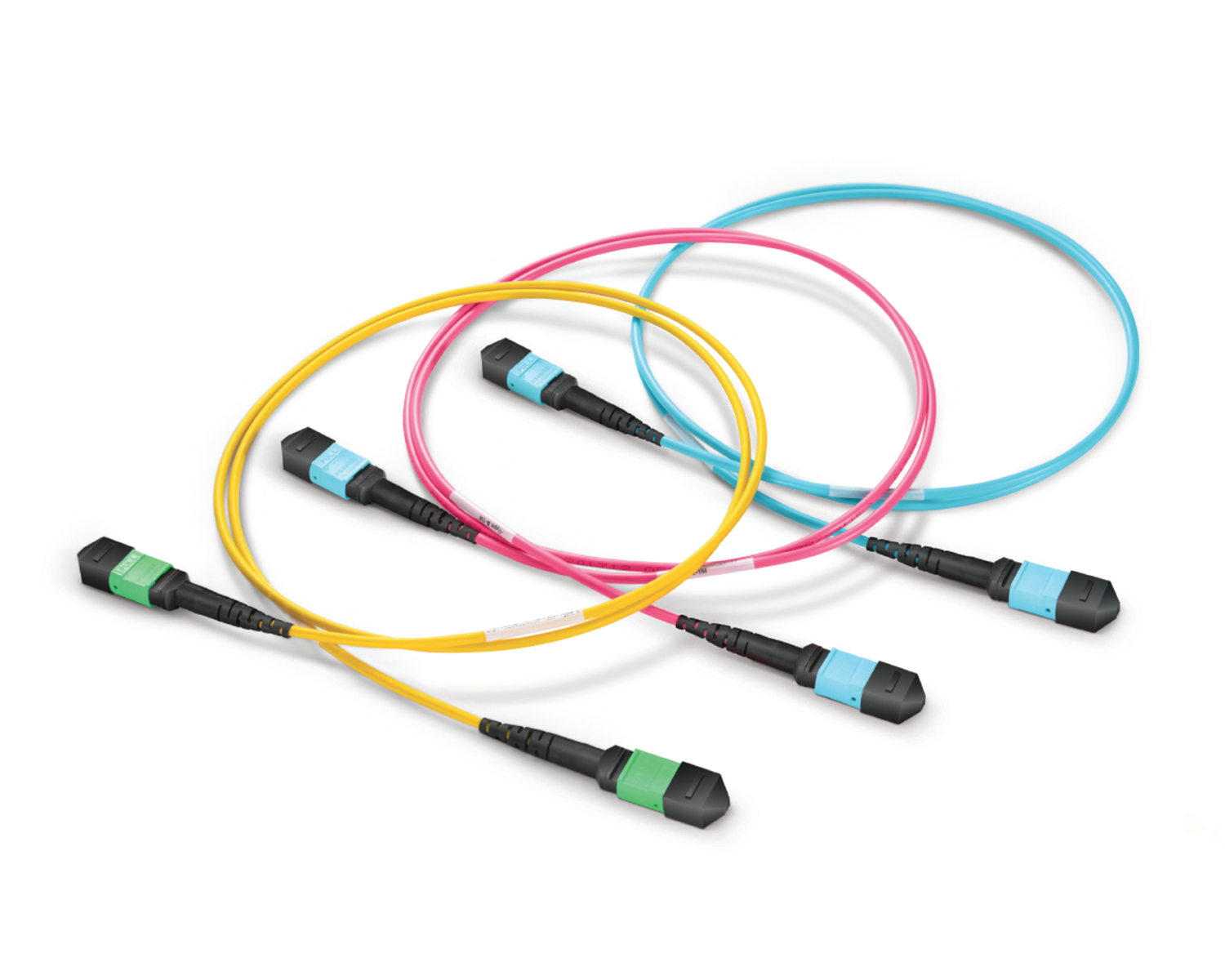 Regular/MTP-MPO Fiber Patch Cords
 MT2011
 MT2010
 CodingBox
 QSFP to SFP Adapter
Backup And Switching Of Huawei Switch Configuration Files
Time: 2024-06-19
Backing up switch configuration files facilitates fault troubleshooting and quick configuration recovery in the event of switch failure or accidental reset. This article takes the Huawei S6700-24-EI switch as an example to detail the method of backing up and replacing configuration files via FTP.
Table 1 Parameter Description
| Item | Description |
| Switch model | S6700-24-EI |
| Configuration file name | vrpcfg.zip |
| Switch management port ip | 192.168.30.51 |
| FTP server ip | 192.168.30.2 |
| FTP User Name | test |
| FTP user password | admin123 |
I. Import and Export Switch Configuration Files
Step 1: Check Local Switch Files
Run the command dir on the switch to view local system files. The default configuration file is vrpcfg.zip, which needs to be exported to a computer for backup.
Step 2: Configure FTP Server on the Switch
Enable the FTP server function on the switch, create a local FTP user, and set the user’s password, privilege level, access directory, and service type.
Step 3: Prepare PC and Log in to FTP
Create a folder on the PC (e.g., D:/test) and place the configuration file to be imported (config.zip) into this folder.
Open CMD, enter ftp 192.168.30.51 (switch management IP), and log in to the ftp server using the specified FTP username and password.
Step 4: Backup and Upload Configuration Files
• Enter get vrpcfg.zip in CMD to back up the switch’s default configuration file; the backed-up file will be saved in the D:/test folder.
• Enter put config.zip to upload the new configuration file to the switch’s flash:/ directory.
Step 5:Check Configuration File
Run the dir command on the switch to check the uploaded configuration file config.zip.
II. Switching of Switch Configuration Files
Step 1: Check Current Configuration File
Run the command display startup on the switch to confirm the current startup configuration file (default: vrpcfg.zip).
Step 2: Switch the Configuration File
Run startup saved-configuration config.zip to set config.zip as the new startup configuration file.
Step 3: Reboot the Switch
Run the reboot command to restart the switch. When prompted to save the current configuration, select N (do not save).
Step 4: Verify the Switch Result
After the switch restarts, run display startup again to confirm that the startup configuration file has been successfully switched to config.zip.
Moduletek provides optical transceivers fully compatible with Huawei switches. Welcome to inquire and purchase.
For further inquiries about the above content, please contact us at: sales@moduletek.com