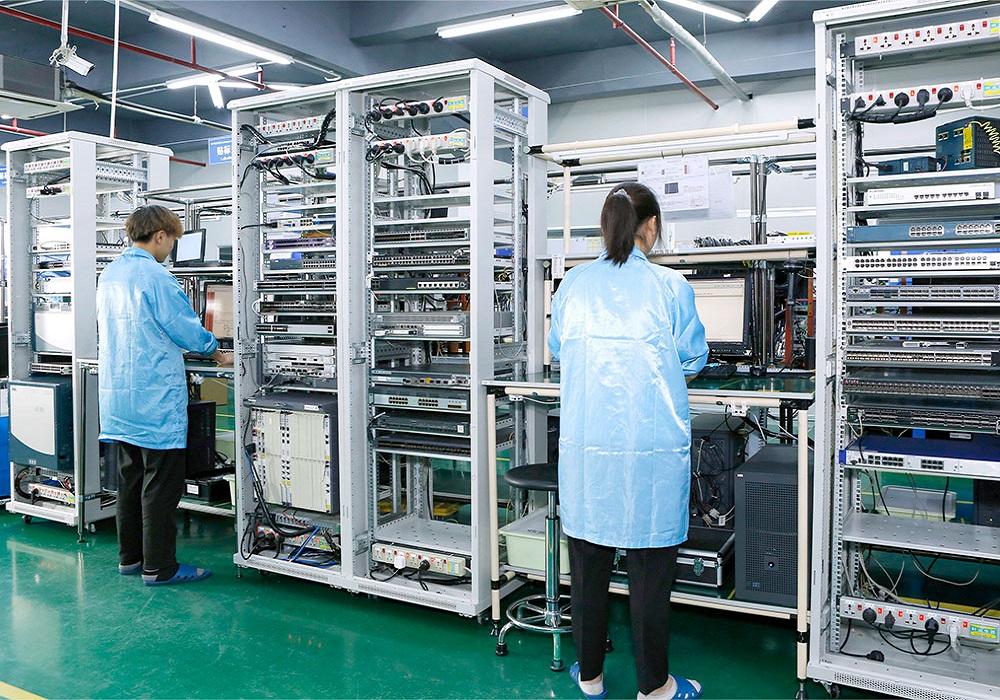
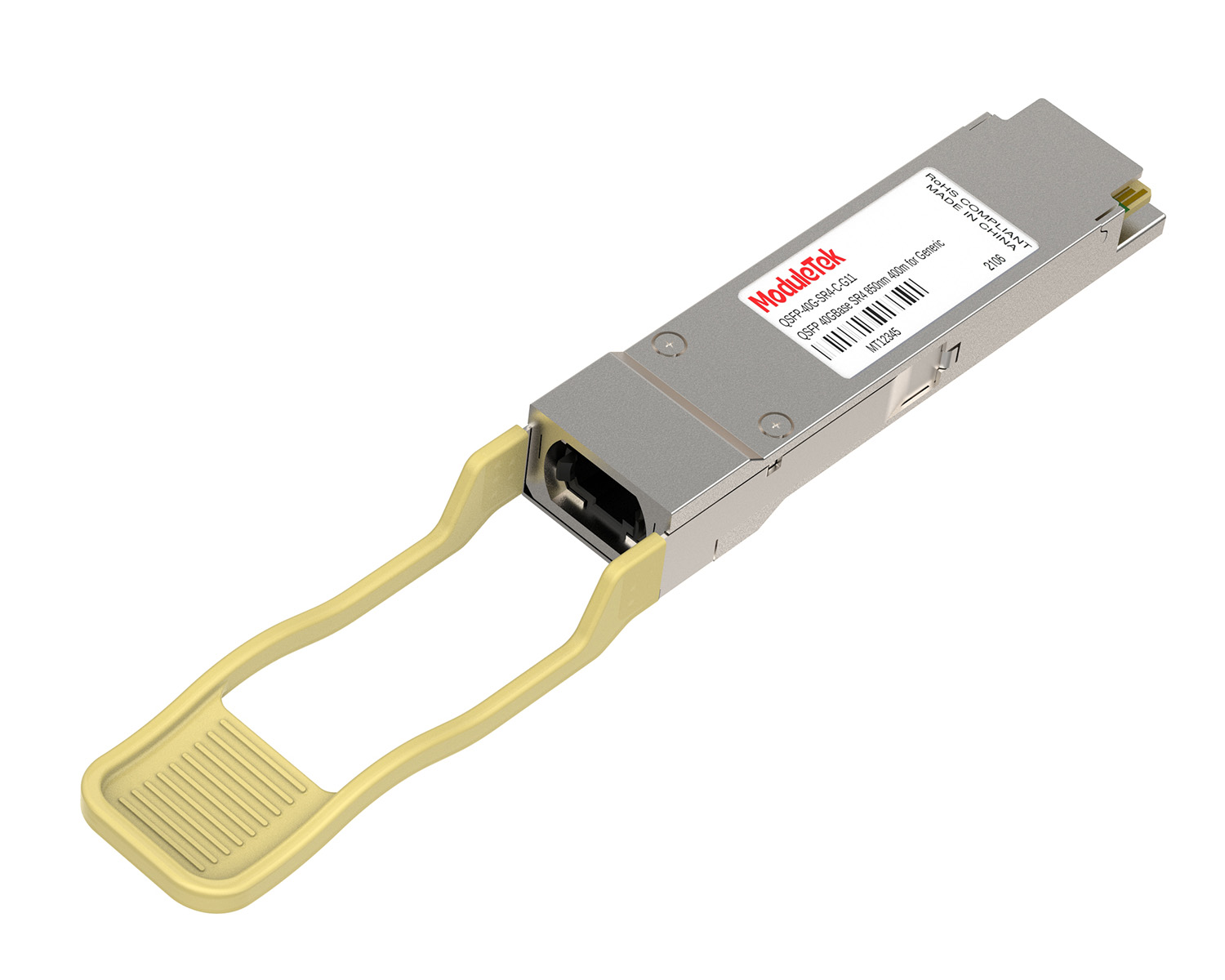
 40G/100G Optical Transceivers
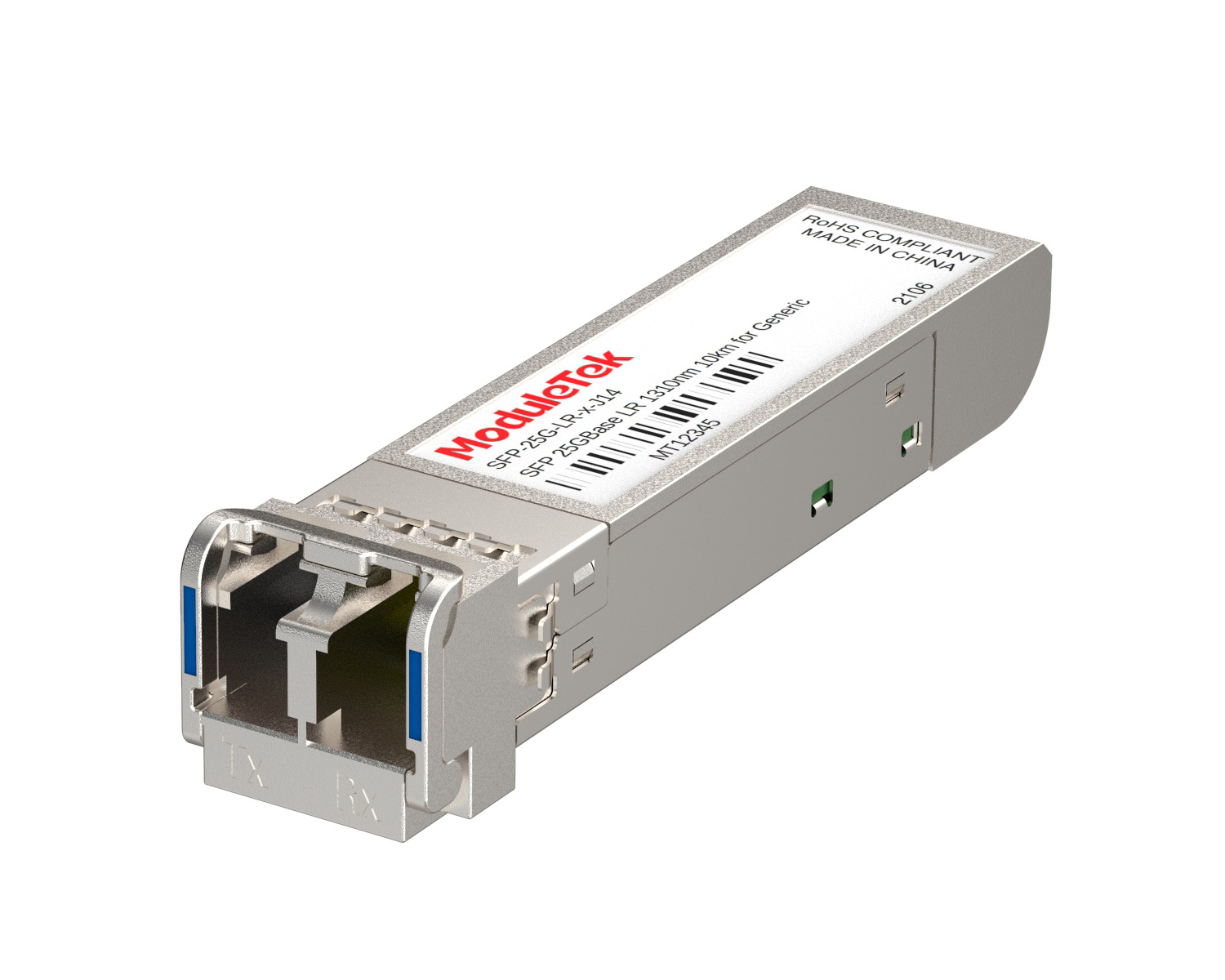 25G Optical Transceivers
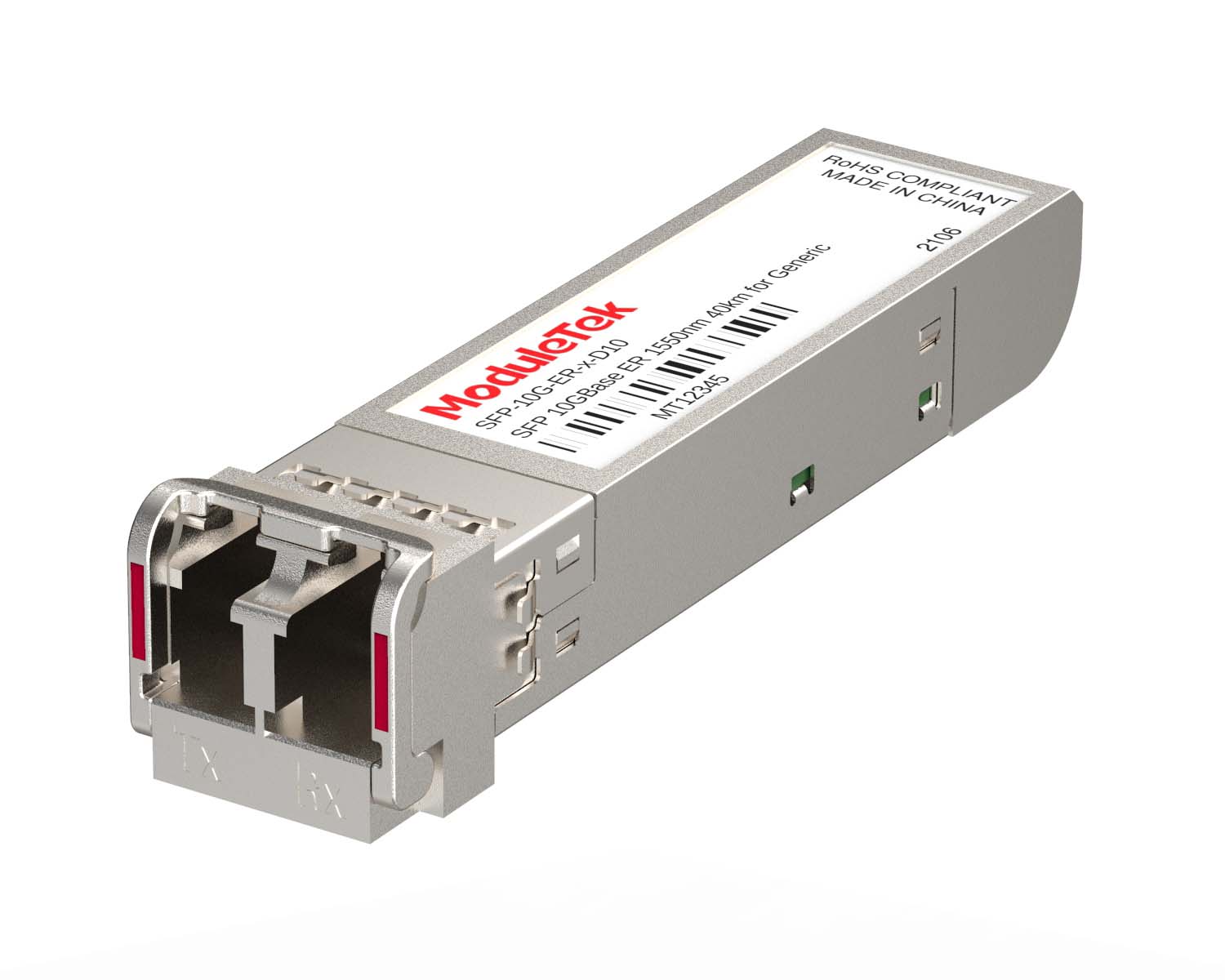 10G Optical Transceivers
 155M/2.5G Optical Transceivers
 1G Optical Transceivers
 1G BIDI Optical Transceivers
 Dual-Rate Optical Transceivers
 FC 16G/32G Optical Transceivers
 CWDM Optical Transceivers
 DWDM Optical Transceivers
 SGMII Port Optical Transceivers
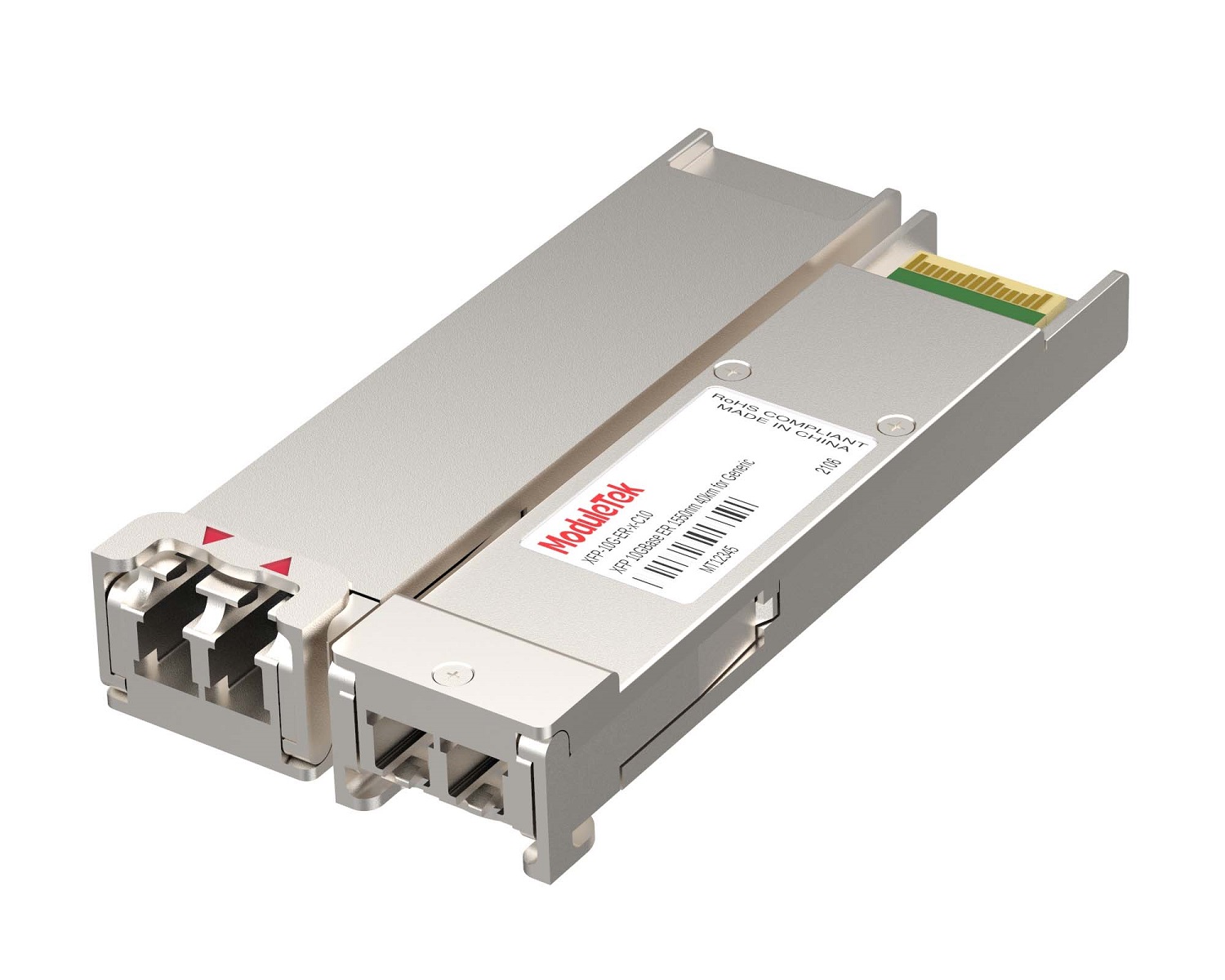 XFP Optical Transceivers
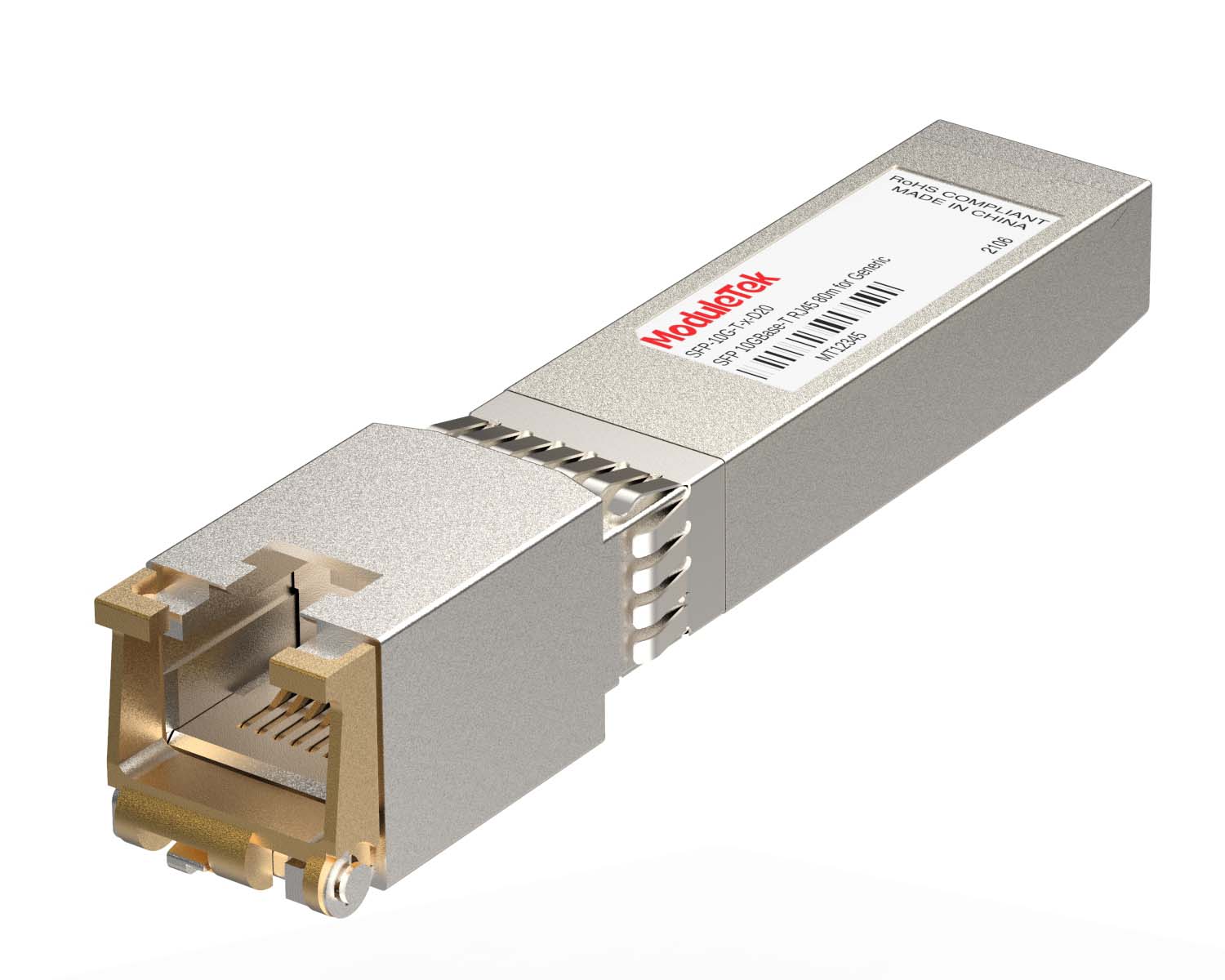 100M/1G/10G Coppers
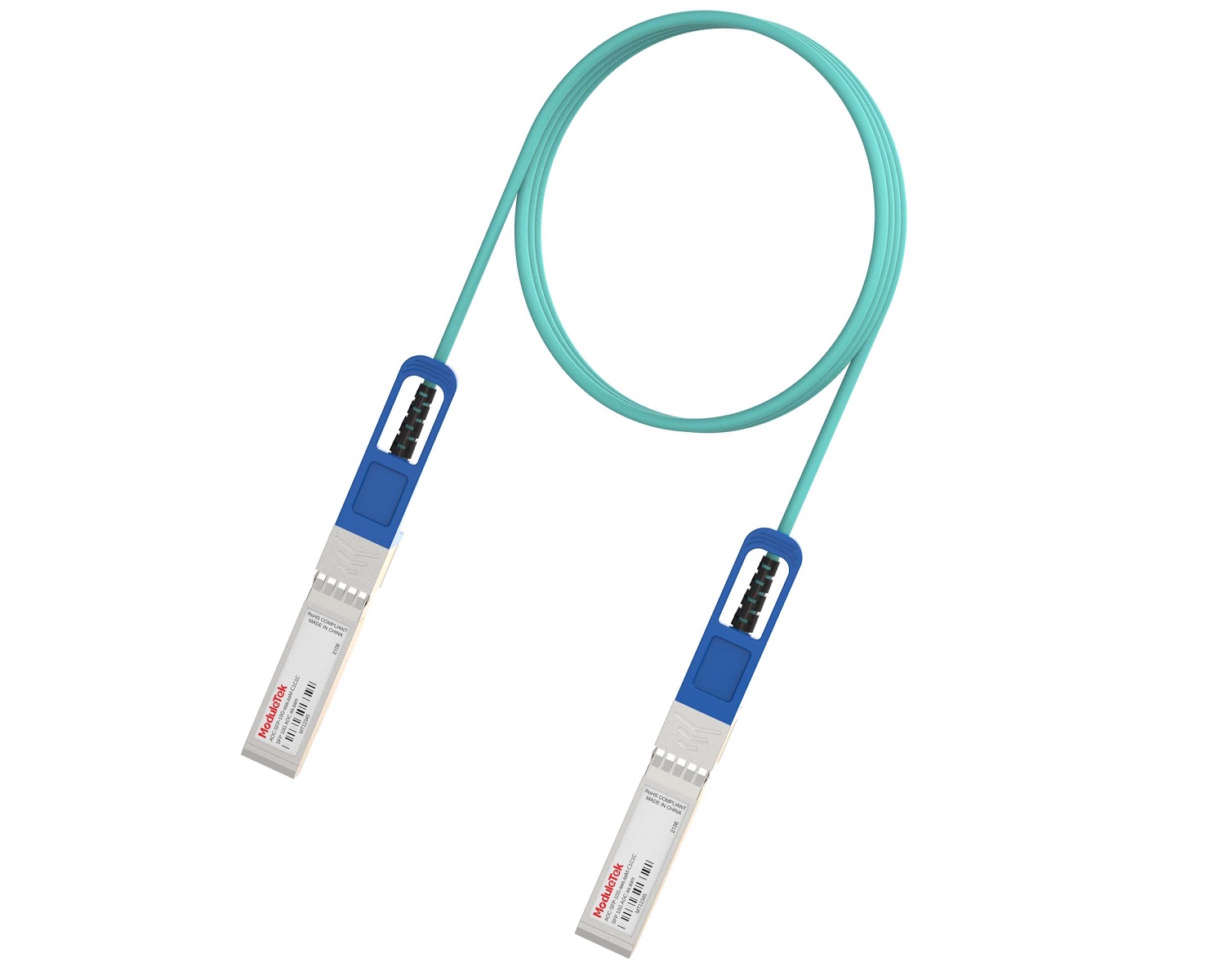 Full-Rate AOC & Breakout Series
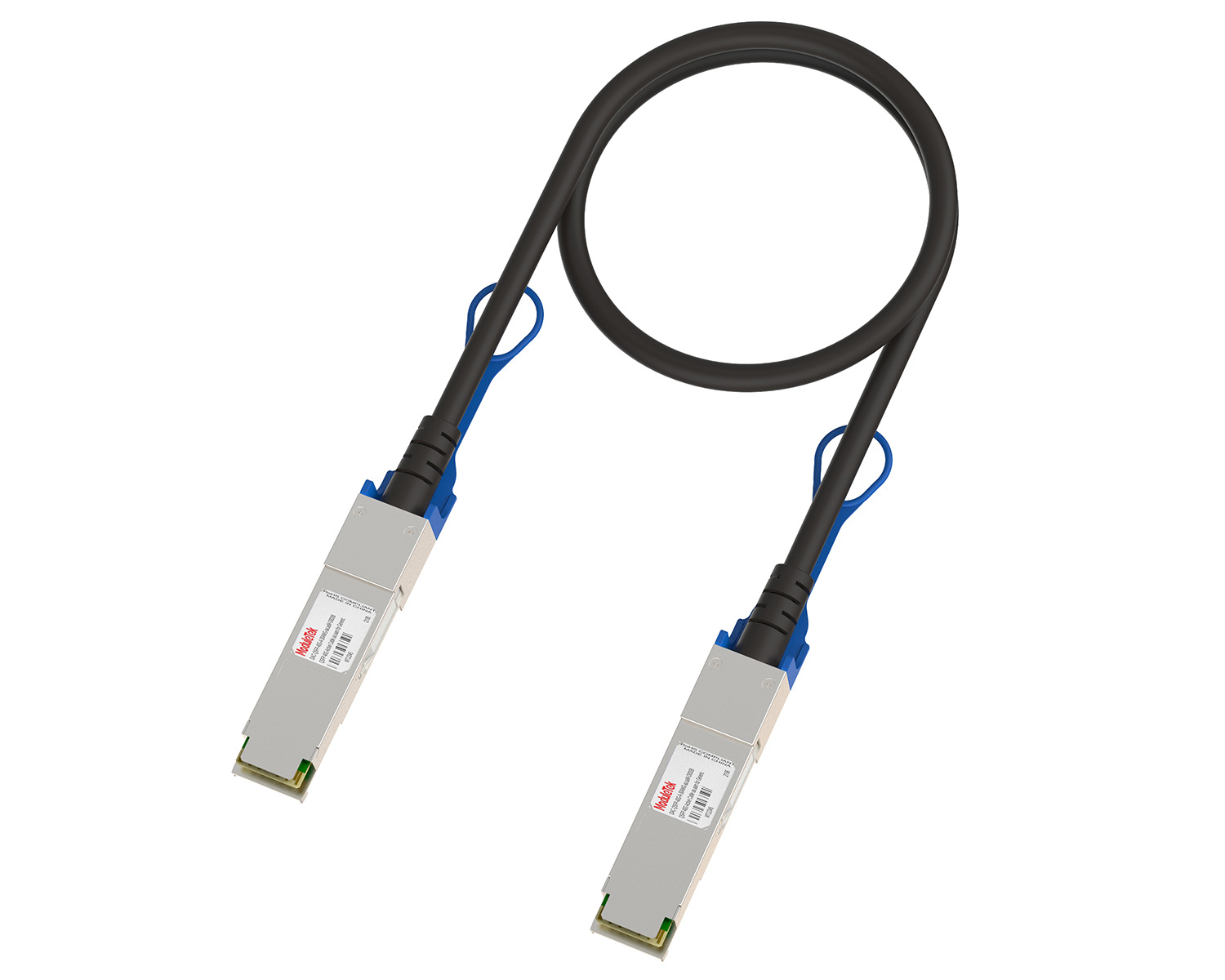 10G/40G Active DAC Series
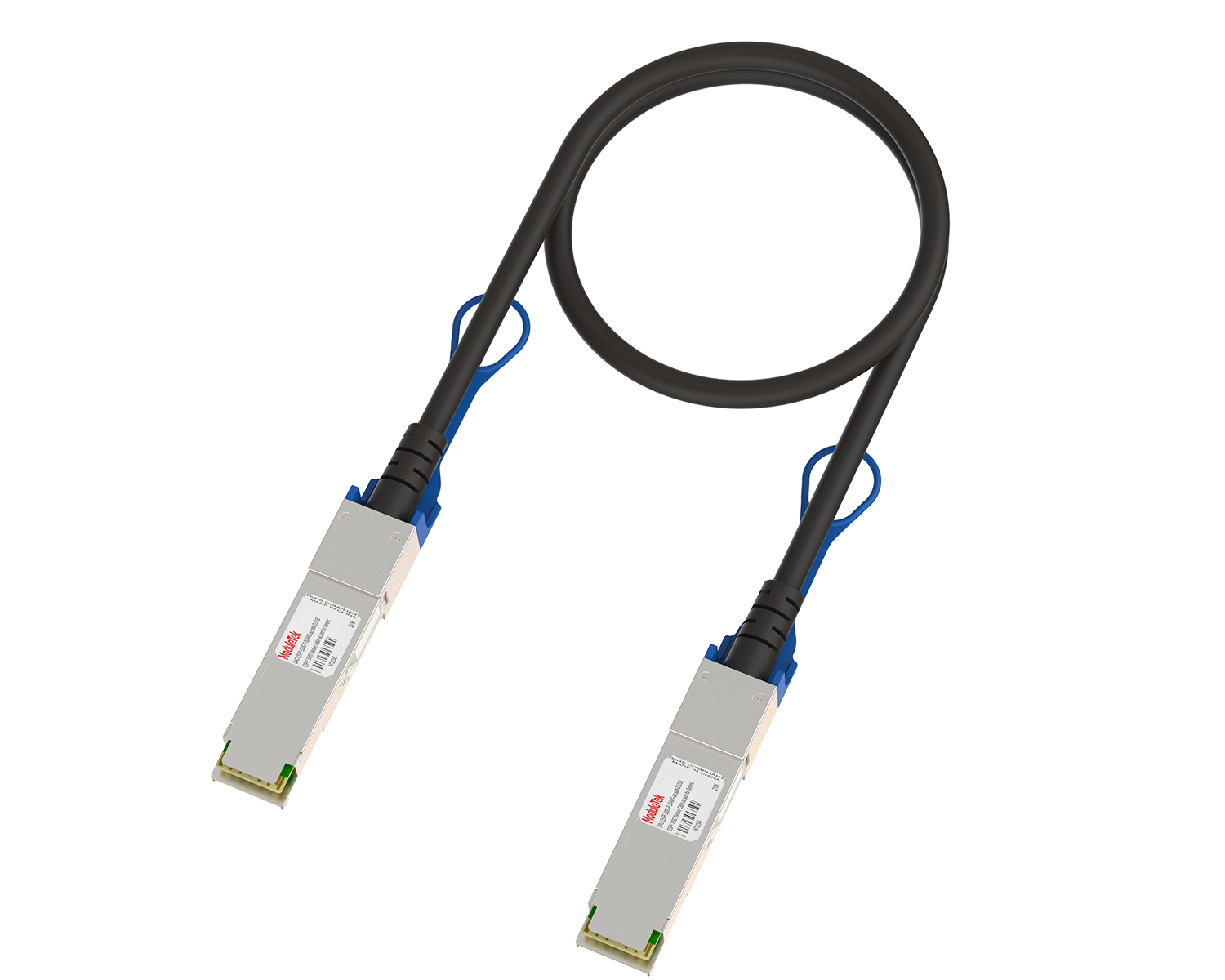 Full-Rate Passive DAC Series
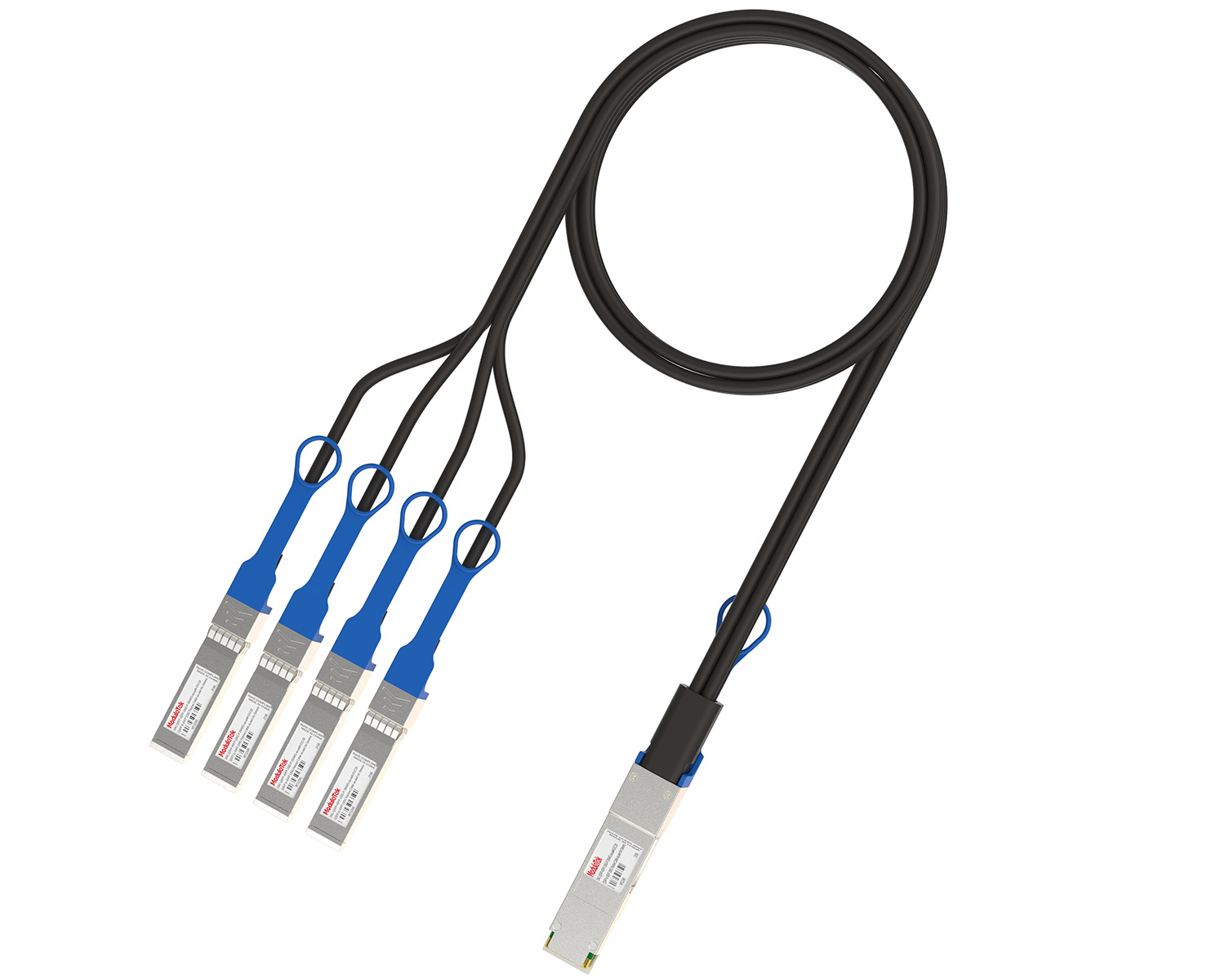 40G/100G Passive Breakout DAC Series
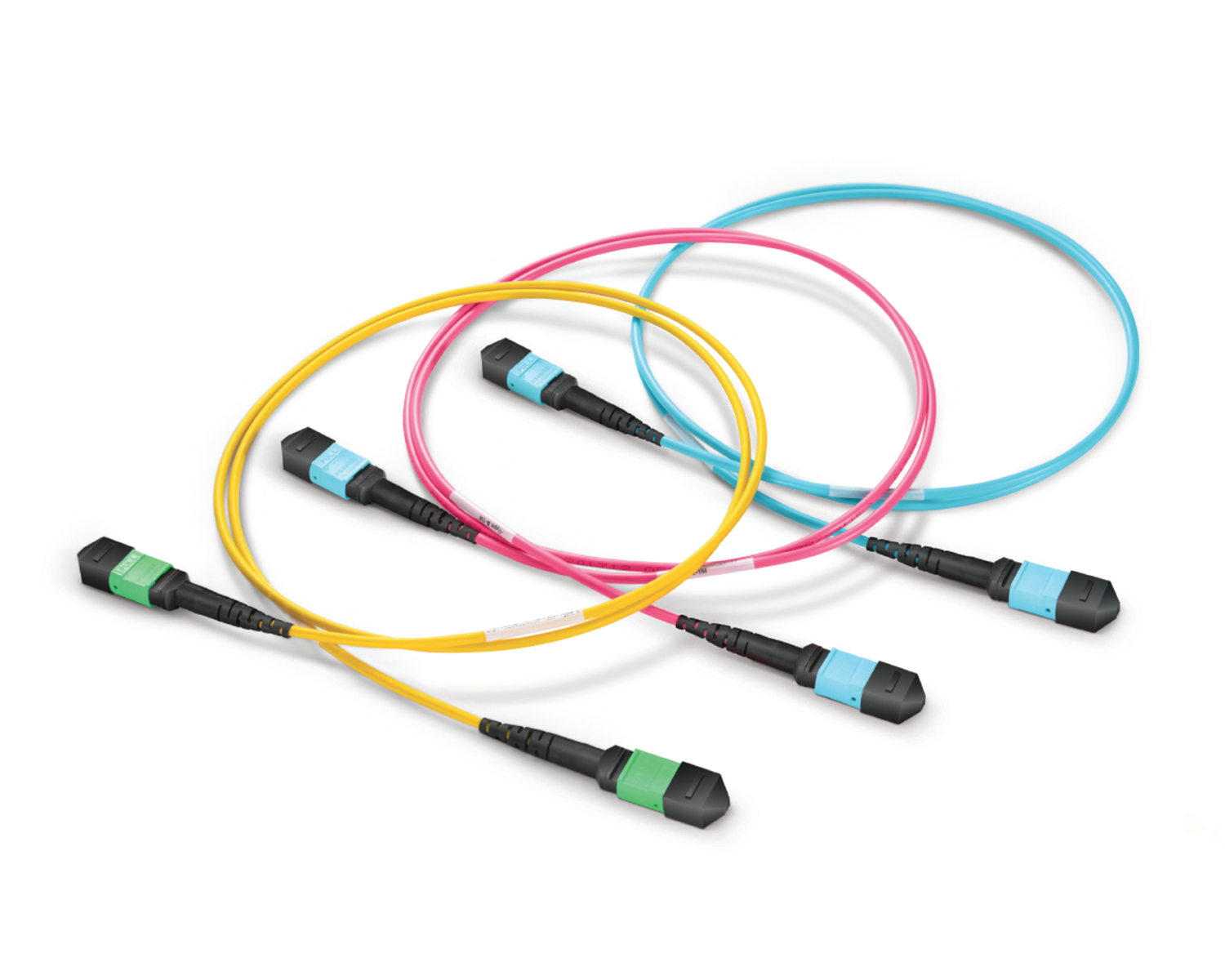 Regular/MTP-MPO Fiber Patch Cords
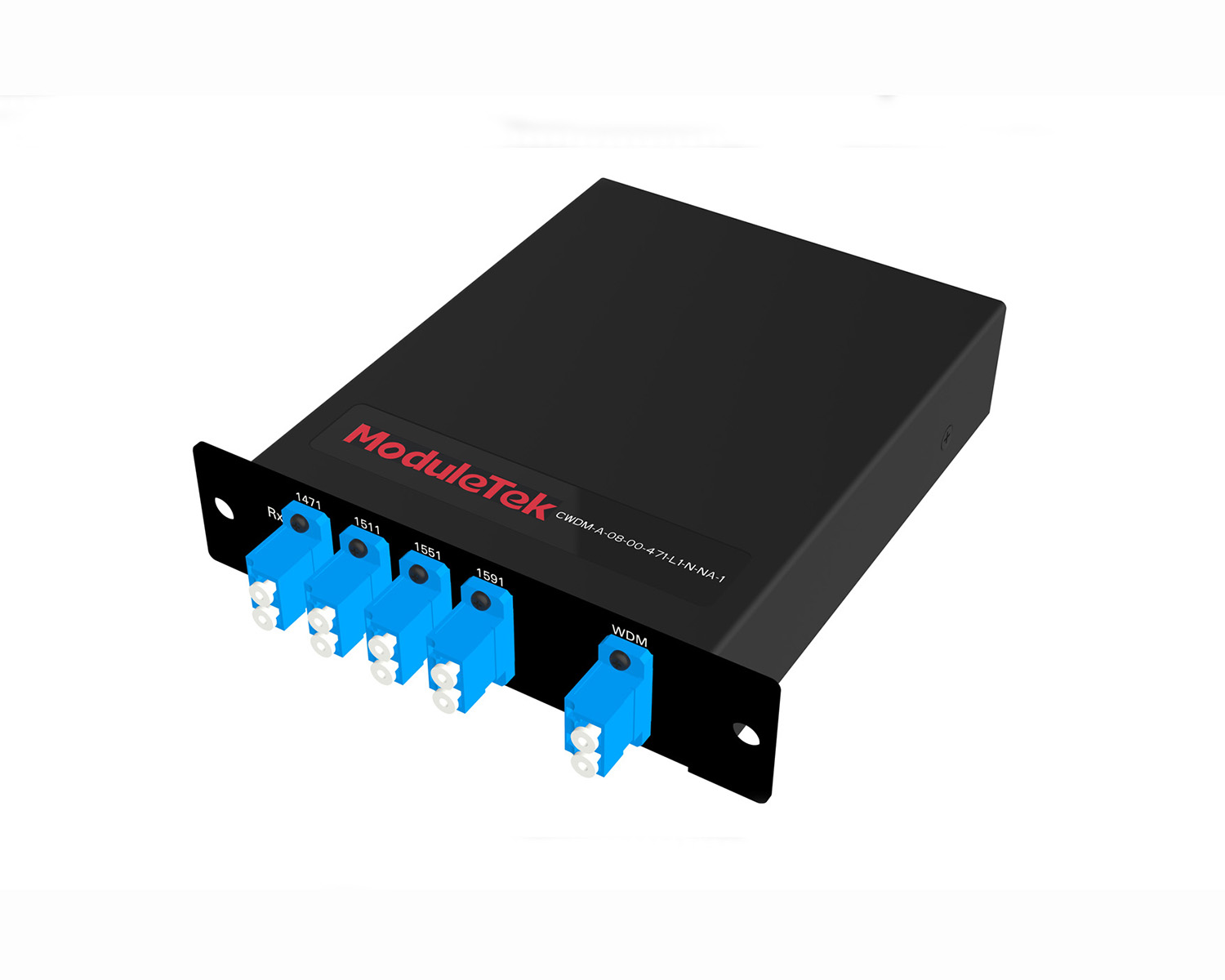 MT2011
 MT2010
 CodingBox
 QSFP to SFP Adapter
 首页 > Home > Application Notes > Example Of The Install Command To Upgrade A Cisco Catalyst 9300 Switch System
Example Of The Install Command To Upgrade A Cisco Catalyst 9300 Switch System
Time: 2024-06-19
In our previous guide for the Cisco C93180 Switch Upgrade Guidelines, we explained how to upgrade the switch system software using BOOT commands. This time, Moduletek Laboratory demonstrates the procedure for upgrading the Cisco Catalyst 9k series switch system software using the INSTALL command, with the Cisco Catalyst 9300-24T-E as the example.
I. Required Tools & Files
1. USB flash drive (USB2.0 protocol, formatted to FAT32 file system)
2. Official Cisco switch IOS XE system image
• Download link: https://software.cisco.com/download/home
• Target upgrade version: IOS XE 17.12.01
3. Serial console cable
4. Cisco Catalyst 9300-24T-E switch and configuration computer
Upgrade Solution Description
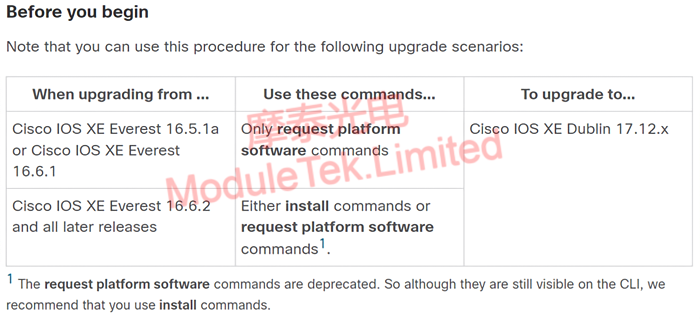
Figure 1 Upgrade Solution Description
Note: This example upgrades the system software from IOS XE 16.12.01 to IOS XE 17.12.01, using the INSTALL command for the upgrade process.
II. System Upgrade Steps
1. Check the switch’s remaining flash space and available memory to ensure the free capacity is larger than the size of the upgrade package.
2. Insert the USB flash drive into the switch’s USB port, then run the command:
dir usbflash0:
to view the files stored in the USB drive.
Note: usbflash0 is the system-recognized name of the USB drive. You can run dir ? to query the accurate device identifier.
3. Copy the upgrade system file from the USB drive to the switch’s flash memory, execute the command:
copy usbflash0:<filename> flash:<filename>
After the file copy is complete, run dir flash: to confirm the file is successfully saved in the flash memory.
4. Enter global configuration mode and configure the system boot file by executing:
boot system flash:packages.conf
Run show boot to verify the boot parameter configuration is correct.
5. Upgrade the switch ROMMON firmware with the command:
upgrade rom-monitor capsule golden switch active
ROMMON Version Instructions in System Release Notes
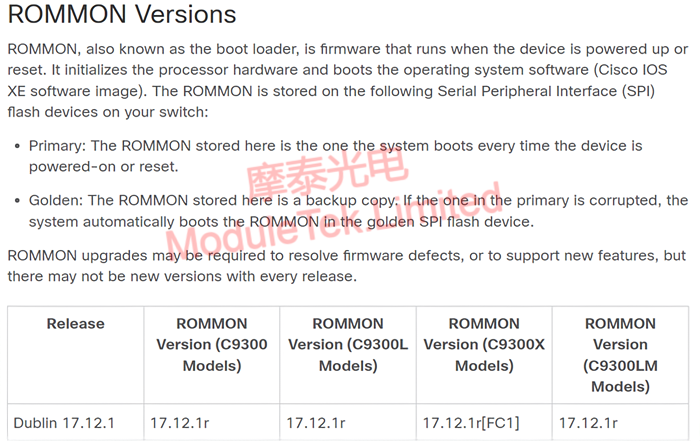
Figure 2 ROMMON Version Specification in Official System Release Notes
6. Install, activate and commit the new IOS image by executing:
install add file flash<:filename> activate commit
7. The system will prompt to reboot the switch. Enter y to confirm and restart the switch.
8. After the switch restarts successfully, run the command:
show version
Moduletek provides optical transceivers fully compatible with Cisco switches. Welcome to inquire and place orders.
For further inquiries about the above content, please contact us at: sales@moduletek.com