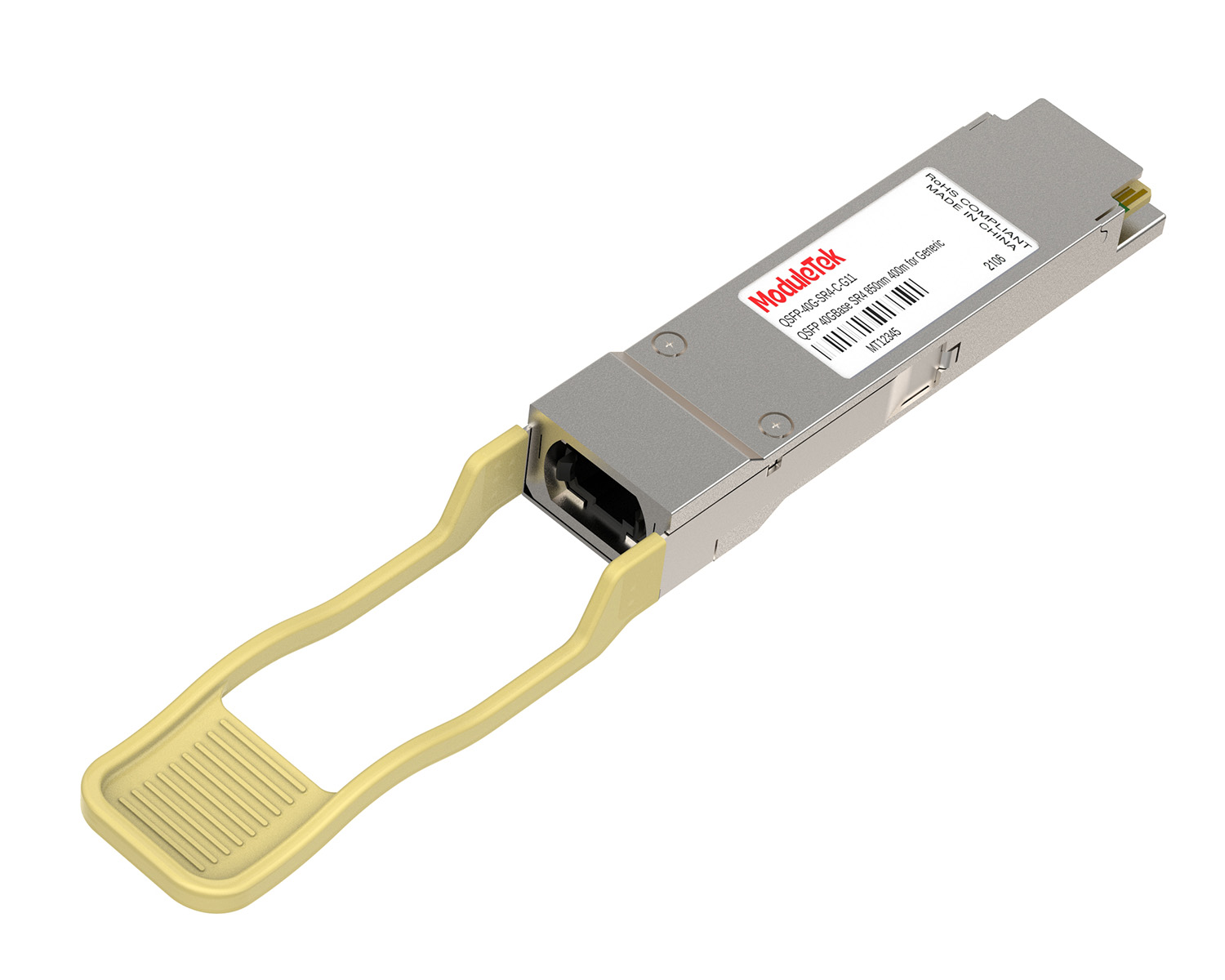
 40G/100G Optical Transceivers
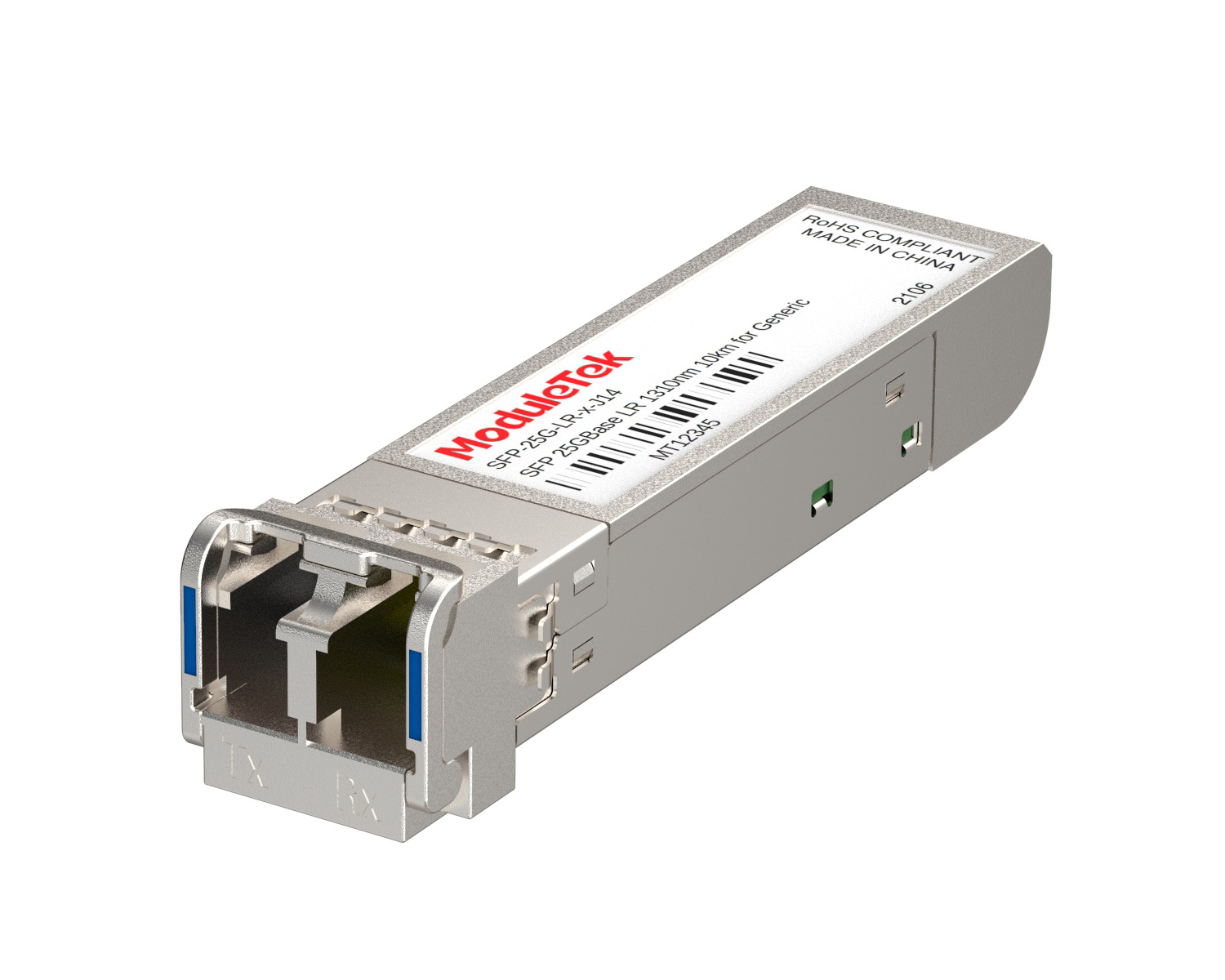 25G Optical Transceivers
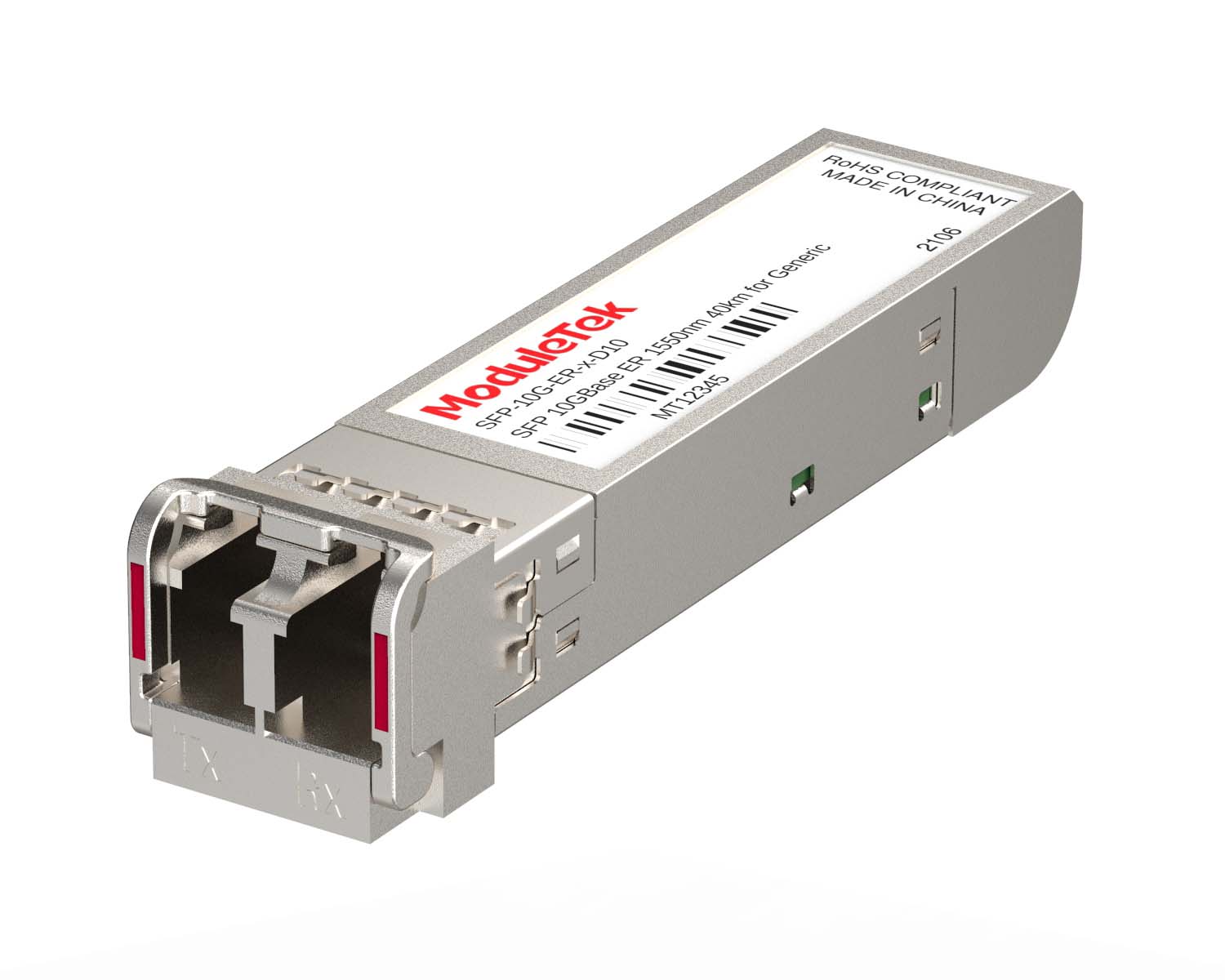 10G Optical Transceivers
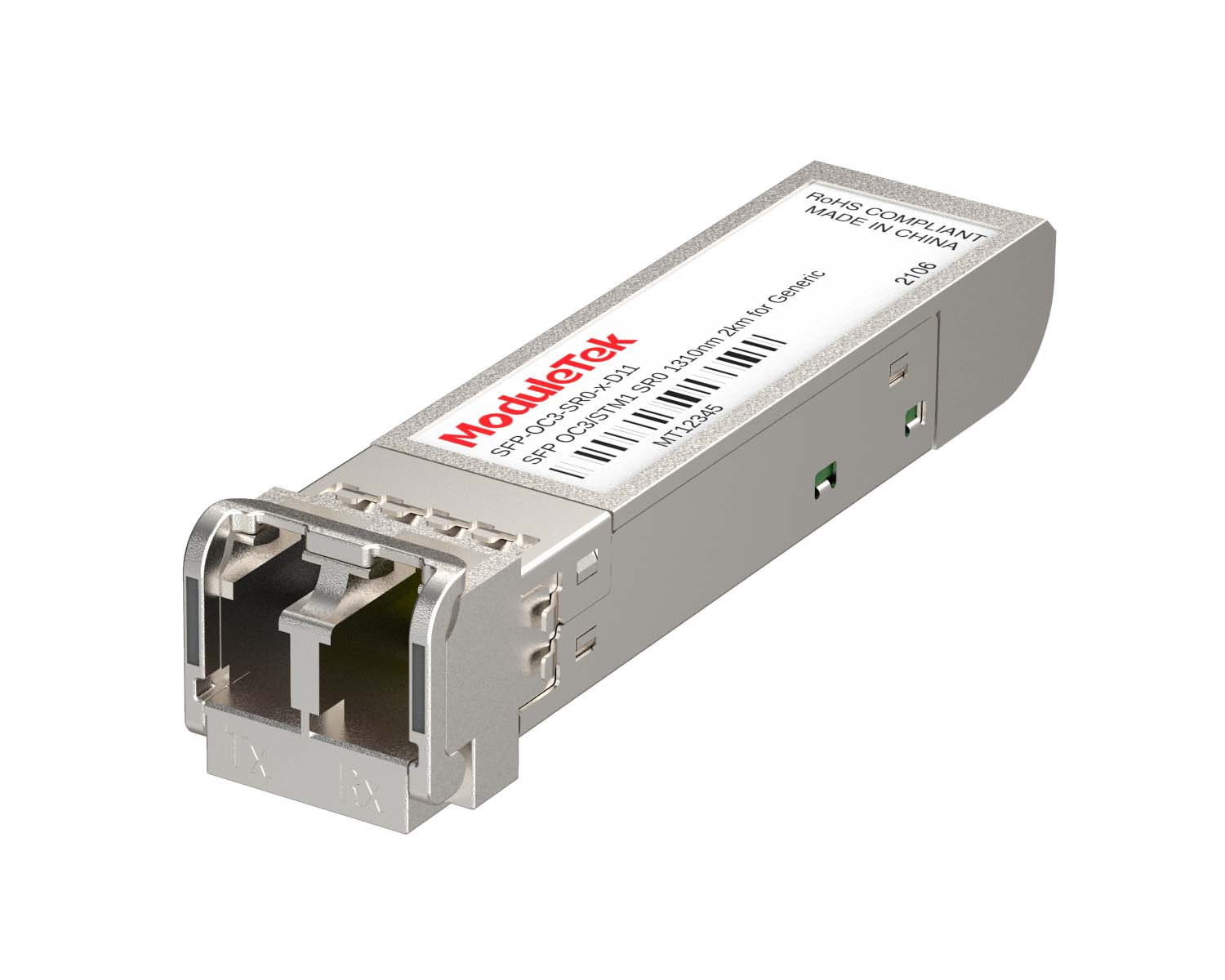 155M/2.5G Optical Transceivers
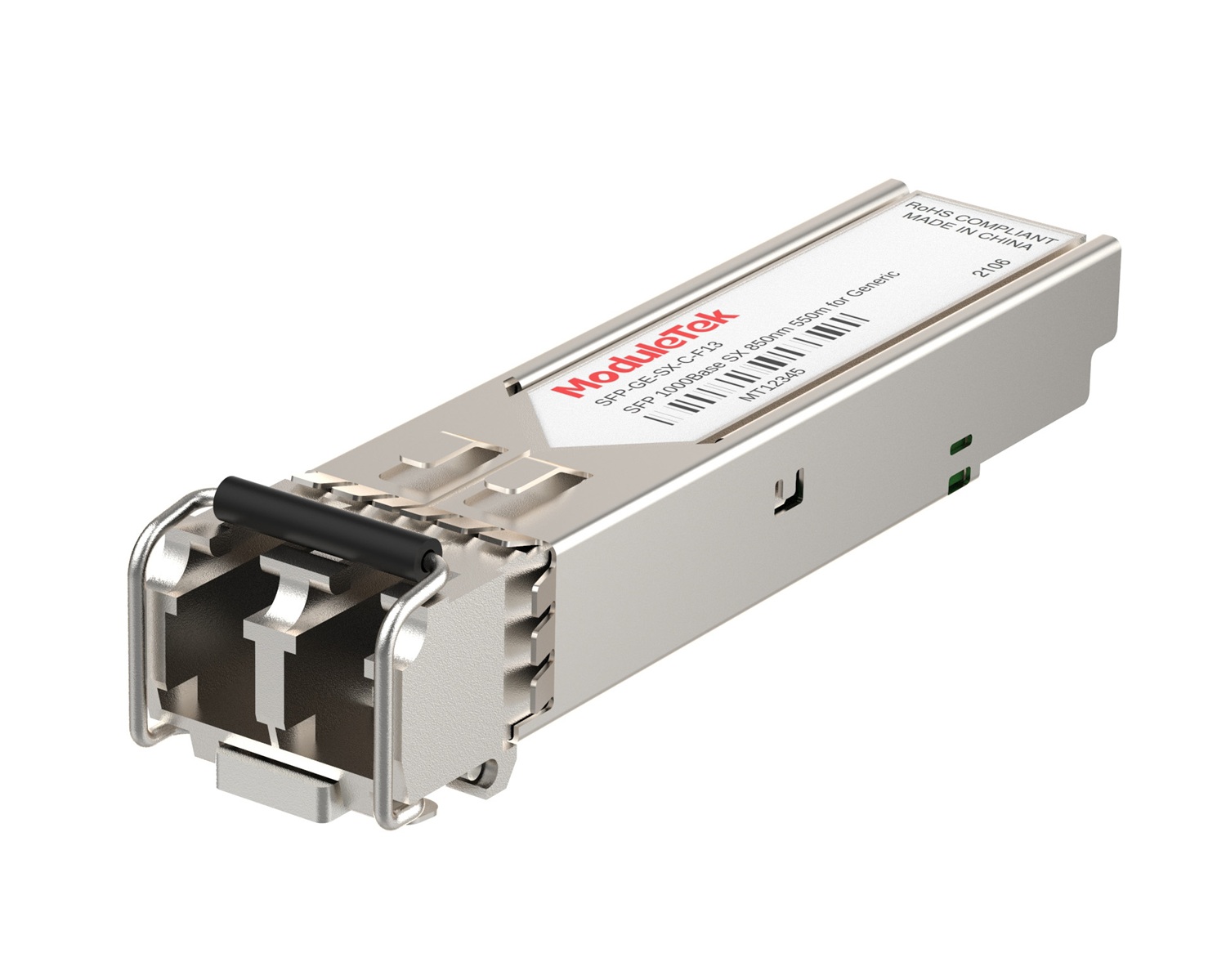 1G Optical Transceivers
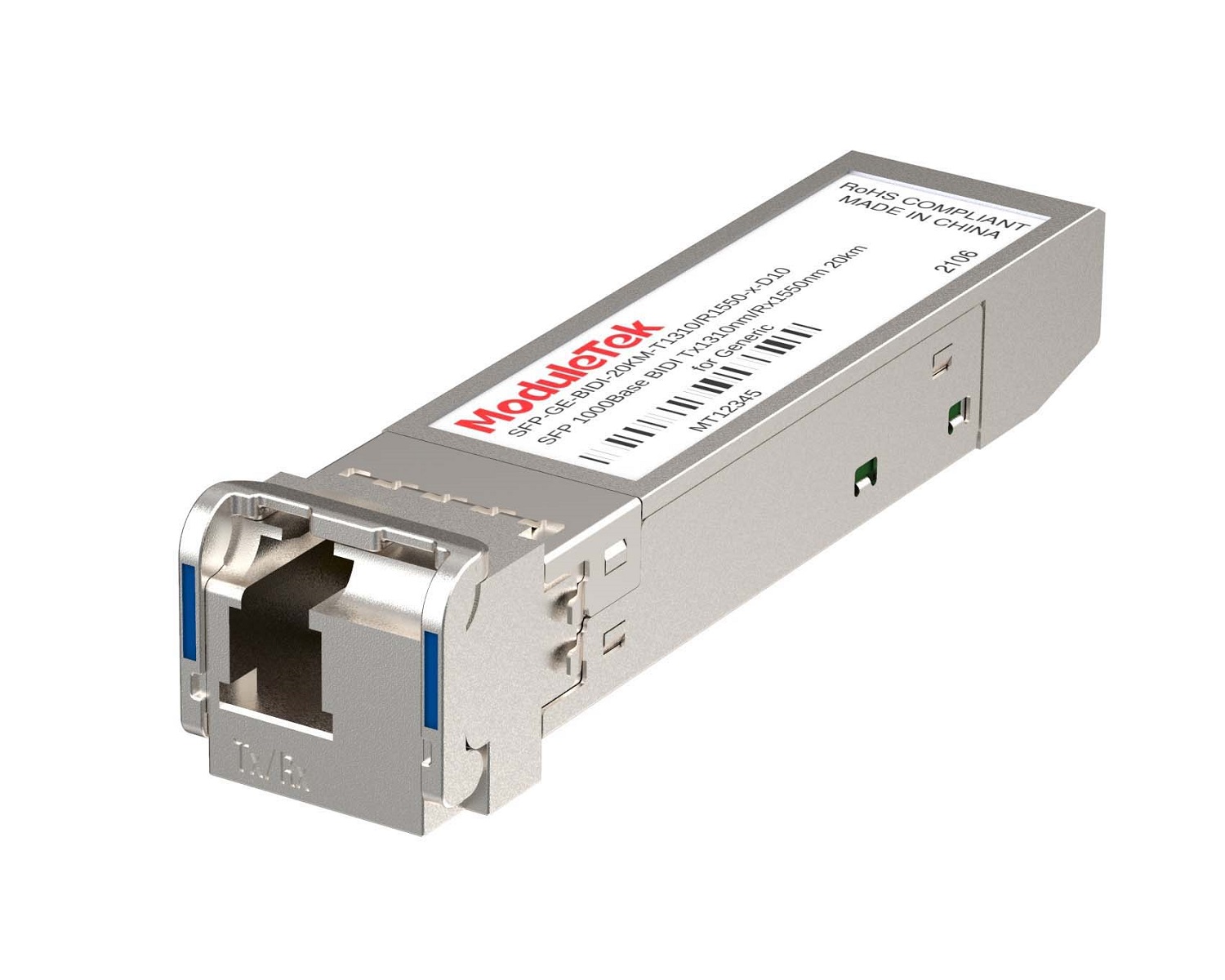 1G BIDI Optical Transceivers
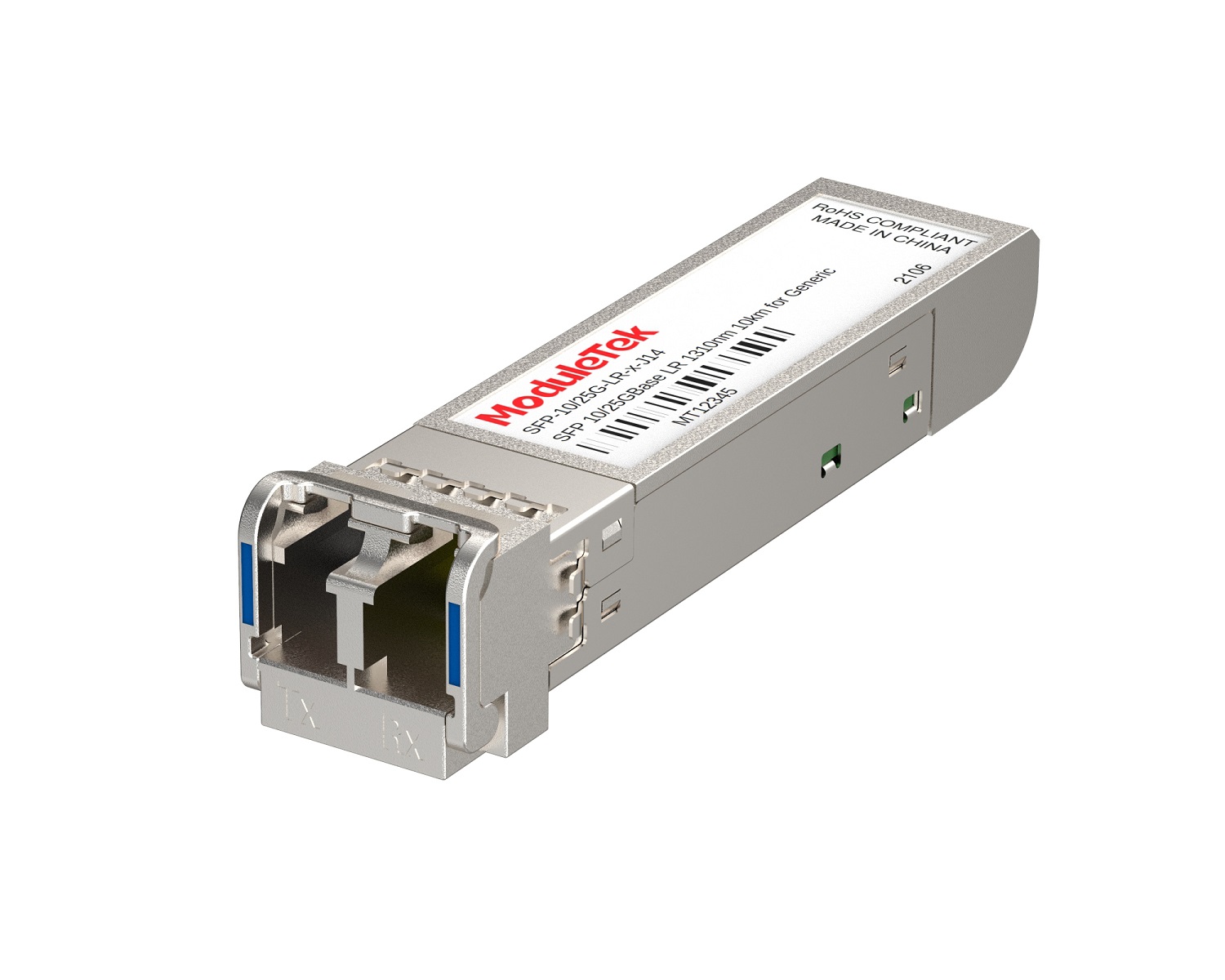 Dual-Rate Optical Transceivers
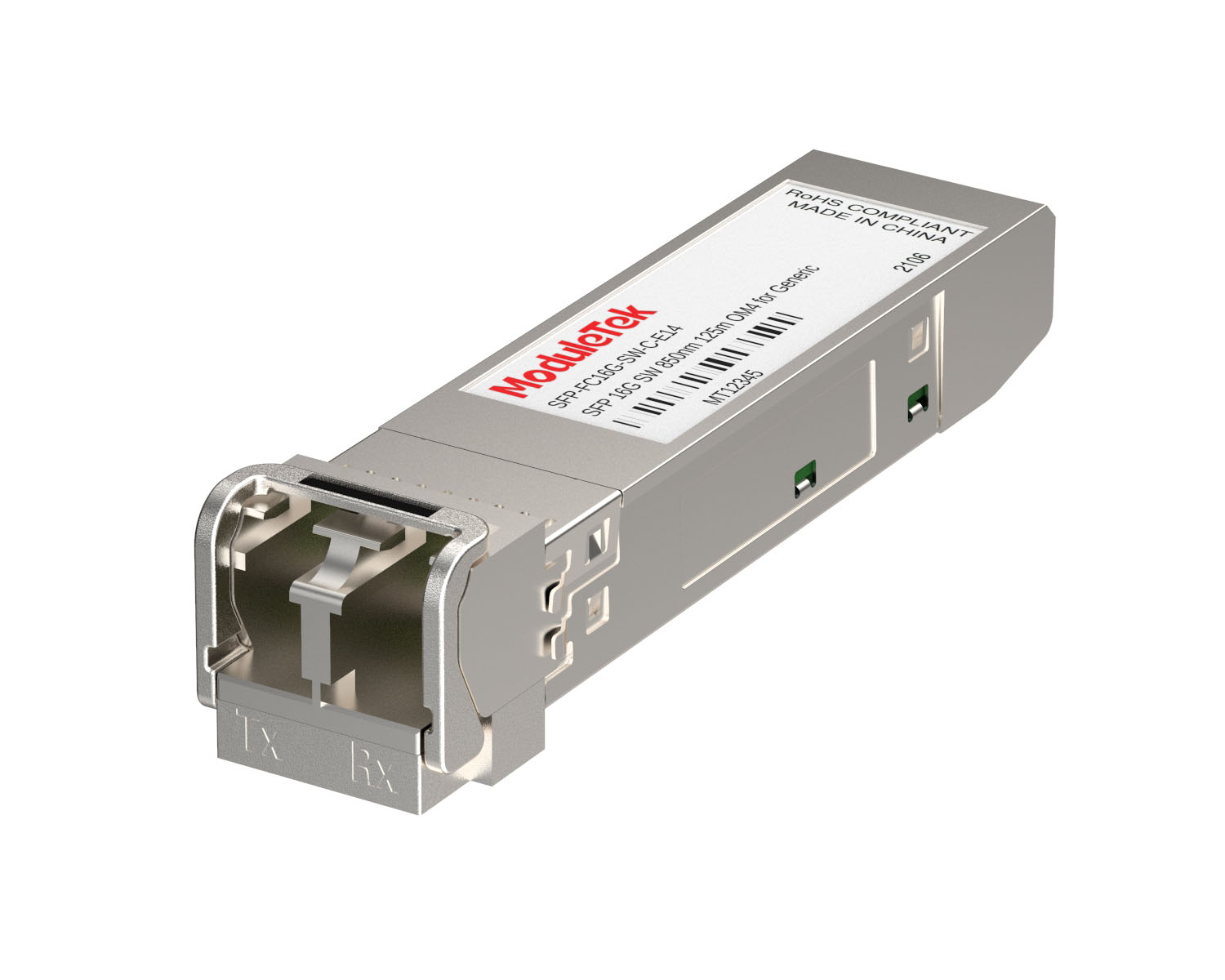 FC 16G/32G Optical Transceivers
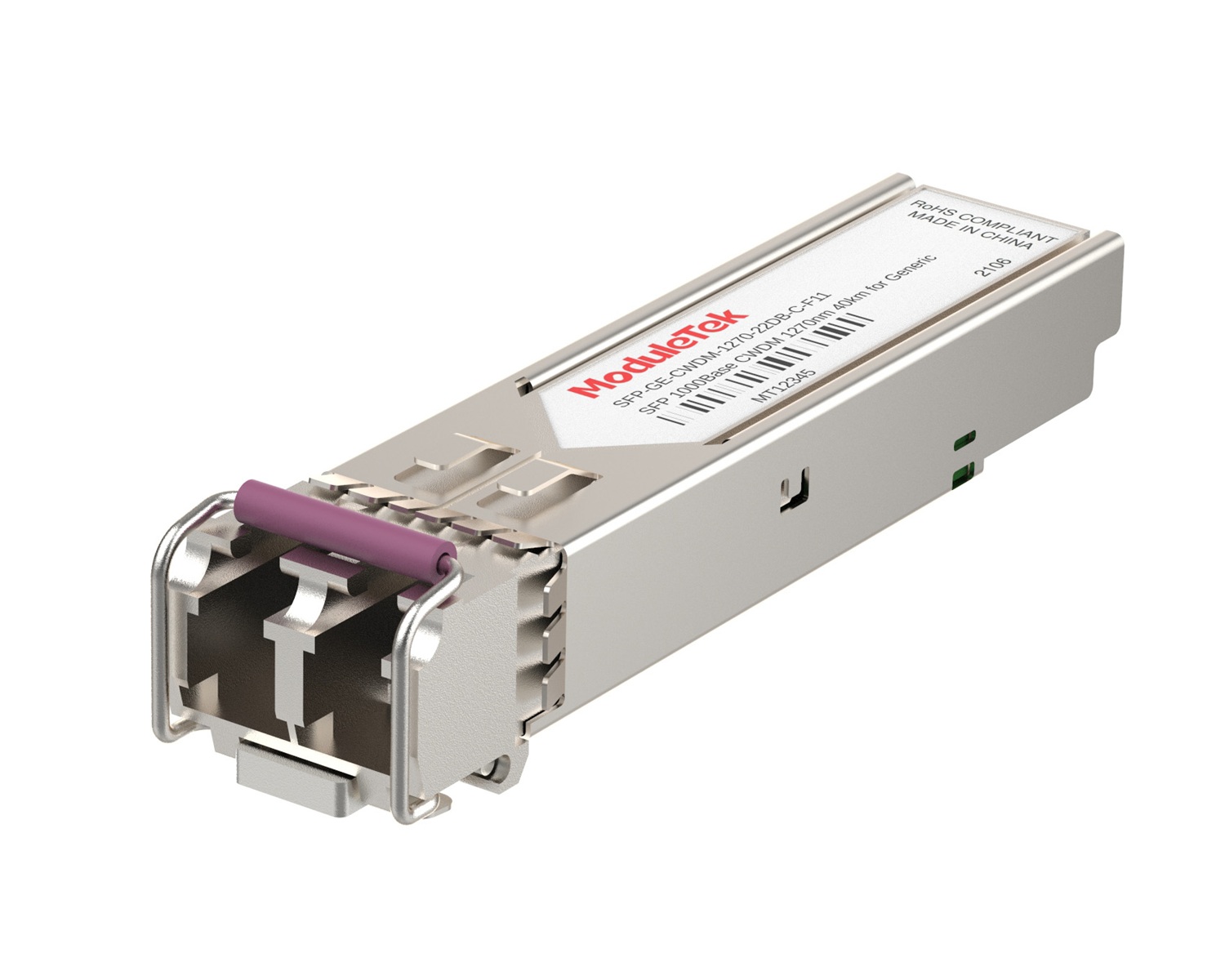 CWDM Optical Transceivers
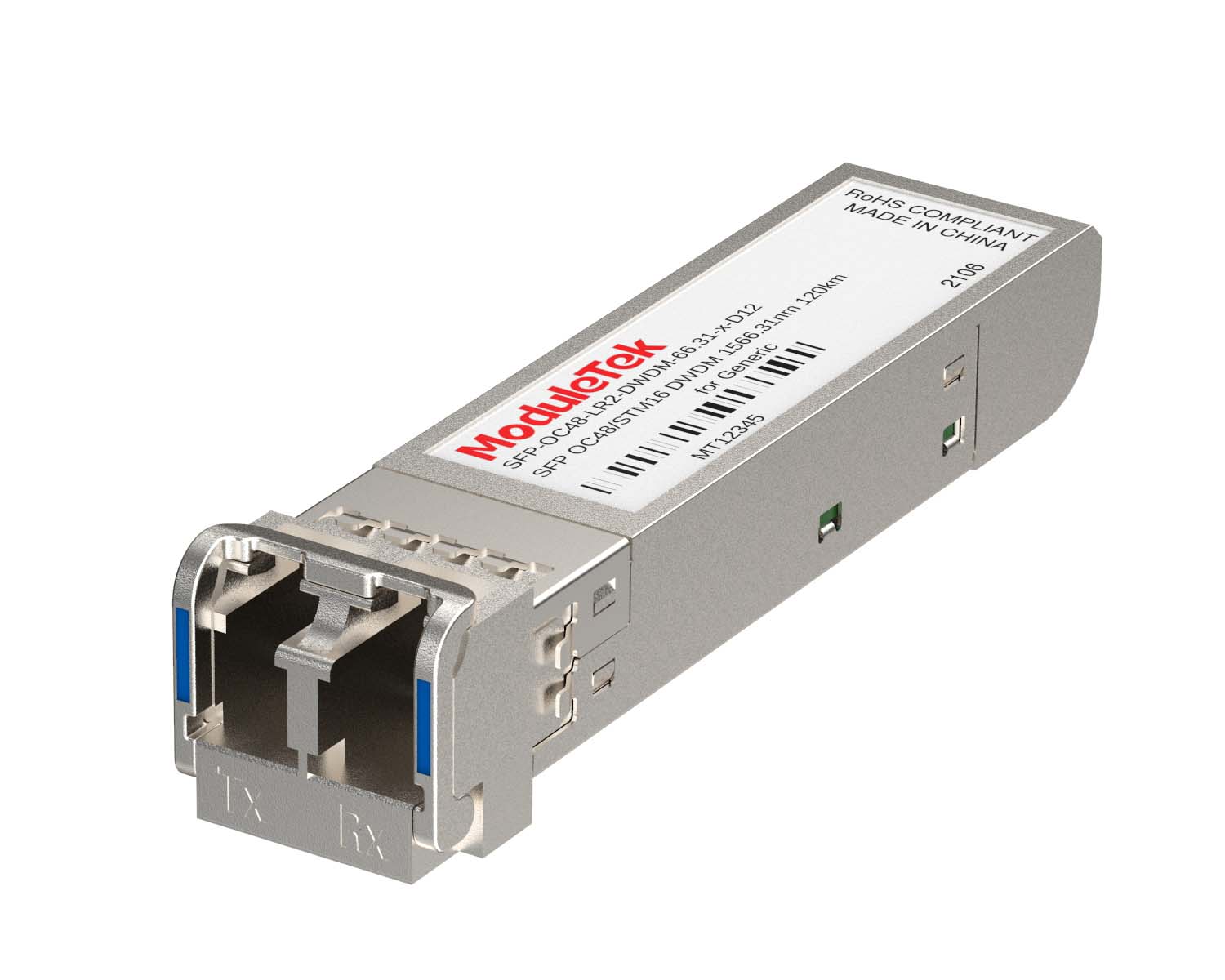 DWDM Optical Transceivers
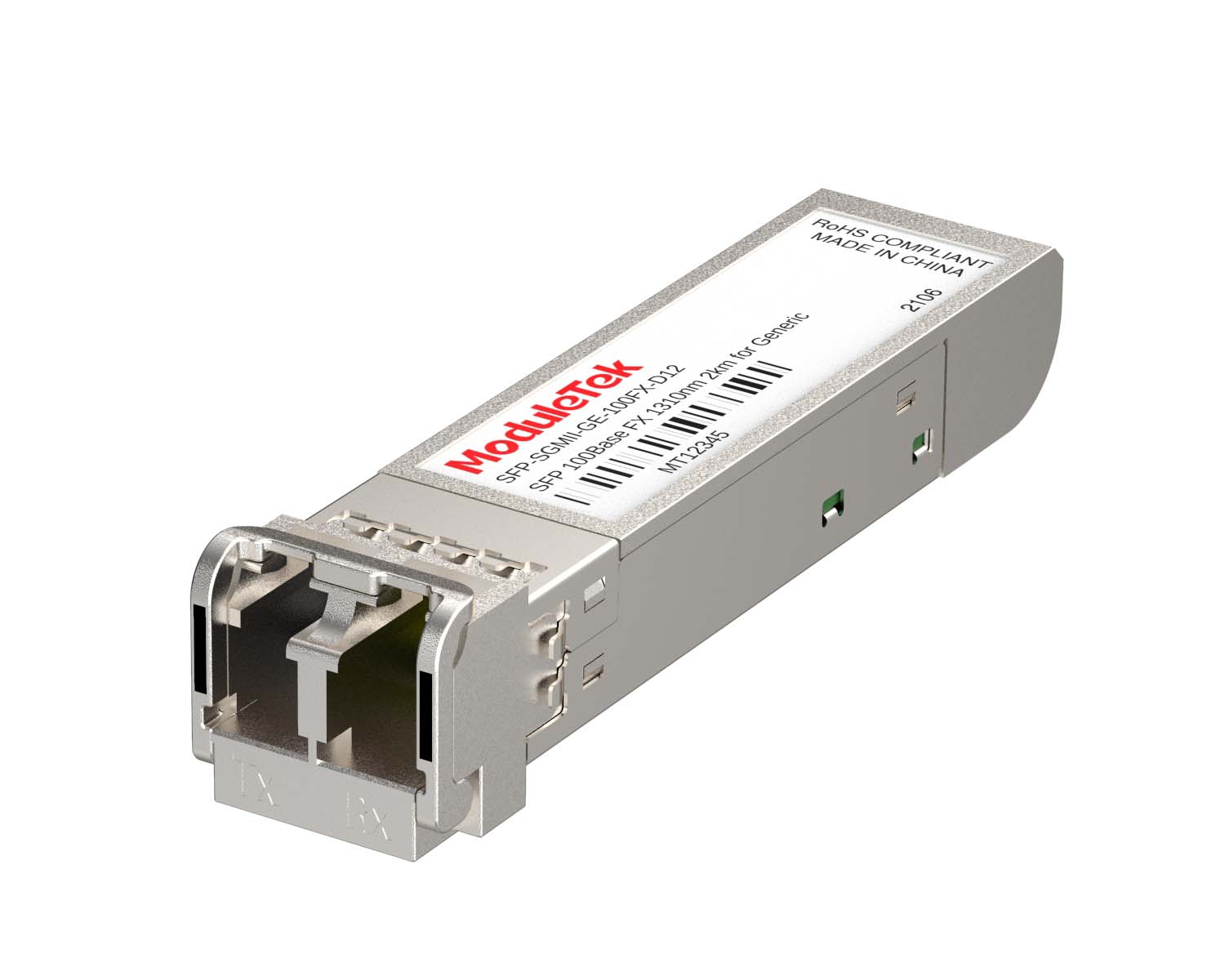 SGMII Port Optical Transceivers
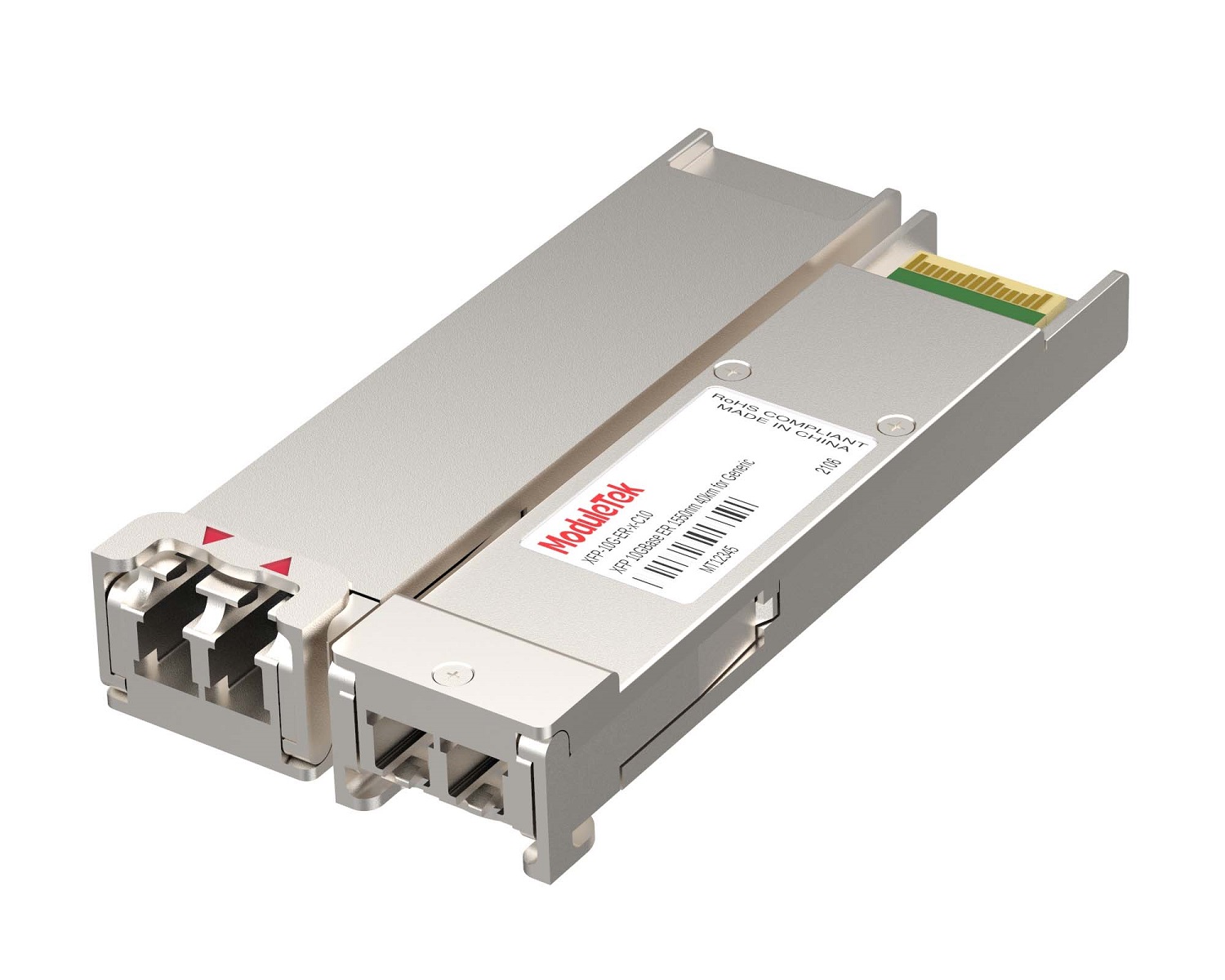 XFP Optical Transceivers
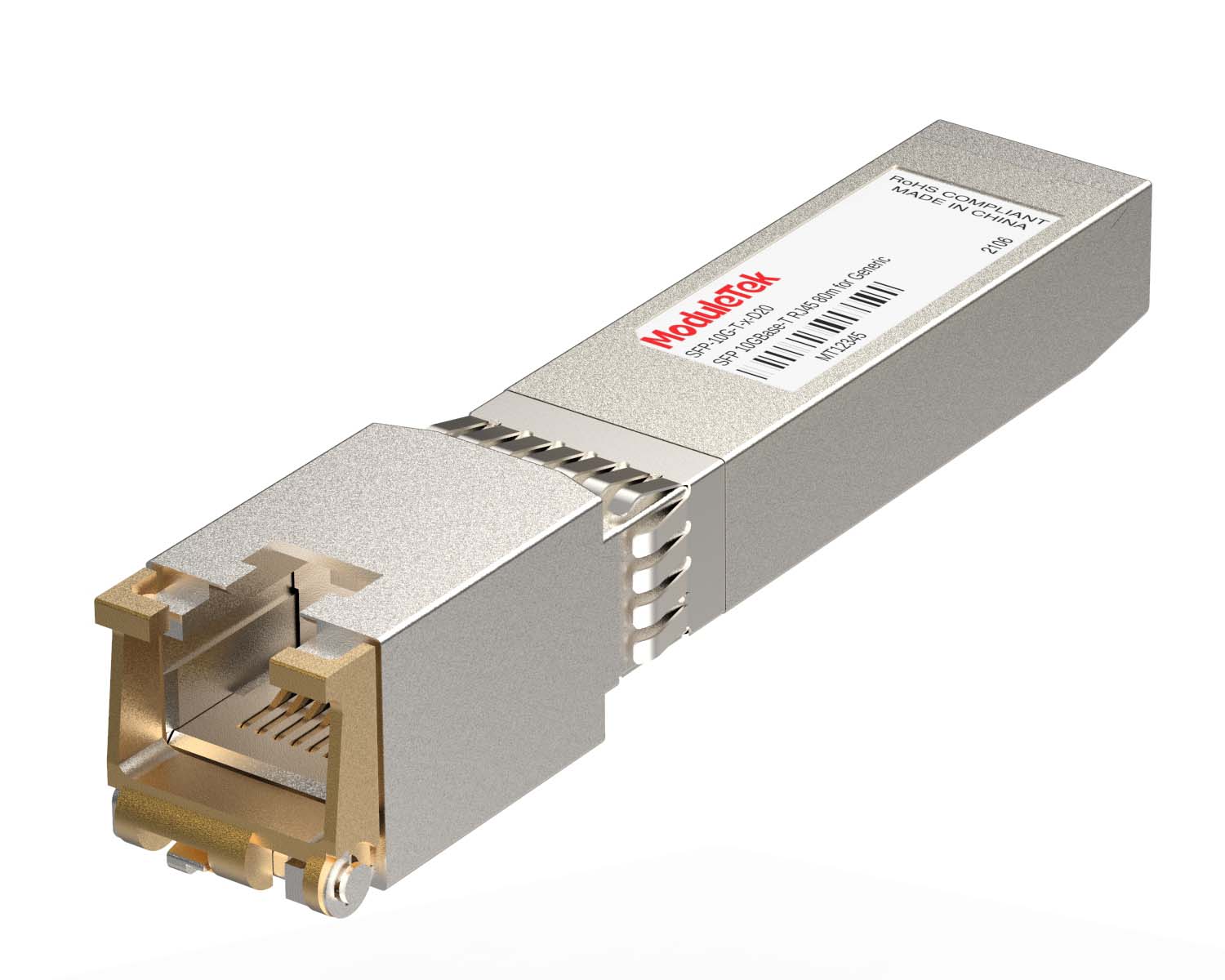 100M/1G/10G Coppers
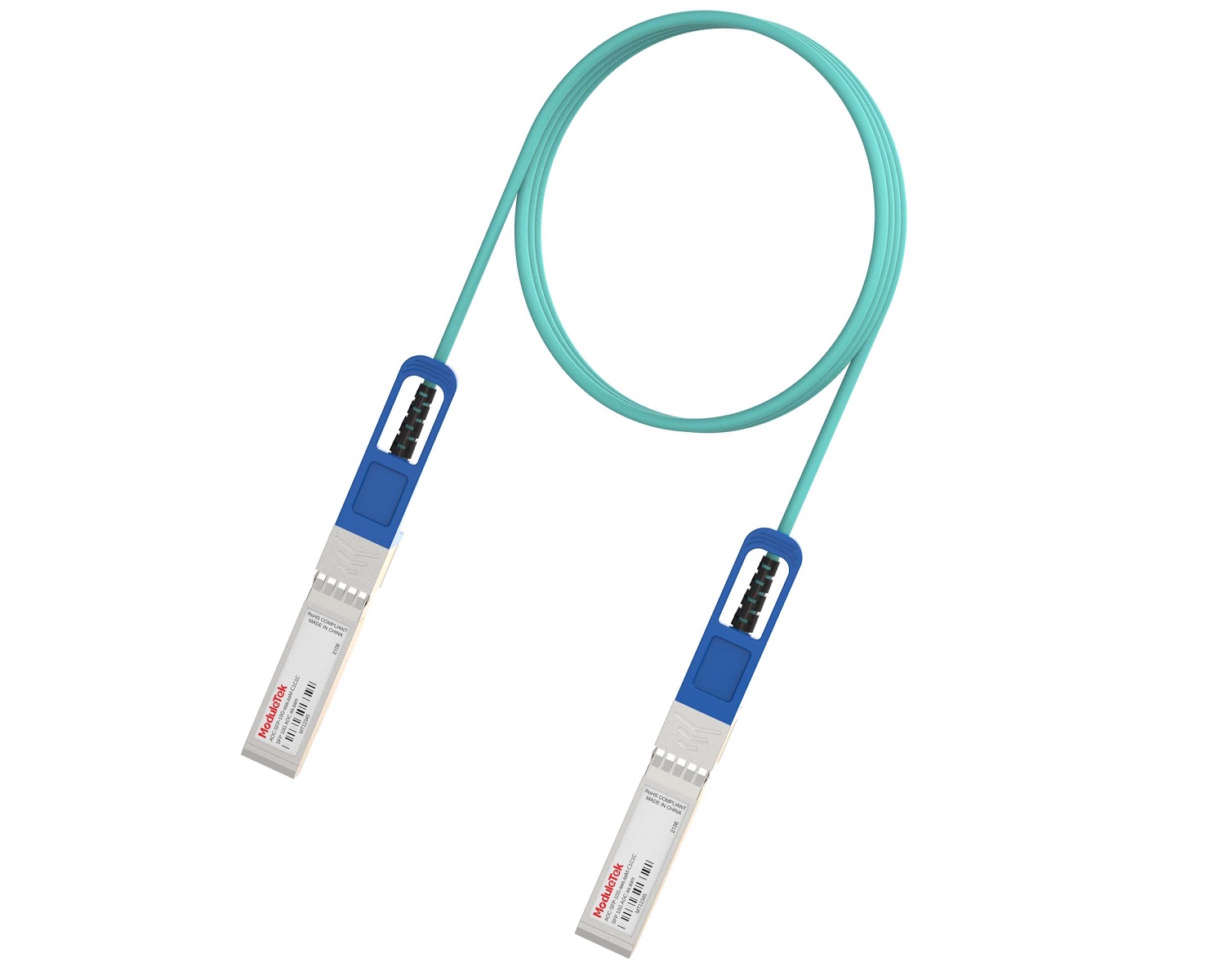 Full-Rate AOC & Breakout Series
 10G/40G Active DAC Series
 Full-Rate Passive DAC Series
 40G/100G Passive Breakout DAC Series
 Regular/MTP-MPO Fiber Patch Cords
 MT2011
 MT2010
 CodingBox
 QSFP to SFP Adapter
 首页 > Home > Application Notes > How To View Port Status And Optical Transceiver Information On Palo Alto Firewalls
How To View Port Status And Optical Transceiver Information On Palo Alto Firewalls
Time: 2024-06-19
Reading internal transceiver parameters helps monitor link connectivity, optical power, temperature and coding compatibility between transceivers and Palo Alto firewalls. This document uses Moduletek SFP-10G-LR transceiver connected to Palo Alto PA-850 firewall to demonstrate parameter query steps.
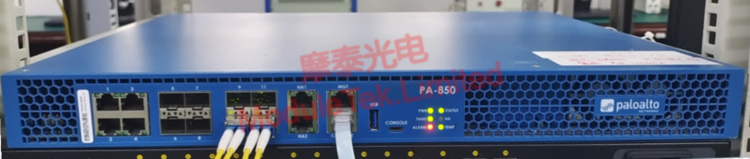
Figure 1 Schematic Diagram of Transceiver Connected to Firewall
1. View Port Link Status
Run the command:
show interface ethernet <interface-number>
It displays port speed and runtime link status. Runtime link Up means normal transceiver link operation. Traffic statistical data supports fault troubleshooting.
Note: interface-number refers to physical port ID. You can run show interface to view all ports. Omitting parameters will show information of all Ethernet interfaces.
2. Query Transceiver Identification & Check Device Diagnostic Parameters
Run the command:
show transceiver-detail ethernet <interface-number>
It contains module identity data and diagnostic parameter information.
1. Module details: Model, vendor, serial number, transmission distance, etc.
2. Diagnostic data: Parameter values and corresponding threshold ranges.
Special Note: The displayed diagnostic values are fixed preset parameters inside the firewall, not real-time dynamic DDM monitoring data. Values remain unchanged after replacing optical transceivers.
Moduletek provides various optical transceivers compatible with Palo Alto firewalls. Welcome to inquire and purchase.
For further inquiries about the above content, please contact us at: sales@moduletek.com