 40G/100G Optical Transceivers
 25G Optical Transceivers
 10G Optical Transceivers
 155M/2.5G Optical Transceivers
 1G Optical Transceivers
 1G BIDI Optical Transceivers
 Dual-Rate Optical Transceivers
 FC 16G/32G Optical Transceivers
 CWDM Optical Transceivers
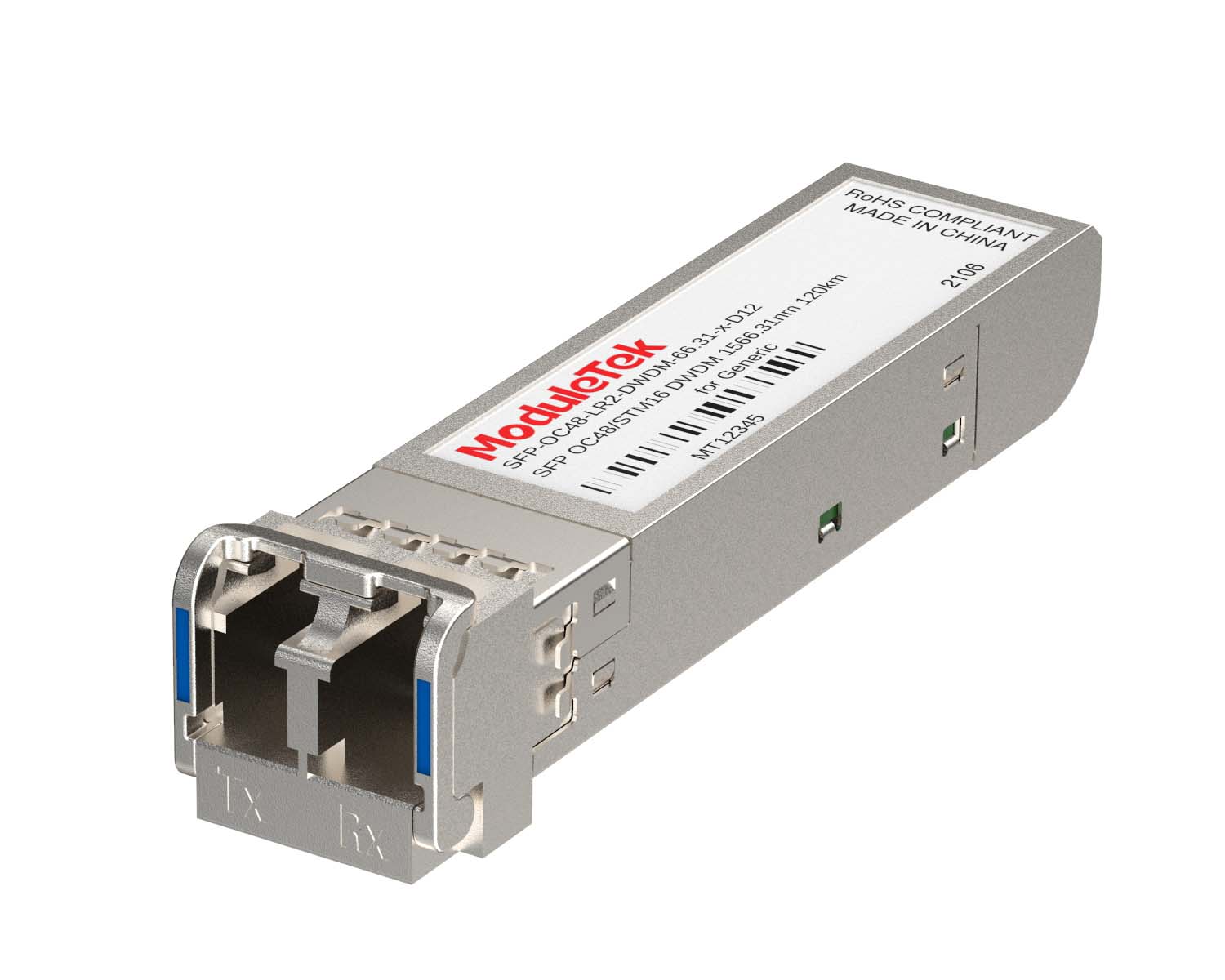 DWDM Optical Transceivers
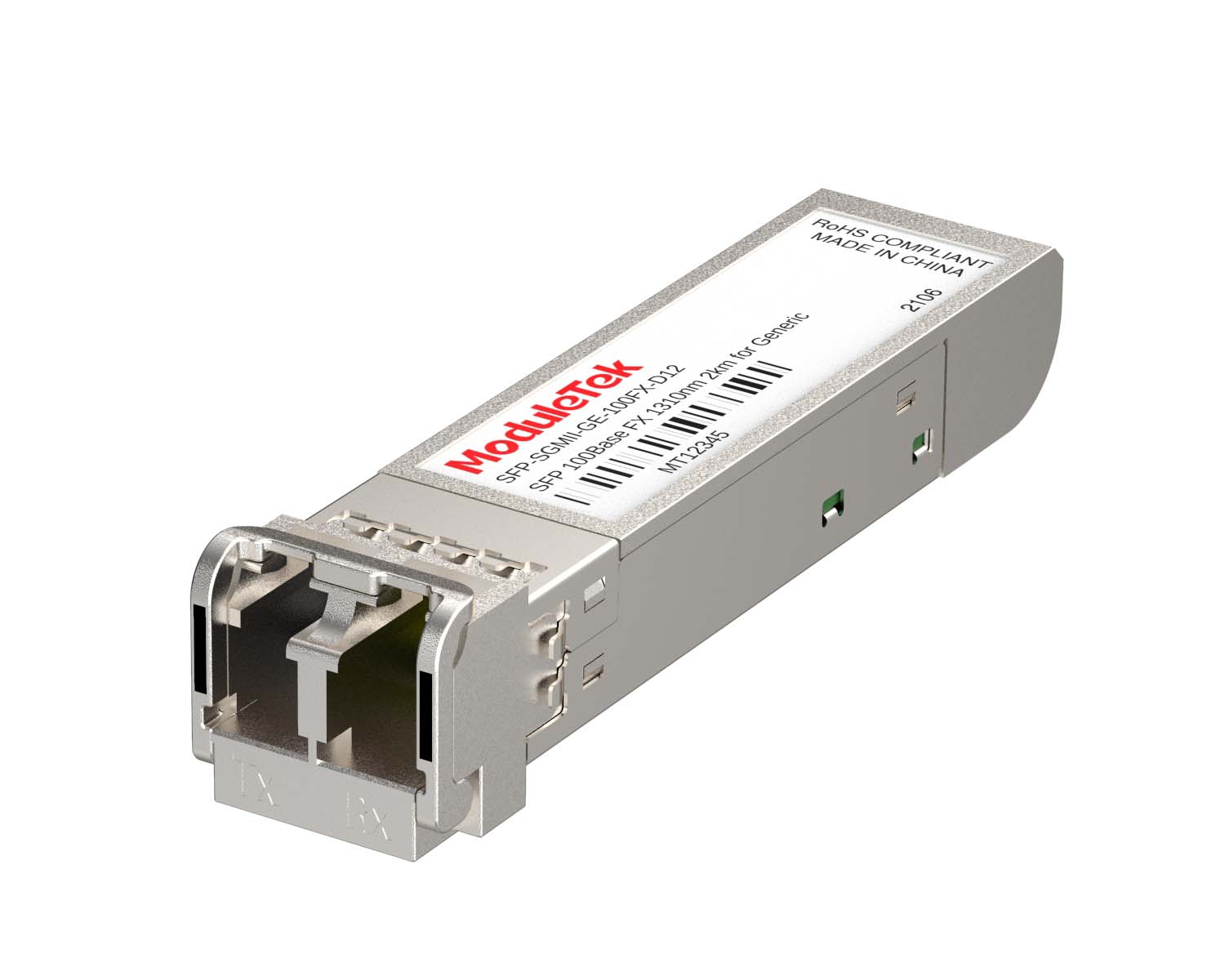 SGMII Port Optical Transceivers
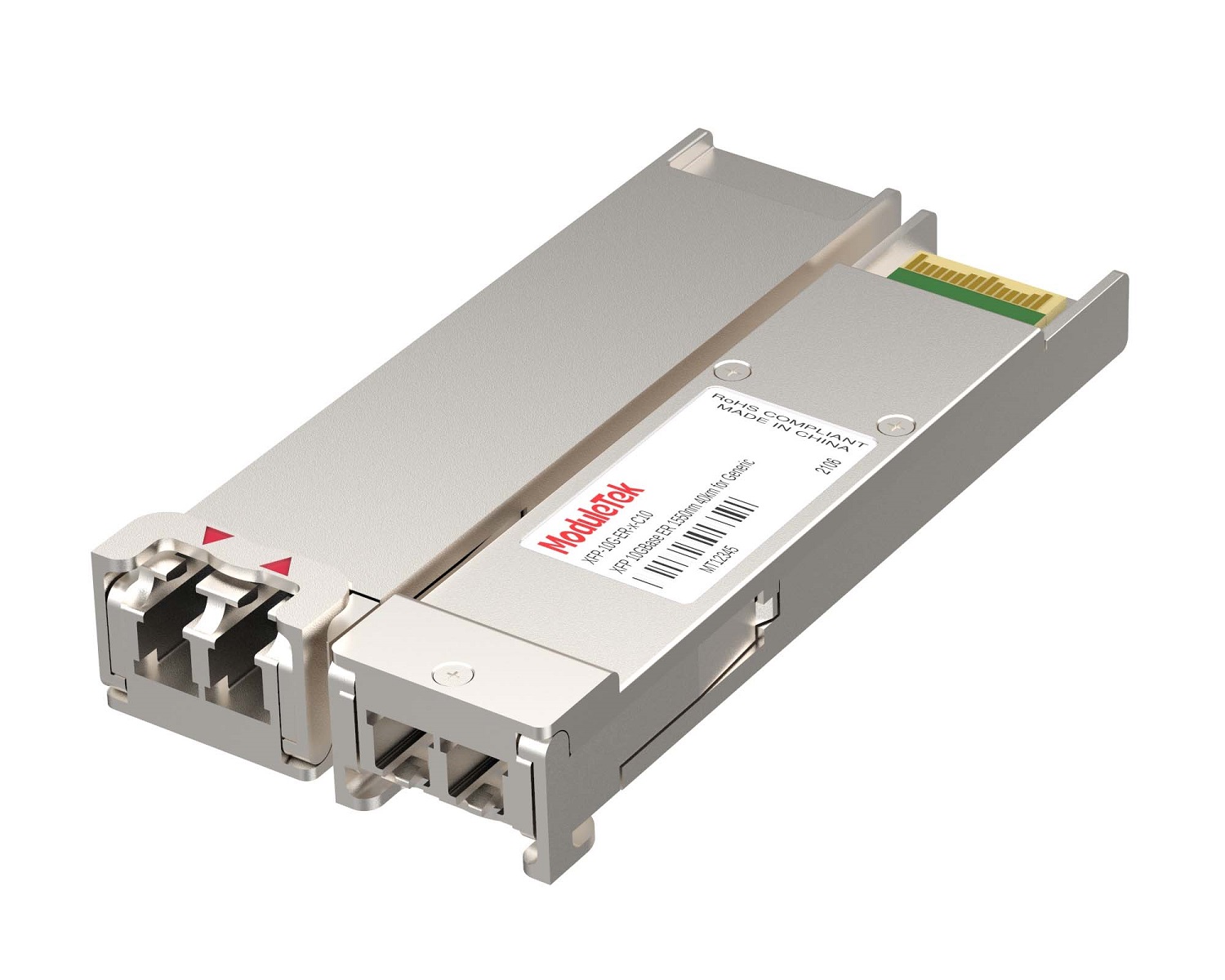 XFP Optical Transceivers
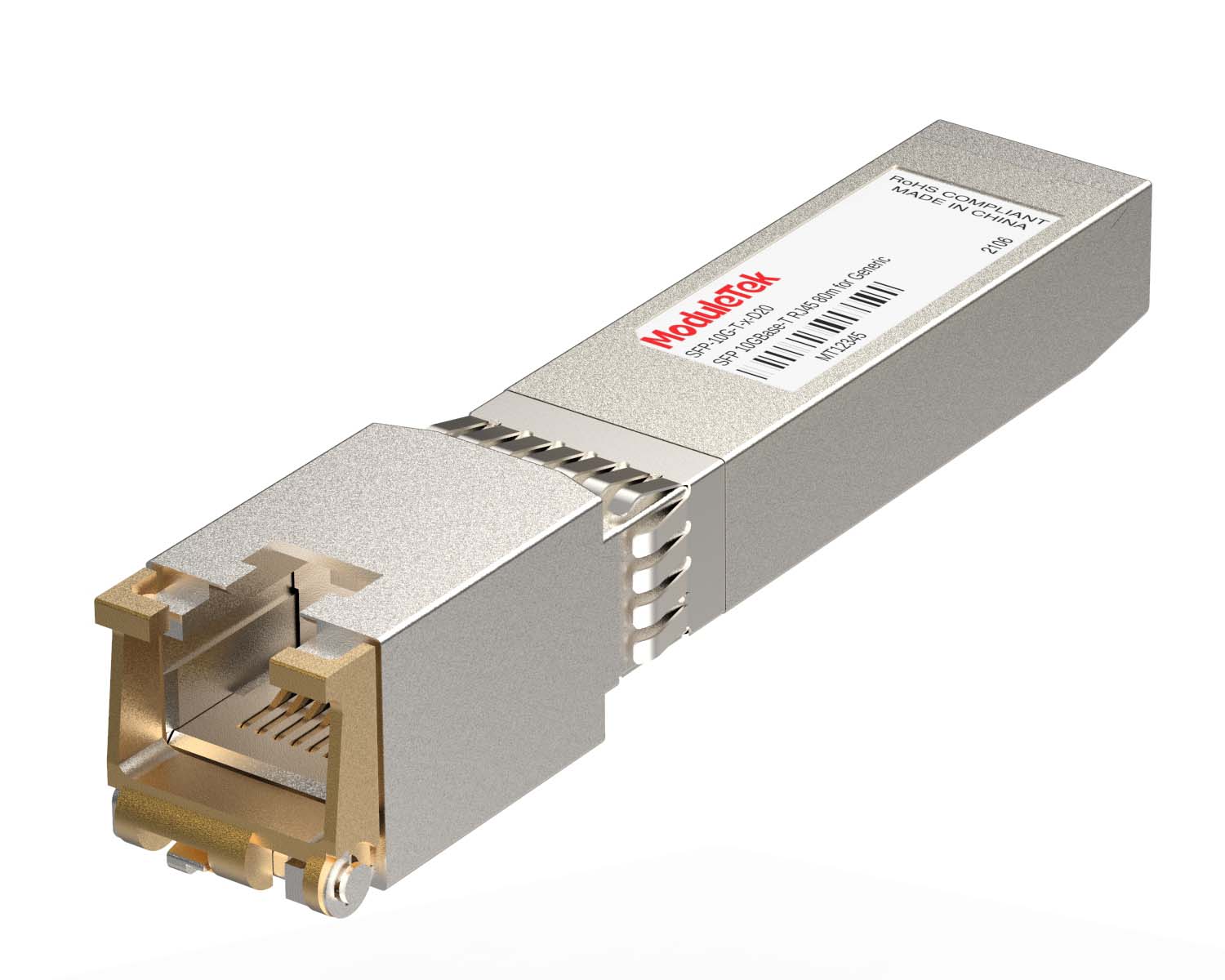 100M/1G/10G Coppers
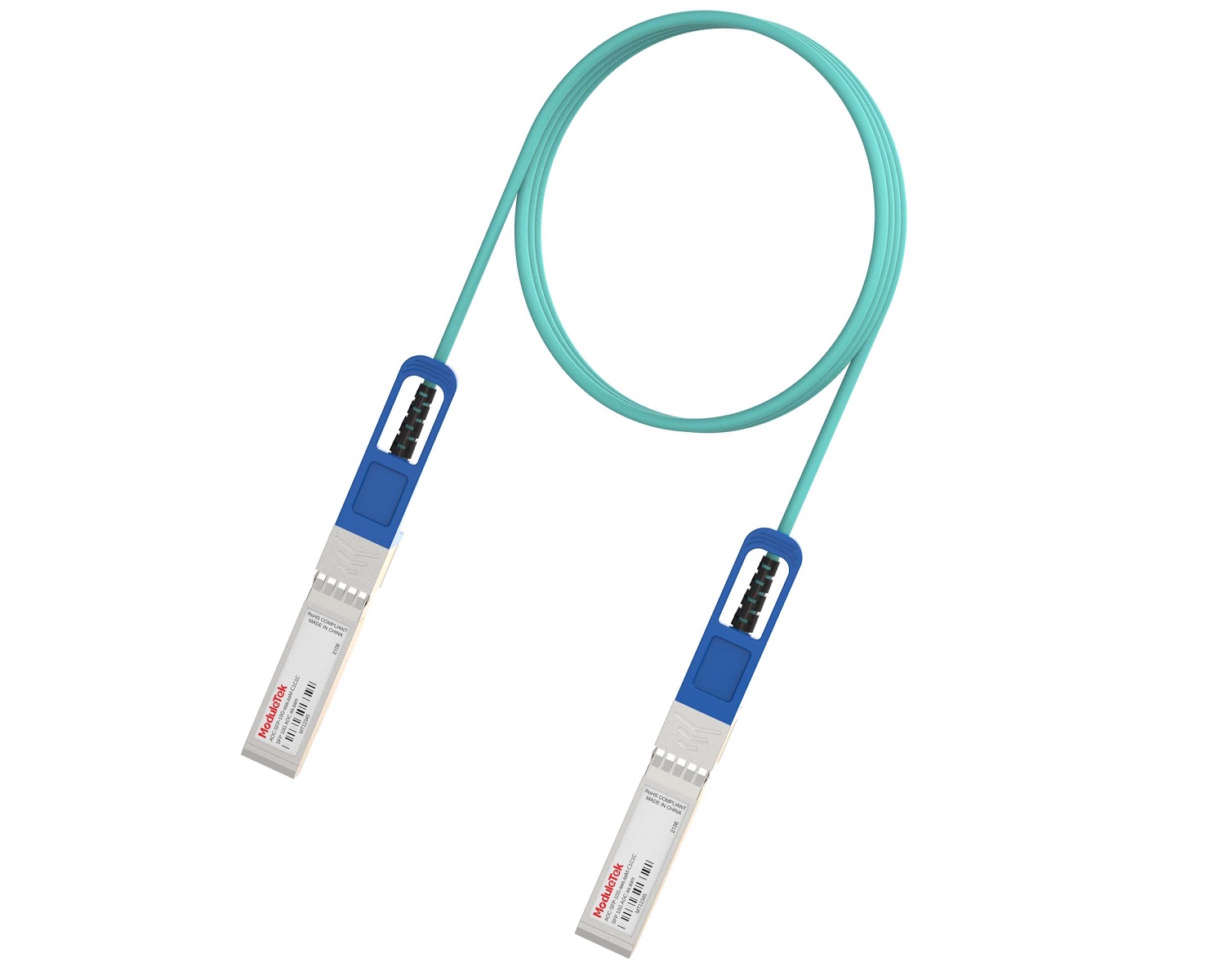 Full-Rate AOC & Breakout Series
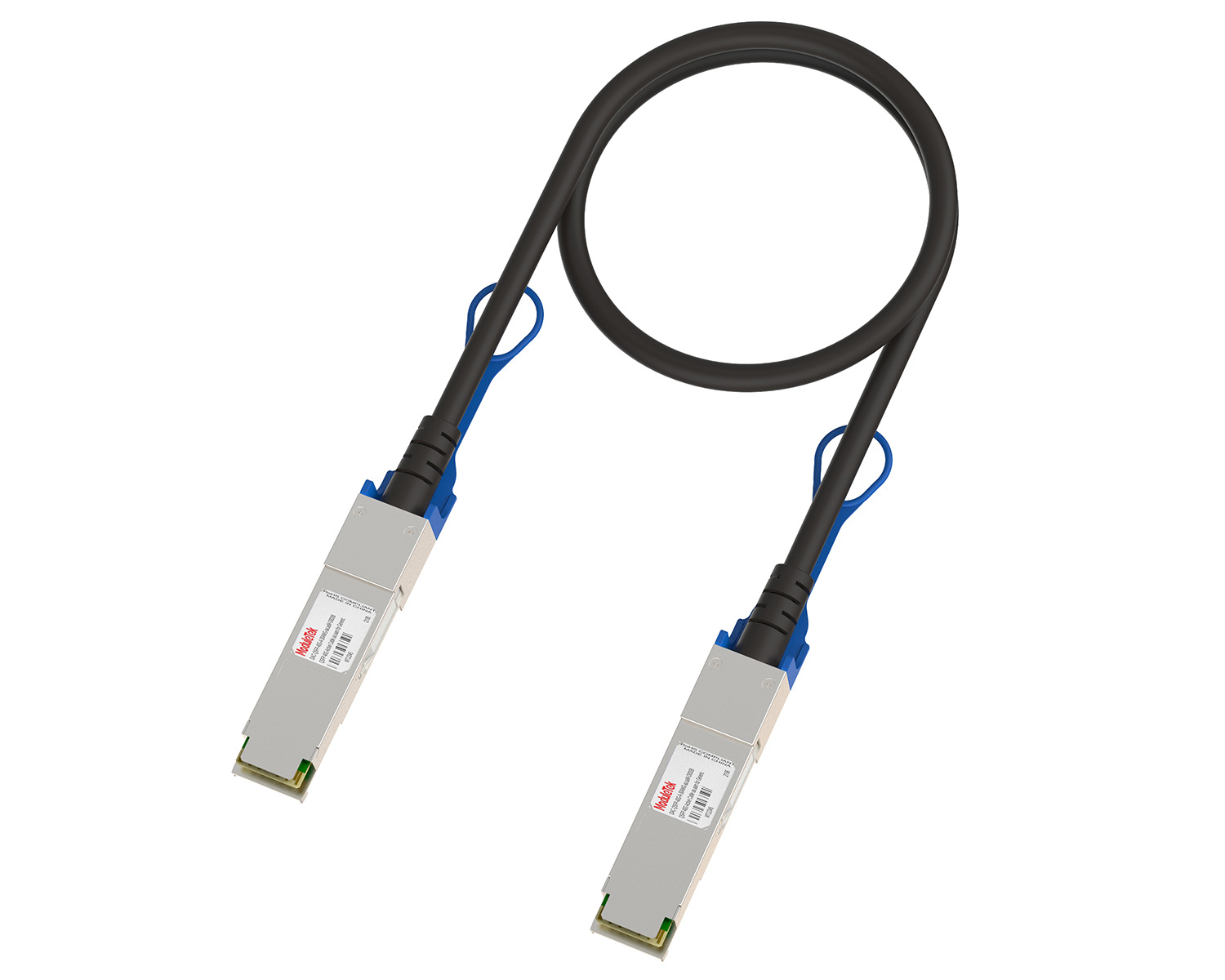 10G/40G Active DAC Series
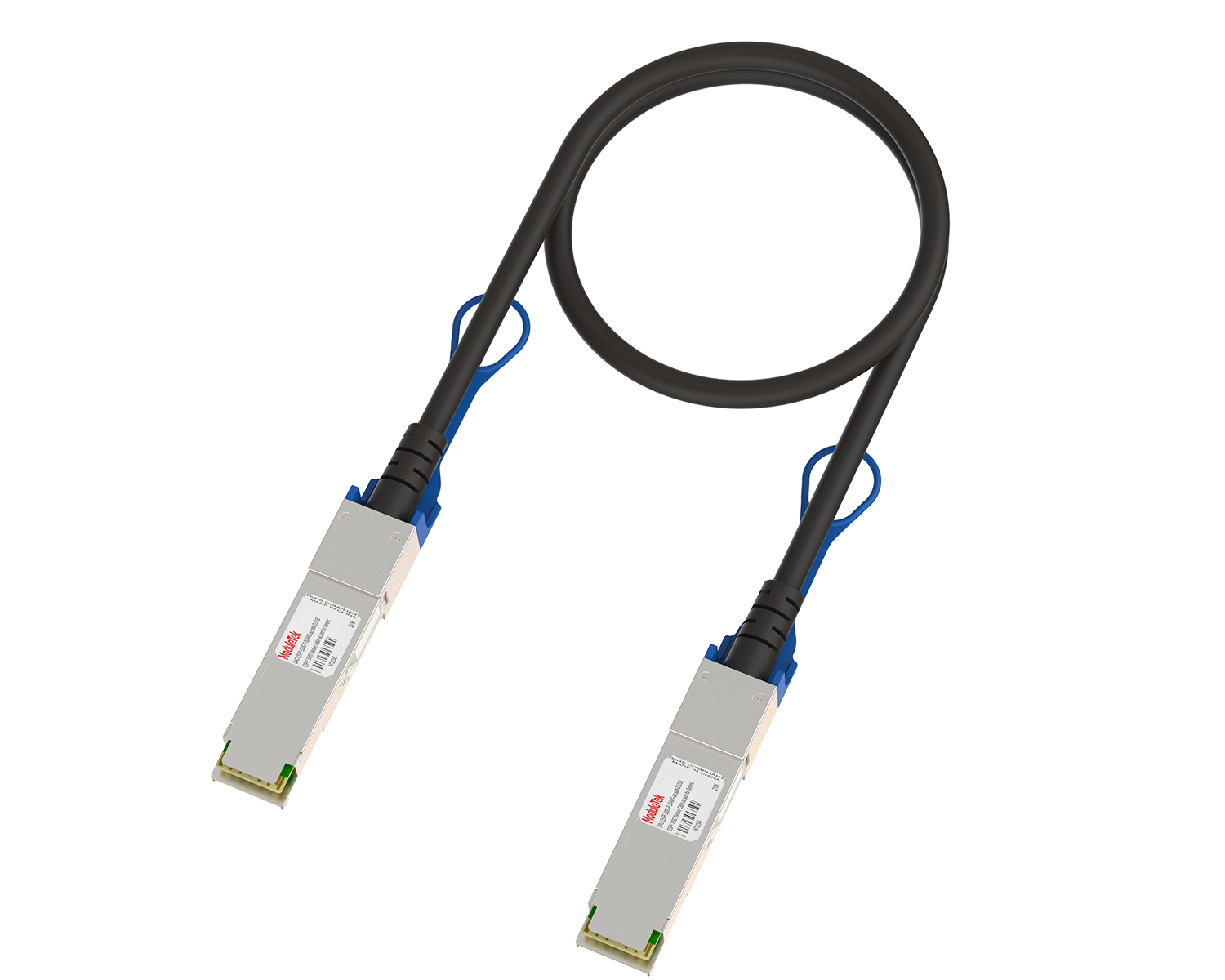 Full-Rate Passive DAC Series
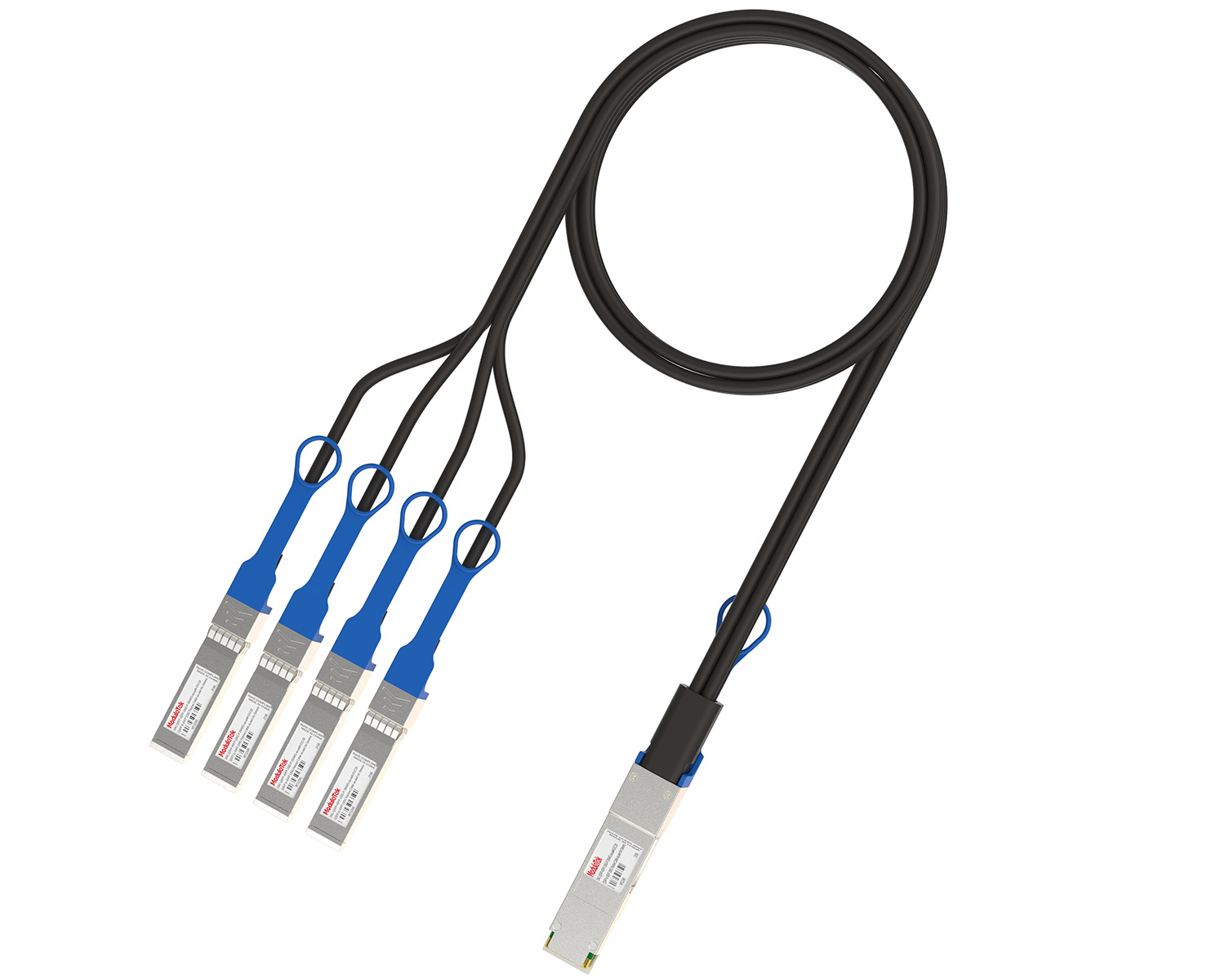 40G/100G Passive Breakout DAC Series
 Regular/MTP-MPO Fiber Patch Cords
 MT2011
 MT2010
 CodingBox
 QSFP to SFP Adapter
Cisco NCS 540 Router SFP28 Interface Rate Configuration
Time: 2025-01-16
According to the data sheet of the Cisco N540-ACC-SYS router, its SFP28 ports support 10Gbps rates, but the rate configuration method differs from that of conventional Cisco switches. This guide takes the N540-ACC-SYS router as an example to demonstrate the rate configuration method for the SFP28 ports of Cisco NCS 540 series routers.
The default rate of the SFP28 interfaces on the Cisco N540-ACC-SYS router is 25Gbps. If a 10G optical module is directly inserted, the interface cannot adapt to the 10Gbps rate and cannot link up—configuration is required to establish a valid connection. For demonstration purposes, we use Moduletek 25G and 10G optical modules inserted into the SFP28 ports of the N540-ACC-SYS router.

Figure 1 N540-ACC-SYS Router
Insert the Moduletek SFP-25G-LR-C-J12 module (preprogrammed with the MSA code) into the SFP28 port of the N540-ACC-SYS router. At the default 25Gbps rate, the module can establish a normal LINK connection, and the interface FEC mode is set to RS-FEC.
Table 1 Module Inserted into SFP28 Interface at 25Gbps Rate
|
LINK
|
|
|
Identification
|
|
According to Cisco’s official document Cisco NCS 540 Router Hardware Installation Guide, the SFP28 ports are backward compatible with 10Gbps. The ports are grouped into sets of four, and the rate configured for a port group determines the rate of all ports within that group.
Figure 2 Division and Configuration of SFP28 Interface Groups
To configure the router’s SFP28 interfaces to 10Gbps rate, execute the following command (replace quad-number with the actual port group number and port-speed with 10g):
hw-module quad <quad-number> location 0/0/CPU0 mode <port-speed>
Note that the interface naming changes after the rate adjustment: the original twentyFiveGigE 0/0/0/29 becomes tenGigE 0/0/0/29.
Insert the Moduletek SFP-10G-LR-C-D12 module (preprogrammed with the MSA code) into the SFP28 port of the N540-ACC-SYS router. After configuring the interface rate to 10Gbps, the module can establish a normal LINK connection, and the interface FEC mode is set to off.
Table 2 Module Inserted into SFP28 Interface at 10Gbps Rate
|
LINK
|
|
|
Identify
|
|
Moduletek Limited is at your service.
For further inquiries about the above content, please contact us at: sales@moduletek.com